Log In

Free gifts available with your purchase
Important Note: This is a crossgrade path for existing owners of Nørdic Cello. The standard purchase path is also available here.
Set your music on fire with Nordic Metal Cello, the new expansion for the best-selling instrument Nørdic Cello.
Inspired by the powerful and distorted cello playing made famous by bands like Apocalyptica, Two Cellos and filmscores such as Wonder Woman, Dune, Joker etc., Nordic Metal Cello is a MUST HAVE for those who both love the deep sound of the North and Heavy Metal.
Playable powerchords to create your incendiary grooves, Pitched/Tempo-synced loops, 370+ epic cinematic phrases, string scratch FXs and 4 screaming articulations to craft your nordic metal melodies. You can solo, mute or mix together the acoustic sound of the cello and the distorted channel, processed through 2 high-gain amplifiers to give you 2 different and powerful sonic flavors.
Mic/Source Options
- Natural (acoustic sound of the cello)
- Distortion (sound processed throughout 2 high-gain amplifiers)
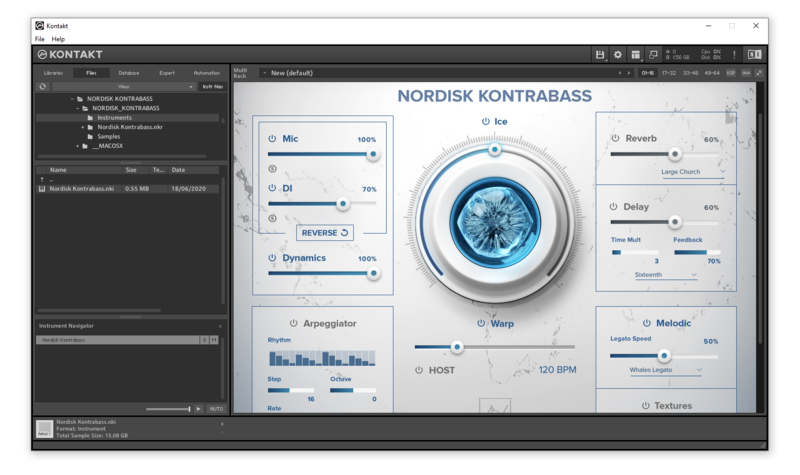
Built-in Effects & Controllers
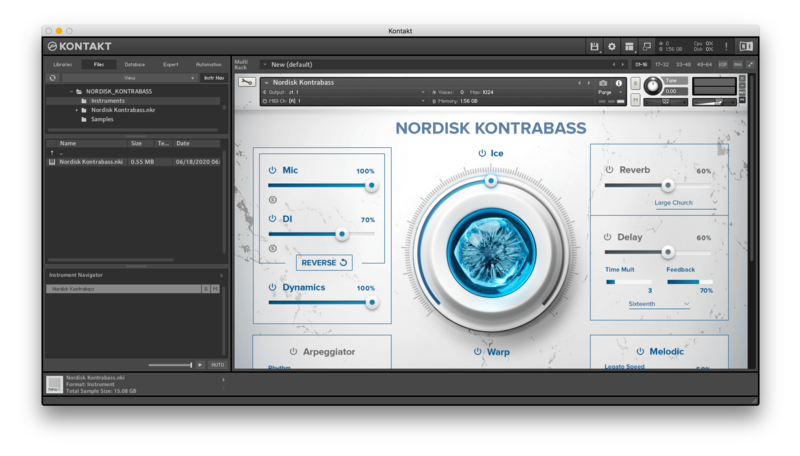
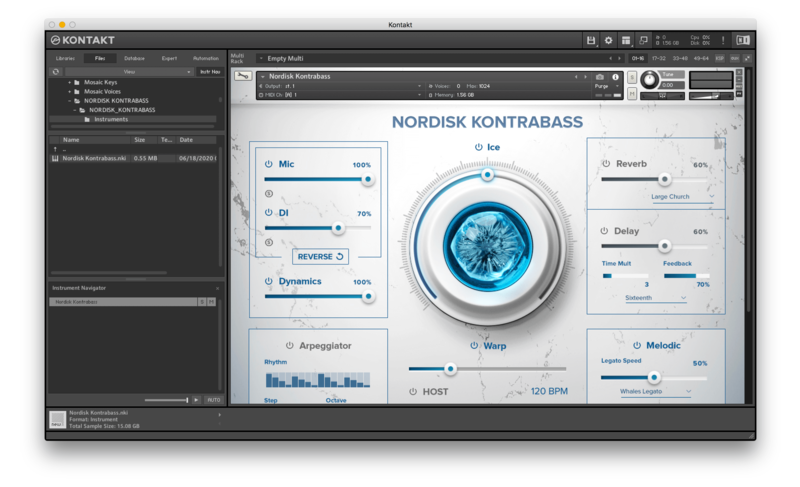
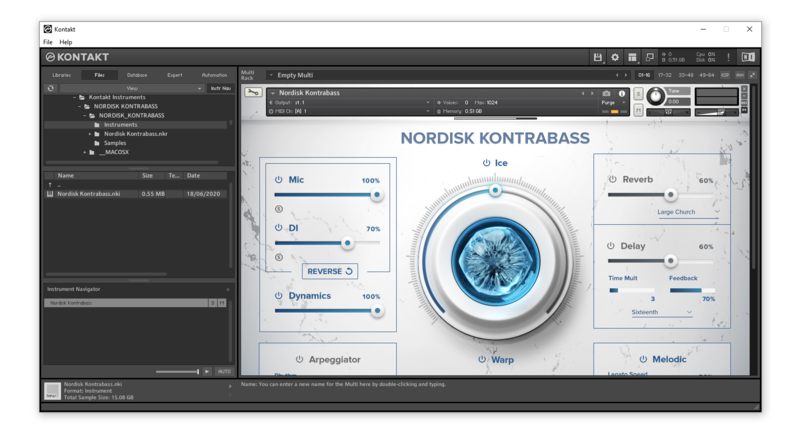
- ICE: it blends multiple sound design samples for big, cinematic results
- HOST: it syncs your loops to DAW-tempo
- Time Warp: it allows you to slow down/speed up tempo, both in HOST mode and free mode.
- Arpeggiator (5 arpeggiation modes, up to 32 steps and 4 octaves)
- Reverse Effect
- Dynamics Control
- 82 Convolution Reverbs/IR Effects
- Top class Delay algorithm
- 6 additional FX (EQ, Compression, Saturation, Chorus, Phaser, Leslie) with 3 controls each
- 4 FX Macros
- ADSR Envelope Controls
Nordic Metal Cello contains 4 NKIs:
- NORDIC METAL CELLO AMP ONE
- NORDIC METAL CELLO AMP TWO
A collection of amazing loops, single strokes, articulations and Heavy Metal Special FXs organized into 8 keyswitches to set your music on fire!
Keyswitches/Articulations List:
- Keyswitch #1: Powerchord - Single Strokes (Short - Power Snaps - Pizzicato Snaps - Long)
- Keyswitch #2: Powerchord Loops (3 sets)
- Keyswitch #3: Powerchord Loops (3 sets)
- Keyswitch #4: Metal Sustain Notes
- Keyswitch #5: Metal Cello Bends
- Keyswitch #6: Metal Double Bends
- Keyswitch #7: Power (sliding) Tremolos
- Keyswitch #8: Metal FXs (string scratch/scraping etc.)
NORDIC METAL PHRASES AMP ONE
NORDIC METAL PHRASES AMP TWO
An extensive collection of tempo-synced phrases and textures organized into 12 keyswiches according to their reference pedal note.
Keyswitches/Articulations List:
- Keyswitch #1: Phrases built on C pedal tone.
- Keyswitch #2: Phrases built on C# pedal tone.
- Keyswitch #3: Phrases built on D pedal tone.
- Keyswitch #4: Phrases built on D# pedal tone.
- Keyswitch #5: Phrases built on E pedal tone.
- Keyswitch #7: Phrases built on F# pedal tone.
- Kevswitch #8: Phrases built on G pedal tone.
- Keyswitch #9: Phrases built on G# pedal tone.
- Keyswitch #10: Phrases built on A pedal tone.
- Keyswitch #11: Phrases built on A# pedal tone.
- Keyswitch #12: Phrases built on B pedal tone.
Credits
Instrument: Cello
Musician: Jean-Philippe Feiss
Sound Engineer: Santiago Quizhpe Palomeque
Recorded and mixed at HAVE Studio, Madrid, Spain Legagy UI: Kovdra Bureau
Additional Design: Have Studio & Martina Primavera
System Requirements
- Uncompressed Size: 6.4 GB
- 3879 samples in ncw. format
- Requires full version of KONTAKT 6.6.1+ (not compatible with Free Kontakt Player).
Please note: this product will not work in Kontakt Player