Log In
Free gifts available with your purchase
Get studio-quality reverb in a streamlined, budget-friendly package. Perfect for fast-paced creative engineers and producers.
Bundle Contents
REV6000 Essentials
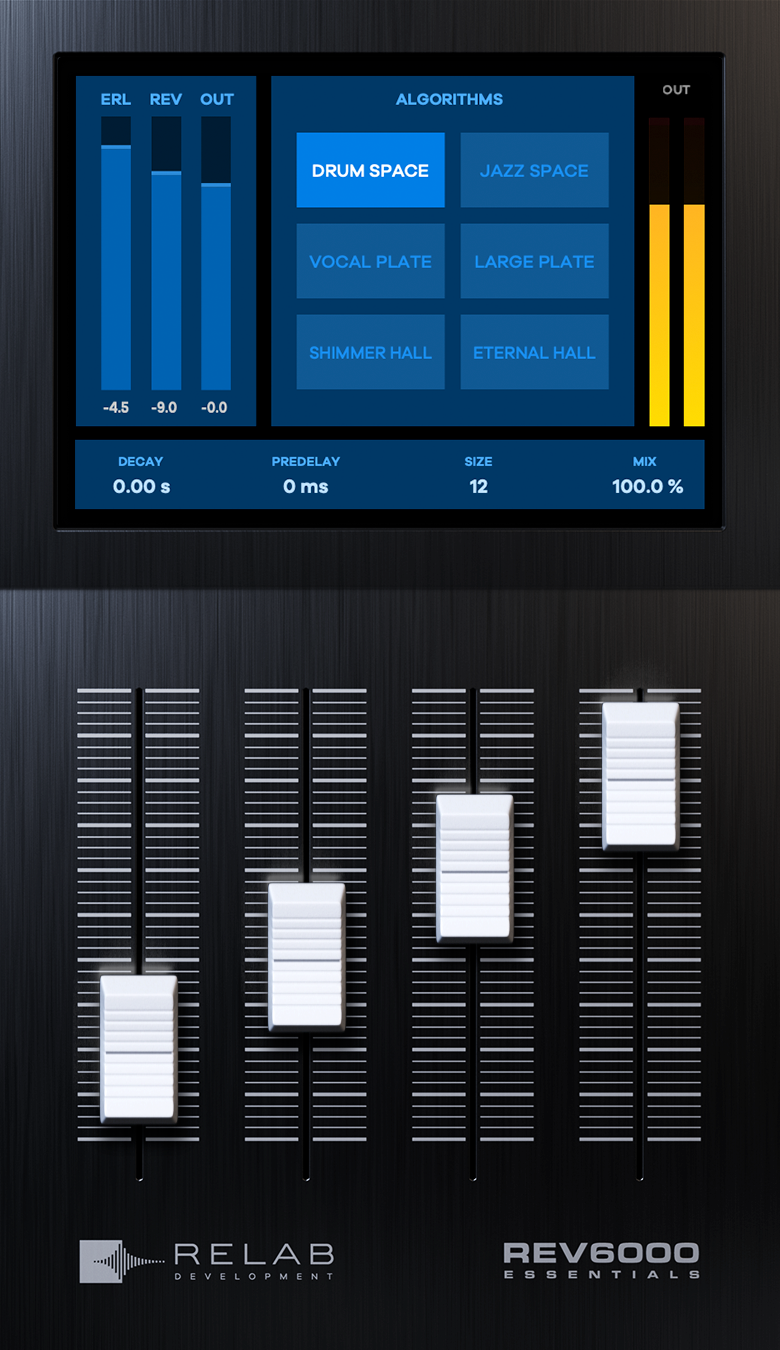
Ultra-Realistic Cinematic Reverb
The World’s Most Accurate Recreation of an Iconic “Hollywood” Favorite in a more streamlined and wallet-friendly form.
Introducing REV6000 Essentials Reverb by Relab
Thanks to years of research and precision machine learning, Relab has produced the world’s most accurate recreation of a peerless Danish hardware reverb. Well, peerless until now.
The vivid character of this iconic Hollywood favorite has been captured in an authentic zero-compromise reverb plug-in: the VSR REV6000.
Whether you’re looking for a tight, focused room sound or that classic large warm “Hollywood Hall,” the Relab VSR REV6000 has you covered. With its precise and perfect imaging, it’s never been faster and easier to add true-to-life depth and space to your mixes.
Features
- Ultra-Realistic Cinematic Reverb: The most accurate recreation of a legendary Danish hardware reverb, famously used in Hollywood productions.
- Authentic “Hollywood Hall” Sound: Captures the vivid character of large, warm cinematic reverbs, perfect for film scoring and mixing.
- Versatile Reverb Options: Offers everything from tight, focused room sounds to expansive, immersive hall reverbs.
- Precision Imaging: Delivers true-to-life depth and space with precise and perfect sound imaging for a professional cinematic feel.
- Streamlined & Affordable: A more accessible, wallet-friendly version of the revered VSR REV6000, without compromising on sound quality.
- Hand-Crafted Factory Presets: Expert-designed presets to inspire creativity and optimize your workflow with high-quality starting points.
- Exclusive Community Access: Engage with a supportive community of professionals and enthusiasts, share feedback, and learn from industry experts.
- Industry-Leading Customer Support: A dedicated support team is available to assist with any technical issues or queries, ensuring a smooth user experience.
Learn more about REV6000 Essentials
LX480 Essentials

Four Legendary Reverb Sounds – One Easy To Use Reverb Plugin
Relab LX480 Essentials not only faithfully captures the sound of the classic 480L* reverb hardware, but makes getting that legendary sound faster and easier than ever before. Transform tracks with the rich complex textures, and lush spacious reverb tails that only the Relab LX480 can deliver.
- Get the sound of four of the most famous presets from the original Lexicon 480L.
- Use signature presets created by world-class mixers Richard Furch, Joe Carrell - and more!
- Experiment with legendary Lexicon 480L sounds with the “Plate,” “Ambience,” “Hall,” and “Room” algorithms.
Introducing Relab LX480 Essentials
For decades, the 480L has been the standard by which all other reverb processors have been measured.
With Relab LX480 Essentials, now you can bring FOUR of the most famous reverb sounds from the legendary 480L - natively to your mixes.
Four Legendary Reverb Sounds At Your Fingertips
Based on FOUR of Relab’s best-in-class reverb algorithm emulations of one of the most widely-used algorithmic reverbs ever built, you can now transform your tracks with the rich complex textures, and lush spacious reverb tails that only the Relab LX480 can deliver.
-
Fat Plate
Based on the legendary RHall algorithm and what the 480 was famous for - lush, rich, shiny plates without any mix clutter. Designed to emulate the sounds of metal plates, with a relatively bright, coloured sound. Great for vocals and percussion. -
Medium Hall
One of the most traditional reverb sounds, this classic favourite was designed to emulate a real medium-sized hall. Great for giving tracks a sense of belonging to the same space with a smooth and even decay. -
Small Ambience
Designed to become a part of the direct sound, the ambience algorithm is very effective in adding distance to a very dry sounding track. Great for really short drum rooms, and for an impression that is more felt than heard. -
Large Wood Room
Designed to emulate coloured sounding spaces, the room is typically less noticeable than a Hall. This algorithm can be effectively used to create the sense of space, without being overtly distinguishable. Great for film, TV and all genres of music production.
Features
- The Relab LX480 Essentials faithfully recreates FOUR legendary reverb sounds of the 480L, fine-tuned to sit perfectly in every mix.
- LX480 uses the exact same sample-accurate algorithms as Relab's dual-engine version
- Outstanding Audio Quality.
- Built-In High And Low Frequency Cutoffs.
- Fast And Easy Workflow
Learn more about LX480 Essentials
QuantX Essentials
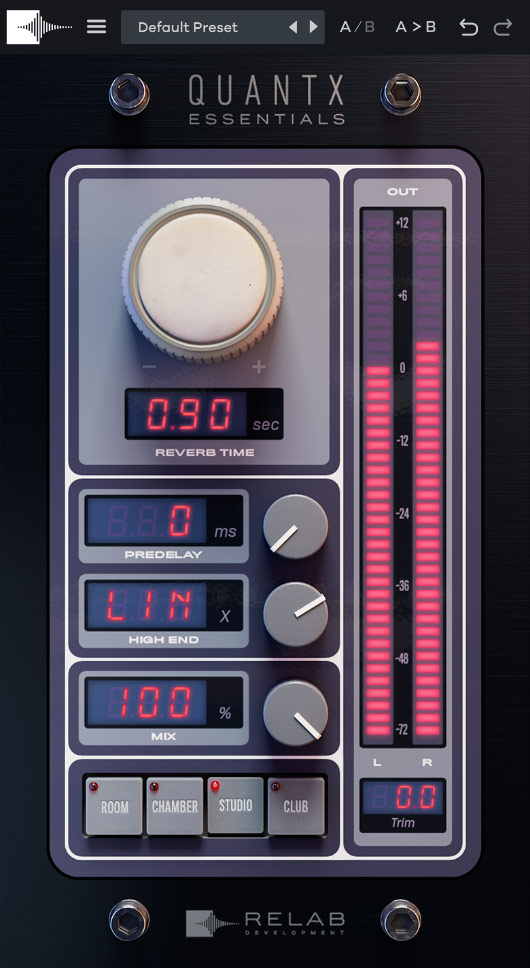
Experience the Power of QuantX, Simplified
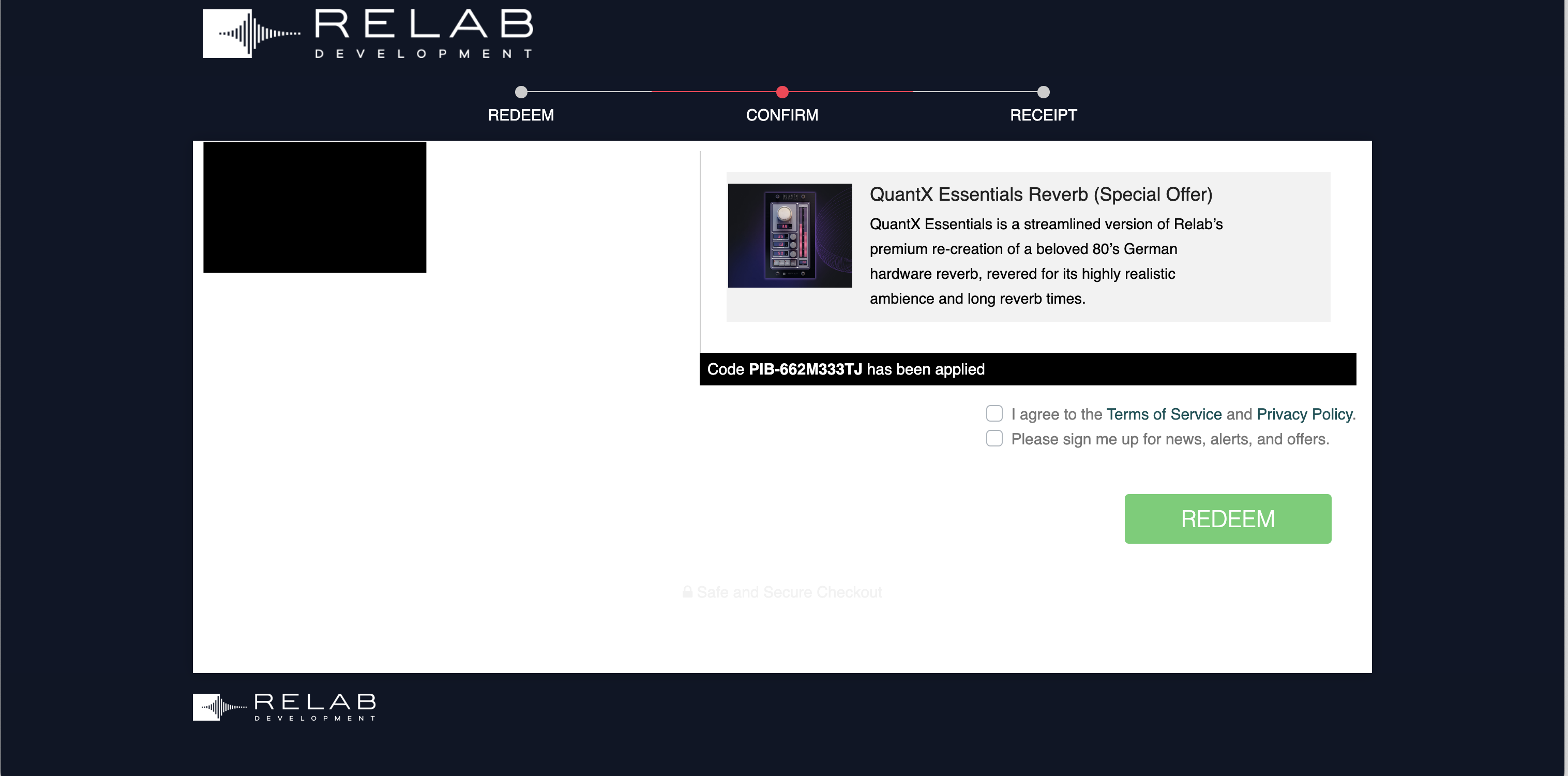
QuantX Essentials is a streamlined version of Relab's premium re-creation of a beloved 80’s German hardware reverb, revered for its highly realistic ambience and long reverb times.
This legendary resonance reverb, once the cornerstone of many world-class studios, has been meticulously re-created so you can:
- Feel the authenticity in every tweak: Relab’s advanced machine learning captures every nuance, giving you the sound AND feel of the legendary hardware, quirks included.
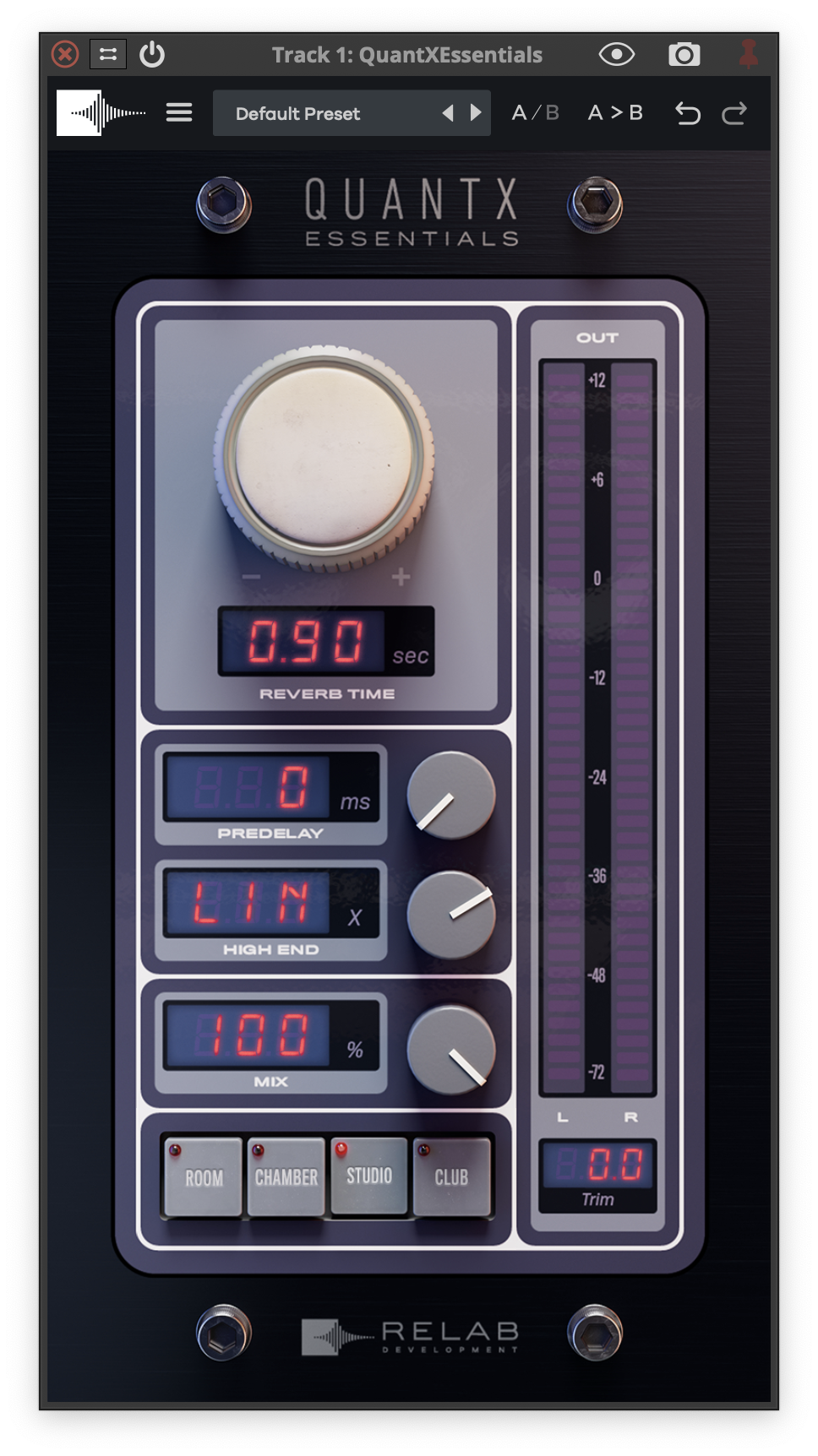
- Shape your sound with ease: Relab’s intuitive interface simplifies complex reverb controls for easy operation. Allows quick access to essential parameters for efficient workflow.
- Adapts seamlessly to various genres & production styles: Capable of creating a wide range of reverb effects, from intimate spaces to grand halls. Dial in natural-sounding rooms with high accuracy.
QuantX Essentials uses the exact same premium algorithmic re-creation of a beloved 80’s natural resonance hardware reverb.
Experience the True Essence of a Long-Adored 80's Classic Reverb
With QuantX Essentials, you’re not just acquiring another reverb emulation plug-in; you’re stepping into a realm of unparalleled hardware re-creation so you can:
- Discover the highly realistic natural resonance ambience of a beloved 80’s hardware unit, so you can bring a revered, classic sound to your modern productions.
- Feel the authenticity in every tweak so you can experience the sound AND true feel of the legendary hardware, complete with its unique quirks.
- Enjoy ease of use without sacrificing creativity because your creativity shouldn’t be held back by complexity.
- QuantX Essentials allows you to create a distinctive sonic signature, defined by clarity, quality, and confidence, helping your mixes stand out and capture the listener’s attention.
Elevate Your Sound, Not Your Expenses
Imagine the thrill of hunting down a classic piece of audio history – an original iconic reverb unit from the golden era of 1982. These units, once the heartbeat of high-end studios, are rare finds today. And if you’re lucky enough to find one, you’re looking at shelling out around $5,000. That’s not even counting the expertise and time needed to restore it to its former glory.
But what if you could get all that classic reverb magic and more, without emptying your wallet or diving into the deep end of complex maintenance? That’s where QuantX steps in – it’s exactly like having that legendary reverb unit, but in a super convenient plug-in.
Features
- Authentic 80s Reverb Recreation: Based on a beloved 1980s German hardware reverb unit, revered for its natural resonance and long reverb times.
- Advanced Machine Learning: Captures the dynamic essence and nuances of the original hardware, preserving its unique quirks.
- Streamlined Interface: Simplifies complex reverb controls for easy access to essential parameters, improving workflow and usability.
- Wide Versatility: Perfect for various genres and production styles, capable of producing intimate spaces to grand halls with high accuracy.
- Dynamic Character Preservation: Recreates the ever-changing qualities of vintage gear, offering an authentic and evolving sound.
- Painstaking Hardware Emulation: Based on extensive reverse engineering and meticulous restoration of original 80s units from the US, Japan, and Germany.
- Accurate Reverb Coefficients: Accounts for heat-induced behavior changes, clock fluctuations, and other imperfections for true-to-life reverb effects.
Learn more about QuantX Essentials
System Requirements
- No hardware dongle is required to authorize Relab products.
- You can choose between local computer authorization OR the ilok USB key (V2 or above). However, a free PACE iLok account, internet connection and the latest PACE drivers are required at the time of product activation.
Mac (64-bit only)
- OS X (10.12 or higher), Intel processor or M1 processor
- Compatible with all major DAWs.
- VST/VST3/AU/AAX (64bit)
Win (64bit only)
- Windows 10 or higher
- Core 2 or higher
- 2GB of ram.
- Compatible with all major DAWs.
- VST/VST3/AAX (64bit)