Log In
.jpg)
Free gifts available with your purchase
JJN's signature BLUESPOWER amp and effects in a state-of-the-art plugin!
Introducing the JJN 50 Plugin. Designed in collaboration with Jared James Nichols himself, this plugin captures the tone, magic and BLUESPOWER of Jared’s signature sound.
Jared has been using Blackstar since 2010 to deliver his unique BLUESPOWER tone. His high-energy performances and ‘pick-less’ guitar playing technique have seen his reputation continue to grow year on year, as more people are introduced to his unique blend of blues grit and gusto, through to bombastic arena-size rock ‘n’ roll. Now, with the JJN 50 Plugin, the BLUESPOWER tone goes digital.
Jared and the team at Blackstar meticulously crafted a plugin that not only nails his signature tone, but also lets you dive into his world with custom amp voicing, sleek design, and hand-picked effects straight from Jared’s rare pedal collection.
It’s Jared’s sound, reimagined and ready to rock in your rig.
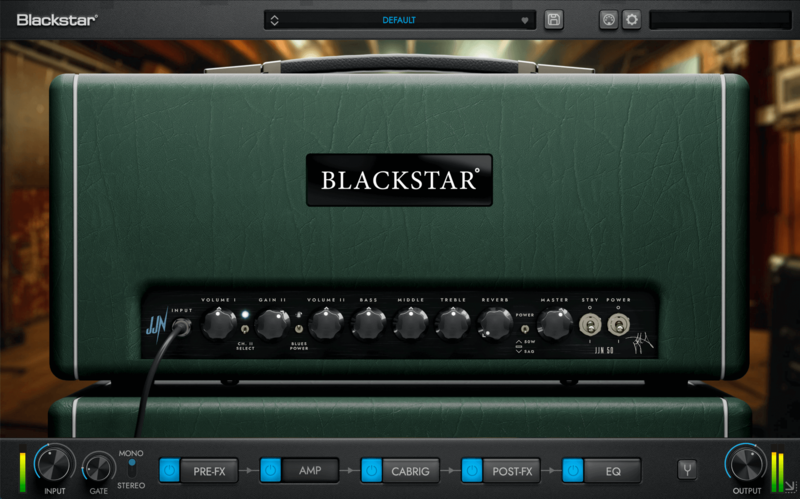
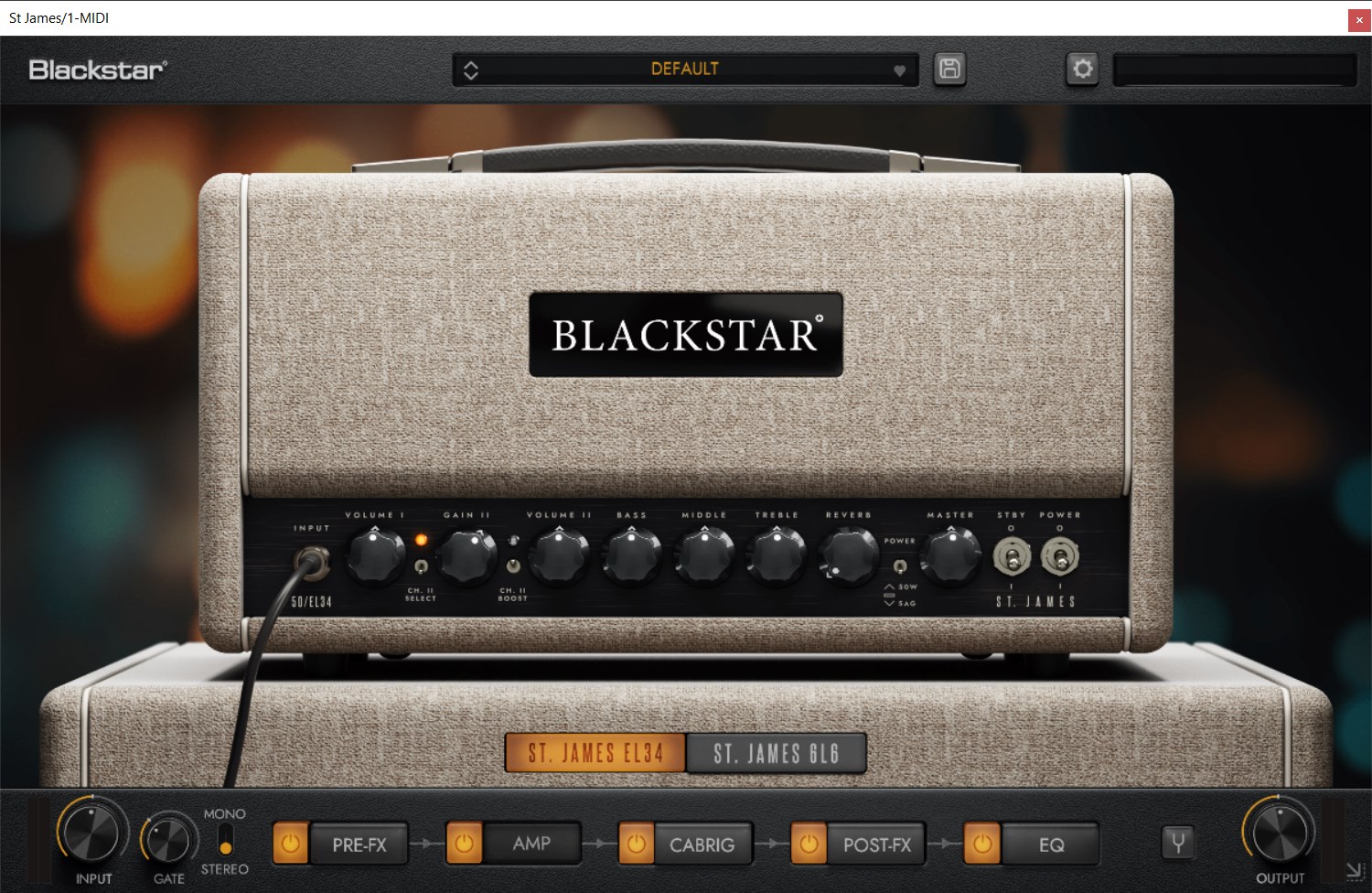
The JJN 50 Amp
The JJN 50 Plugin is based on the Blackstar JJN 50 valve head.
It offers two distinct channels: Channel I delivers clean, dynamic tones with accurate touch-sensitivity, perfect for transparent cleans or as a pedal platform, while Channel II captures Jared James Nichols' signature blues-rock tone with vintage EL34 warmth. With a switchable 10dB "BLUES POWER" boost, this amp provides everything from soulful clarity to raucous power, ideal for both subtle expression and intense riffs.
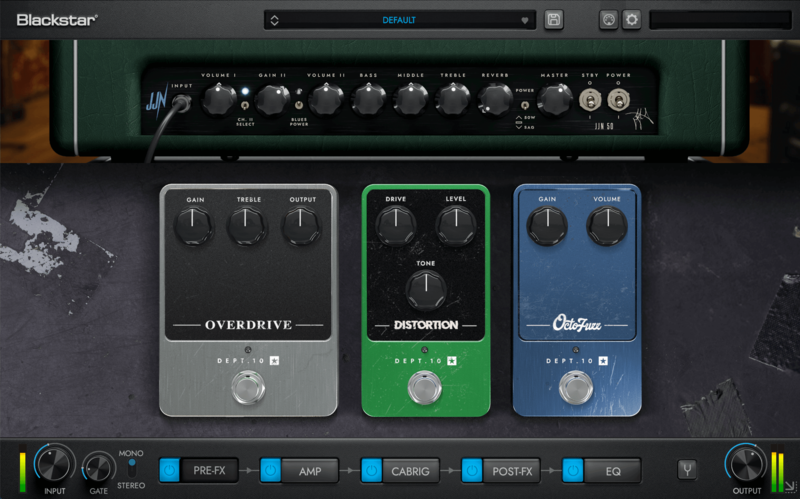
Pre-FX
With Overdrive, Distortion, and a 60’s-inspired Octofuzz, these tone-shaping pedals deliver the authentic sounds of their real-world models, allowing you to capture Jared’s blues tone or craft your own signature style. Go from transparent overdrive, to screaming fuzz in seconds.
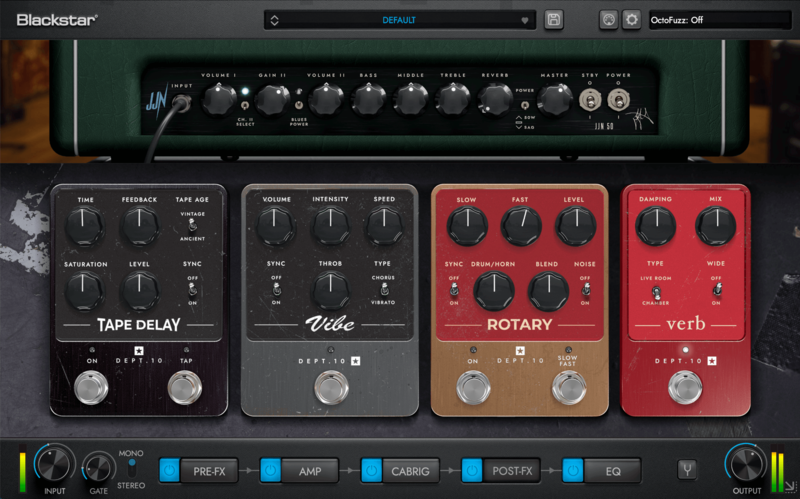
Post-FX
Our Post Effects section—featuring Tape Delay, Vibe, Rotary, and Verb—offers a diverse range of sonic textures. From the vintage echoes of Tape Delay to the psychedelic pulse of Vibe, the rich motion of Rotary, and the natural depth of Verb, these effects allow you to craft immersive tones that put you in the same creative space as Jared, letting you explore his sound and make it your own.
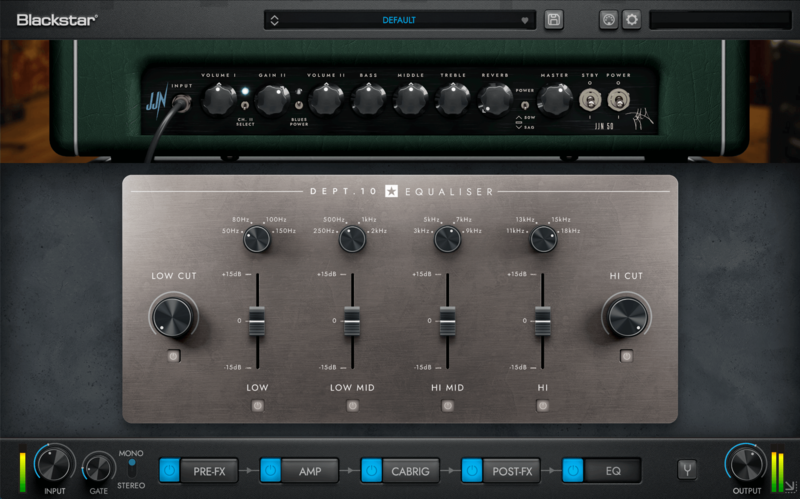
EQ
The EQ module is based on a renowned analogue rack unit famed for its organic sound and effectiveness in finessing electric guitar recordings. It features adjustable high and low cuts as well as four semi-parametric EQ bands with selectable centre frequencies.
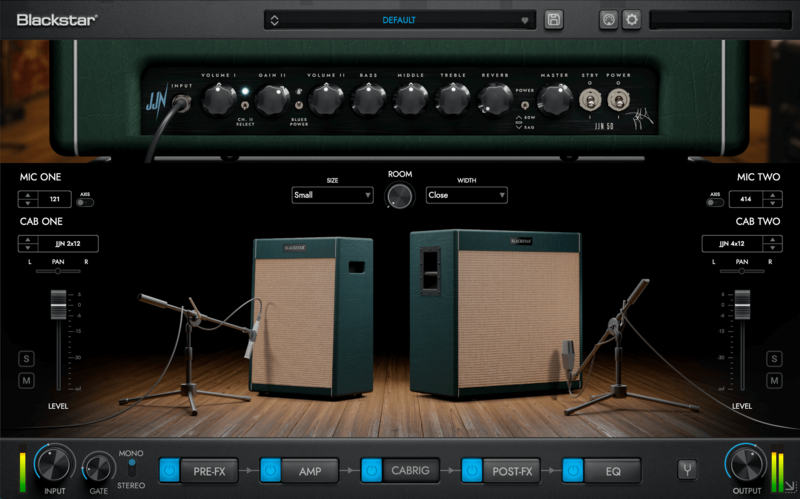
Cabrig
Featuring Jared James Nichols’ exclusive signature 2x12 and 4x12 cabinets, along with 7 hand-picked Blackstar classics, this collection offers a total of 9 speaker cabinets and 6 industry-standard microphones. Achieve exceptional tone with ease, no hassle required.
CabRig is our next-generation DSP speaker simulator that reproduces the sound and feel of a mic’d up guitar cab in incredible detail.
Our new advanced algorithm simulates a speaker, cabinet, mic and room with incredible detail with effectively zero latency, no phase mismatch and with much more flexibility than a ‘snapshot’ IR.
Features
- JJN 50 Amp
- Pre-FX and Post-FX pedal board based on Jared's real pedalboard
- CabRig advanced speaker simulation with additional JJN cabs
- Master EQ
- Noise gate
- Standalone, VST, AU and AAX
System Requirements
Windows
Minimum
- AMD Quad-Core Processor (R3 2200G or higher) / Intel Core i3 Processor (i3-4130 / i5-2500 or higher)
- 8 GB of RAM
- Windows 8
- 350 MB of drive storage
Recommended
- AMD Ryzen 5 Processor (R5 1600 or higher) / Intel Core i5 Processor (i5-6600 or higher)
- 8 GB of RAM or more
- Windows 10
- 350 MB of drive storage
Formats available
- Standalone, VST or AAX
MacOS
Minimum
- Intel Core i3 Processor (i3-4130 / i5-2500 or higher).
- 8 GB of RAM
- Mac OSX 10.15 (Catalina)
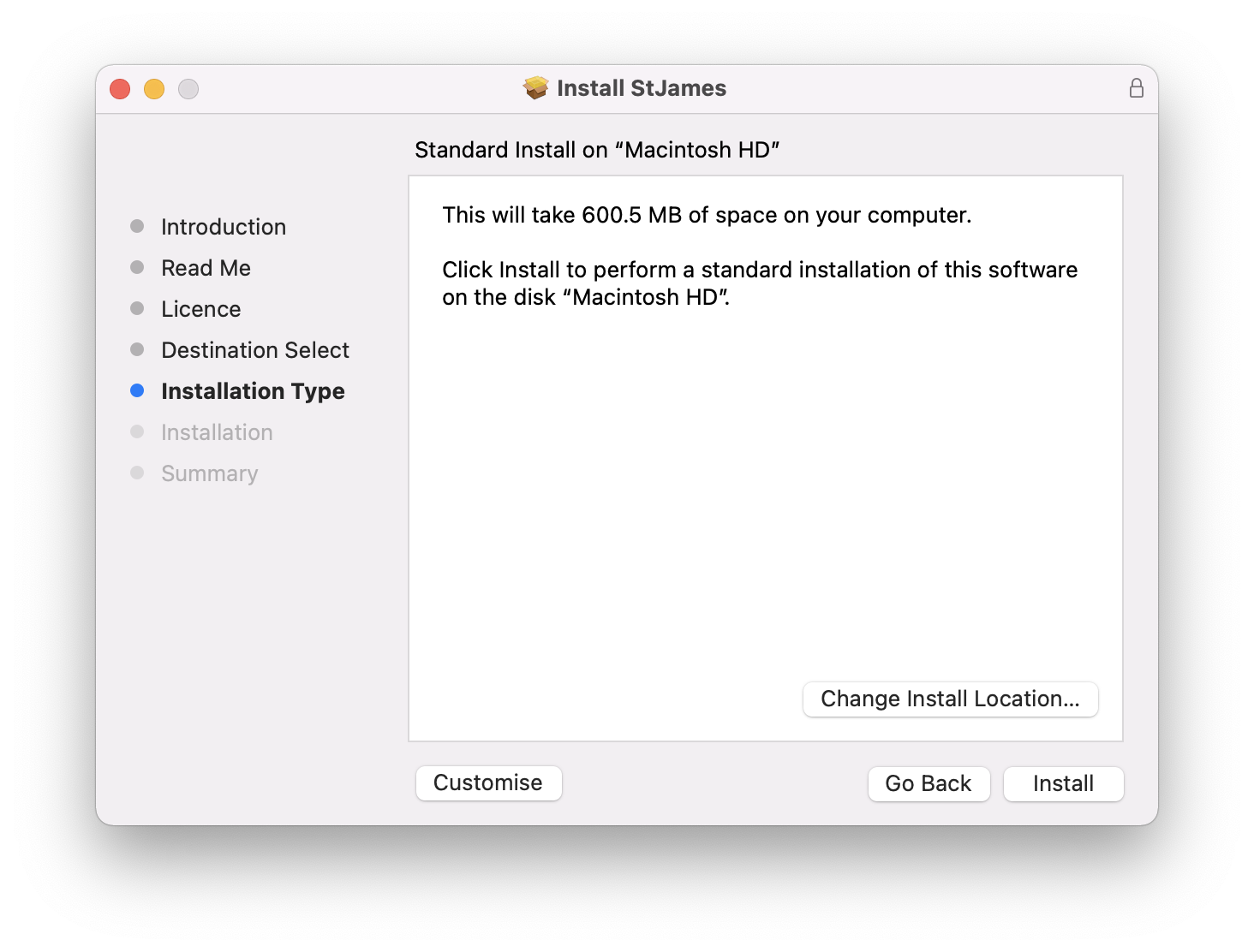
- 700 MB of drive storage
Recommended
- Intel Core i5 Processor (i5-6600 or higher), also runs native on M Series Apple Silicon.
- 8 GB of RAM or more
- Mac OSX 11 (Big Sur)
- 700 MB of drive storage
Formats available
- Standalone, VST, AU or AAX
Authorization
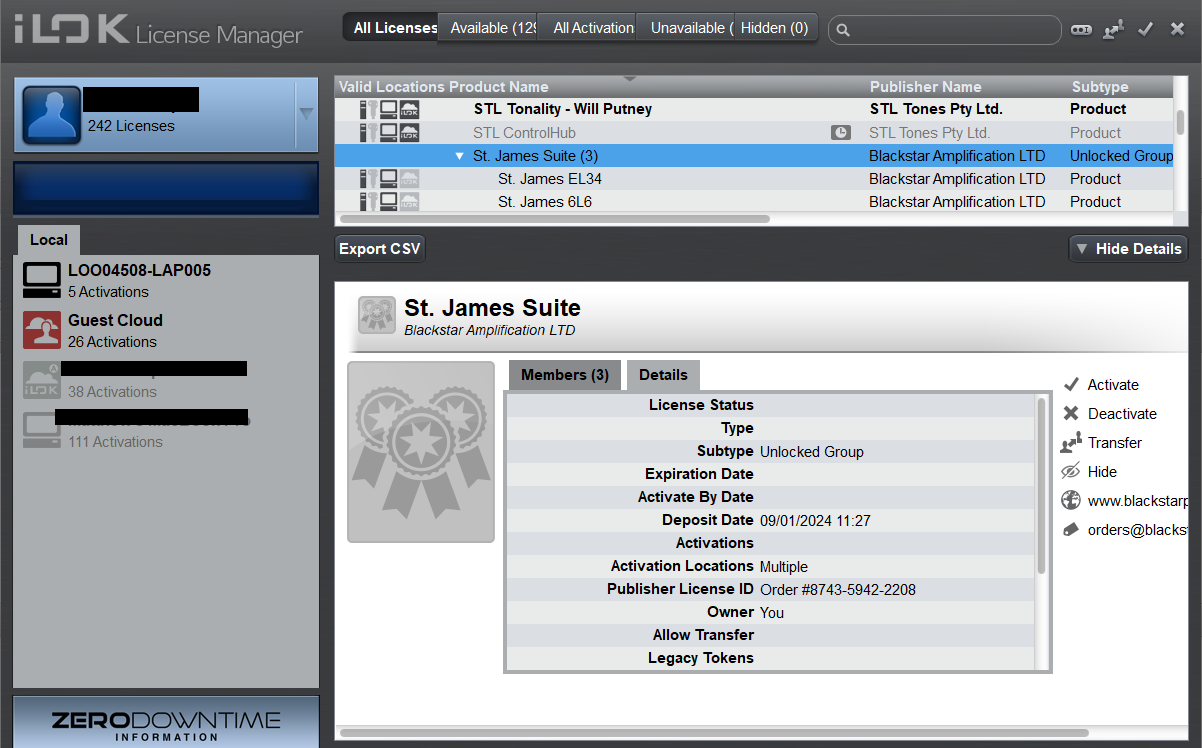
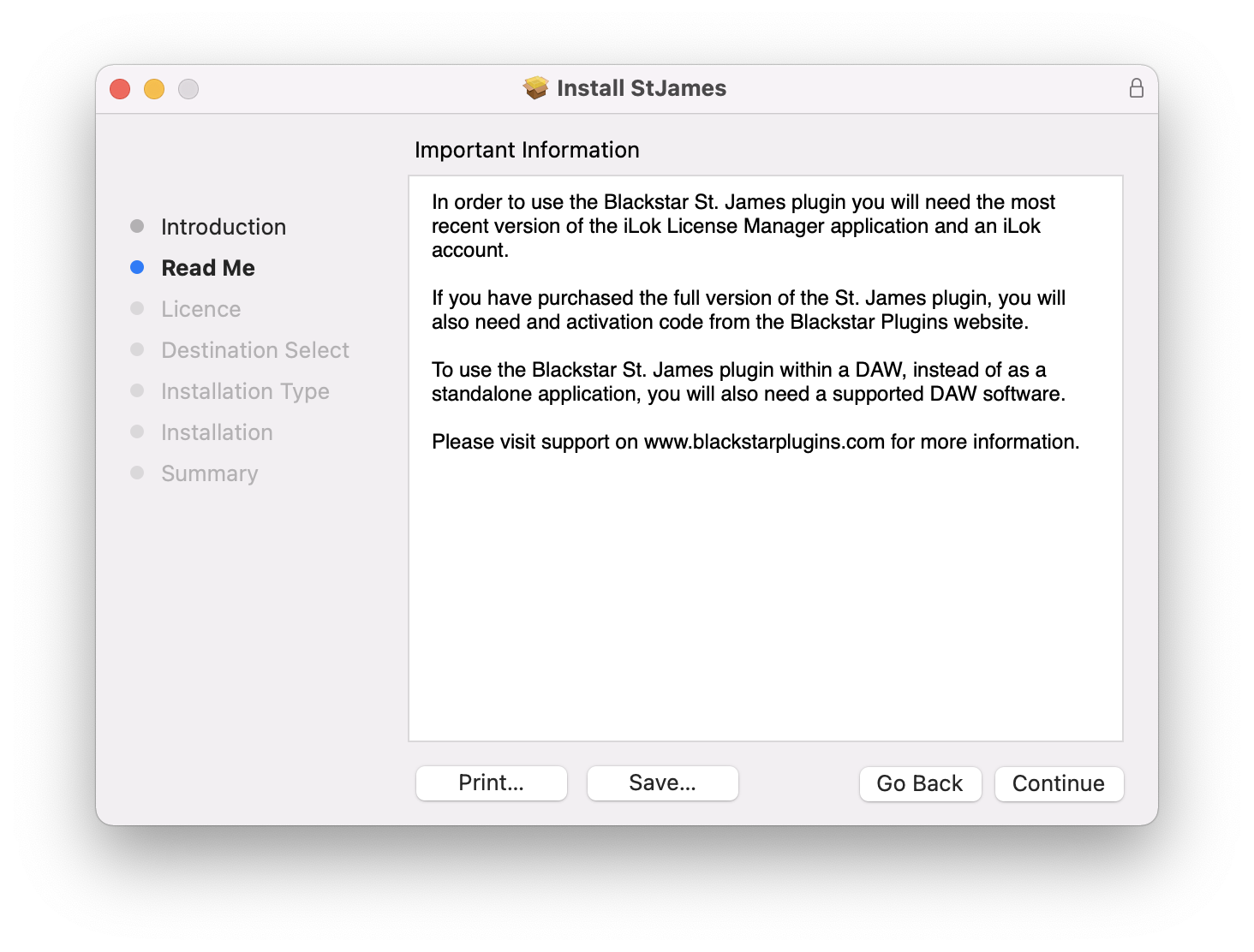
- iLok License Manager and an internet connection are required.