/ Kontakt Instrument / Melodina
Sounds of the Earth

Melodina

$14.32 $17.90

20% off until Dec 07

Main Image
Main Image
Buy Now
Product information

The Melodina is a type of 15-string zither, belonging to the lap harp family. Originally from Europe, in Costa Rica, Kenneth Paniagua crafts a variant distinguished by a space beneath the strings, designed to store simple instructional sheet music. This feature makes it easier to play music without requiring advanced music reading skills, making it ideal for children due to its small size.

Features

  • 72 audio files
  • 1108 Kontakt sample files
  • 8 Kontakt mic options
  • 775MB 

System Requirements

  • OSX 10.10 or later, Intel Core 2 Duo
  • Windows 7, 8 or 10. Intel Core 2 Duo or AMD Athlon 64
  • Full Retail Version Kontakt 7 (or later) Required
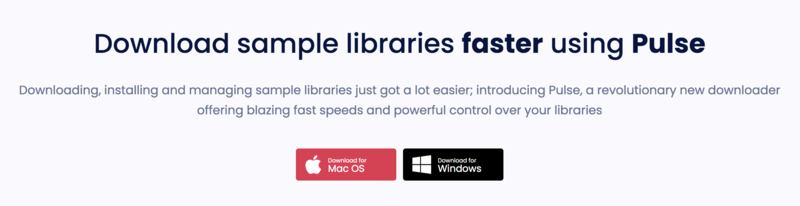
  • Pulse installer is required for installation

Important note: The full version of Kontakt (version 7 or higher) is required to use this instrument. The free Kontakt player will NOT work and will run in demo mode.

Installation Instructions
Important Note: AMA I Shakers Bundle is used as the example

Mac

Installation

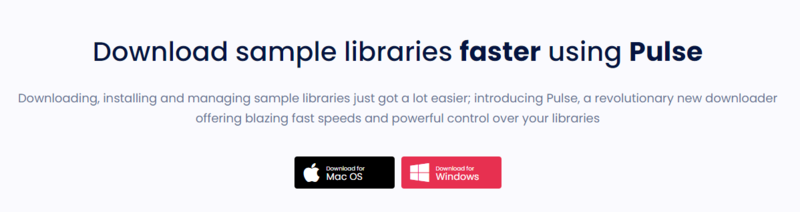
1. Go to https://pulsedownloader.com/ > Click 'Download for Mac OS' to download the Pulse application installer.

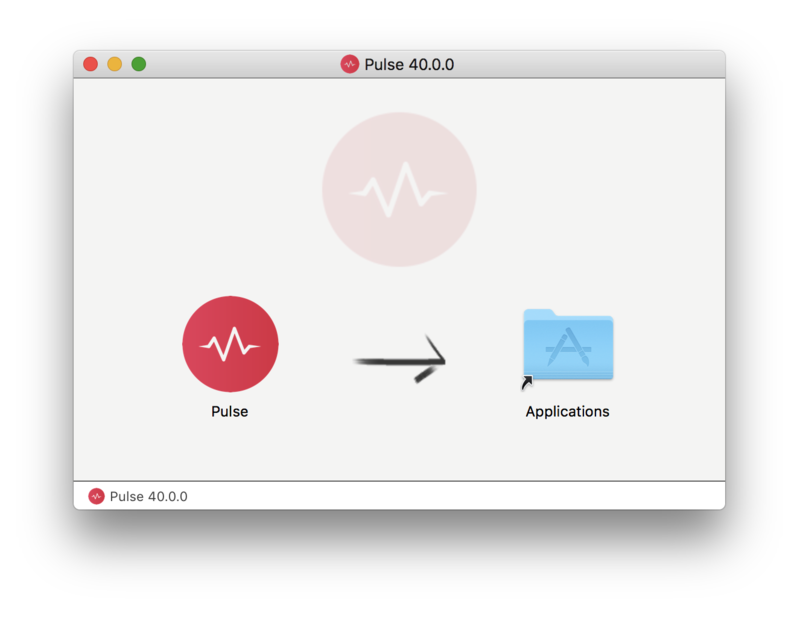
2. Open the .dmg file > Click and drag the application icon into the applications folder.

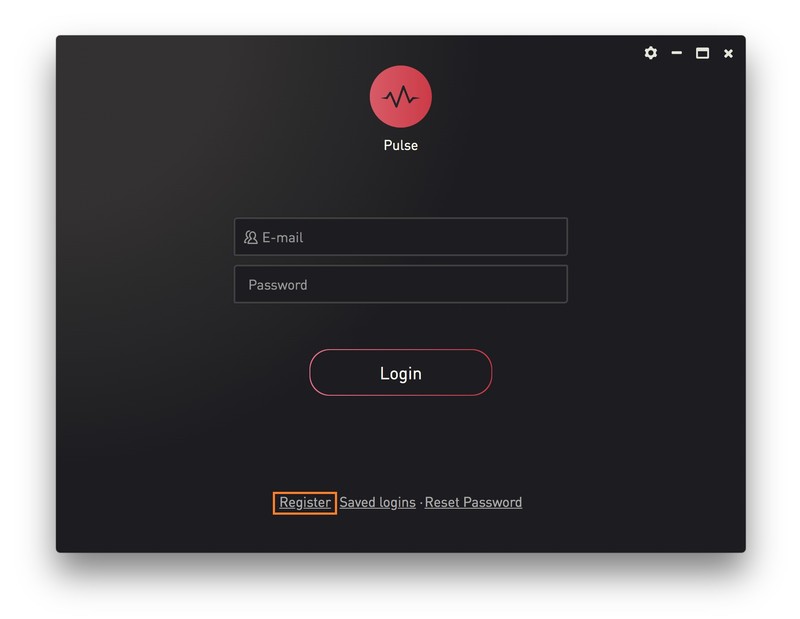
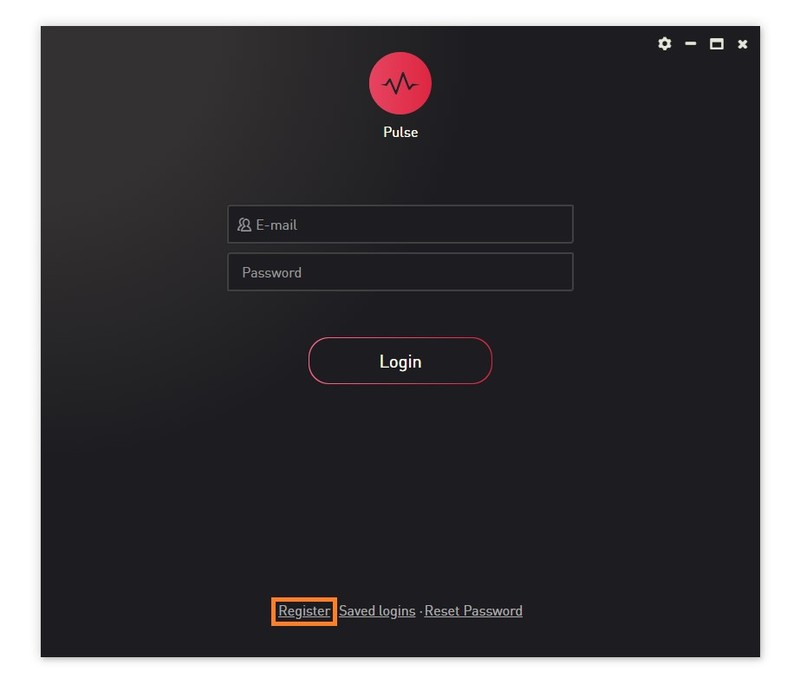
3. Open the Pulse application > Click 'Register'

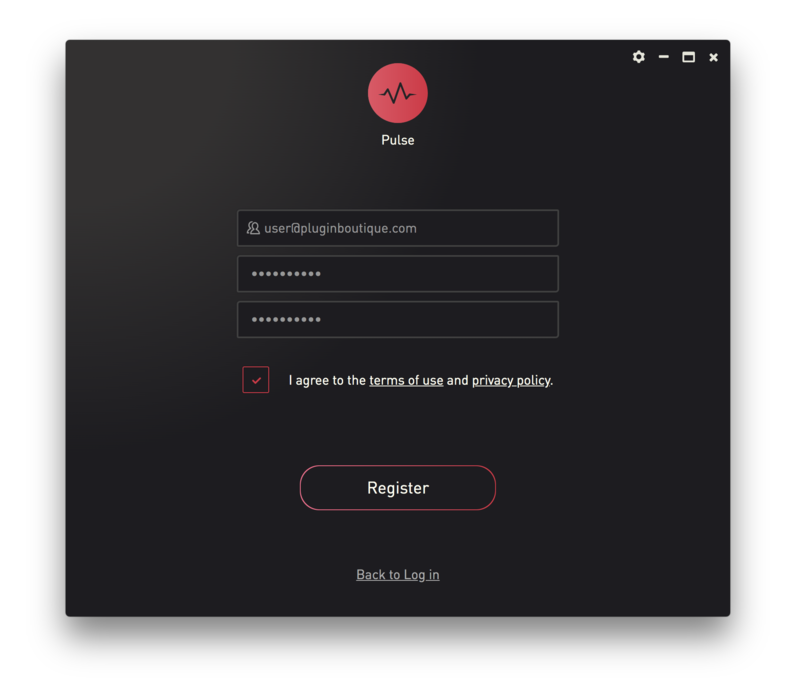
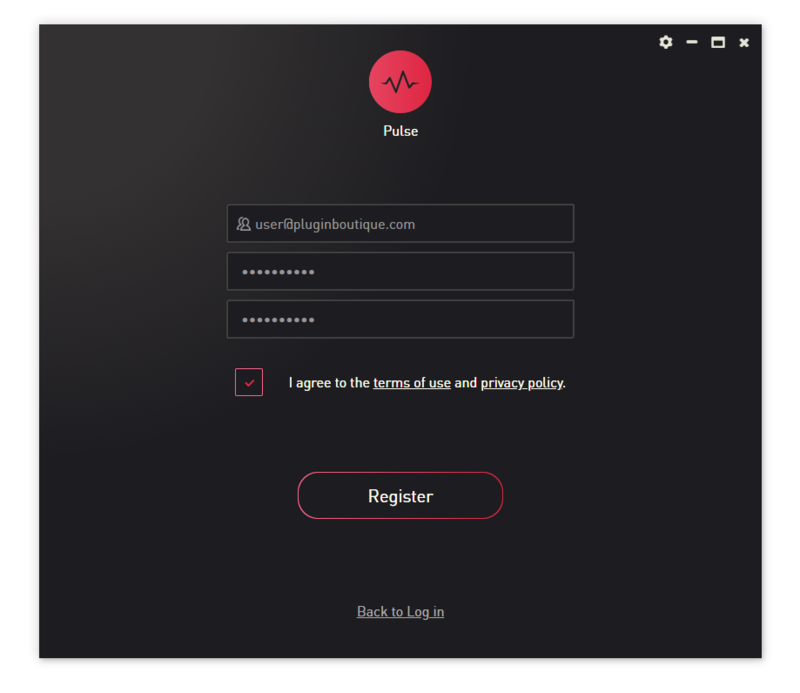
4. Enter your Email Address and Password > Check the box that states 'I agree to the terms of use and privacy policy' > Click 'Register'.

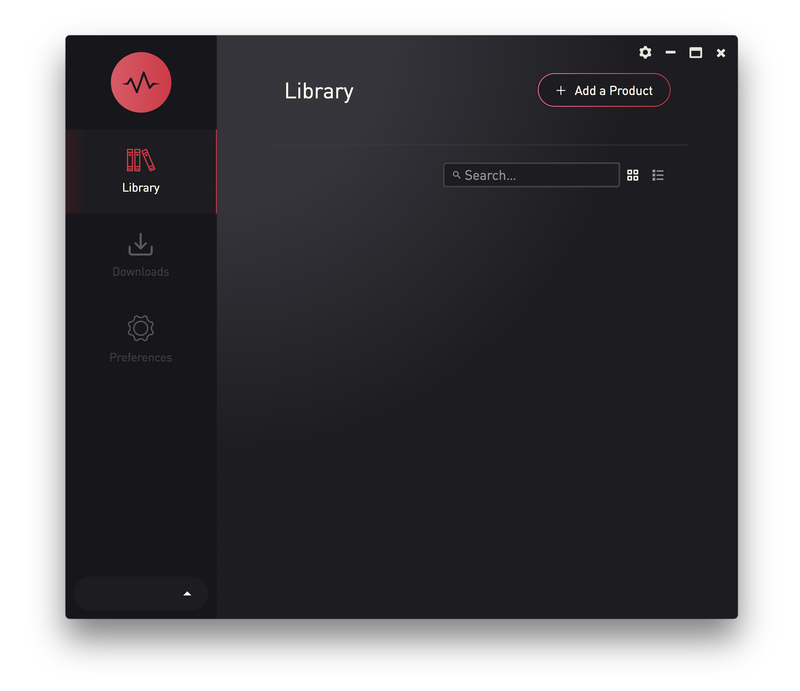
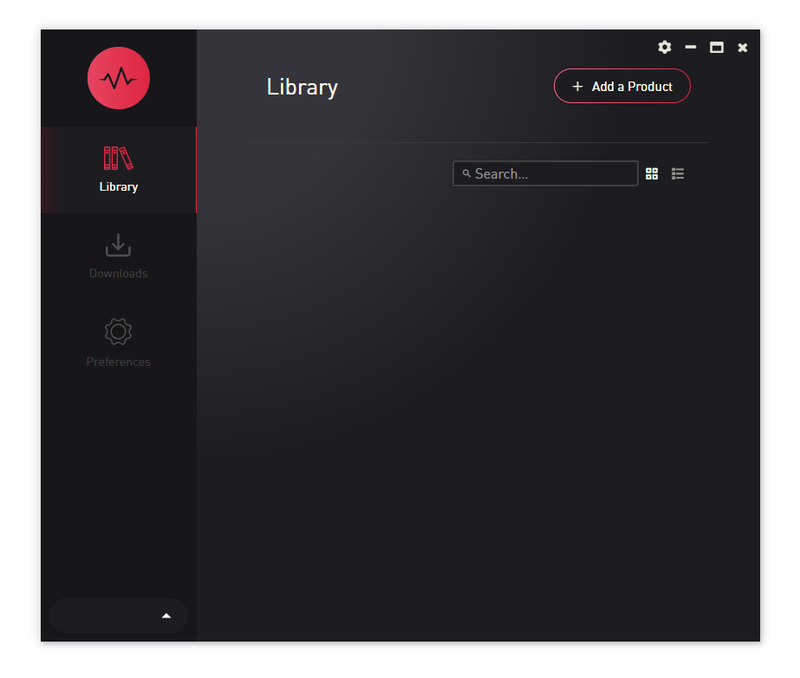
5. Click 'Add a Product'.

6. Enter your 32-digit serial key, found within the serial number section of your Plugin Boutique User Account > Click 'Redeem'.

7. Click 'Download and Install'

Note: You can click the folder icon to change the installation location for your library.

8. Open Kontakt > Select the 'Files' tab and navigate to your installed Kontakt library > Click and drag the .nki file into the empty window.

Your Kontakt Instrument is now installed and ready to use.

Windows

Installation

1. Go to https://pulsedownloader.com/ > Click 'Download for Windows' to download the Pulse application installer.

2. Open the .exe file to install the Pulse application > Open Pulse and click 'Register'.

3. Enter your Email Address and Password > Check the box that states 'I agree to the terms of use and privacy policy' > Click 'Register'.

4. Click 'Add a Product'.

5. Enter your 32-digit serial key, found within the serial number section of your Plugin Boutique User Account > Click 'Redeem'.

6. Click 'Download and Install'

Note: You can click the folder icon to change the installation location for your library.

7. Open Kontakt > Select the 'Files' tab and navigate to your installed Kontakt library > Click and drag the .nki file into the empty window.

Your Kontakt Instrument is now installed and ready to use.

Plugin Boutique Rewards

Discover the most rewarding loyalty programme among all plugin retailers.

  • Free Loopmasters Samplepacks
  • Discounts on products and courses
  • Extra Virtual Cash claimed immediately at checkout
Find out more

Follow us:

X (Twitter) Facebook YouTube Instagram
Logo Logo

Plugin Boutique Limited, Part of the Beatport Group LLC.

Copyright © 2011-2025 Plugin Boutique. All rights reserved