


 Log In
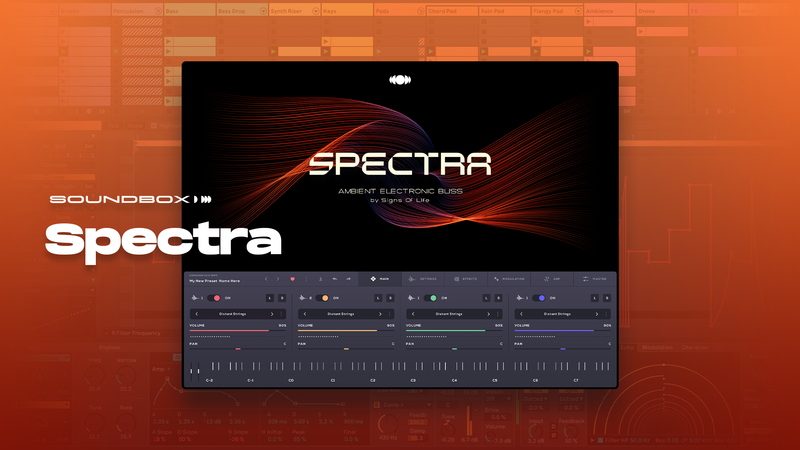
Ambient Electronic Bliss
Spectra is a free ambient instrument created by S1gns of L1fe (Chris Bryant), an acclaimed ambient music producer, sound designer, and co-founder of Synphaera Records, Exosphere, and Material by Synphaera.
Featuring 30 fully unlocked immersive ambient presets, Spectra delivers a rich palette of drones, soundscapes, and effects, perfect for atmospheric composition and deep sonic exploration.
With music featured on Hearts of Space, SomaFM, and Stars End, S1gns of L1fe brings his signature ethereal sound to this unique collection crafted for ambient producers and sound designers worldwide.
In detail expect to find 30 fully unlocked presets using Audiomodern's custom Soundbox engine including Drones, Atmospheric Soundscapes, and Effects
Spectra comes with Audiomodern's proprietary Soundbox format, which can be easily imported to any device running Soundbox on Desktop and/or iPad.
Features
- 30 fully unlocked presets using our custom Soundbox engine.
- 214 MB size.
- Includes Drones, Atmospheric Soundscapes, and Effects.
- Playable Patches.
- Infinite Mix'n'Match Sound combinations.
- Customizable modular FX, LFO, Vector Engine & more.
- Soundbox Engine: FREE Feature-Rich Sampler engine.
System Requirements
- This instrument runs in the free Audiomodern Soundbox engine


