


 Log In

Free gifts available with your purchase
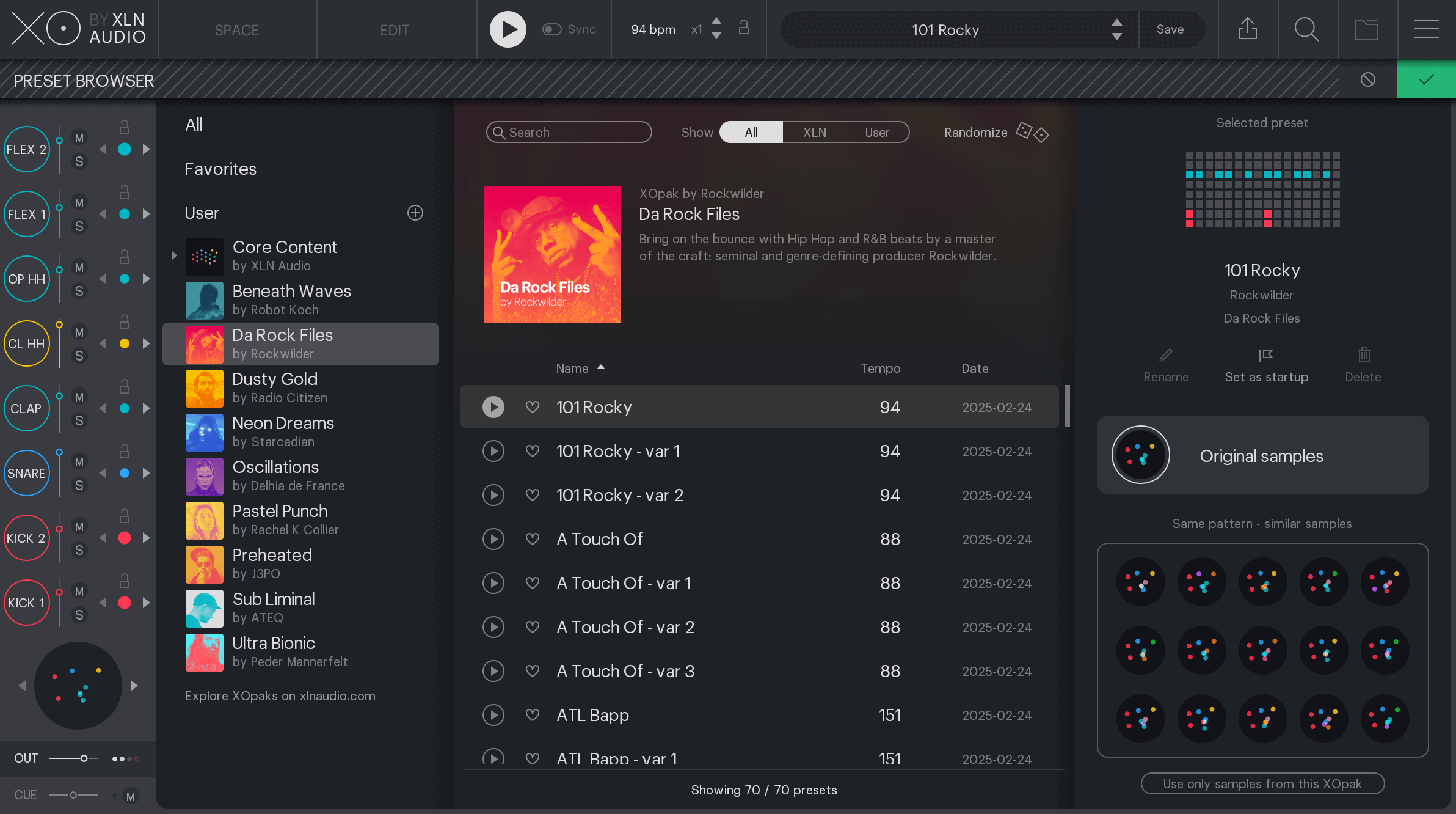
Da Rock Files by Rockwilder
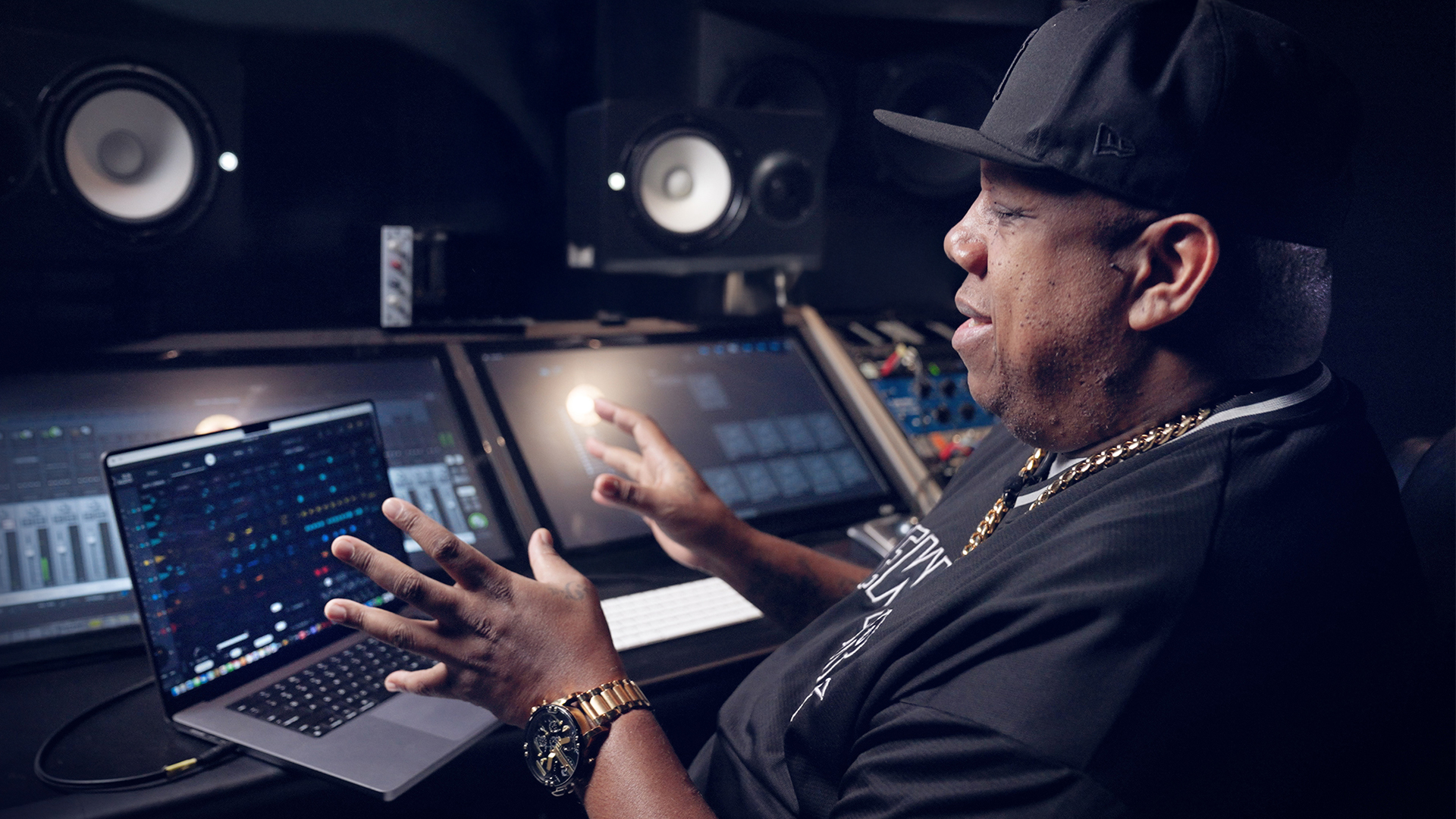
90s Hip Hop and R&B beats from era-defining producer Rockwilder
This XO Expansion's hard-hitting drums and infectious grooves were created by seminal trailblazer Rockwilder, one of the late 90's most prominent producers.
Grammy award-winning producer Rockwilder is a seminal force in the East Coast Hip Hop scene, heavily influenced by the raw, sample-based production of the 90s. His knack for futuristic, club-friendly hits set him apart from other producers of the era. He produced the iconic track & Hip Hop anthem "Da Rockwilder" for Method Man & Redman, and the global knockout hit "Lady Marmalade" from the Moulin Rouge soundtrack featuring Christina Aguilera, Lil' Kim, Mya, and P!nk.
This XO Expansion contains mix-ready, fully editable loops and samples made by genre-defining producer Rockwilder and mixed and mastered by Josh Gannet (Redman, Wu-Tang Clan). Uncover the DNA of Rockwilder's grooves by exploring the XO sequencer: unlike generic loops, you will see exactly how the beats get their bounce, by nudging of individual tracks, groove templates, where accents are placed, and so much more. XO unveils all the details from timing, beat velocities and sequencing for you to use in your music.
Rockwilder
Rockwilder, born Dana Stinson, is a powerhouse Hip Hop and R&B producer known for his signature hard-hitting beats and futuristic soundscapes.
With a knack for crafting infectious, club-ready rhythms, he became a go-to producer in the late '90s and early 2000s, working with some of the biggest names in the industry. His breakthrough came with Redman & Method Man's anthemic "Da Rockwilder," a track that still resonates as a classic.
From there, he went on to produce for Jay-Z, Dr. Dre, Eminem, Busta Rhymes, 50 Cent, and Missy Elliott, solidifying his status as a production maestro. His versatility also extended to pop and R&B, producing for Janet Jackson, Beyonce, and Christina Aguilera, proving his ability to craft hits across genres.
Rockwilder's productions are defined by their hard-hitting beats, deep bass lines, and futuristic synths, making him one of the most influential producers of the era. His legacy remains strong, with his production style still echoing through modern Hip Hop and R&B.
Features
- Head nod inducing, 90's beats and samples
- Fully editable in the XO sequencer
- 70 presets and 181 samples made by Rockwilder
System Requirements
- XLN Audio's XO is required in order to use this expansion pack.


