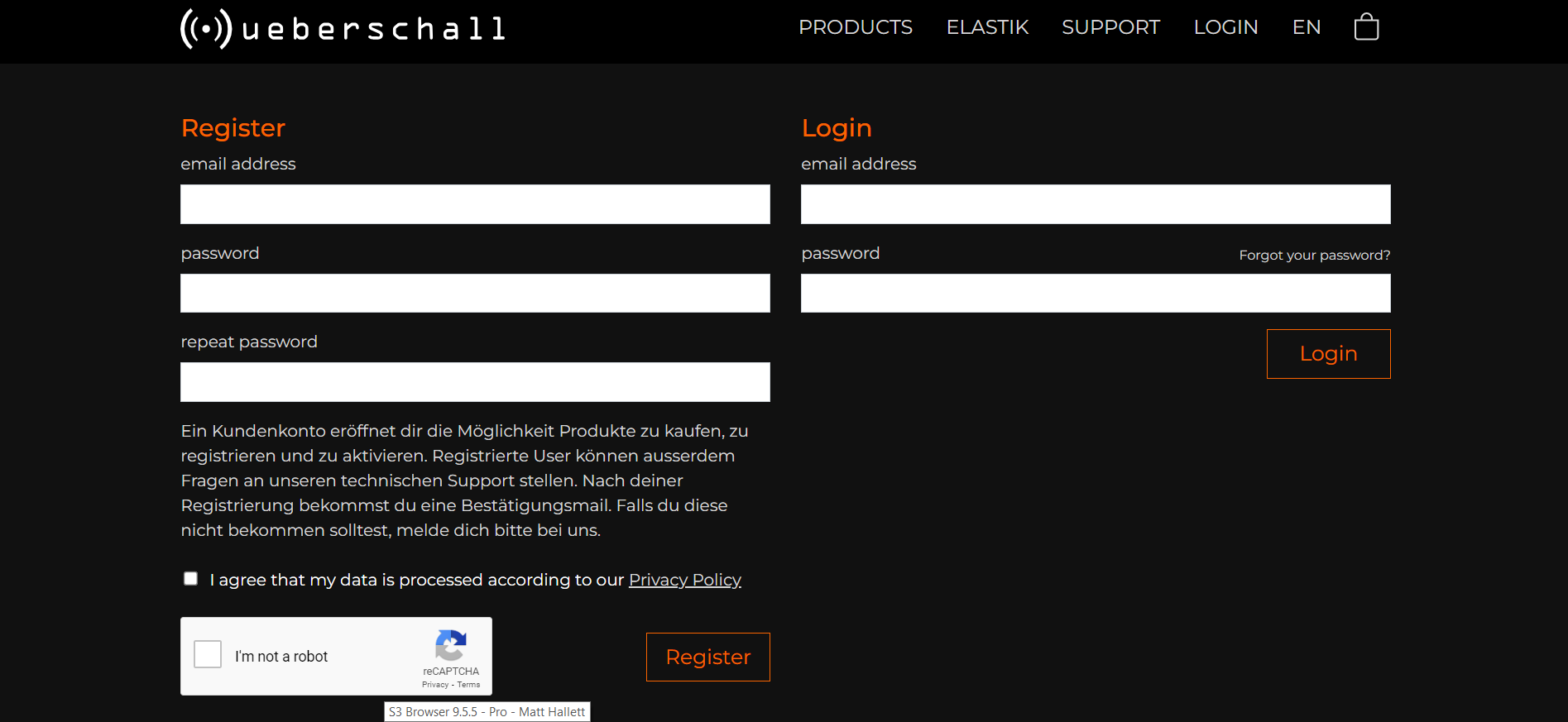
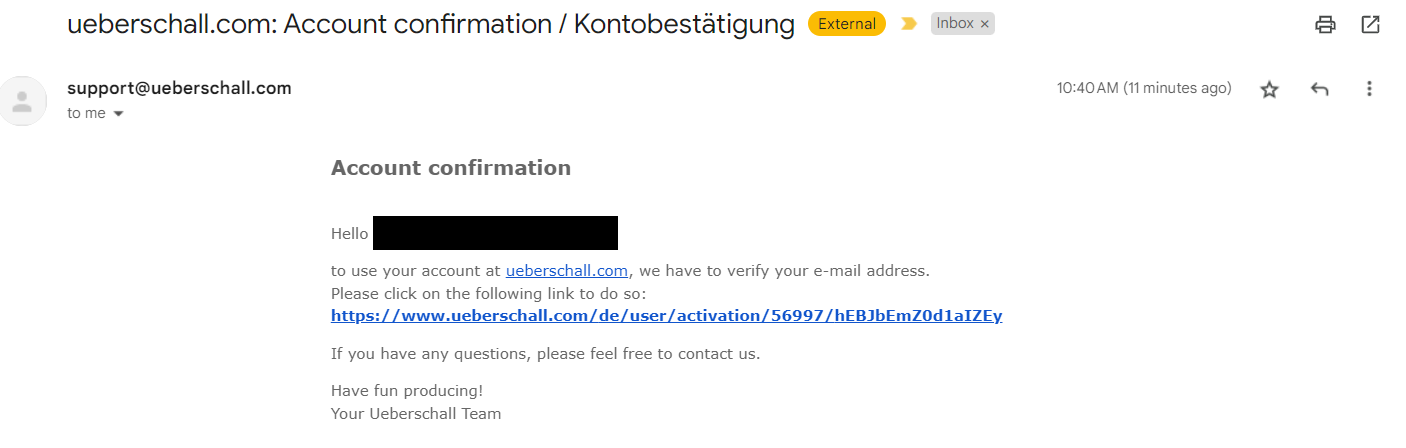
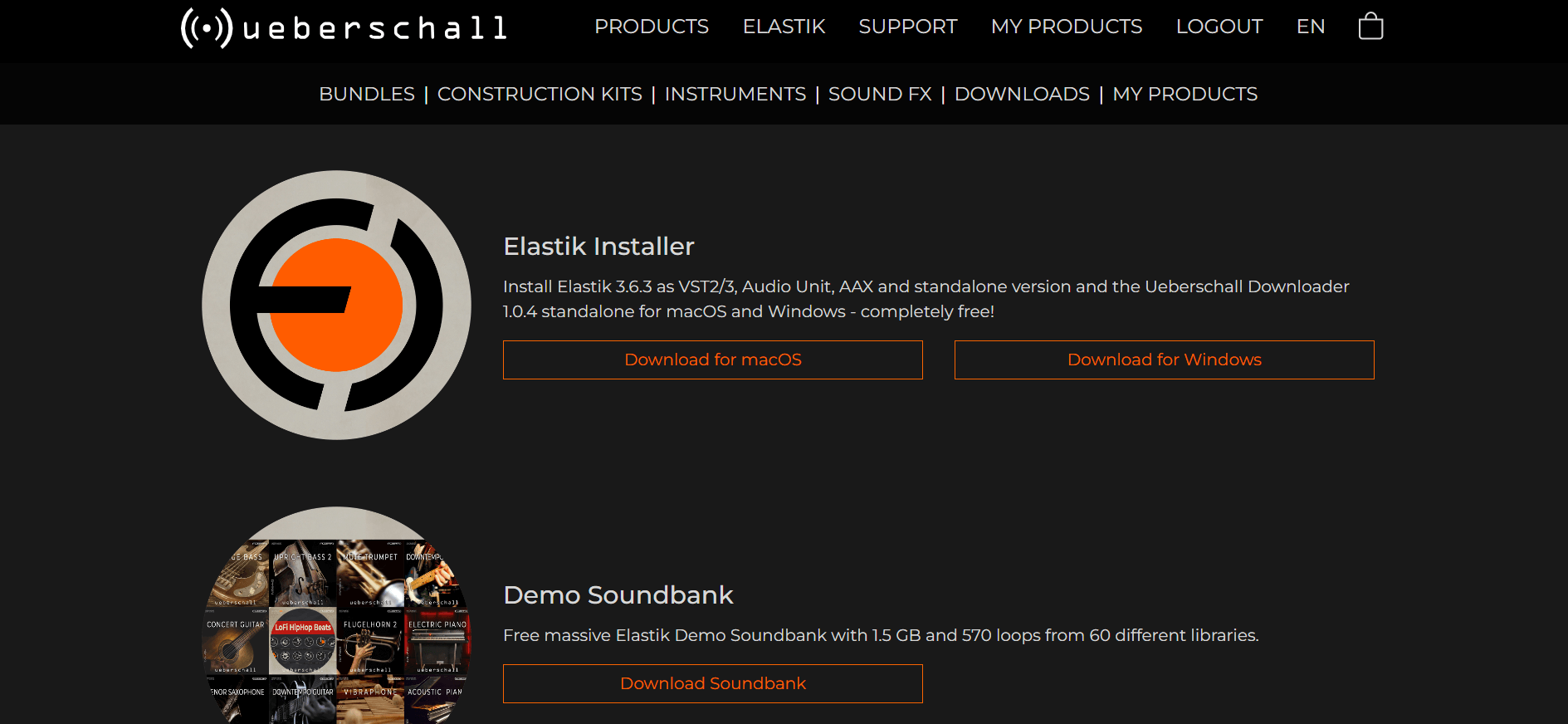
Log In
Free gifts available with your purchase
Funk Bass is a collection of funky slap bass, fingerstyle, plectrum and legato grooves. The loop pack is the perfect low-end starting point for your next project. The playing is tight, the sound and production is ideal for the genre, and the grooves provide the perfect platform on which to build your track. Funk Bass is super-chic and super-freaky. Get your funky bass-ics sorted, get Funk Bass.
Creates A Funky Foundation
Funk Bass includes nearly 500 loops and phrases with 1.1 GB of sample material. The original recordings were made at tempos between 90 and 126 BPM. Each phrase is 4 bars or up to 10 seconds long. Two different bass models have been used. Most of the library was recorded on a 1970 Musicman Stingray, while some fingered and plectrum loops were played on a Fender Jazz Bass.
Infectious Groovy Basslines
The loops in Funk Bass are organised by playing style. The four main folders are Fingered, Slap, Plectrum and Legato. Each folder has up to 24 sub-folders containing a maximum of 12 thematically related performances. This makes it easy to create longer phrases or variations. With Elastik's powerful algorithms, you can easily mix and match performances between folders, further expanding your creative possibilities.
Instant Funk For Your Projects
Funk Bass makes an excellent companion to the Funk Guitar pack as well as giving you additional options for other Funk and Soul inspired titles like Funk Up, Funk & Soul or Brass Funk & Soul. Crossovers into House, Disco or RnB are also easily possible. The loop pack is ideal for music producers or songwriters looking to add some instant Funk into their latest project. Funk Bass is super-chic and super-freaky. Get your funky bass-ics sorted, get Funk Bass.
Features
- 1.1 GB
- 495 Loops & Phrases
System Requirements
For the Elastik Player:
- macOS: recommended 10.12 or higher
- Windows: recommended Windows 8 or higher
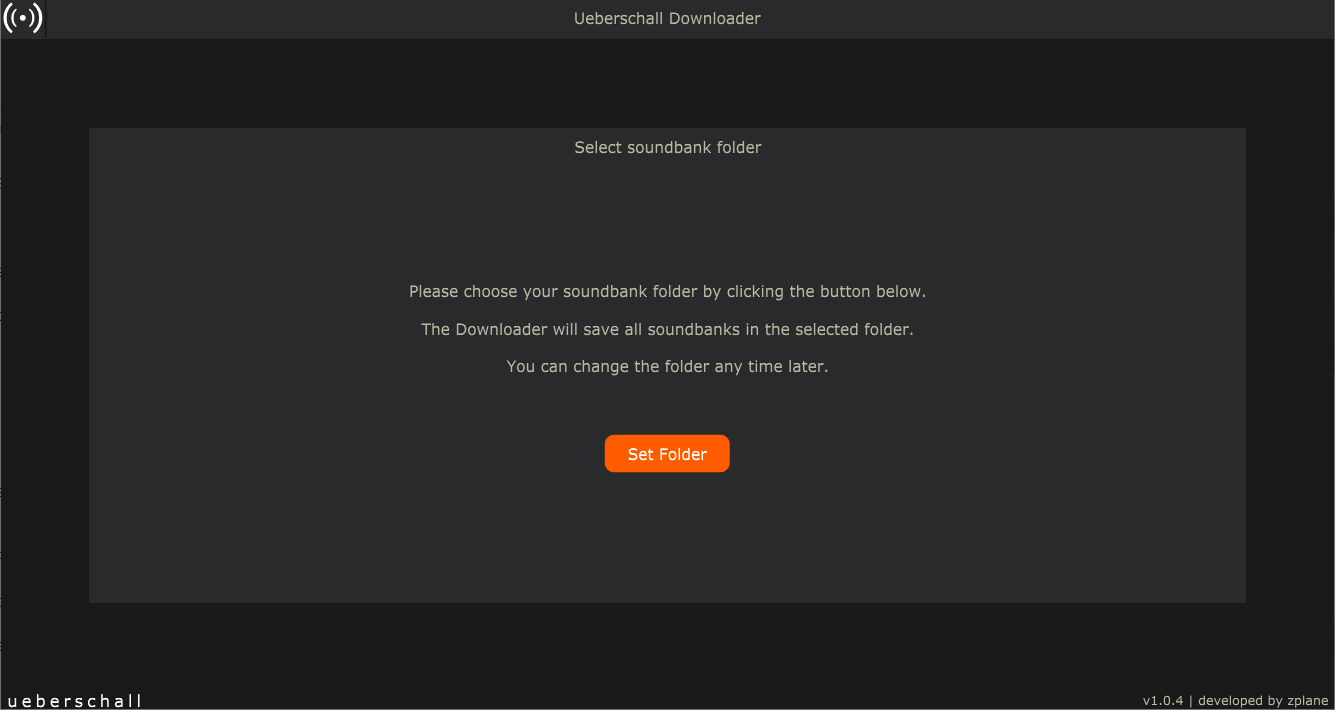
For the Ueberschall Downloader:
- Internet connection
- macOS: recommended 10.12 or higher
- Windows: recommended Windows 8 or higher