


 Log In

Free gifts available with your purchase
Dynamic Slicer
Slice is a Looper for happy accidents.
Making use of multiple control systems, Slice controls multiple granular “loopers” simultaneously, over an audio buffer that can be frozen & resized in real time.
Slice is designed to be controlled “loosely”, similar to Frahm, where the controls influence multiple sound processors at once, but Slice also offers control schemes to control the loopers more precisely.
Multiband Processing
Slice is able to split the individual loopers into their own segments of the audible spectrum using a filterbank. Select “Split” mode on the interface to access this feature easily.
Transient Snapping
Slice is able to detect and mark incoming transients in the audio buffer in real time, and can let your loopers snap their locations to the transient positions. The internal transient detector is also adjustable, with it’s marking sensitivity available as a processing parameter.
Multi Control
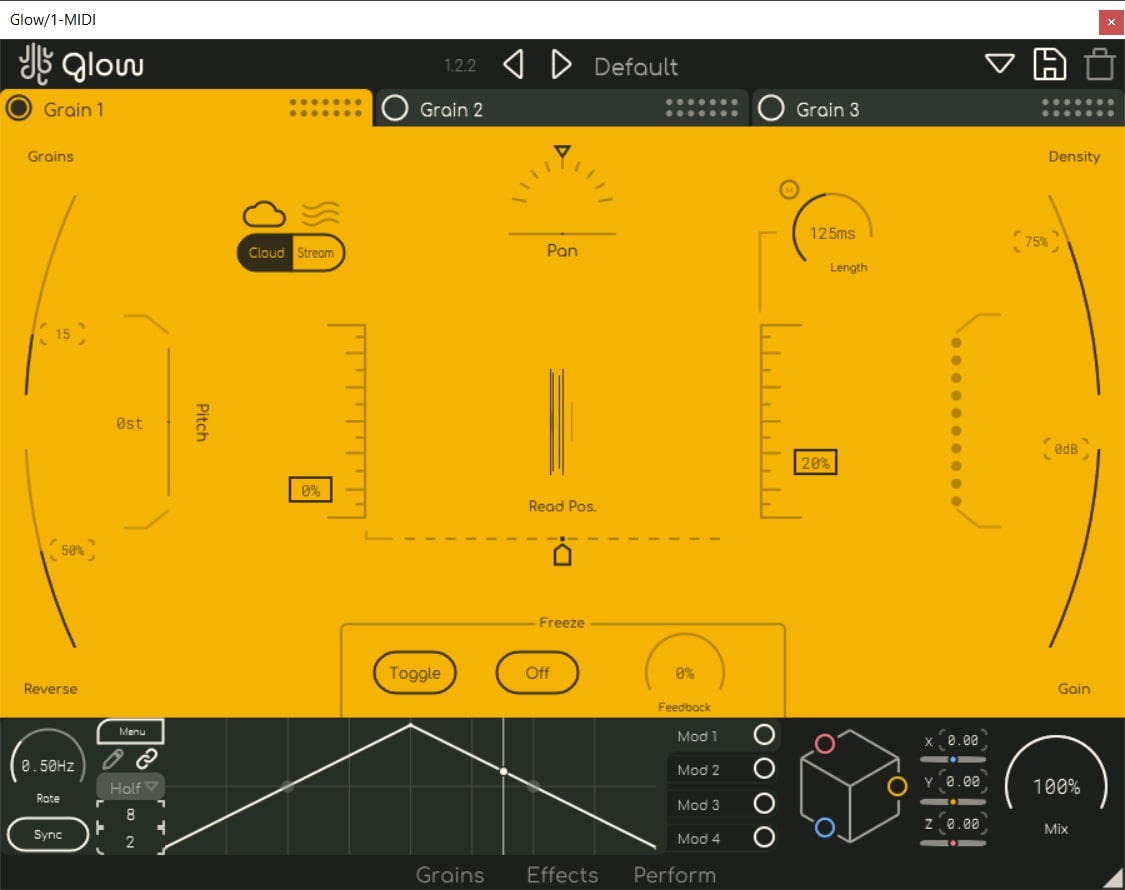
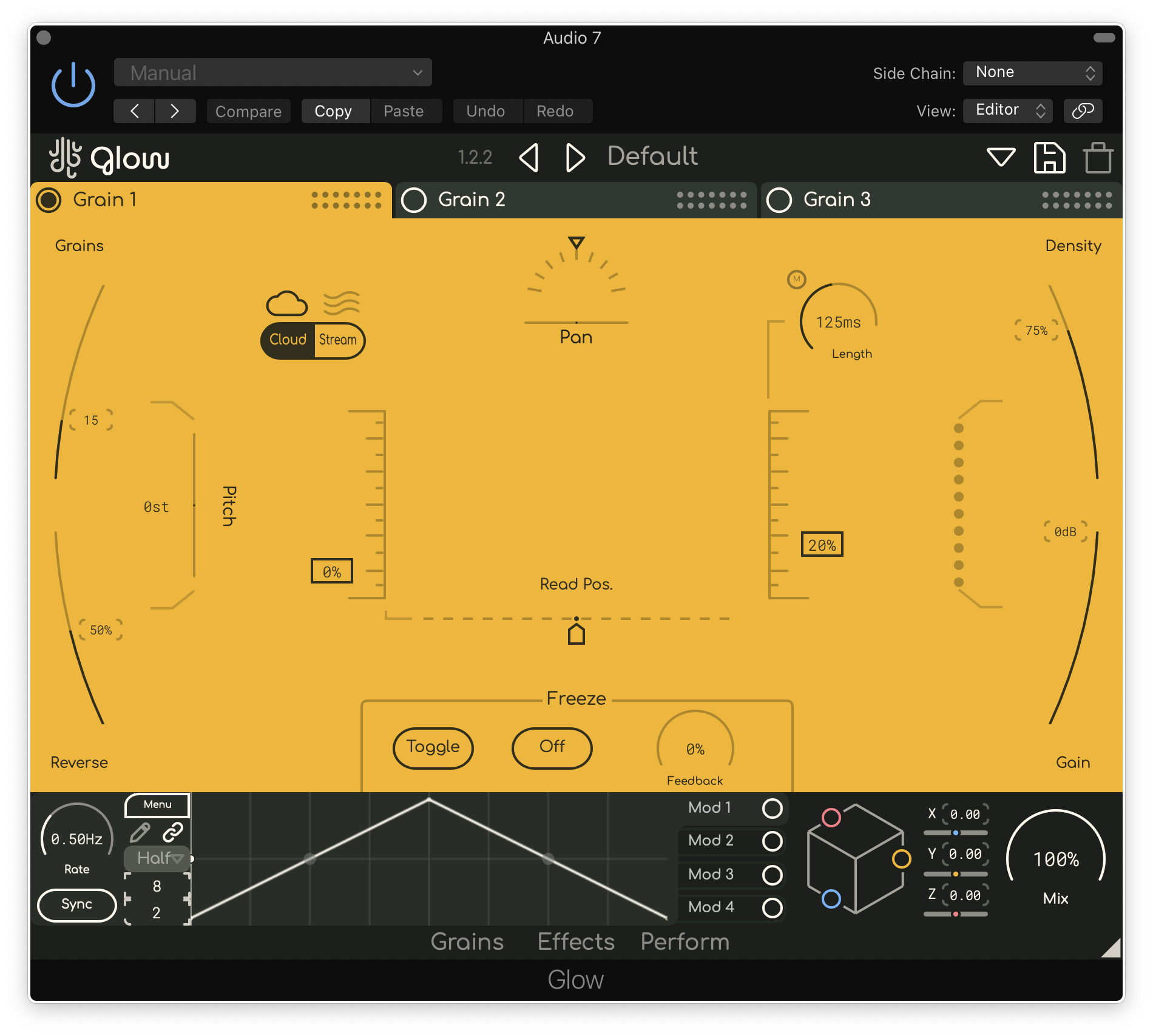
If the more complex “Petal” method of controlling the loopers isn’t your thing, there is an alternate XY pad that allows for the position & spread control of the loopers. The alternate XY control allows Slice to act as a more traditional sound granulator, similar to Glow.
Features
- Up to 9 simultaneous highly adjustable real-time sound loopers / granulators
- Adjustable drift & windowing shape
- Multiple looper control methods
- Shared audio buffer that can be frozen & length resized
- Fully vectorized, resizable interface
System Requirements
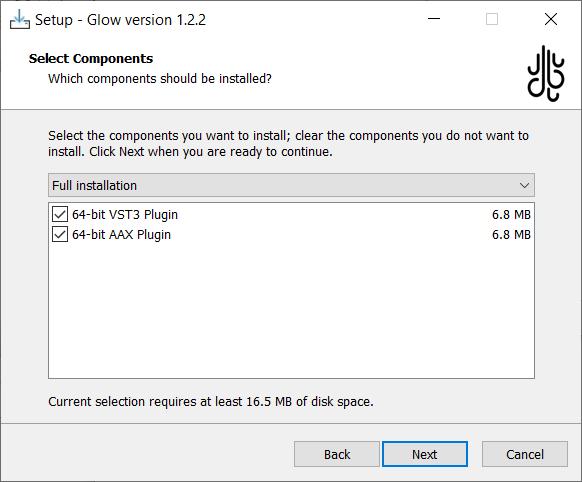
- Windows: Supports VST3 & AAX
- MacOS: Supports VST3, AU & AAX (Intel and ARM)
Reviews Summary
While it aims to provide a helpful overview, it may not capture every perspective or detail. We encourage you to read individual reviews to make an informed decision.
Users generally praise Lese Slice as an inspiring and unique soundscape tool capable of delivering immediate, creative, and textured audio results. While some find full control challenging and note it leans more toward niche experimentation than a standard sampling workflow, it is widely appreciated for its ability to generate unexpected ambient vibes.


