Buy Articulate, get a free gift with purchase:
Next-Gen Envelope Shaper
Dynamics Made Intuitive
Take control of your mix with Articulate, the next generation envelope shaper that makes fixing dynamics as simple as using an EQ. More than a transient shaper, Articulate separates your audio into four bands: Attack, Decay, Sustain, and Release. By dialing in the desired level on the corresponding fader, you can instantly add Smack, Punch, Body, and Air to your tracks.
- Enhance transients for percussion that cuts through the mix
- Boost presence for instruments that demand attention
- Control sustain for perfect note decay
- Add clarity and punch exactly where needed
Detect With Precision
Articulate lets you shape your envelope based on the original audio or external sidechain signals. Resolve mix clashes, or make space in a crowded mix by ducking elements.
Tailor Your Signal
Fine-tune Articulate’s envelope response: Slide towards “Smooth” for natural, transparent shaping, or shift to “Focused” for precise, aggressive transient control.
Studio-Grade Peak Protection
From the team behind the acclaimed Elevate Mastering Limiter, Articulate features a built-in peak limiter that effortlessly prevents unwanted clipping while preserving your dynamics.
Features
- 50 Presets with full-featured Preset Librarian
- Easy Independent Envelope Shaping
- Simple Sidechain Detection
- Precise Separation Control
- Solo & Mute Per Envelope Stage
- Built-in Peak Limiter
- Customizable UI with 3 Color Palettes
System Requirements
Mac
- macOS 10.14+
- 64-bit AAX, AU, VST, VST3
Windows
- Windows 10+
- 64-bit AAX, VST, VST3
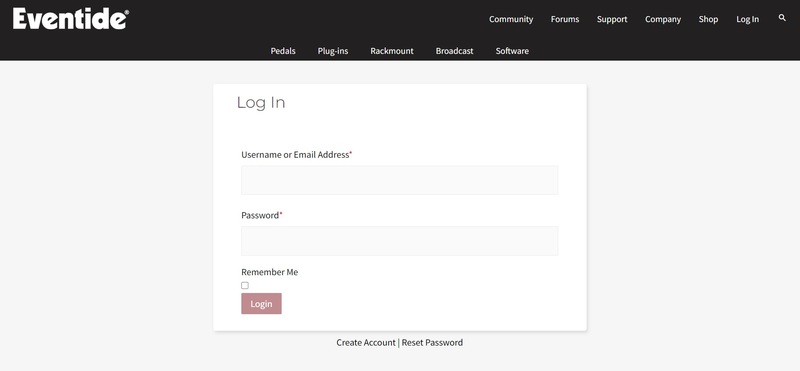
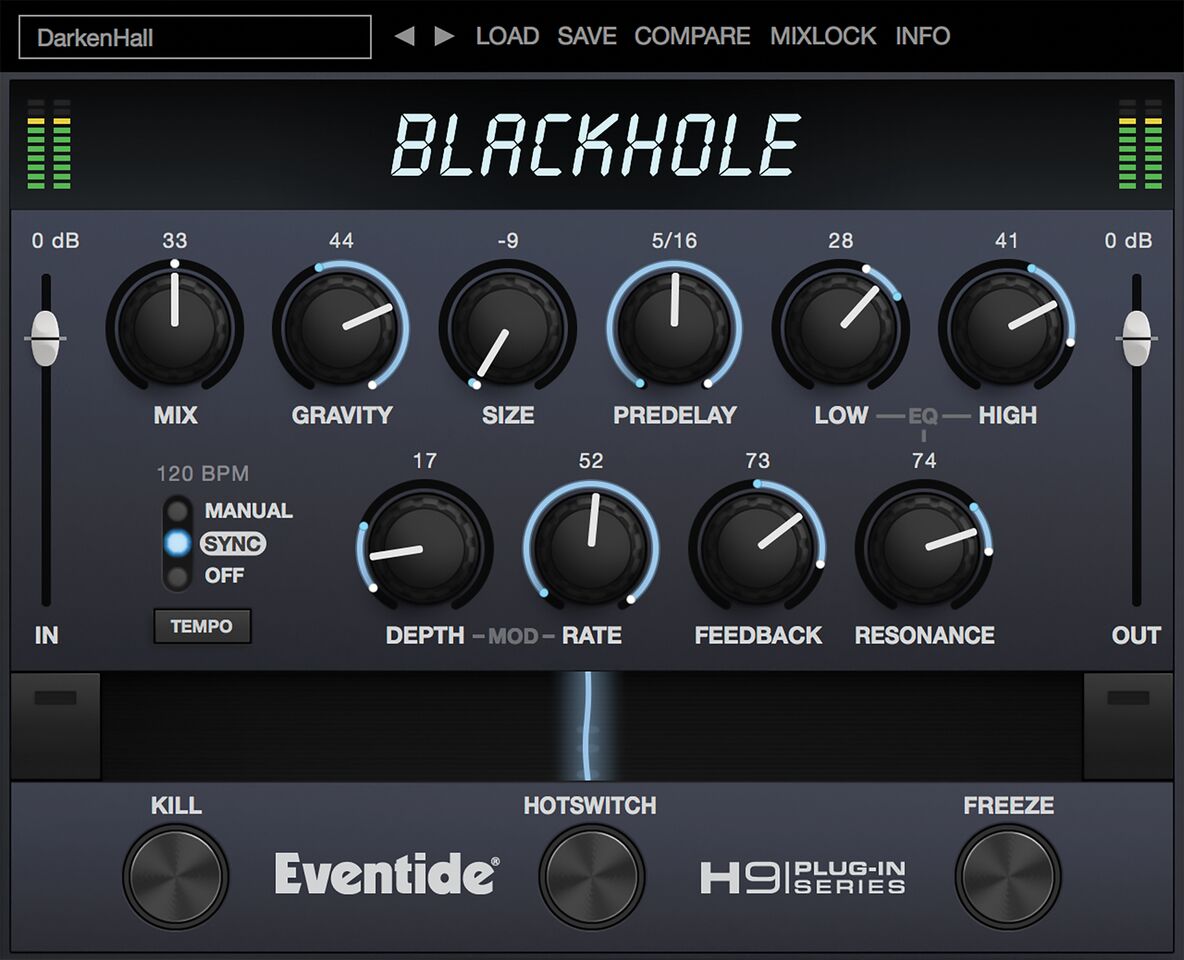
Please note: Blackhole is used as an example.
Registration
1. Create an iLok account by following the steps from our help centre article - Getting Started with the iLok License Manager. If you already have an iLok account, skip this step.
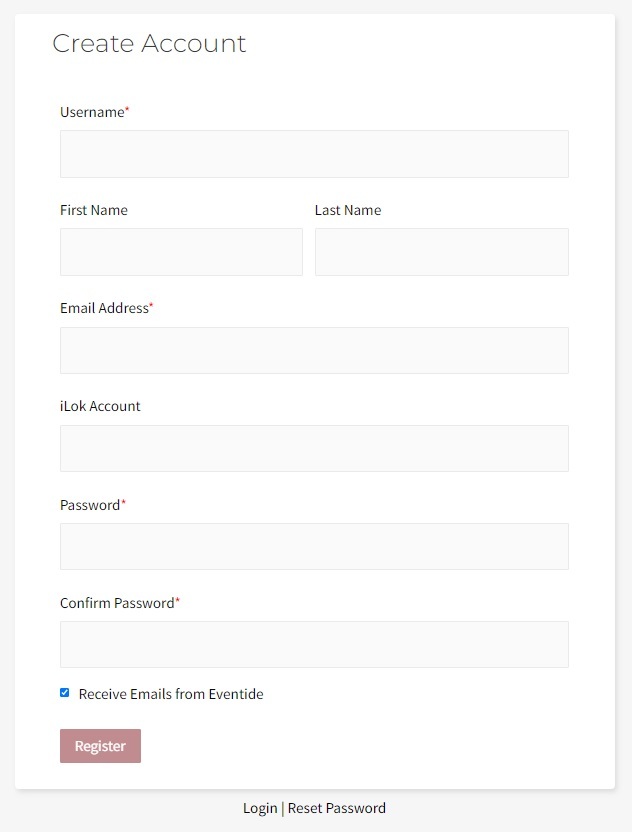
2. Go to https://www.eventideaudio.com/login > Click 'Create Account' at the bottom of the page.

3. Enter your details (including your iLok Account User ID) > Click 'Register'.

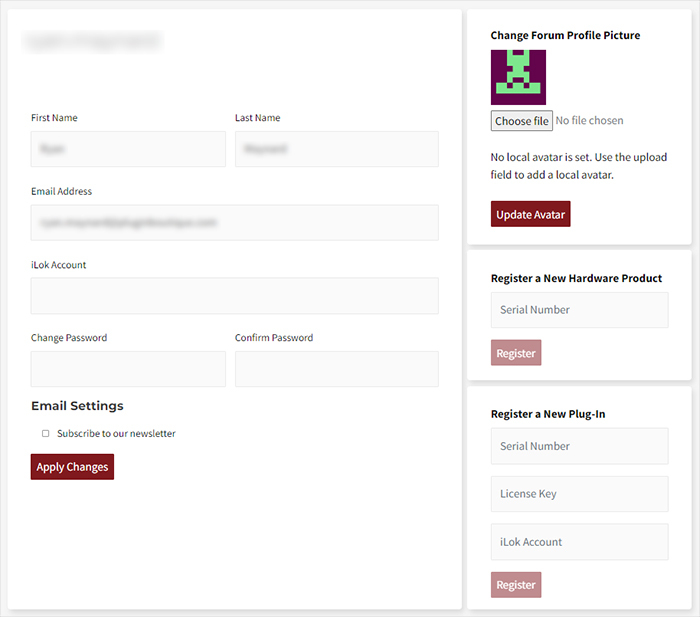
4. You will now be redirected to your My Account page.

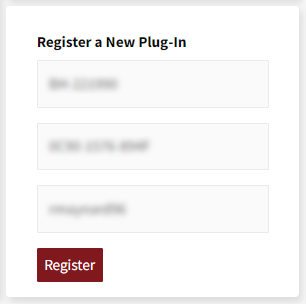
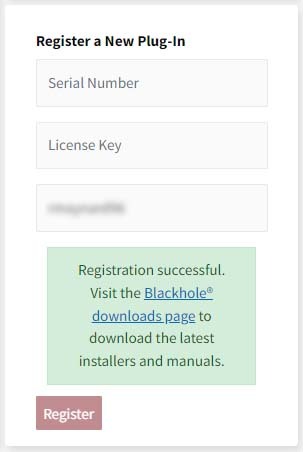
5. In the bottom right corner of the page, enter the license key (format 1234-1234-1234) found in your Plugin Boutique account, as well as your iLok Account User ID > Click 'Register'. Please note: a Serial Number is now not required
Please note: Make sure there are no spaces at the beginning or after your license key.

6. Your software is now registered.

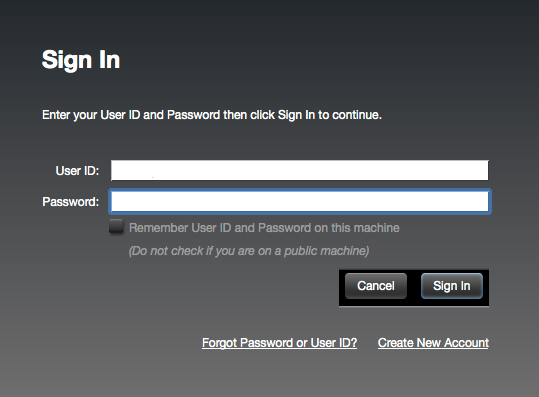
7. Launch the iLok License Manager application > Sign into your account.

8. Enter your iLok user ID and password > Click 'Sign in'.

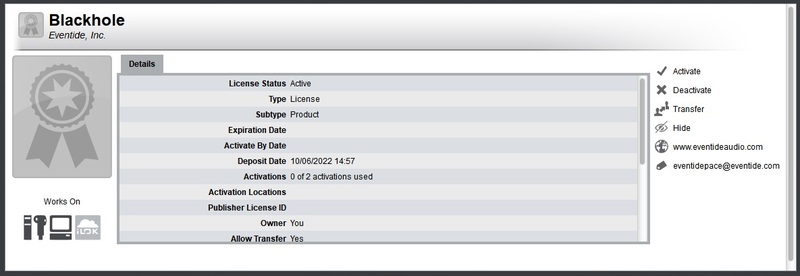
9. Your license should now be listed within your iLok account.

10. Double-click on the license to bring up additional options > Click 'Activate' (located on the right of the screen).

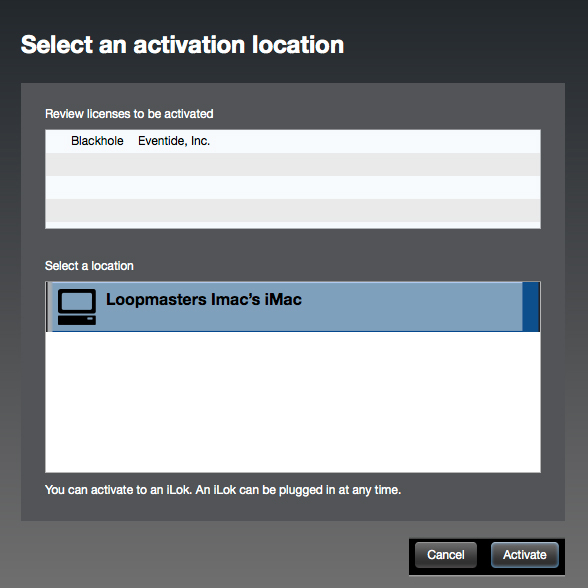
11. Select where you wish the license to be activated > Click 'Activate'.

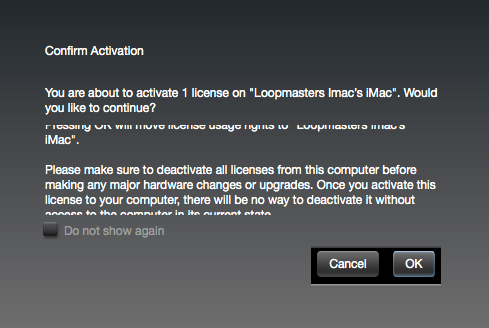
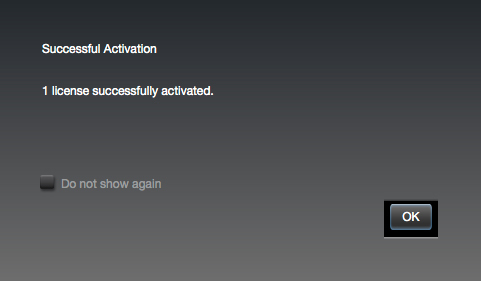
12. Click 'OK'.

13. Click 'OK'.

Mac Installation
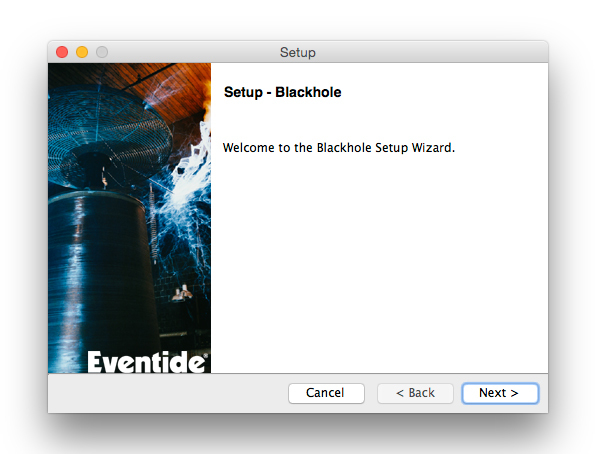
1. Download the Mac installer from https://www.eventideaudio.com/downloads/ > Run the installation > Click 'Next'.

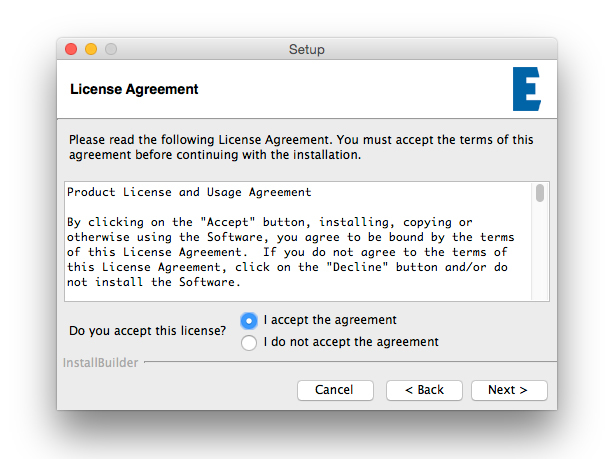
2. Click to accept the license agreement > Click 'Next'.

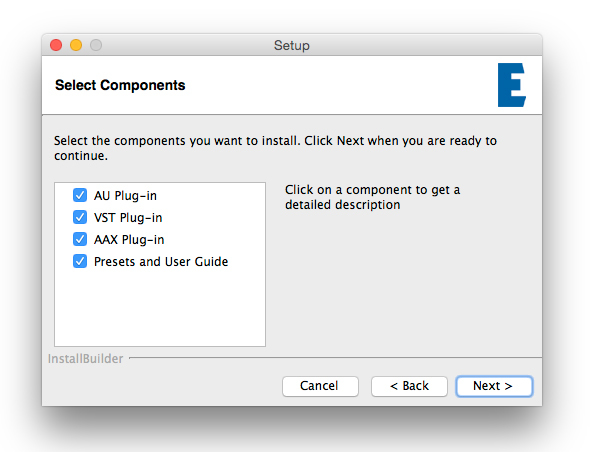
3. Choose which plugin formats you'd like to install > Click 'Next'.
Please note: If you're unsure, leave all options selected or check out our help centre article Plugin Formats Explained for more information.

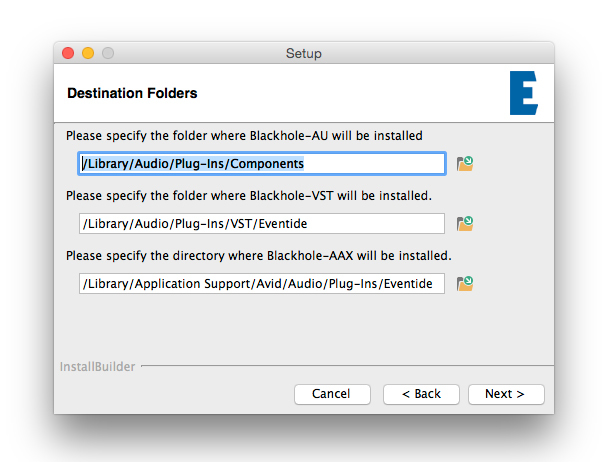
4. Select the destination folders (or leave them as the defaults) > Click 'Next'.

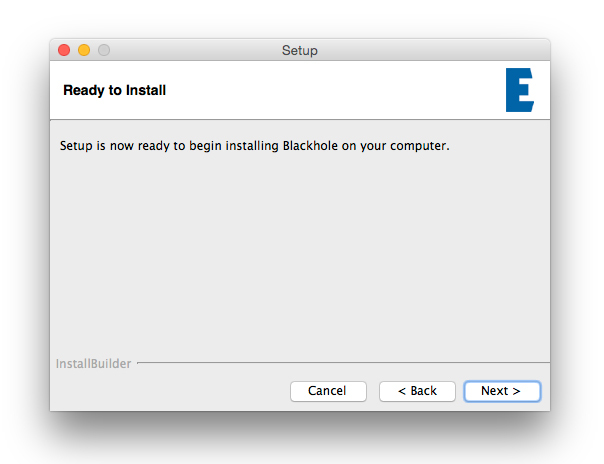
5. Click 'Next'.

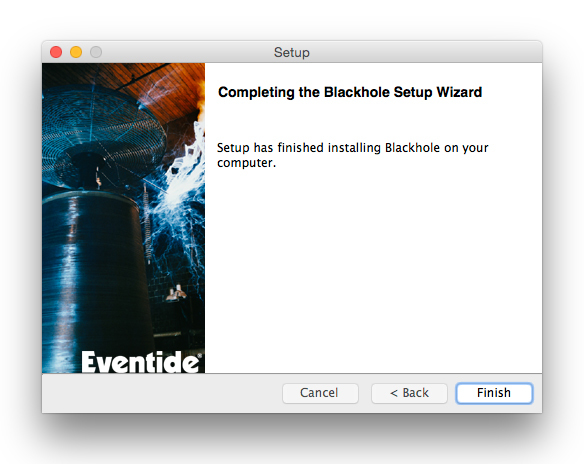
6. Click 'Finish'.

Your new software is now fully activated and ready to use within your DAW!

Windows Installation
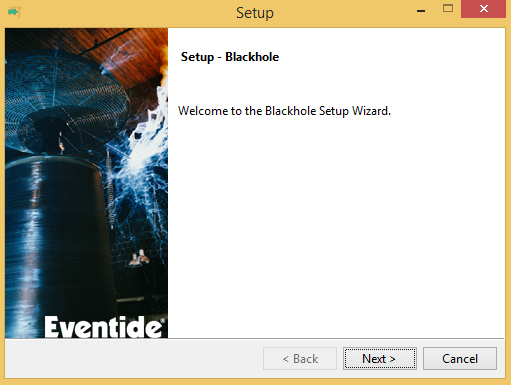
1. Download the Windows installer from https://www.eventideaudio.com/downloads/ > Run the installation > Click 'Next'.

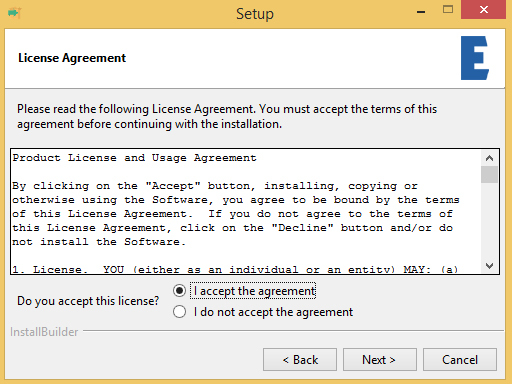
2. Read the License Agreement > Select 'I accept the agreement > Click 'Next'.

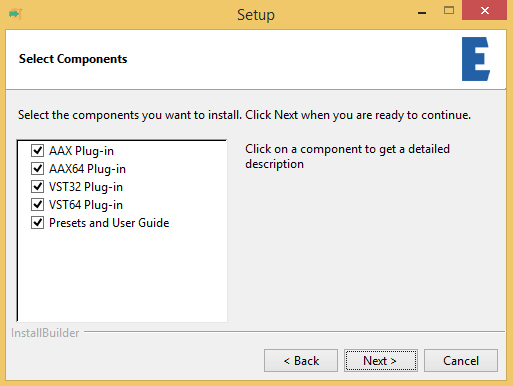
3. Choose which plugin formats you'd like to install > Click 'Next'. If you're unsure, leave all options selected or check out our help centre article Plugin Formats Explained for more information.

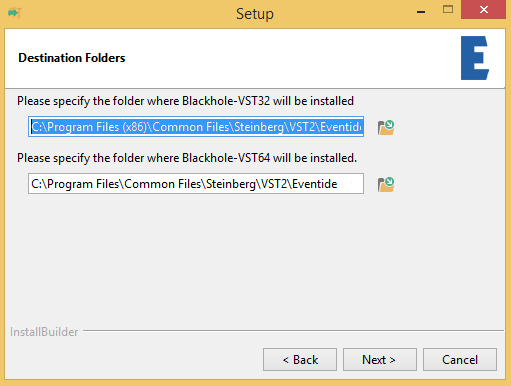
4. Select the destination folders (or leave them as the defaults) > Click 'Next'.

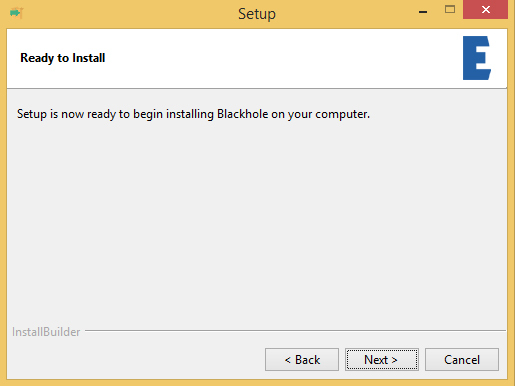
5. Click 'Next'.

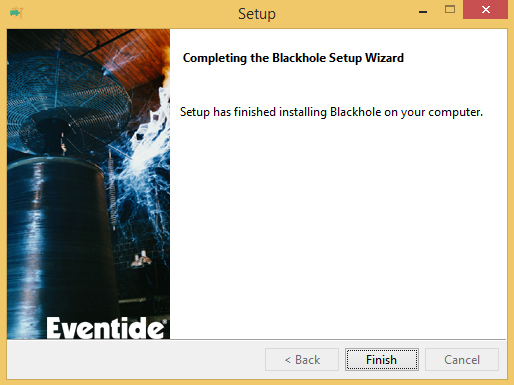
6. Click 'Finish'.

Your new software is now fully activated and ready to use within your DAW!