


 Log In

Free gifts available with your purchase
Real-Time Drum Stem Separation Plugin
Remix:Drums is a new cutting-edge DAW plugin that instantly separates out drum stems from an existing loop or recording in real-time for a fast and intuitive workflow. This powerful tool allows users to isolate, remove, and manipulate individual drum elements, unlocking unprecedented creative possibilities for music producers, remixers, and DJs.
Don’t accept constraints when shaping your sound, with Remix:Drums you can instantly boost your kick, remove the snare or lower the cymbals to realise your vision with no compromise or limitations. Additionally, it’s possible to combine drum elements together from different sources, enabling exciting new avenues of rhythmic experimentation.
Reimagine, Rebalance, Reinvent. Your ultimate drum loop assistant.
With tried and tested AI-powered real-time separation based on Acon Digital’s groundbreaking Remix plug-in and a simple, easy-to-use layout, Remix:Drums empowers you with complete control over your drum loops or recordings like never before. Join the rhythm revolution and get your free trial today!
Features
- Instant real-time stem separation: No waiting for tedious offline processing and no data privacy issues
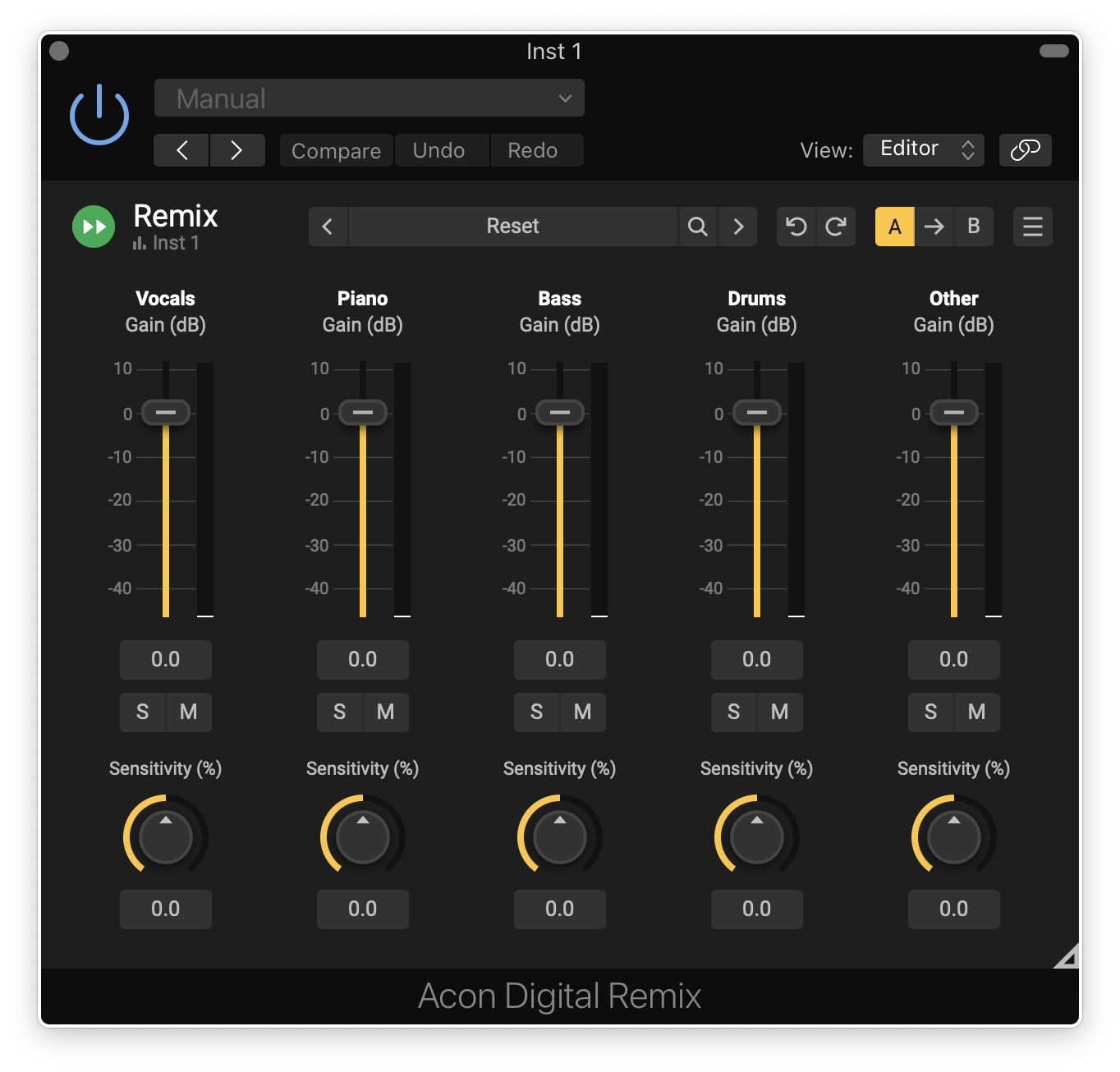
- Separate your drum loops or recordings into six stems: Kick, Snare, Hi-Hat, Cymbals, Toms, Other
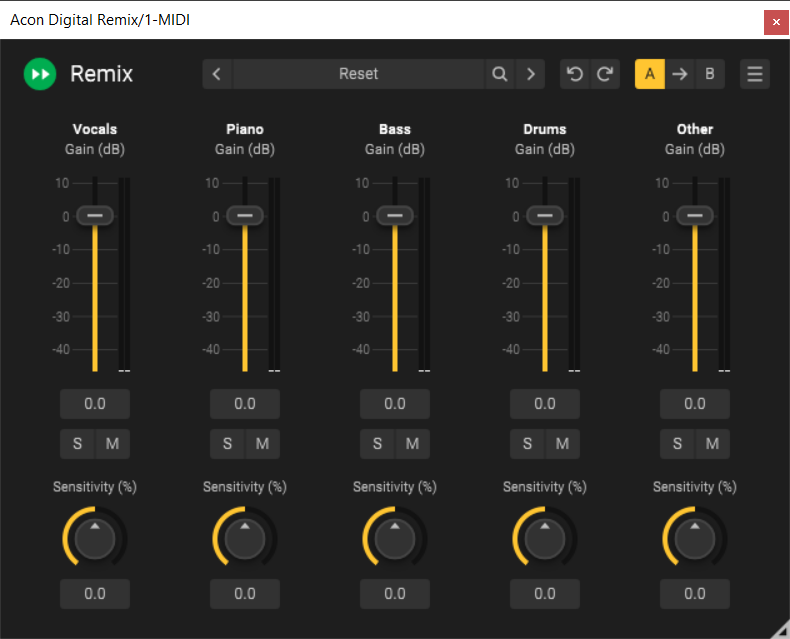
- Powerful Sensitivity control: Fine tune your drum sound in seconds
- Output level meters for each stem: Instant visual feedback on your changes
- Supports DAW automation: For even more creative options
- Multiple audio outputs (in supported hosts): For ultimate mixing power
- Perpetual license: No subscription needed!
System Requirements
Windows
- Windows 11 / 10
- Intel Core i5 or AMD multi-core processor (Intel Core i7 or faster recommended)
- 1366 x 768 display resolution (1920 x 1080 or higher recommended)
- 1 GB RAM (4 GB or more recommended)
- 1 GB free HD space
- A host application that is compatible with VST, VST3 or AAX (Pro Tools 12 or higher)
Mac
- OS X 10.13 or later
- Runs natively on ARM64 and Intel
- 1 GB RAM (4 GB or more recommended)
- 1 GB free HD space
- A host application that is compatible with AU, VST, VST3 or AAX (Pro Tools 12.8.3 or higher)
Alex Pasco
Engineer (Beck, Foo Fighters and Paul McCartney)
"I threw Remix:Drums on a duplicate of the stem, solo’d the kick, and it worked absolutely flawlessly. Easily saved me 30 minutes of cutting and fading manually."
Dom Morley
Grammy Award winning Mixer and Producer (Adele, Amy Winehouse, Sting)
"Remix:Drums is going to make real drums so much easier to mix! The ability to adjust the levels of individual drums in your room mics and overhead mics will suddenly make so many tough-to-mix recordings an absolute pleasure. Essential."
James F. Reynolds
Producer (BTS, Calvin Harris, Sigrid)
“Remix Drums is an incredibly useful tool. For me, for everyone who is resampling and reworking with loops and rebuilding their own loop patterns."





Reviews Summary
While it aims to provide a helpful overview, it may not capture every perspective or detail. We encourage you to read individual reviews to make an informed decision.
Users broadly praise this plugin as an impressive, real-time tool that is well worth the money for remixing, rebalancing mixes, and recovering older projects without stems. While it demands high processing power and stem isolation is not completely perfect—leaving some audio bleed—it remains highly useful for minor adjustments and generating drum triggers.


