Buy HALO-2 Expansion: RAW, get a free gift with purchase:
Introducing “RAW” - The Heaviest HALO-2 Expansion Yet! Bass-Focused RAW centres on cutting edge sonics, fulfilling all your jump up and heavyweight needs! The most raucous and cutting edge presets made for Halo yet. Start the ruckus...
RAW is a huge HALO Expansion Pack, featuring a whopping 200 presets and 64 sample banks of thundering, floor shaking Bass & Leads. These sounds have been created using two cutting edge hardware analog synthesisers and modern software processing, all run through Halo's unique processing and sequencers.
Features
- 200 Presets
- 64 Sample Banks
- Huge Library Of Savage Bass, Leads, Stabs, & Subs
System Requirements
- Requires the full version of HALO 2.0.5+ (Does not work with HALO LITE)
Windows
1. Download the installation pack from within your Plugin Boutique User Account, and unzip the contents.
2. Launch the 'MONO-SYNTH 2' installer.
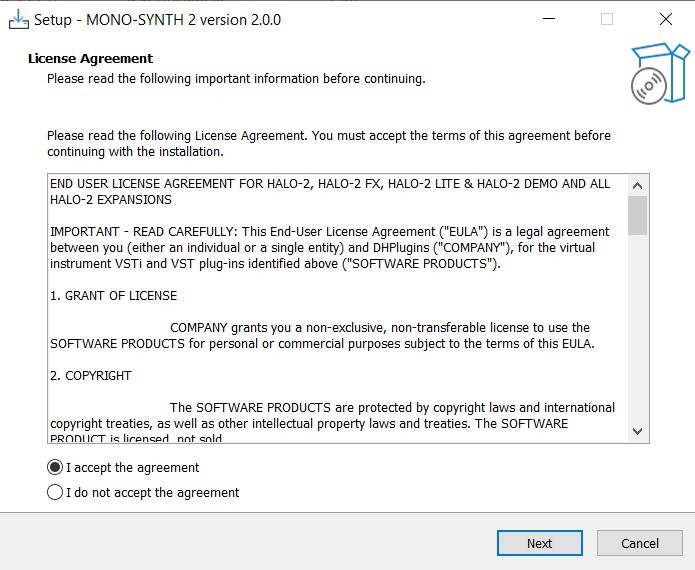
3. Select 'I accept the agreement', then click 'Next'.
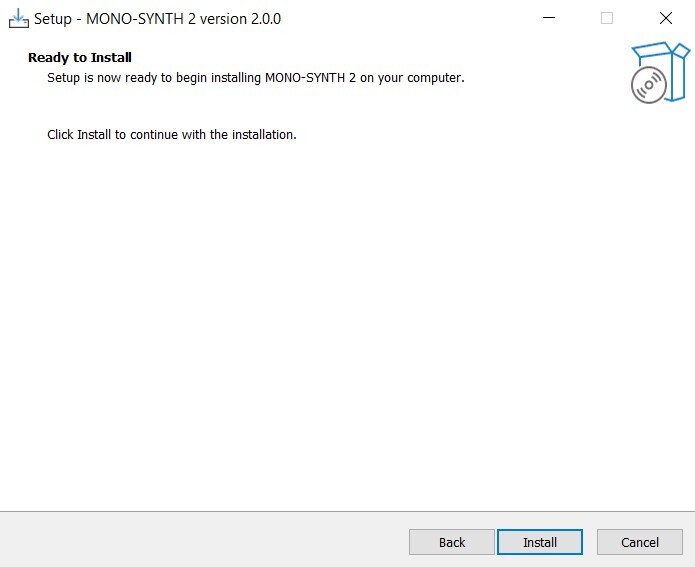
4. Click 'Install'.
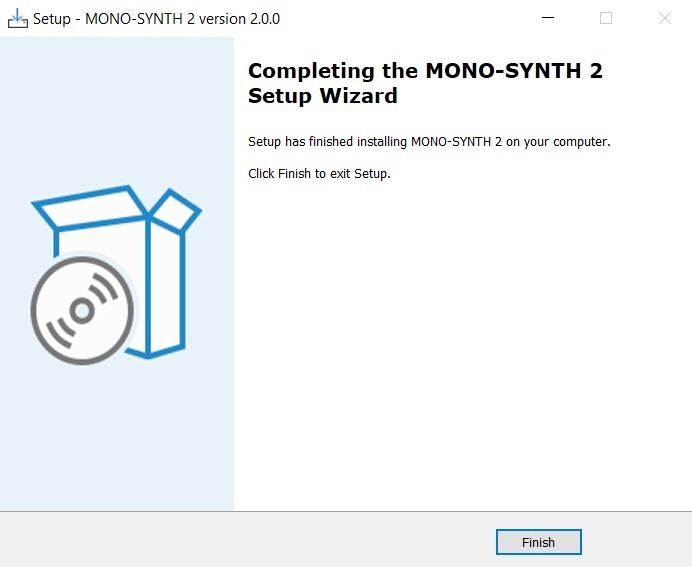
5. Once installation is complete, click 'Finish'.
6. Launch the 'MONO-SYNTH 2 SAMPLES' installer from within your downloaded installation package.
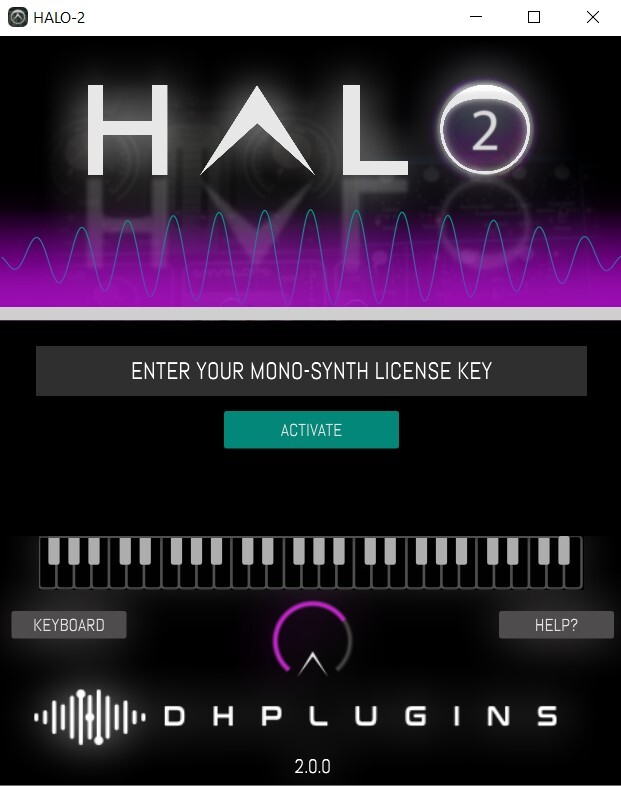
7. Enter the license key from within your Plugin Boutique User Account, and click 'Activate'.
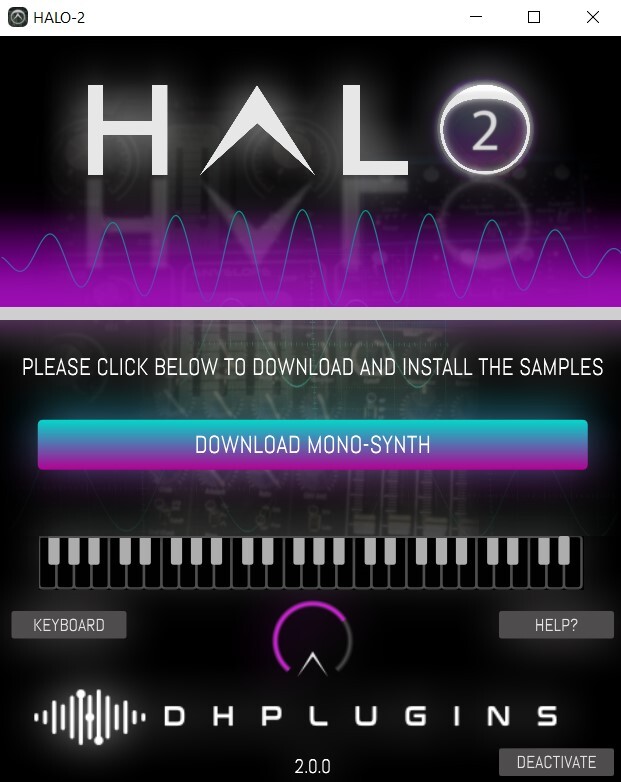
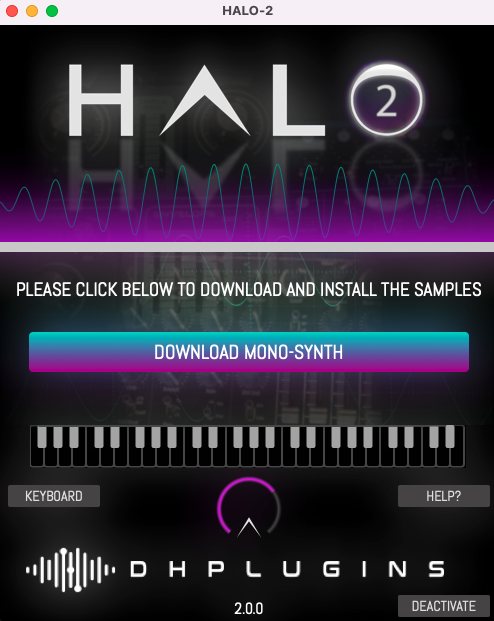
8. Click 'Download Mono-Synth'.
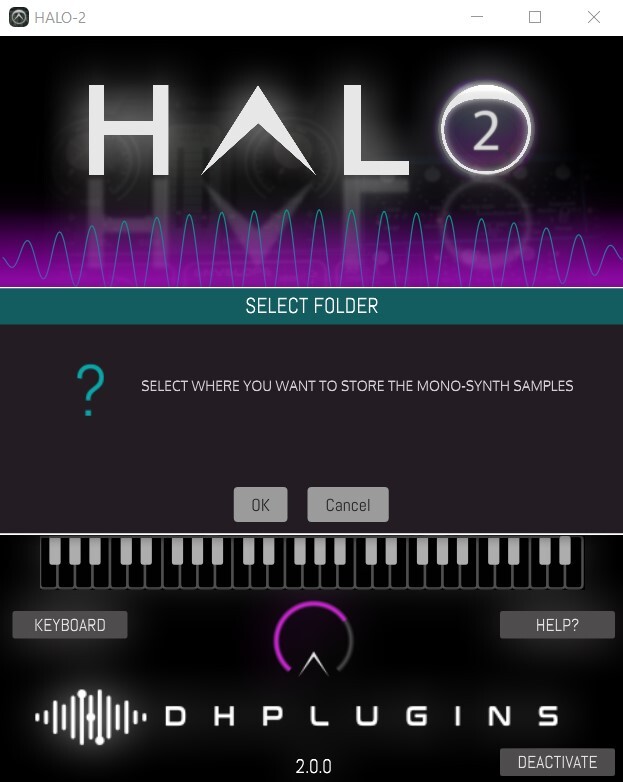
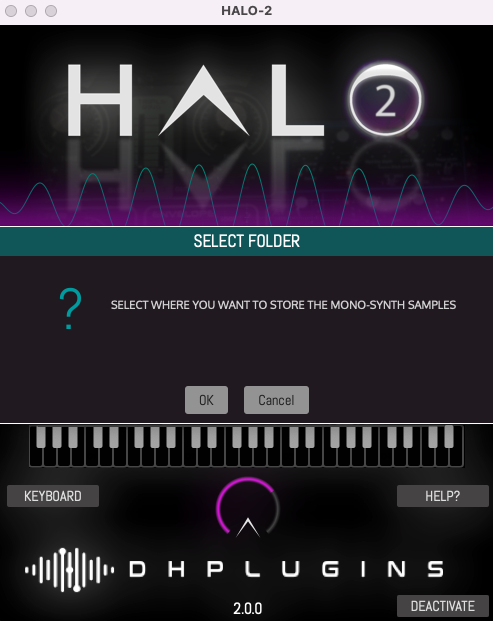
9. Click 'OK', and select a download location for your samples.
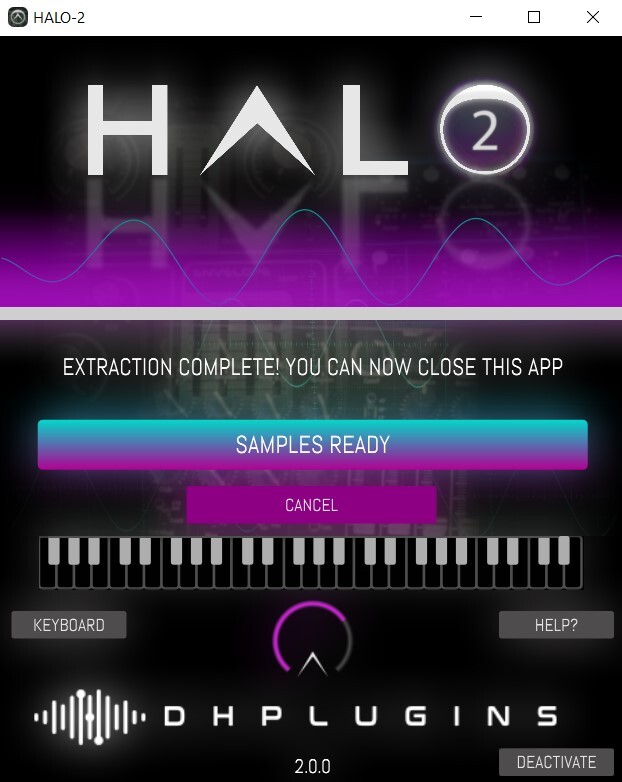
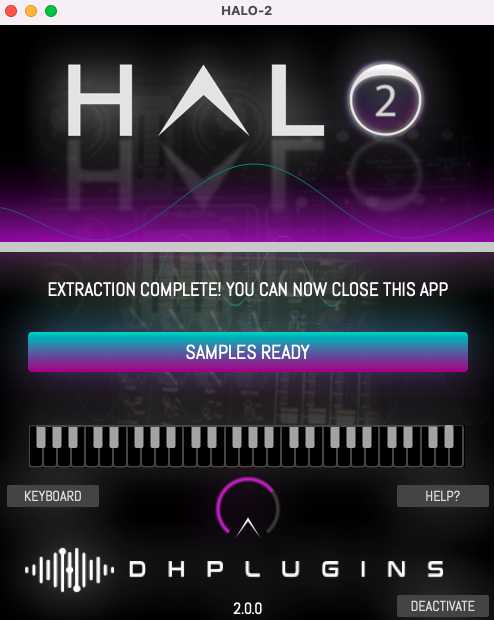
10. Once installation is complete, close the window (do not click 'Cancel').
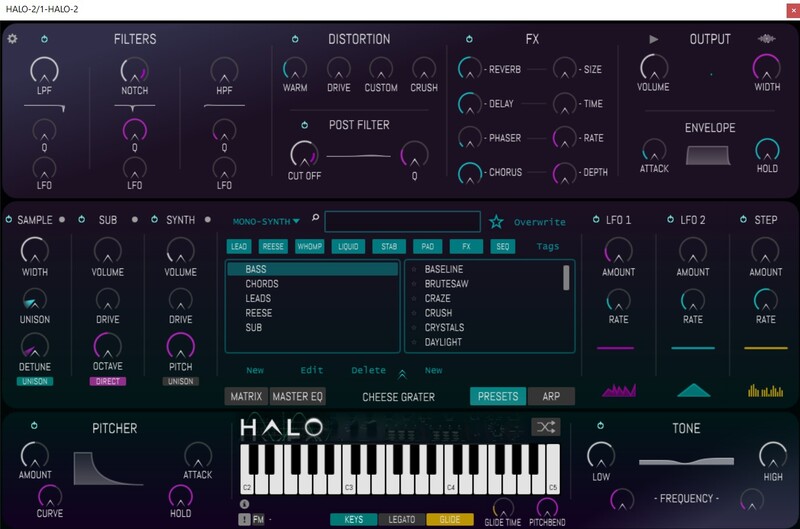
11. You're ready to go! Launch HALO-2 within your DAW, and navigate to your newly activated expansion pack.
Mac
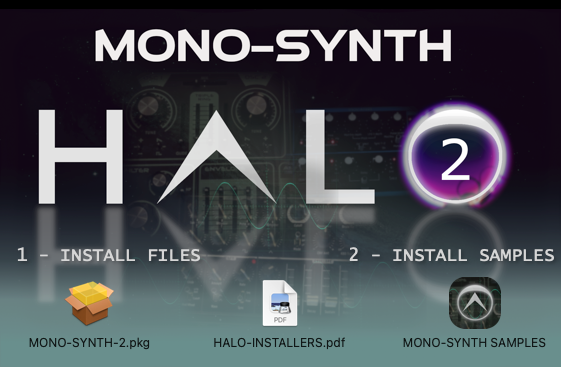
1. Download the installation pack from within your Plugin Boutique User Account, and unzip the contents.
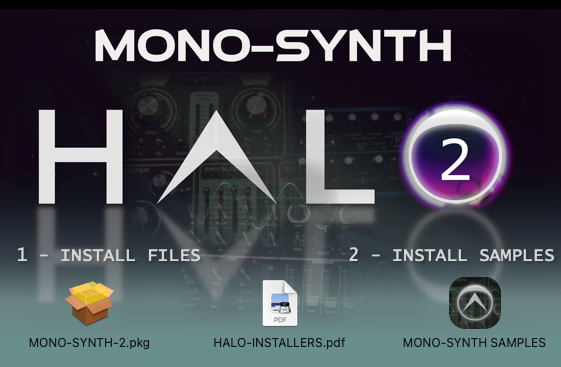
2. Launch the 'MONO-SYNTH 2' installer.
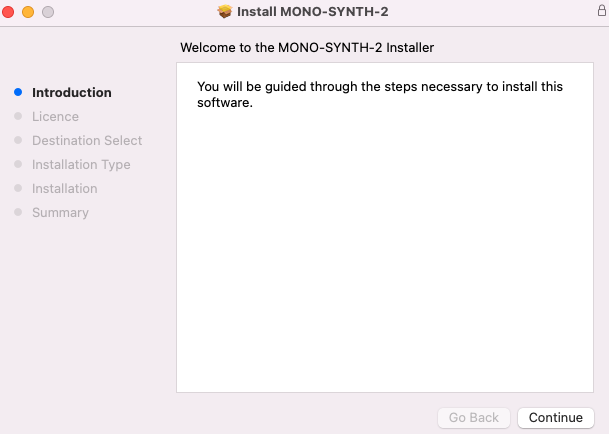
3. Double click on 'MONO-SYNTH-2.pkg'.
4. Click 'Continue'.
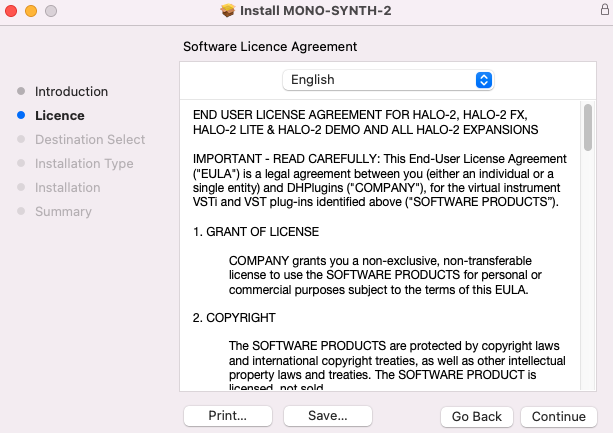
5. Click 'Continue'.
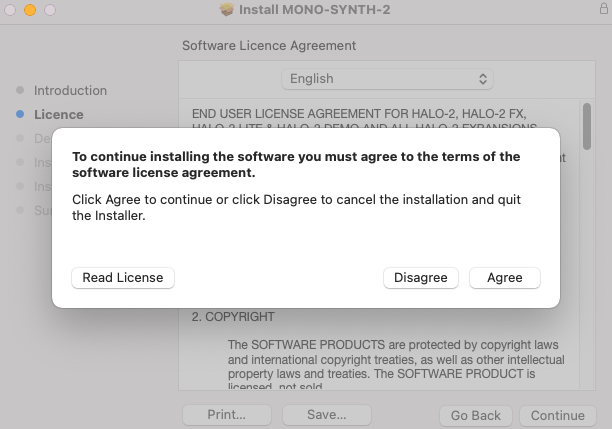
6. Click 'Agree'.
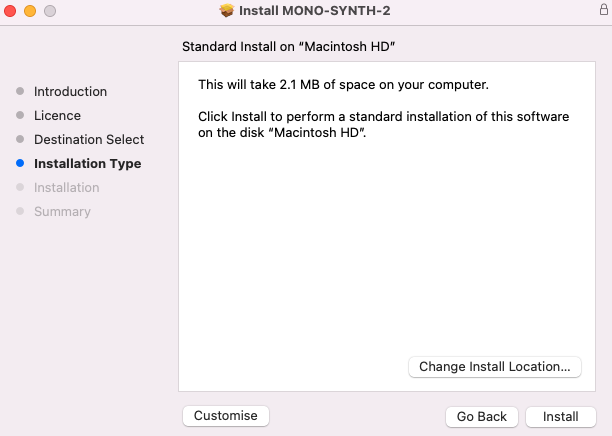
7. Click 'Install'.
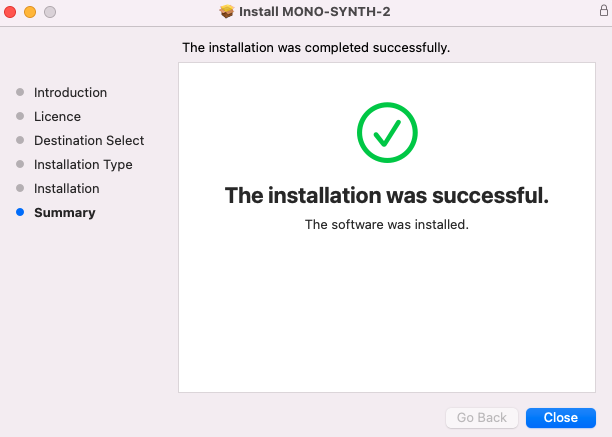
8. Click 'Close'.
9. Return to the installer and launch 'MONO-SYNTH SAMPLES'.
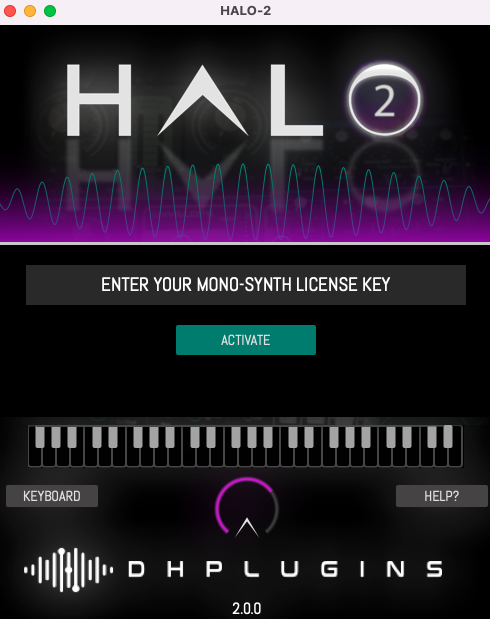
10. Enter the license key from within your Plugin Boutique User Account, and click 'Activate'.
11. Click 'Download Mono-Synth'.
12. Click 'OK'.
13. Once installation is completed, close the window.
14. You're ready to go! Launch HALO-2 within your DAW, and navigate to your newly activated expansion pack.