Log In

Free gifts available with your purchase

HIT ’EM HIGH, HIT ’EM LOW
Dual Impact
The OCELOT Octaver delivers thick, musical octave-down weight and crisp octave-up presence in one streamlined plugin. Whether you’re adding deep punch to kicks, extra growl to bass, or detail to a dull synth line, this dual-engine tool reshapes your source in powerful, frequency-specific ways — all with zero latency and minimal CPU load.
Tuned to Fit
Unlike many traditional octave effects, the OCELOT Octaver gives you full control over the frequency focus of each octave via dedicated Tune controls. Dial in perfect sweet spots for both low-end extension and top-end lift. Listen mode helps identify the exact range you're enhancing, letting you tailor the effect to any source with surgical precision and musical results.
Clean Tracking
Built around a state-of-the-art detection algorithm, the OCELOT Octaver stays true to your source. Forget the warbly, glitch-prone behavior of typical octavers — this plugin delivers consistent, phase-stable performance even on fast transients or complex material. The result is tight, clean octave content that locks in with your mix instead of fighting it.
Metered & Ready
Stay informed with detailed visual feedback. Separate level meters for each octave and the dryoutput signal let you shape your blend with clarity, while the collapsible spectrum view shows exactly where the magic happens. Octave mute and solo options, smart key shortcuts, and global level control round out a workflow built for speed, clarity, and creativity.
Ocelot Series
In an ever-growing sea of plugins, a select few stand out as essential tools you rely on in every session. These gems enhance your workflow with their powerful features and intuitive user interfaces, building the core of your personal sound. They become indispensable, evolving alongside you. The Ocelot Series puts these tools right in your hands, delivering cutting-edge low CPU, zero or low latency studio essentials built with top-notch DSP tech.
Features
- Dual-engine octaver with independent octave-up and octave-down processing
- Frequency-focused tuning for each octave via dedicated Tune controls
- Listen mode for precisely targeting frequency ranges
- Zero-latency, low CPU design ideal for real-time use
- Advanced detection algorithm ensures clean, phase-stable tracking
- Consistent performance on transients and complex signals
- Collapsible spectrum analyzer and level meters for clear visual feedback
- Octave mute/solo options and global output level control
- Part of the Ocelot Series — high-performance, session-essential tools built with top-tier DSP
System Requirements
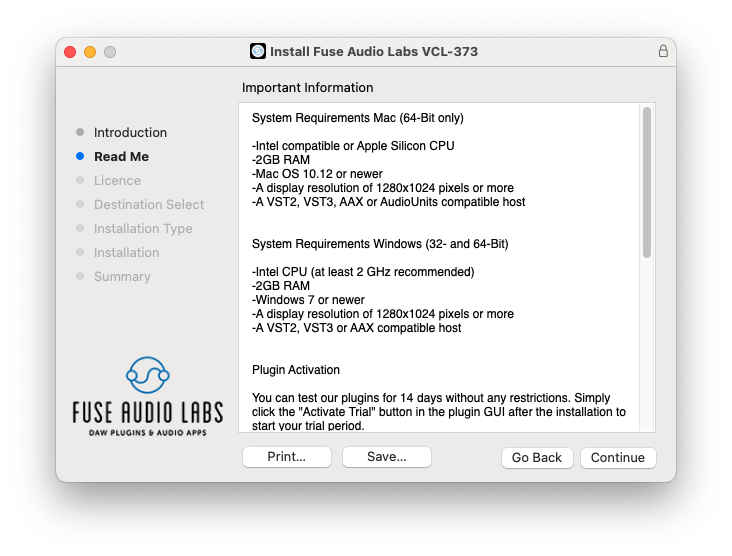
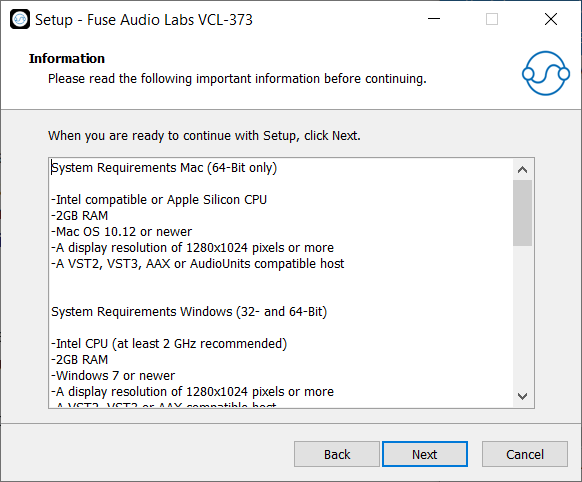
Mac (64-Bit only)
- Intel compatible or Apple Silicon CPU
- 2GB RAM
- Mac OS 10.12 or newer
- A display resolution of 1280x1024 pixels or more
- A VST2, VST3, AAX or AudioUnits compatible host
Windows (32- and 64-Bit)
- Intel compatible CPU (at least 2 GHz recommended)
- 2GB RAM
- Windows 7 or newer
- A display resolution of 1280x1024 pixels or more
- A VST2, VST3 or AAX compatible host