/ Virtual Instruments / Iconica Sections & Players
Steinberg

Iconica Sections & Players

$799.99
Iconica Sections & Players - Main
Iconica Sections & Players - Mixer
Orchestra Library Walkthrough and Unique Features in Iconica | Orchestra library for HALion gallery thumbnail
String Sections in Iconica | Orchestra library for HALion gallery thumbnail
Everything You Need to Know About Woodwinds in Iconica | Orchestra library for HALion gallery thumbnail
Percussion Section in Iconica | Orchestra library for HALion gallery thumbnail
Brass for Iconica | Orchestra library for HALion gallery thumbnail
Beautiful Harp in Iconica | Orchestra library for HALion gallery thumbnail
Buy Now
Product information

Orchestrated for masterpieces

Iconica Sections & Players was recorded in legendary Funkhaus Berlin from Steinberg together with Orchestral Tools and brings exceptional modern orchestral expression to professional composers. Featuring over 150 GB of strings, brass, woodwinds, percussion, and harp samples, with a huge variety of expressions and articulations, the advanced, user-friendly interface makes it very intuitive to use, speeding and inspiring new composition.

  • Wide range of articulations for strings, brass, woodwinds, percussion, and harp with round robins
  • Adaptive True Legato for exceptionally realistic note progressions
  • Several mic positions for each instrument
  • Tuning Scale function for different scales

System Requirements

  • 45 GB free HD space
  • Please note that this library requires the free HALion Sonic 7 or the full version of HALion 7
  • Internet connection required for activation, download, account setup and personal / product
  • registration. Additional software is required for the installation.

PC

  • Operating System: Windows 10 (64-bit), Windows 11 (64-bit) Version 21H2 or higher
  • Plugin Formats: VST3, AAX

Mac

  • Operating System: macOS Big Sur, Monterey, Ventura, Sonoma, Sequoia
  • Apple Silicon Compatibility: Rosetta 2 App, Native App
  • Plugin Formats: VST3, AU, AAX
Installation Instructions
Activation

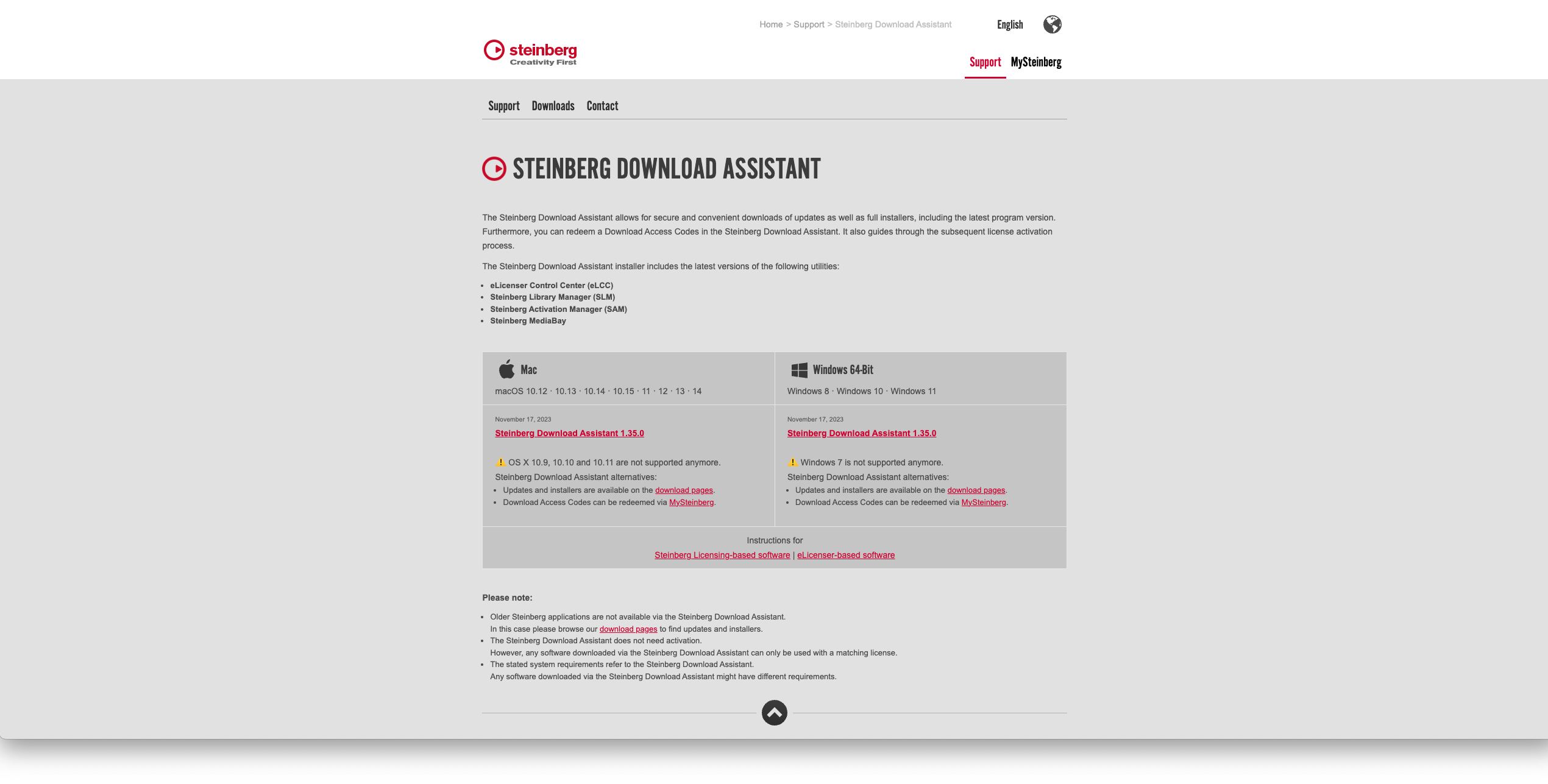
1. Go to https://www.steinberg.net/go/ or click 'Download' in your Plugin Boutique User Account.

2. Download the relevant installer > Complete the installation of the Steinberg Download Assistant.

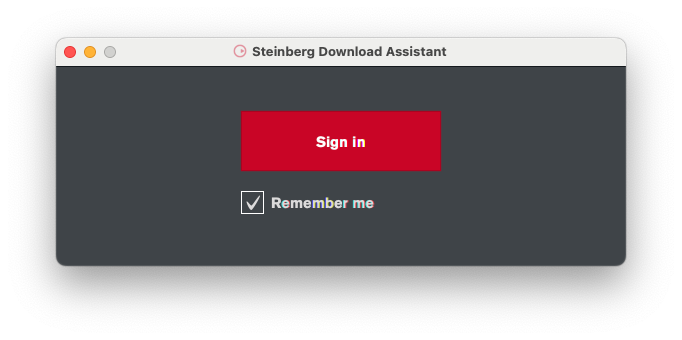
3. Click 'Sign in'.

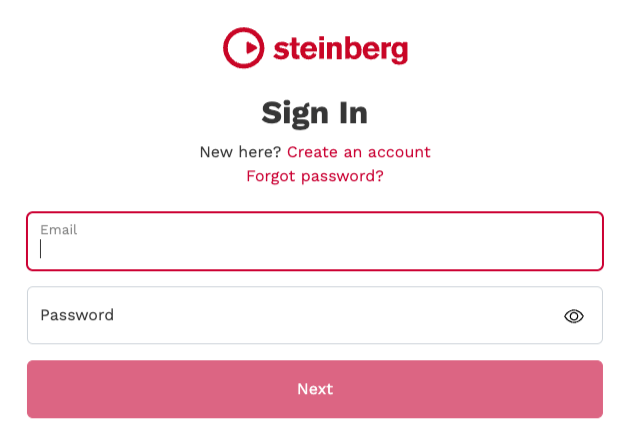
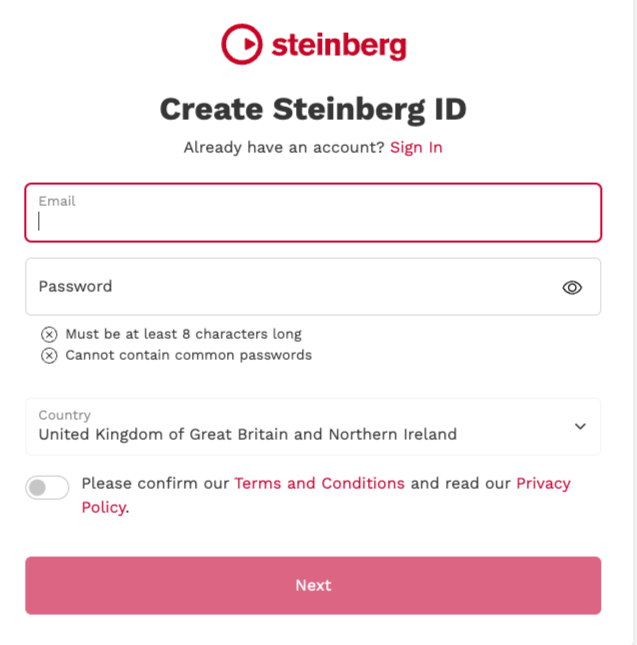
4. Click 'Create an account' > if you already have a Steinberg account, login and skip to step 

5. Enter the requested details > Click 'Next'.

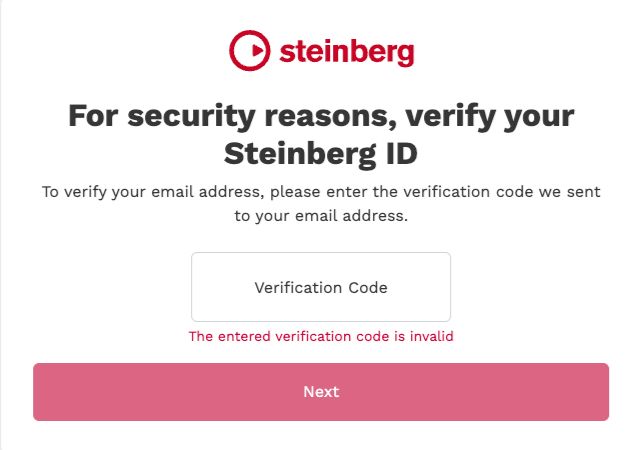
6. Enter the verification code found in your email from Steinberg > Click 'Next'.

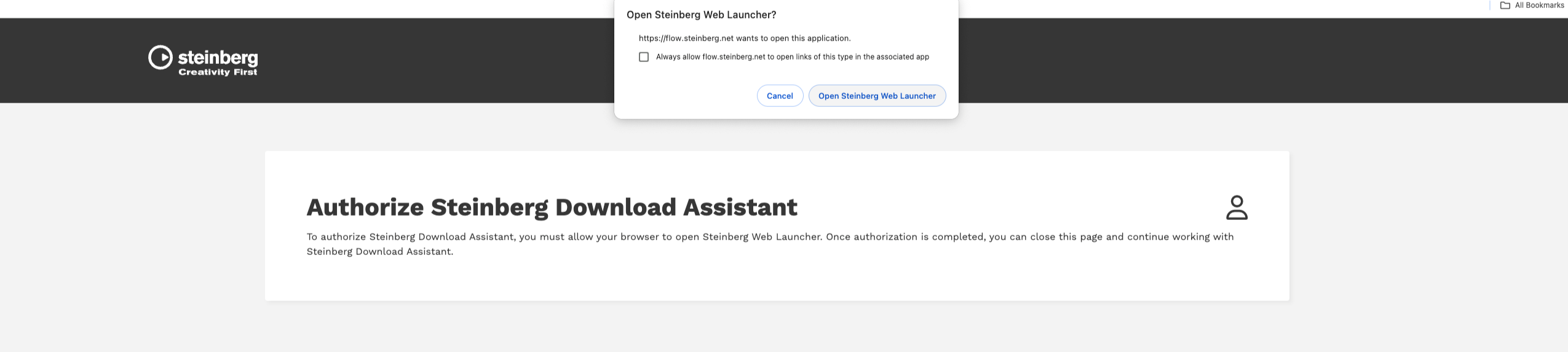
7. Click 'Open Steinberg Web Launcher'.

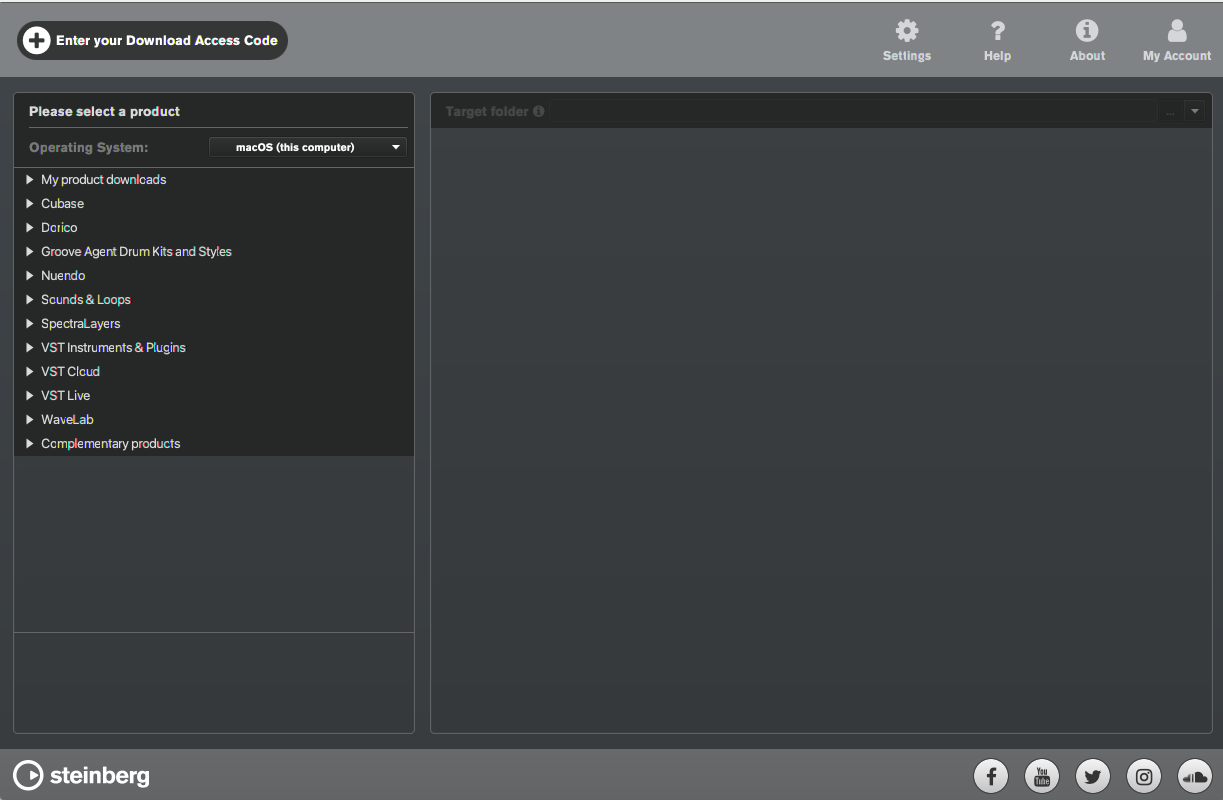
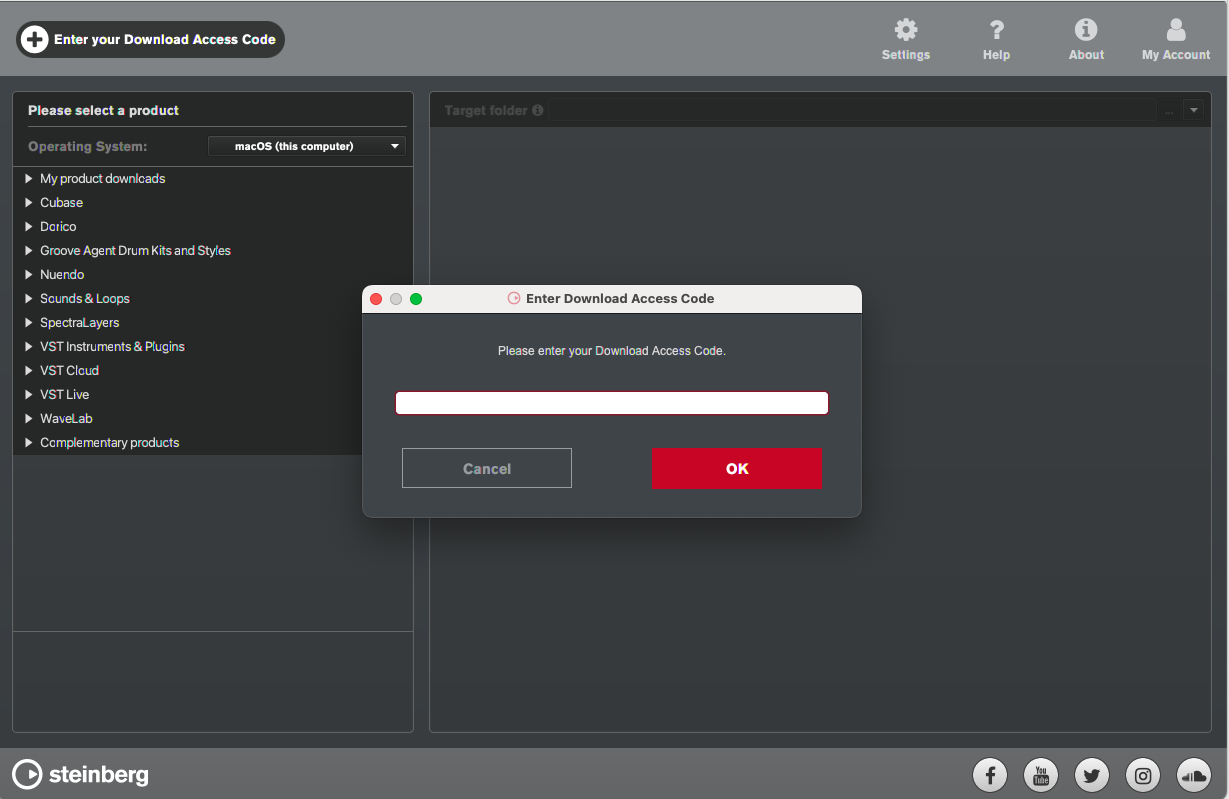
8. Click 'Enter your Download Access Code'.

9. Enter the serial number found in your Plugin Boutique User Account.

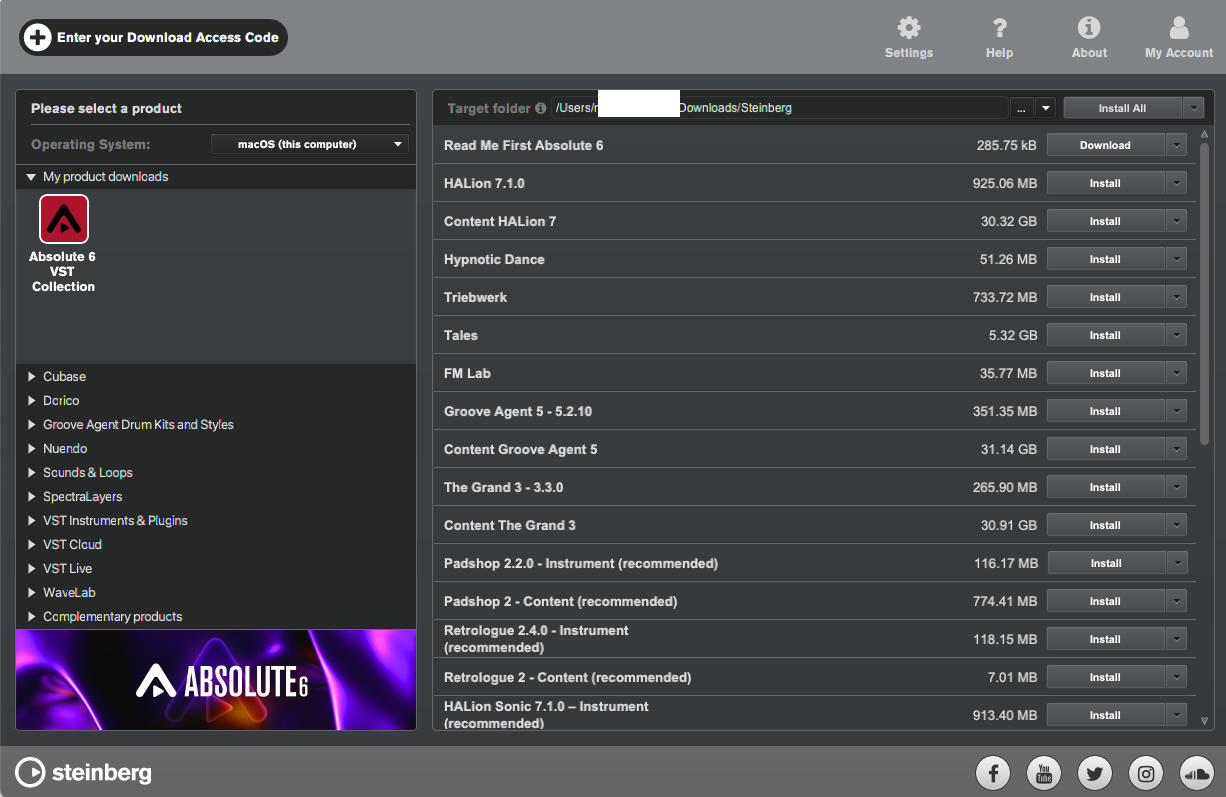
10. Download/Install the relevant products.

Your software is now installed and ready to be used!

Plugin Boutique Rewards

Discover the most rewarding loyalty programme among all plugin retailers.

  • Free Loopmasters Samplepacks
  • Discounts on products and courses
  • Extra Virtual Cash claimed immediately at checkout
Find out more

Follow us:

X (Twitter) Facebook YouTube Instagram
Logo Logo

Plugin Boutique Limited, Part of the Beatport Group LLC.

Copyright © 2011-2025 Plugin Boutique. All rights reserved