/ Virtual Instruments / Iconica Sketch
Steinberg

Iconica Sketch

4.0 (1 Reviews)
$119.99
Iconica Sketch - GUI
Creating A Spine Chilling Horror Soundtrack - a Masterclass with Baltic Shimmers & Iconica Sketch gallery thumbnail
Create Massive Hybrid Cinematic Drones | Production Lab With Dom | HALion 7 | Iconica Sketch gallery thumbnail
Iconica Sketch - Demoproject "Unshaken" MIDI Playthrough Cubase 13 gallery thumbnail
Buy Now

Buy Iconica Sketch, get a free gift with purchase:

Product information

Bring your orchestral ideas to life with Iconica Sketch

Iconica Sketch is the perfect starting point for composers. It offers you a complete orchestra with 34 different instruments and 140 articulations in an exceptionally intuitive interface — optimized in file size and CPU performance. The original recordings from Iconica have been carefully selected and re-mastered to deliver a well-balanced, high-quality orchestral experience.

  • A whole orchestra in a compact file size (4.6 GB) with enhanced CPU performance
  • 140 of the most important short and long articulations (including legatos)
  • 34 different instruments ranging from violins to percussion
  • A new mix, based on the original Orchestral Tools recordings from Iconica

System Requirements

System Requirements

  • 4.6 GB free HD space
  • Please note that this library requires the free HALion Sonic 7 or the full version of HALion 7
  • Internet connection required for activation, download, account setup and personal / product
  • registration. Additional software is required for the installation.

PC

  • Operating System: Windows 10 (64-bit), Windows 11 (64-bit) Version 21H2 or higher
  • Plugin Formats: VST3, AAX

Mac

  • Operating System: macOS Big Sur, Monterey, Ventura, Sonoma, Sequoia
  • Apple Silicon Compatibility: Rosetta 2 App, Native App
  • Plugin Formats: VST3, AU, AAX
Installation Instructions
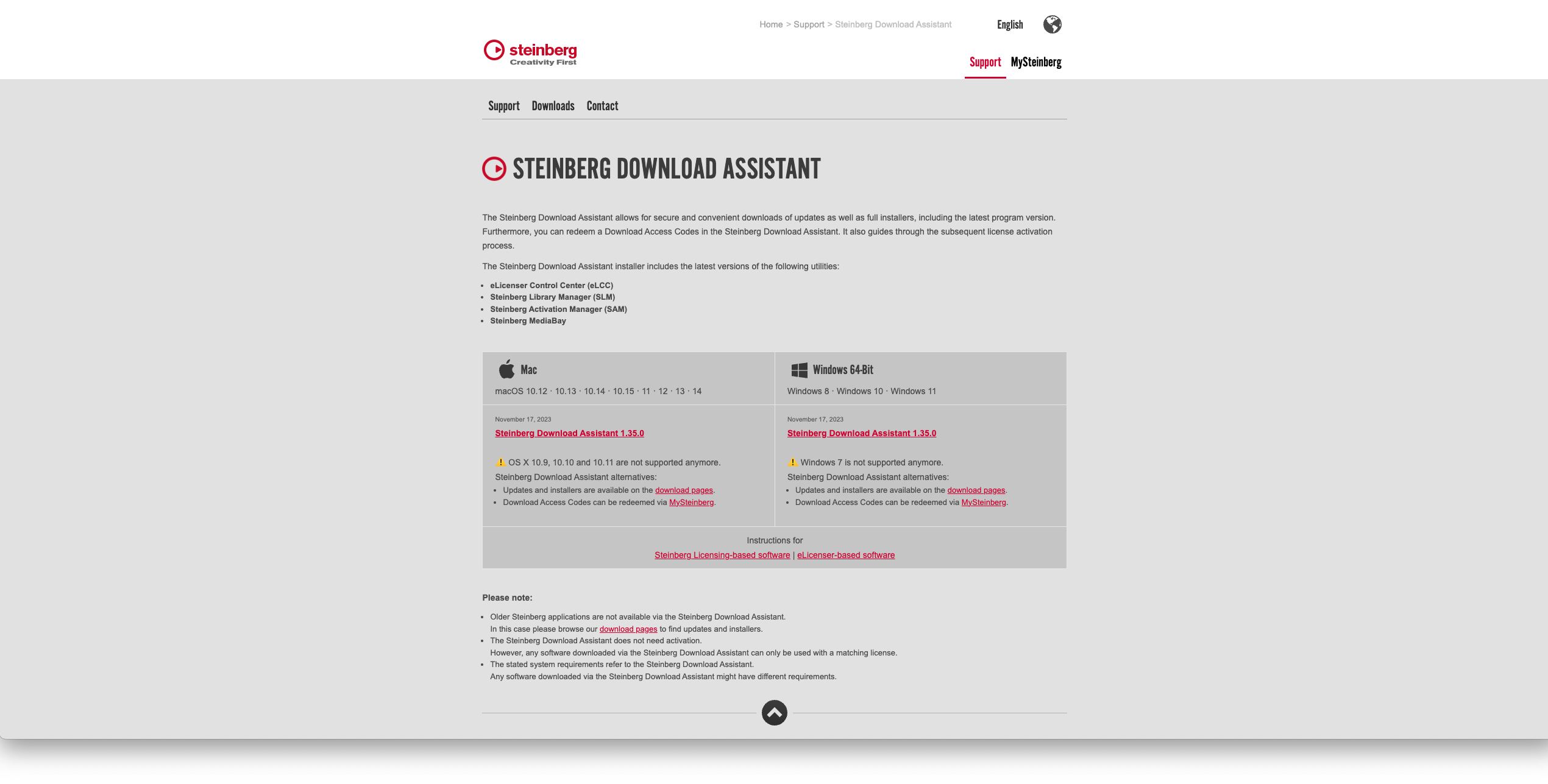
Activation

1. Go to https://www.steinberg.net/go/ or click 'Download' in your Plugin Boutique User Account.

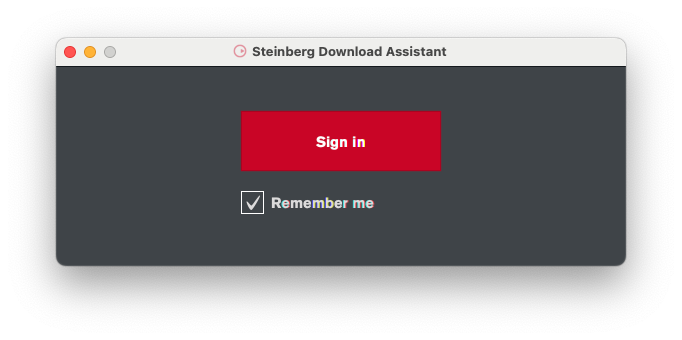
2. Download the relevant installer > Complete the installation of the Steinberg Download Assistant.

3. Click 'Sign in'.

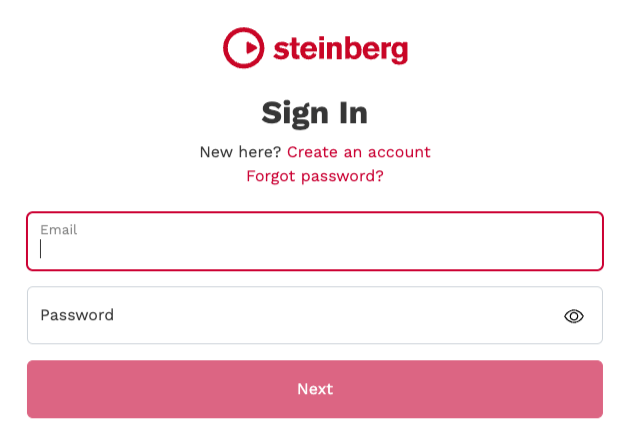
4. Click 'Create an account' > if you already have a Steinberg account, login and skip to step 

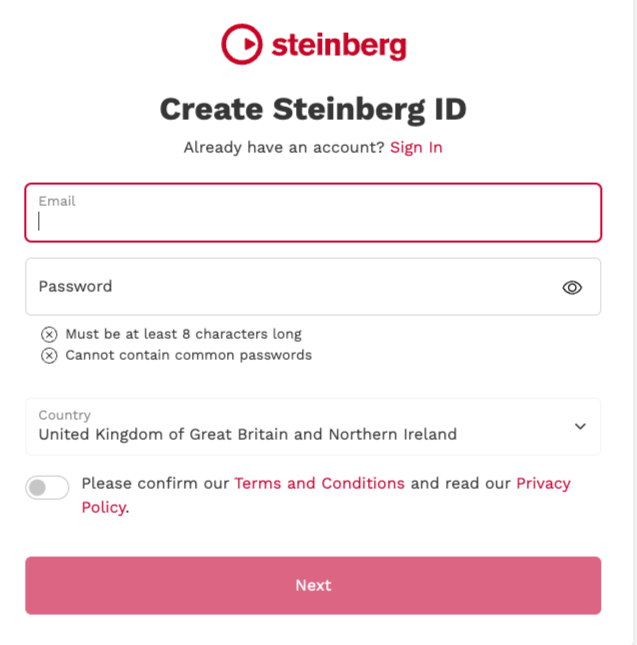
5. Enter the requested details > Click 'Next'.

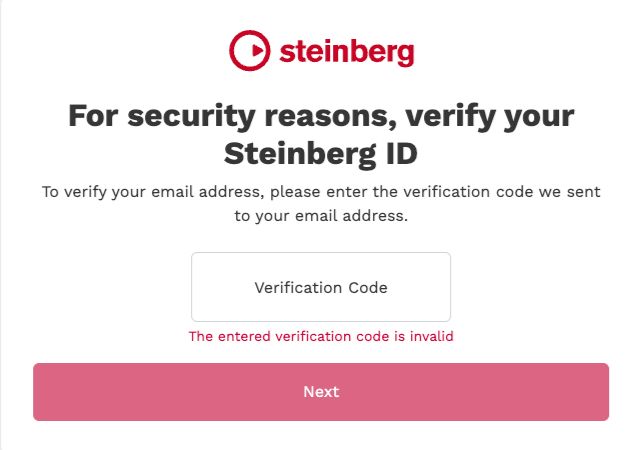
6. Enter the verification code found in your email from Steinberg > Click 'Next'.

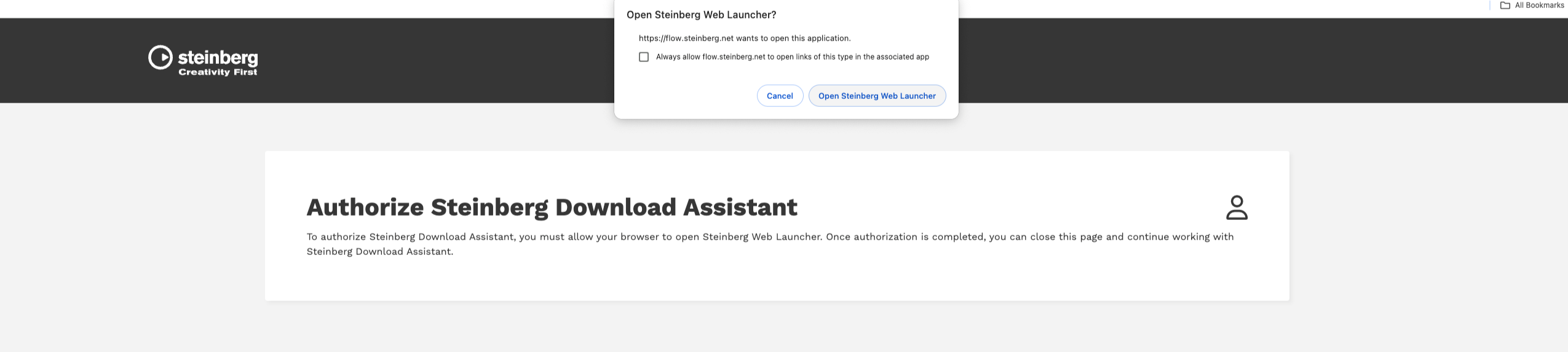
7. Click 'Open Steinberg Web Launcher'.

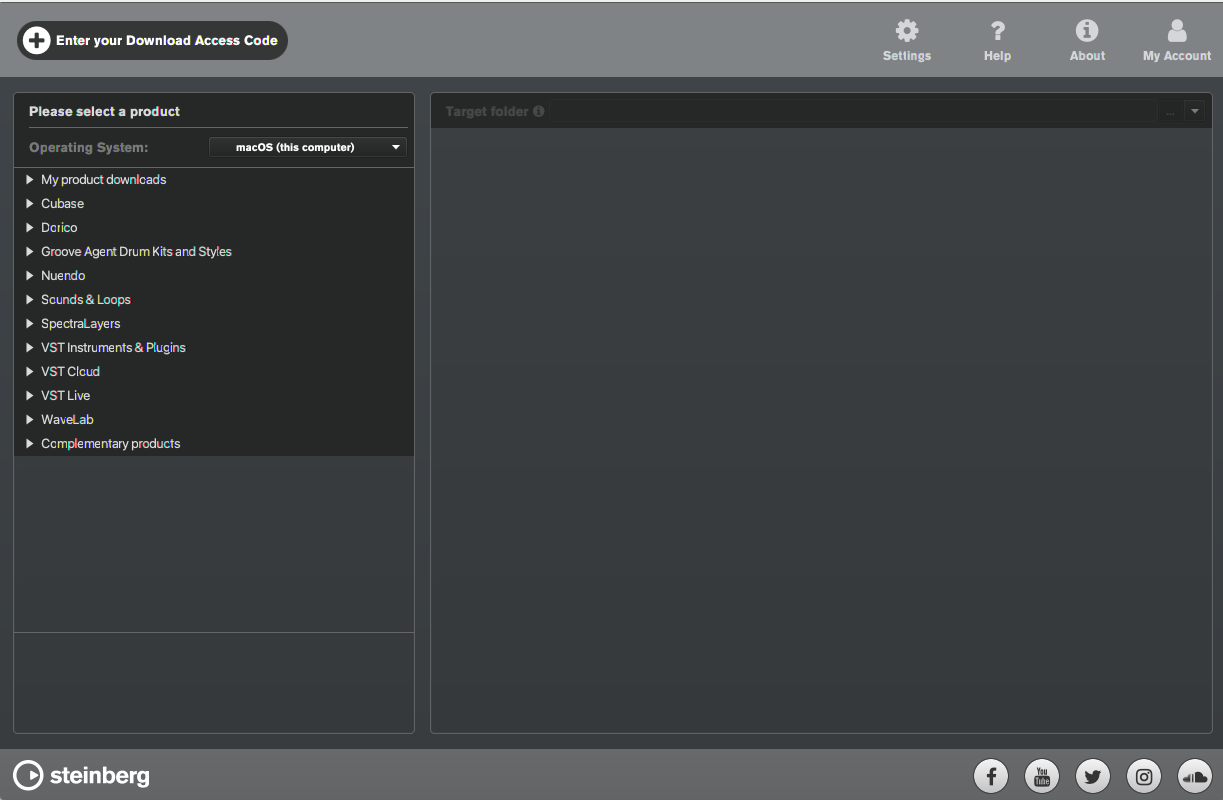
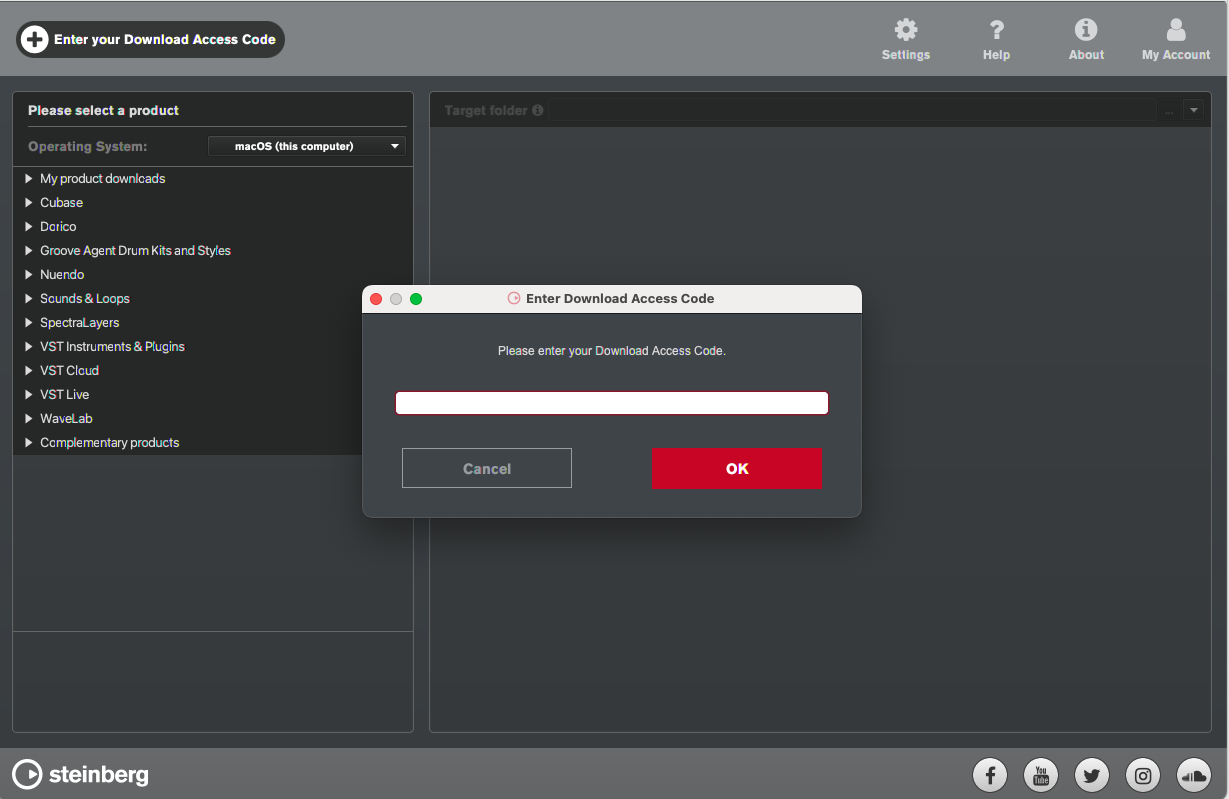
8. Click 'Enter your Download Access Code'.

9. Enter the serial number found in your Plugin Boutique User Account.

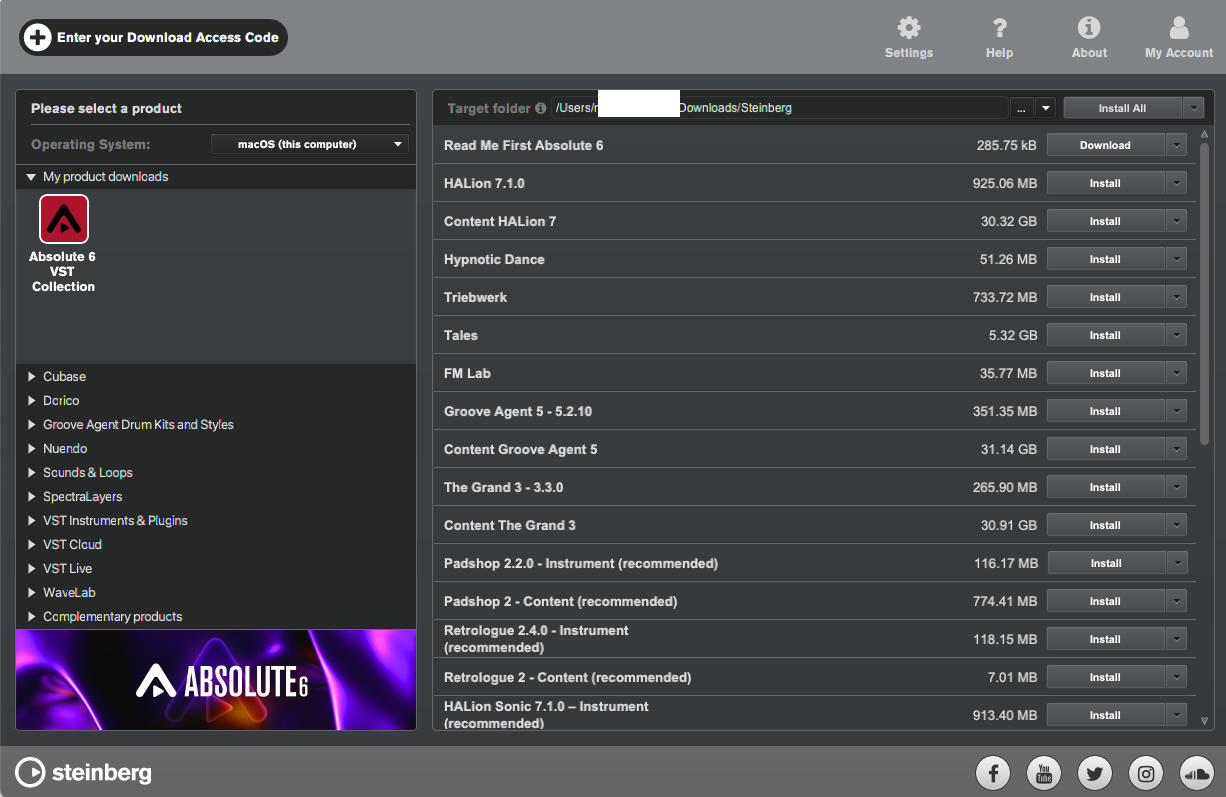
10. Download/Install the relevant products.

Your software is now installed and ready to be used!

Plugin Boutique Rewards

Discover the most rewarding loyalty programme among all plugin retailers.

  • Free Loopmasters Samplepacks
  • Discounts on products and courses
  • Extra Virtual Cash claimed immediately at checkout
Find out more

Follow us:

X (Twitter) Facebook YouTube Instagram
Logo Logo

Plugin Boutique Limited, Part of the Beatport Group LLC.

Copyright © 2011-2025 Plugin Boutique. All rights reserved