Log In

Free gifts available with your purchase
Product information
A sonic masterpiece
Felt piano tones — beautiful and warm, dreamy and melancholic, detailed and pure. With Verve you can tell a new story with every key you press. Recorded using a unique, precision robot at the Yamaha Studios in Los Angeles, Verve was created with one purpose in mind, to be a sonic masterpiece. Give it a completely new feel by layering with additional textures and creating previously unheard sounds. Verve is not just a piano; it is emotions and stories.
Features
- A felt piano with multiple cinematic textures
- Textures: symphonic strings, analog synths, field recordings, dry ice, glass and more
- A masterpiece of engineering, recorded with a precision one-finger robot
- Perfect for intimate scores, warm timbres, and soft nuances
System Requirements
System Requirements
- 8.3 GB free HD space
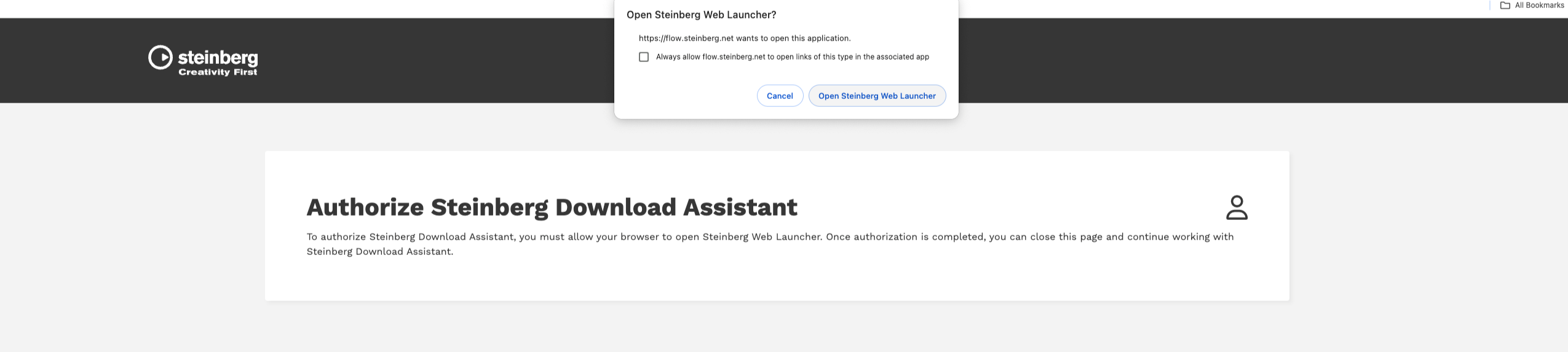
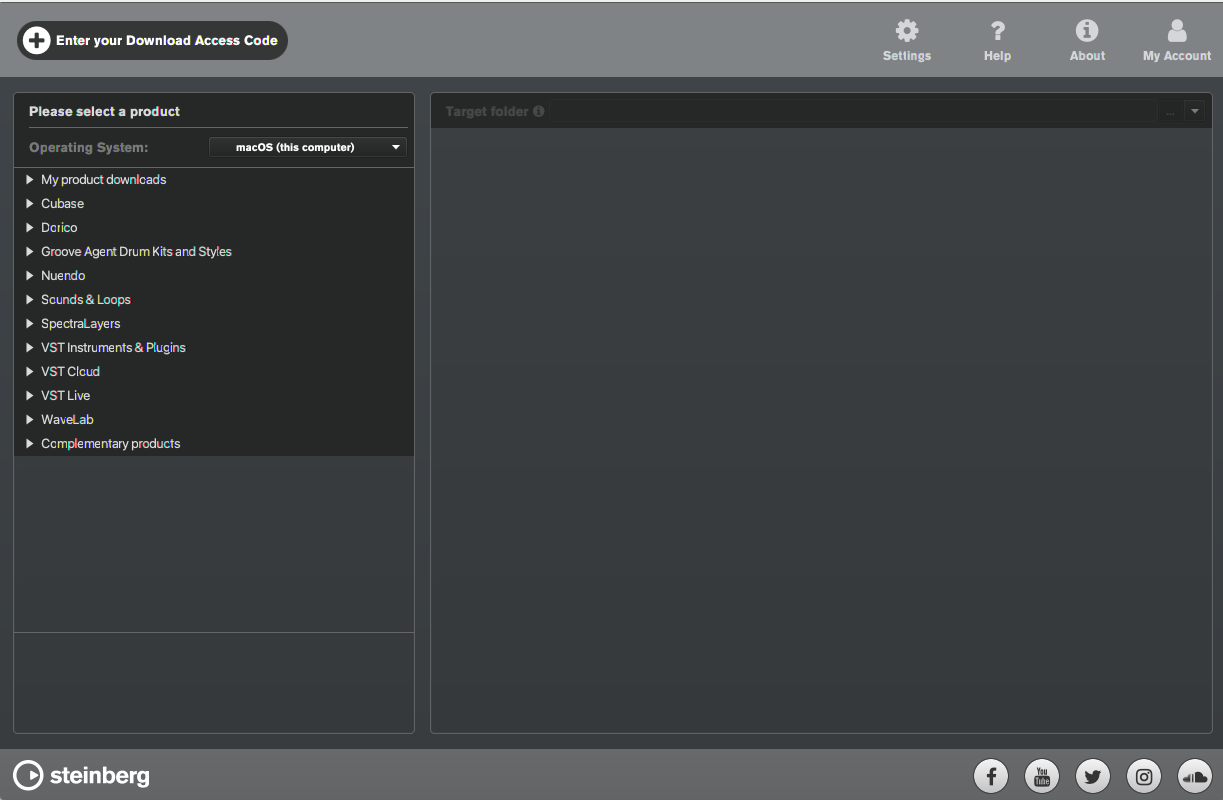
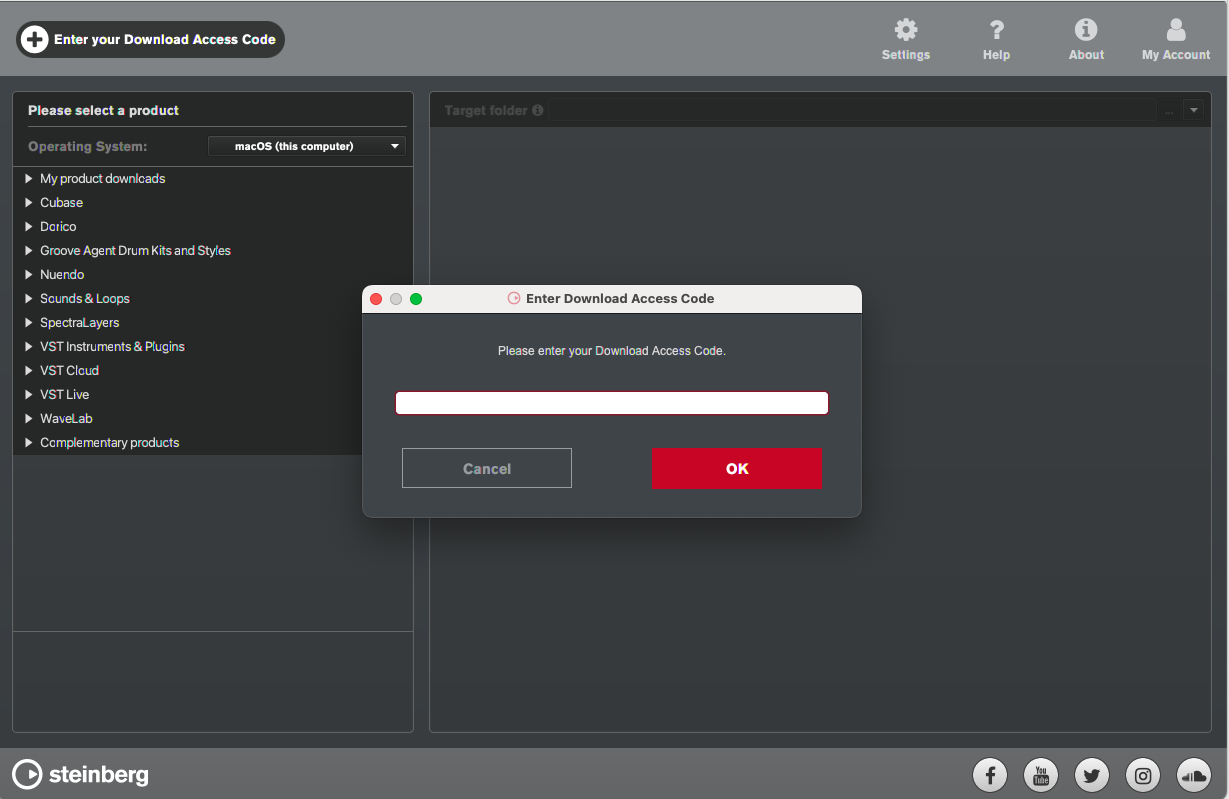
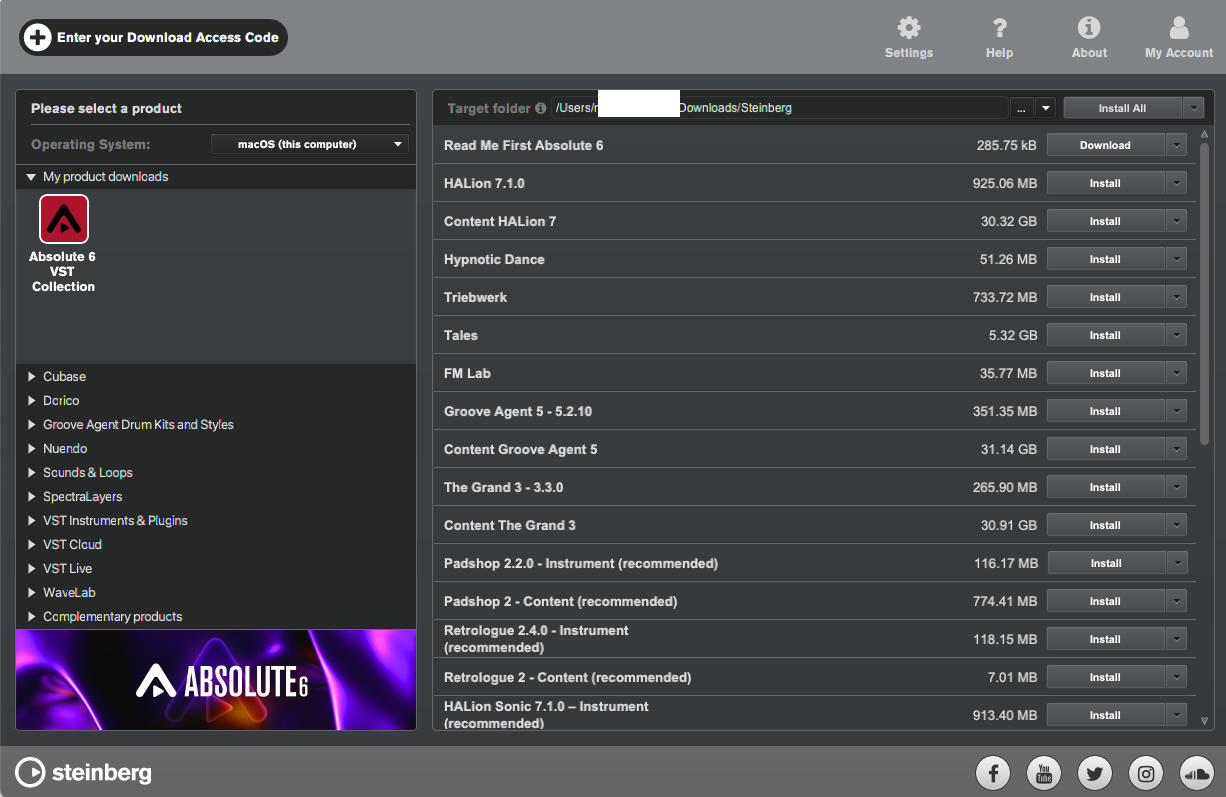
- Internet connection required for activation, download, account setup and personal / product registration. Additional software is required for the installation.
PC
- Operating System: Windows 10 (64-bit), Windows 11 (64-bit) Version 21H2 or higher
- Plugin Formats: VST3, AAX
Mac
- Operating System: macOS Big Sur, Monterey, Ventura, Sonoma, Sequoia
- Apple Silicon Compatibility: Rosetta 2 App, Native App
- Plugin Formats: VST3, AU, AAX
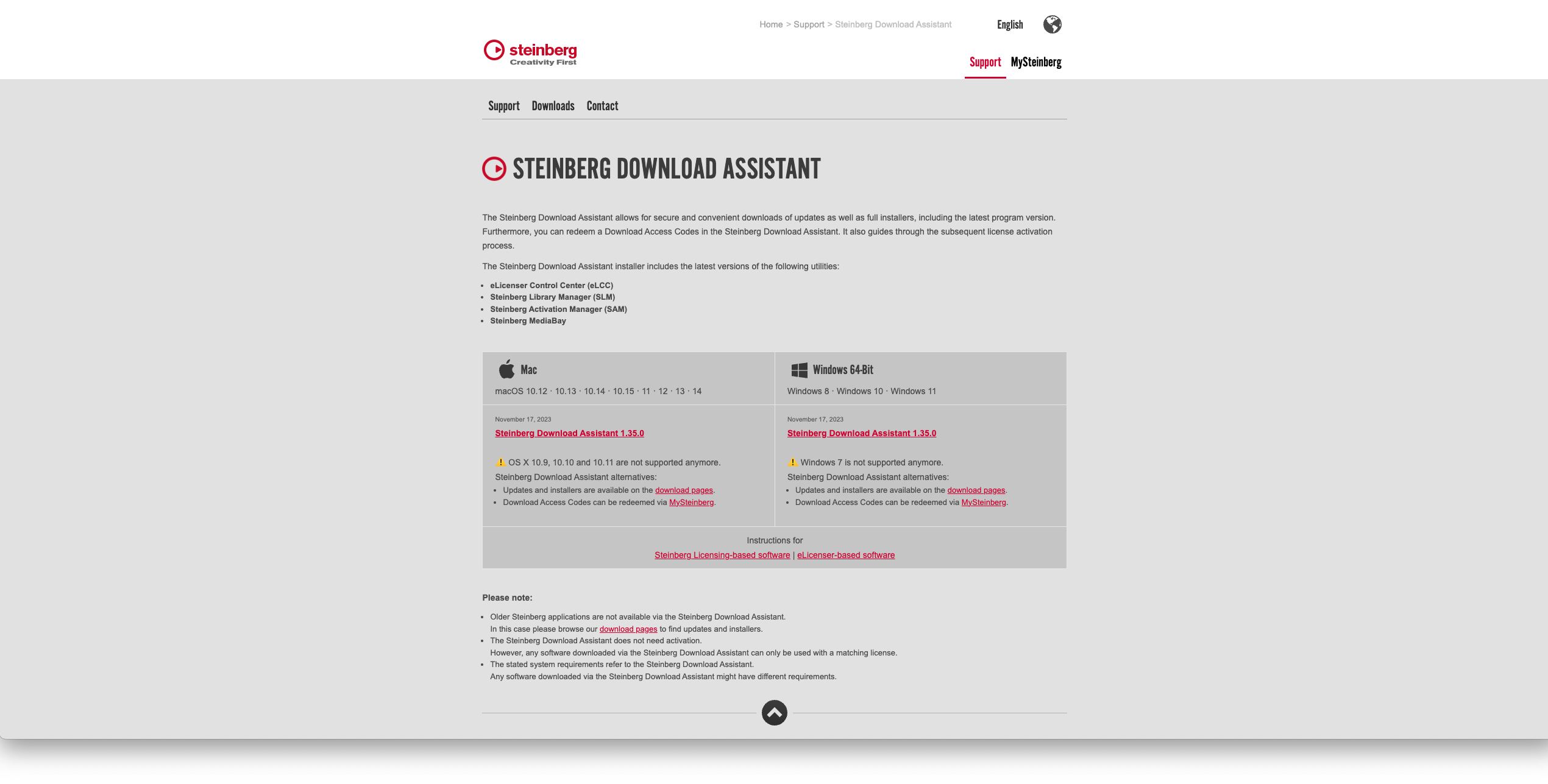
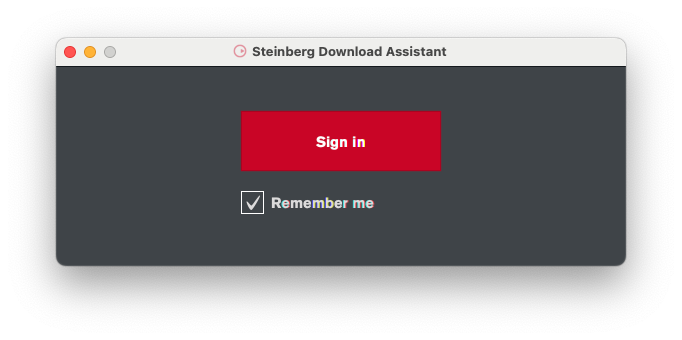
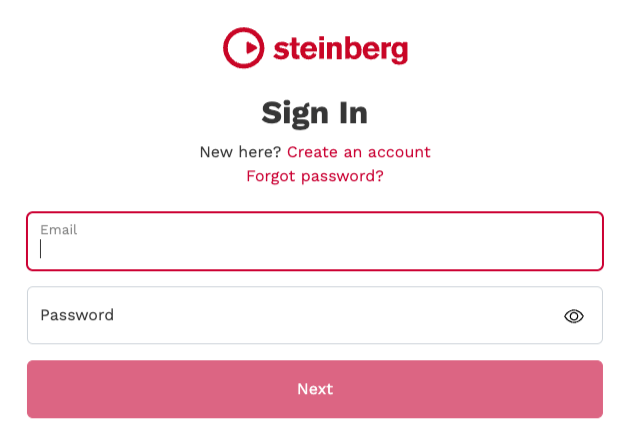
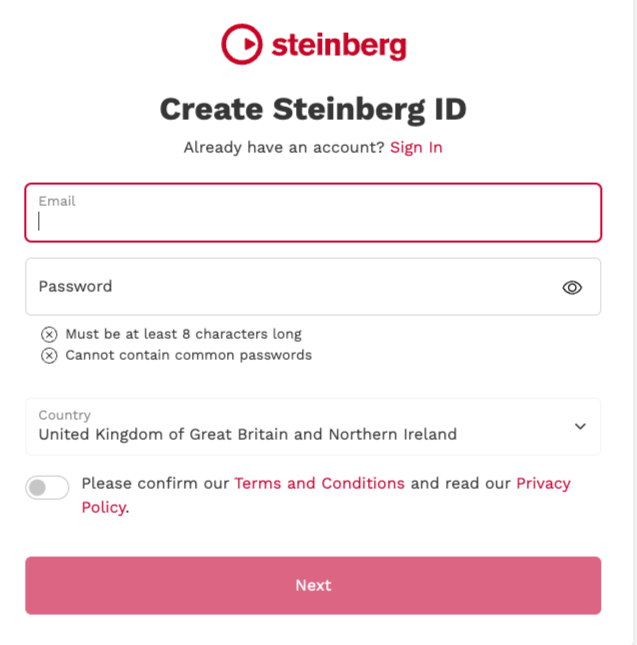
Installation Instructions