/ Distortion / DistoBlast
Audio Blast

DistoBlast

4.8 (5 Reviews)
$29.00 $69.00

57% off until Dec 07

Audio Blast DistoBlast
DistoBlast is here! 9 Distortions. Total Mayhem. gallery thumbnail
Buy Now
Product information

Multimode Distortion Plugin for Producers and Sound Designers

Crush. Shred. Sculpt. DistoBlast is a high-powered multi-algorithm distortion plugin designed for modern music producers, sound designers, and mixing engineers. Whether you’re after subtle saturation, filthy fuzz, aggressive clipping, or full-frequency annihilation, DistoBlast delivers a vast range of sonic destruction—all in one sleek, intuitive interface.


Whether you’re working in techno, trap, industrial, experimental sound design or just need a powerful distortion toolbox, DistoBlast brings creative chaos and precise control together in a single plugin.

Features

  • 9 Unique Distortion Modes – From smooth analog overdrive to brutal FM-style wave shaping:
    • OverdriveHot ValveClip InfernoUltraCrunchBit ReducerTurboFuzzRageClipBrutal Bill, and QuadraFuzz
  • QuadraFuzz Engine – Multiband distortion with separate Drive controls for Low, Mid-Low, Mid-High, and High frequencies.
  • Advanced Tone Shaping – Each distortion type features Dry/Wet blend, Punch compression, and post-distortion filtering.
  • Pre-Filter Section – Choose from Lowpass, Highpass, Bandpass, or LP2 filters to shape your signal before it hits the distortion circuit.
  • Preset Manager – Save and recall your favorite settings, with a built-in preset browser and quick-access functions.
  • Fully Customizable UI – Resize the interface (75% to 200%) and change visual styles to match your workflow.
  • Automation Ready – Every parameter is automatable and compatible with host DAWs.
  • Quick Reset – Ctrl+click or double-click to instantly reset any knob to its default.
System Requirements

System Requirements


Mac

  • MacOS 10.13+ (Apple Silicon Supported)
  • Intel Core i5 or equivalent CPU
  • 2GB RAM

PC

  • Windows 7+
  • Intel Core i5 or equivalent CPU
  • 2GB RAM
Installation Instructions
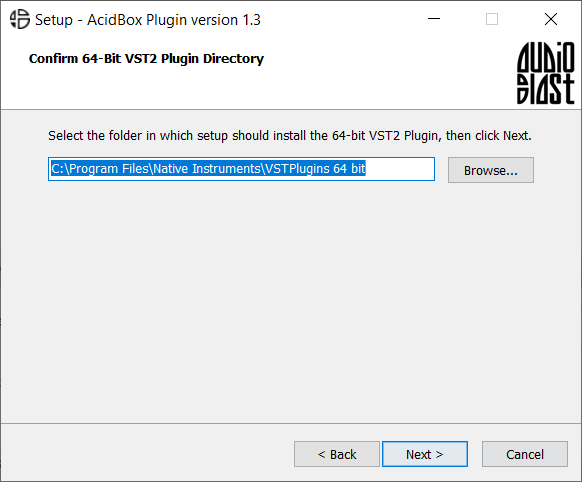
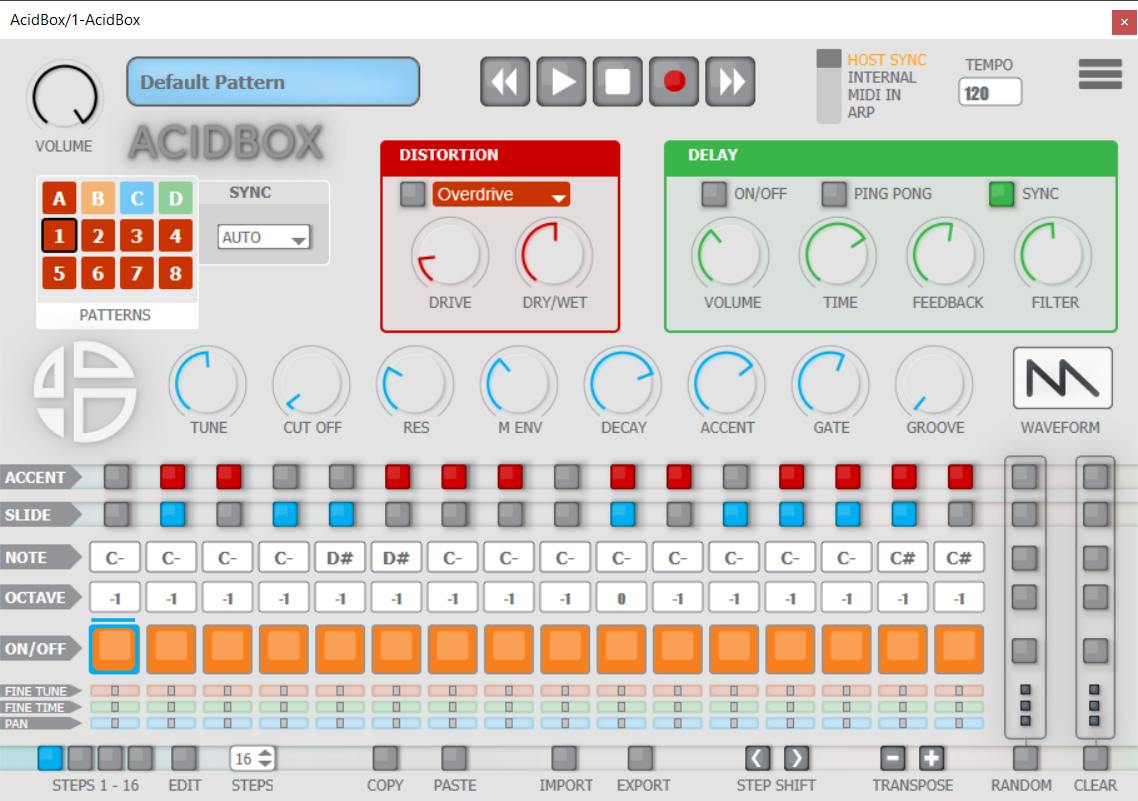
Note: Acidbox has been used as an example.

Activation

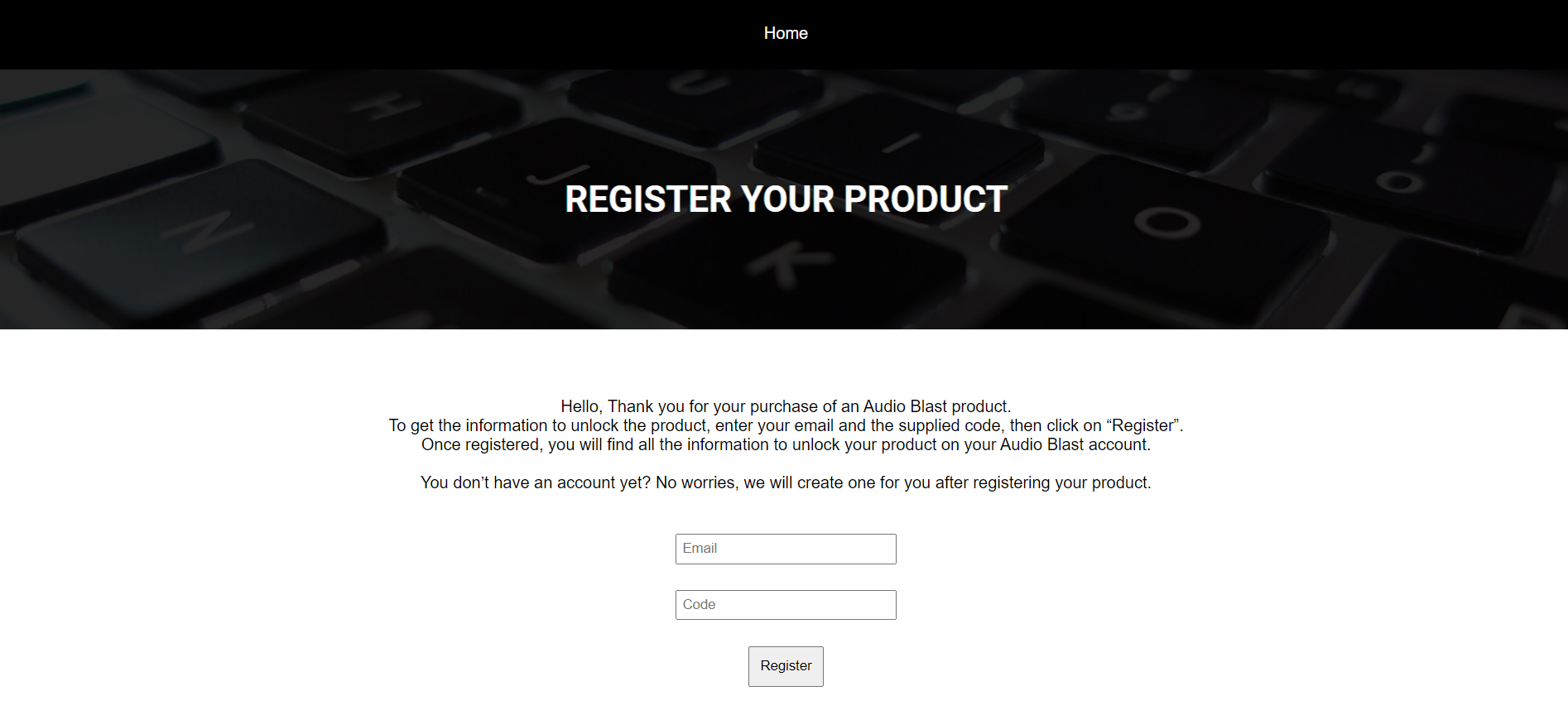
1.  Go to https://www.audioblast.me/register/ > Enter your email address as well as the code found in your Plugin Boutique User Account.

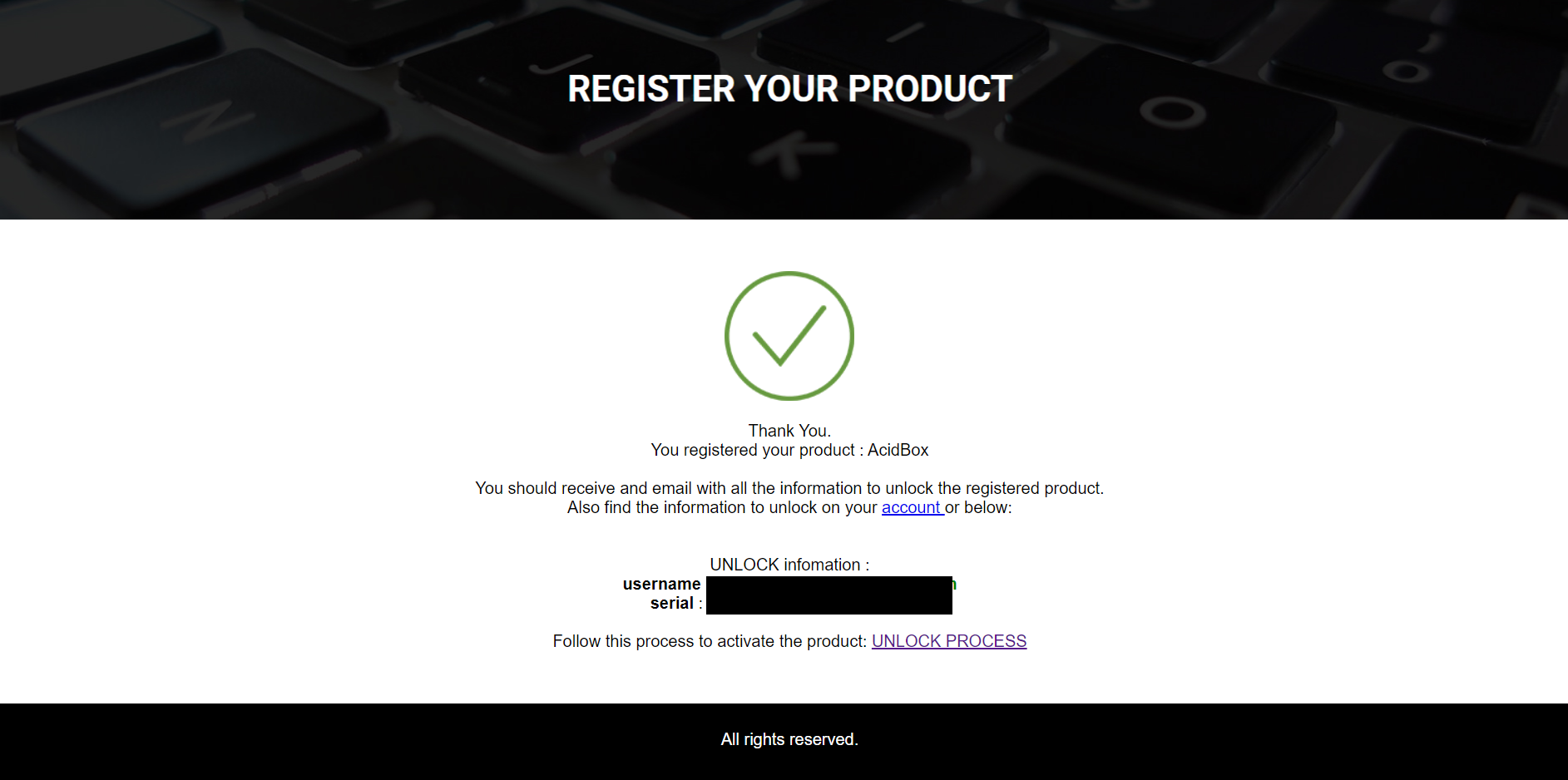
2. You will now receive your Username and Serial > Make note of both of these (they will also be sent to your email address for future reference).

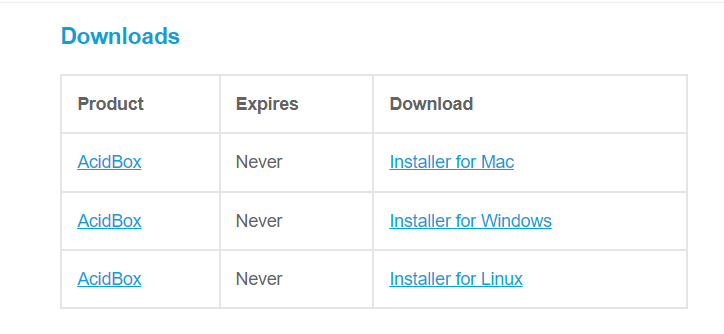
3. You will have received an email from Audio Blast with links to download your software > Download the relevant installer.

Installation

PC

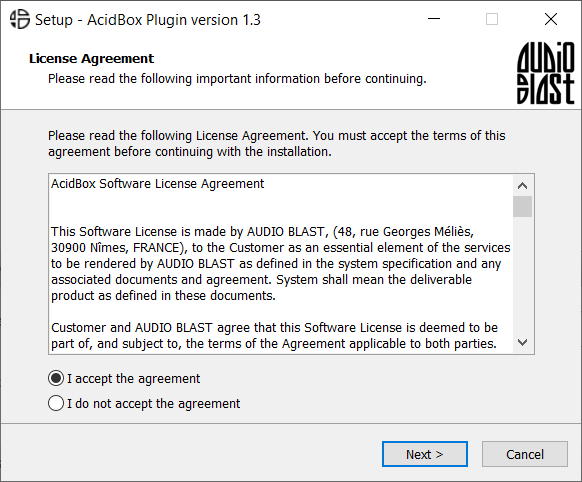
1. Double-click the .exe file to begin the installation process.

2. Click 'I accept the agreement' > Click 'Next >'.

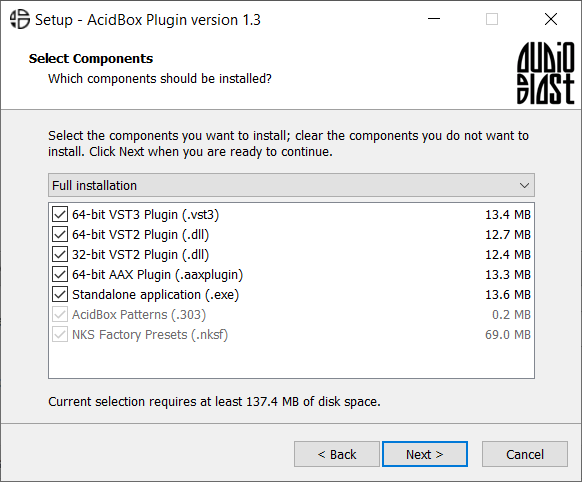
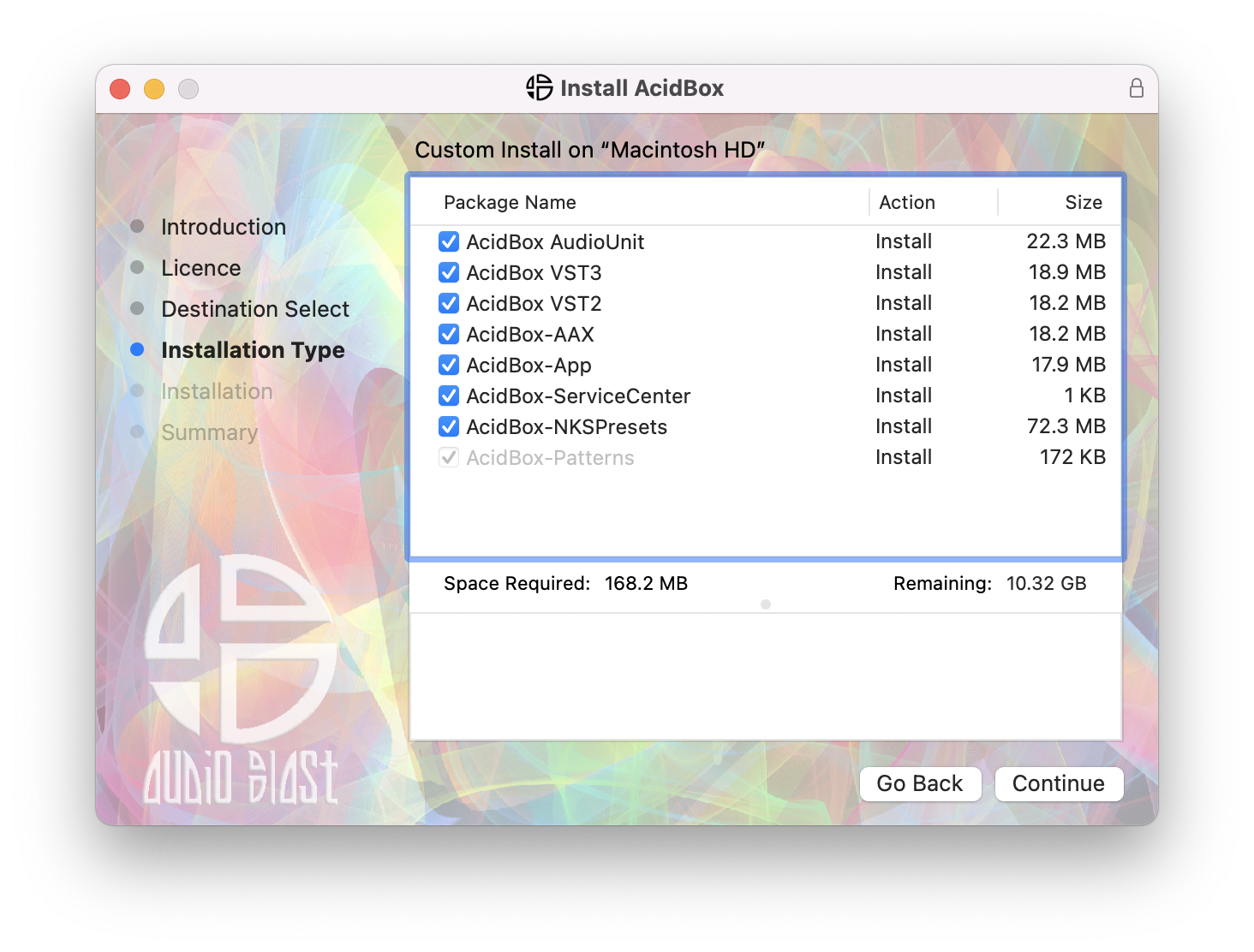
3. Select which components you wish to install > Click 'Next >'.

4. Select the location you wish to install the plugin to > Click 'Next >'.

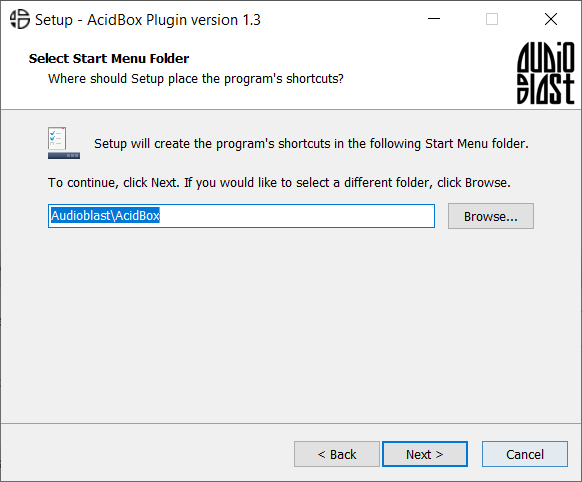
5. Select where you would like to set up the shortcut for the standalone version > Click 'Next >.

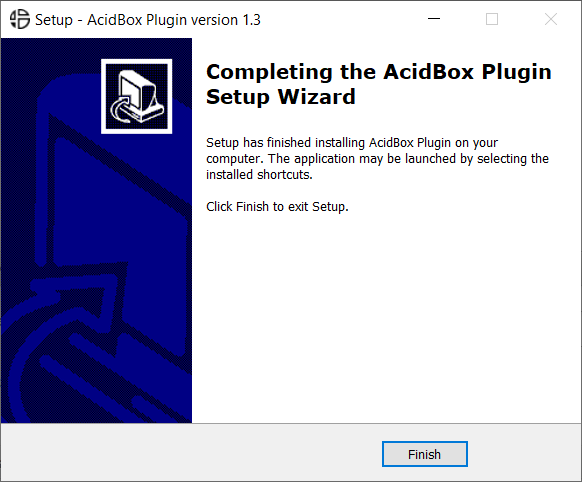
6. Click 'Finish'.

7. Open your DAW > Locate and open Acidbox.

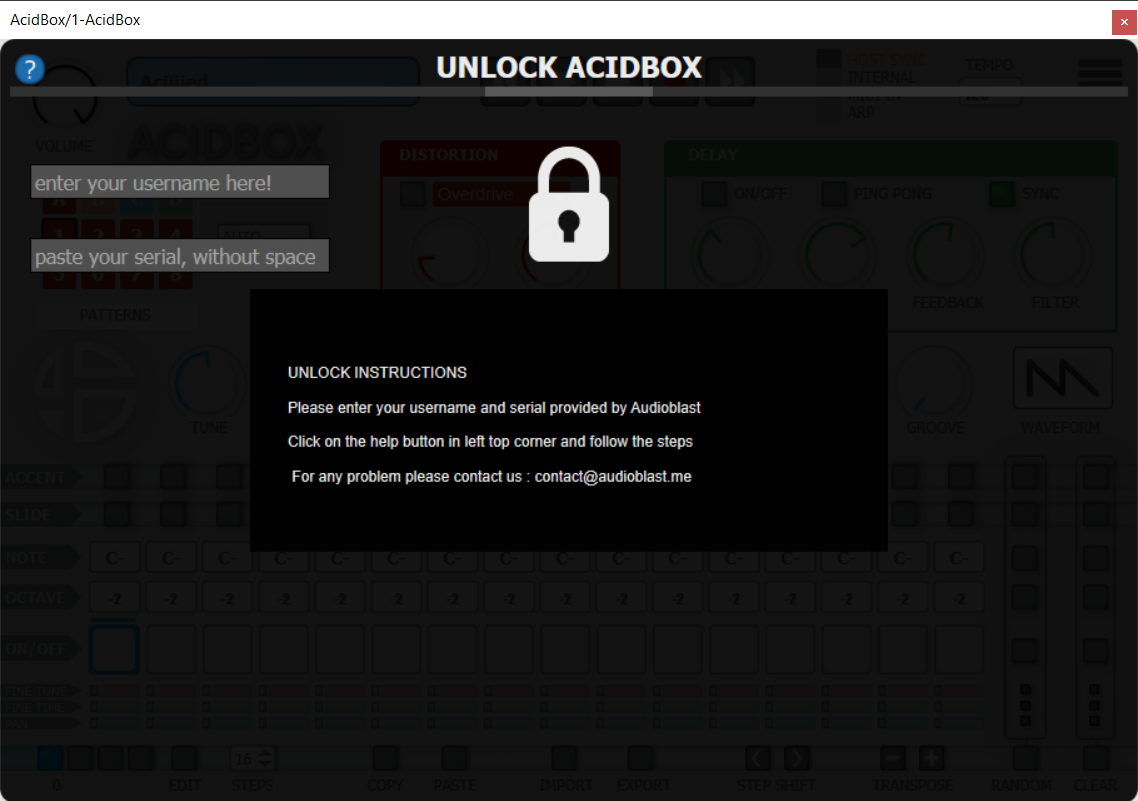
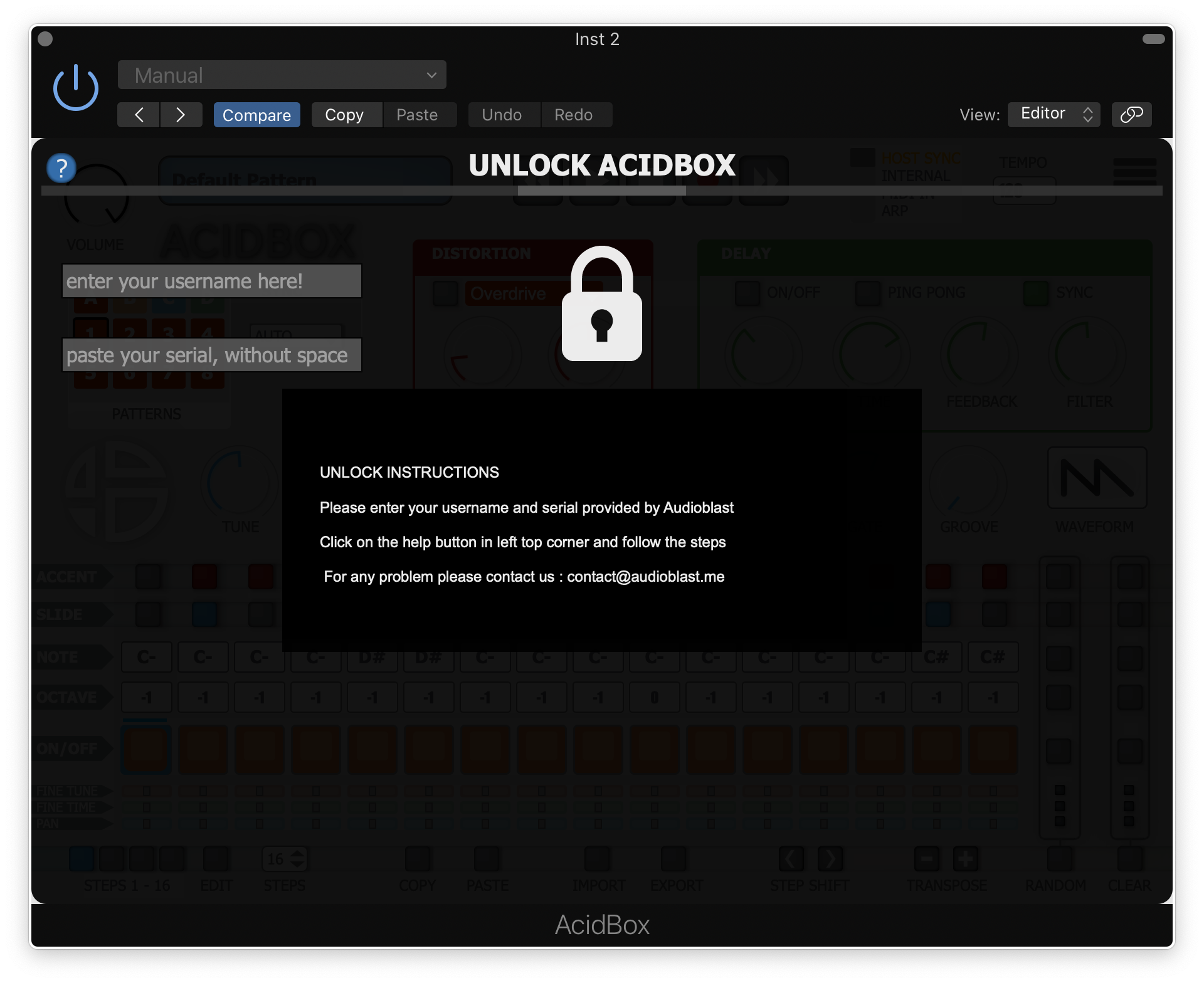
8. Enter the username and serial code that you received earlier > Once entered, click anywhere to activate the plugin.

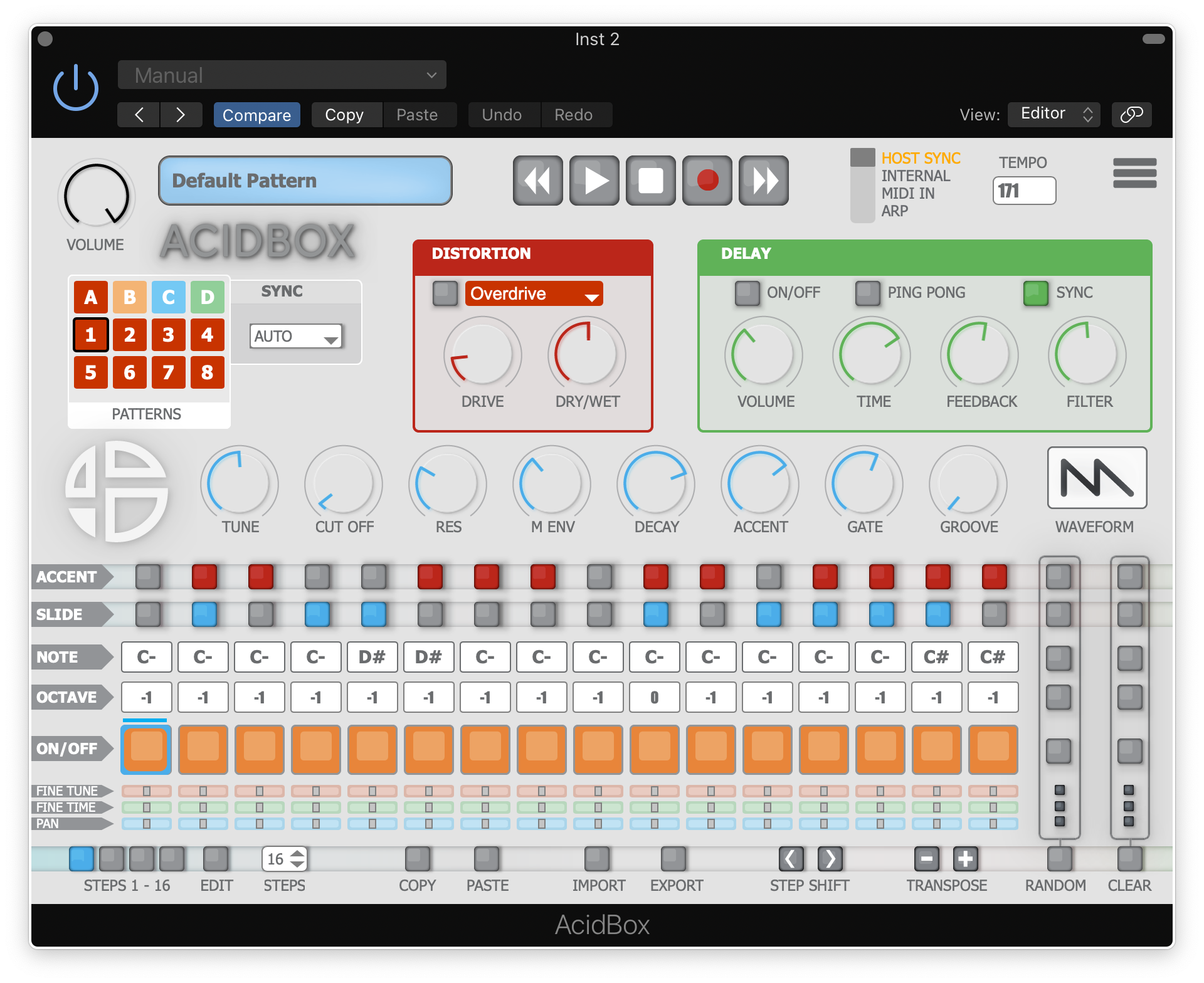
Acidbox is now activated and ready for use inside your DAW!

Mac

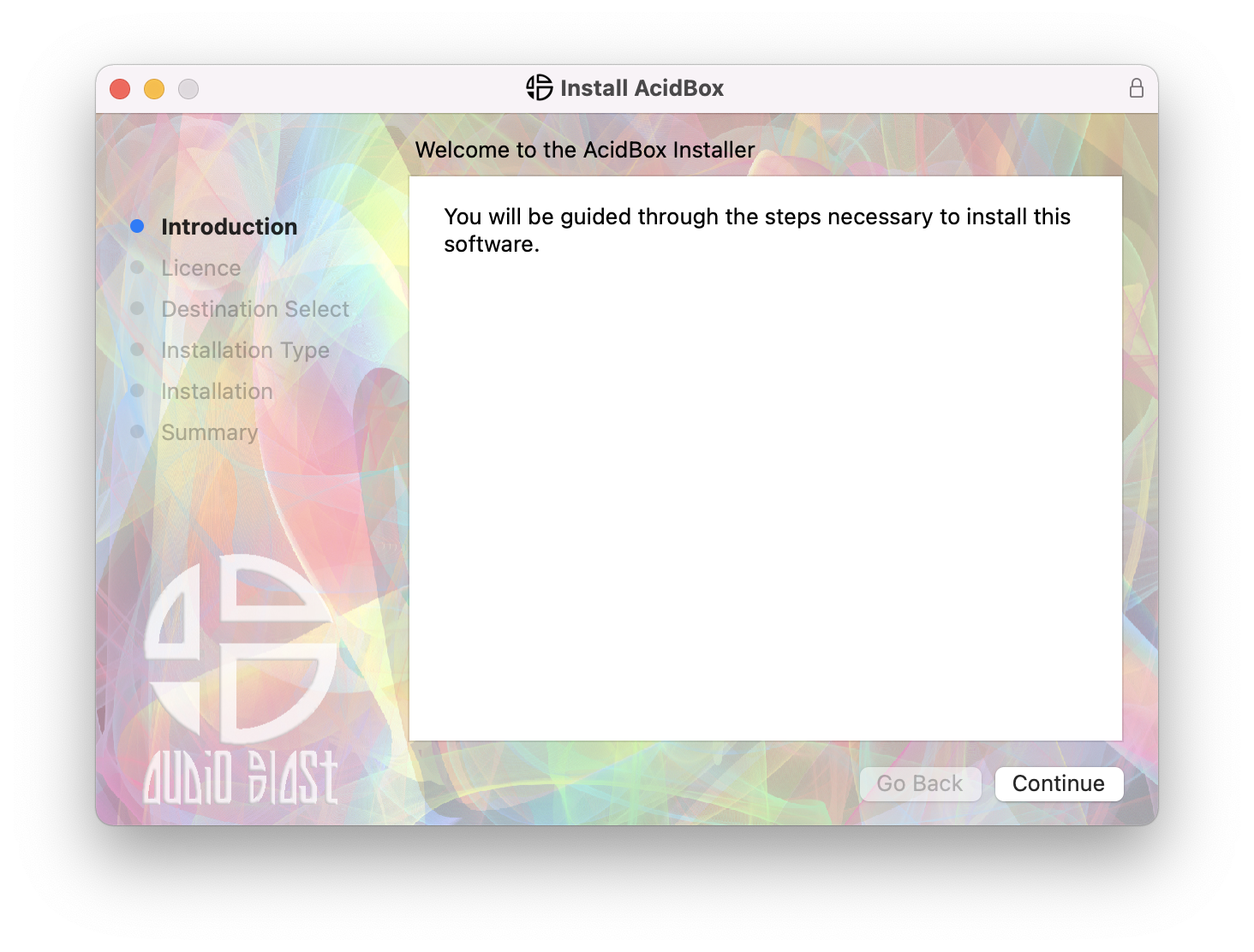
1. Double click the .pkg file to begin the installation process.

2. Click 'Continue'.

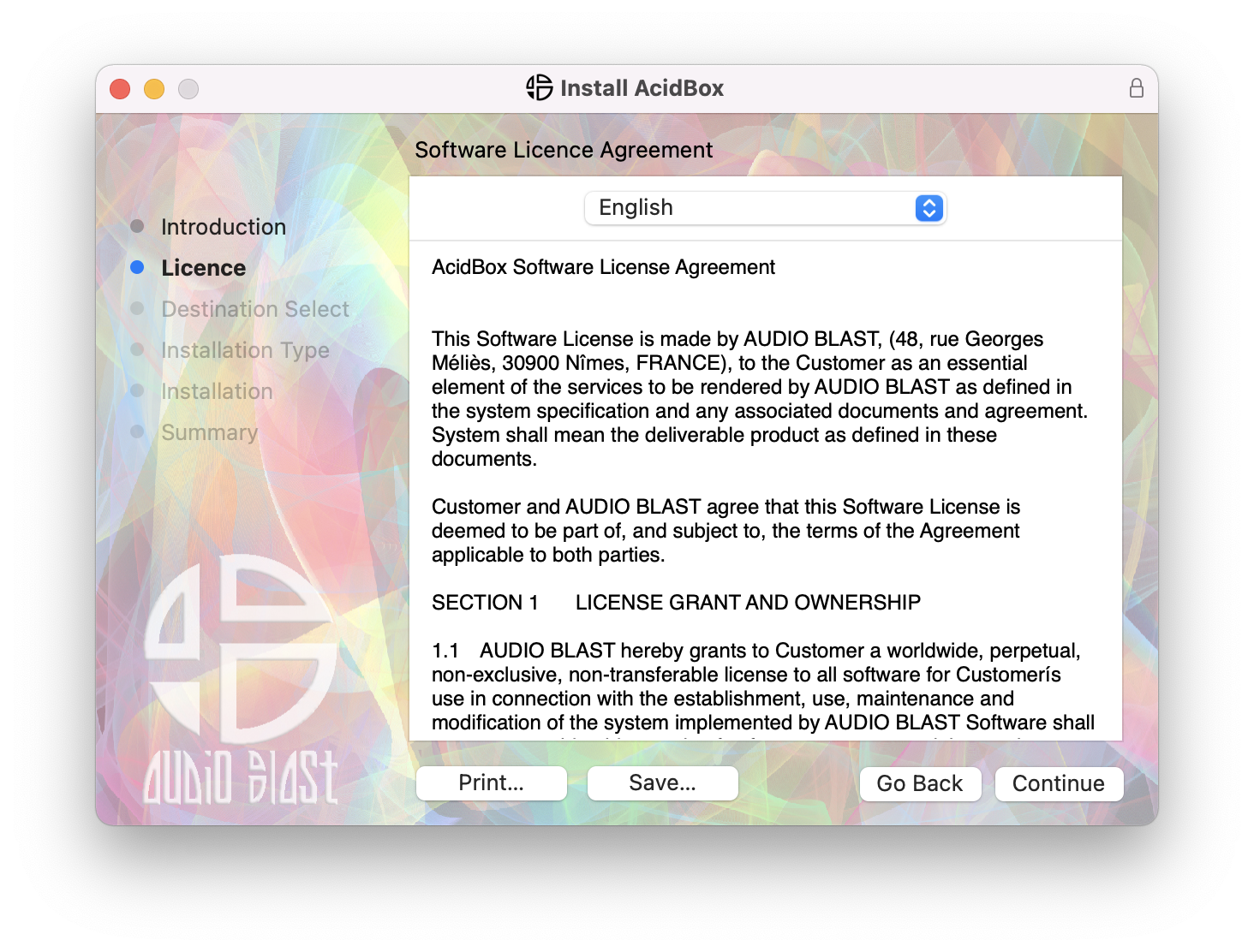
3.  Click 'Continue'.

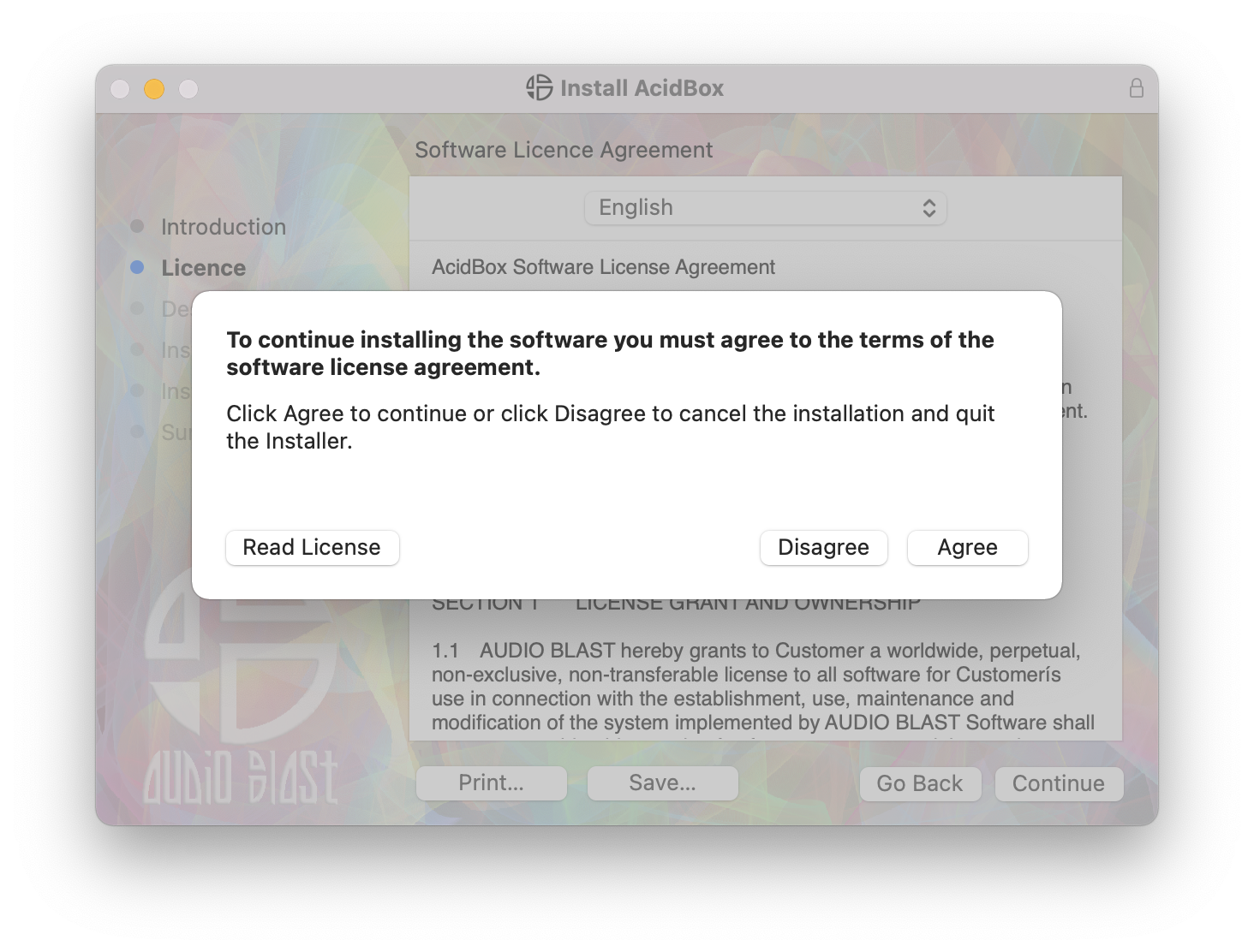
4. Click 'Agree'.

5. Click 'Continue'.

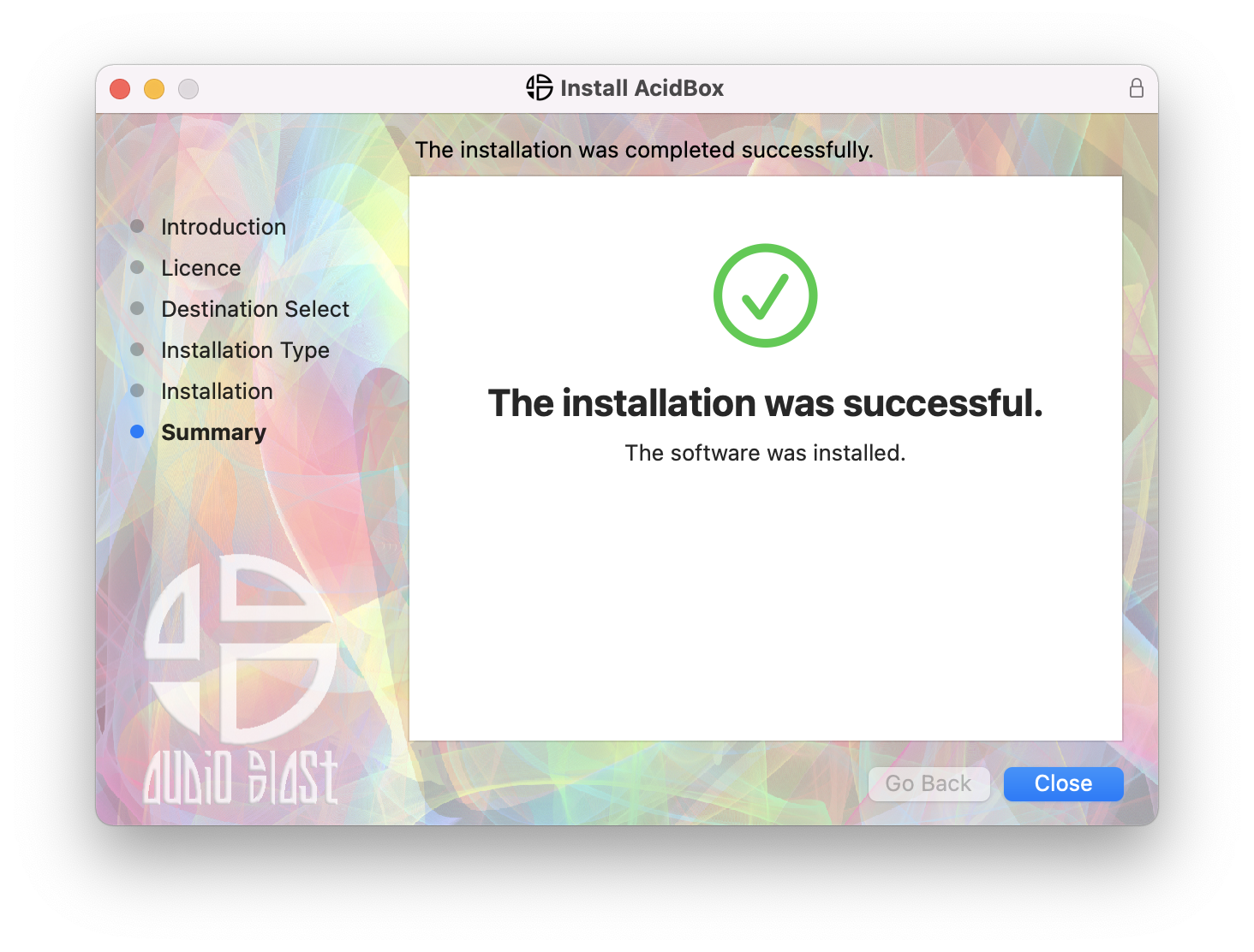
6. Click 'Close'.

7. Open your DAW > Locate and open Acidbox.

8. Enter the username and serial code that you received earlier > Once entered, click anywhere to activate the plugin.

Acidbox is now activated and ready for use inside your DAW!

Plugin Boutique Rewards

Discover the most rewarding loyalty programme among all plugin retailers.

  • Free Loopmasters Samplepacks
  • Discounts on products and courses
  • Extra Virtual Cash claimed immediately at checkout
Find out more

Follow us:

X (Twitter) Facebook YouTube Instagram
Logo Logo

Plugin Boutique Limited, Part of the Beatport Group LLC.

Copyright © 2011-2025 Plugin Boutique. All rights reserved