/ Compressor / XBus
Kiive Audio

XBus

4.7 (3 Reviews)
$69.99
Main Image
Main Image
XBus: Colorful, Powerful Compression for Drums, Mixbus, and More gallery thumbnail
XBus: Complete Overview and Demo gallery thumbnail
Buy Now
Product information

Make Your Mixes Sound Like a Record.

There’s a reason engineers call this compression style the “mixbus cheat code.”

Whether on a console master section or in modern rack gear, this iconic circuit has remained the go-to for gluing a mix together with power, cohesion, and vibe.

XBus gives you all of the musicality of a classic VCA style compression that is known to glue your mix together, with extra flexibility and an added head room knob allowing you to drive into the compression.

Features

  • Classic VCA Bus Compression – Inspired by a modern revision of the legendary mixbus compressor.

  • Punchy, Musical Sound – Enhances transients, stereo cohesion, and overall energy.

  • Headroom Control – Push into compression for added character and saturation.

  • Advanced Sidechain Filtering – Tailor the response to your mix’s low-end or dynamic needs.

  • Optional Saturation – Add harmonic warmth for vocals, drums, or masters.

  • Modern ITB Integration – All the flexibility and nuance required for today’s workflows.

System Requirements

Mac OS:

  • OS X 10.7 or higher, 10.14 or higher recommended
  • Mac 64bit / M1 Native: VST3, AU, AA
  • 4GB of RAM

Windows 64bit:

  • Windows 7 & Above
  • VST3, AAX
  • 1 GHz Intel Dual Core Processor or AMD equivalent (PC)
  • 4GB of RAM
Installation Instructions
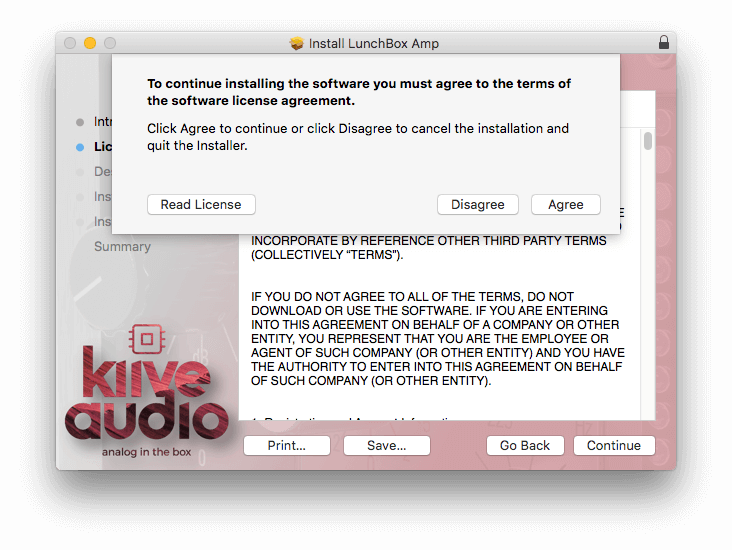
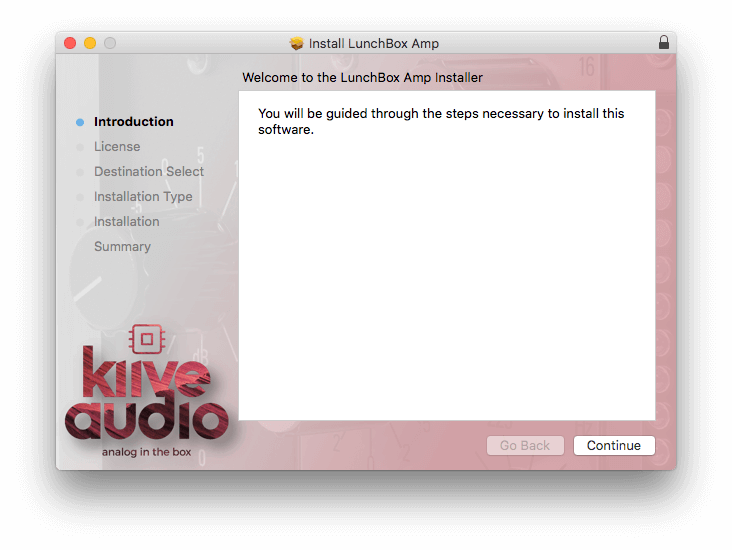
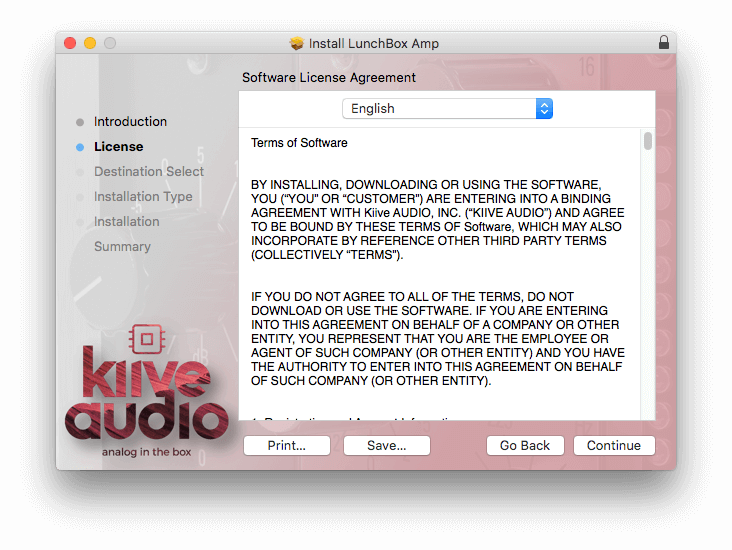
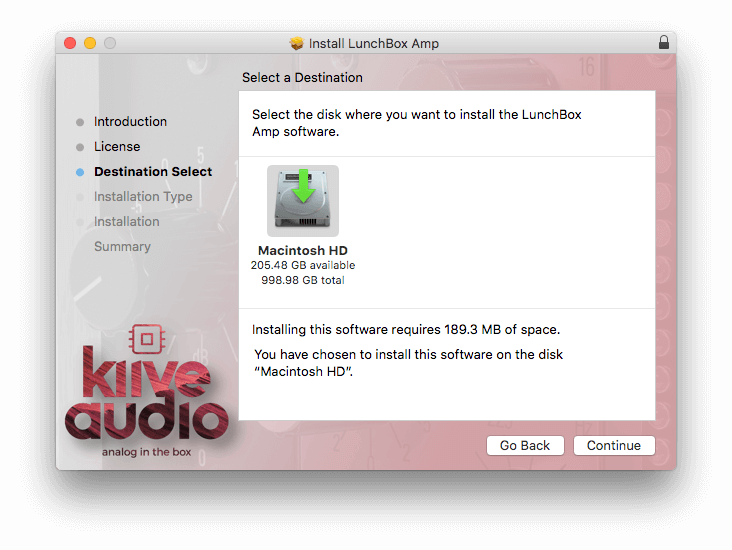
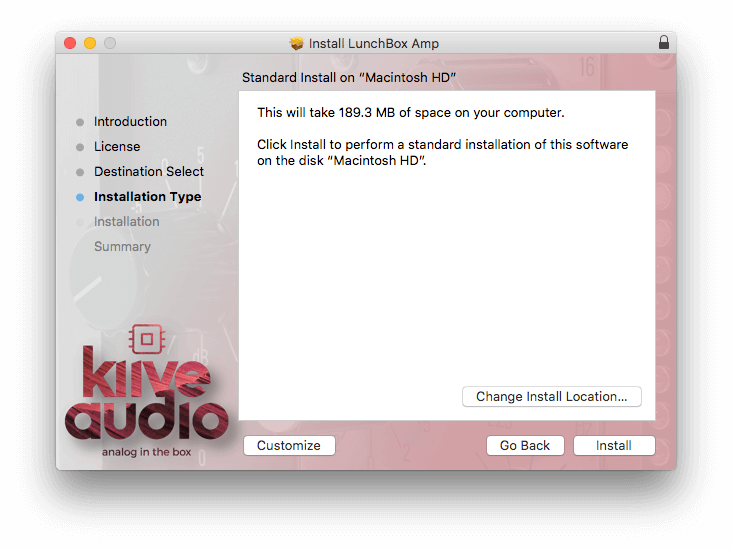
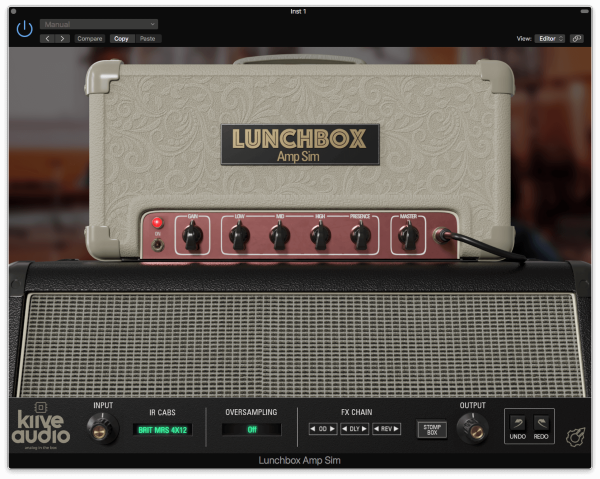
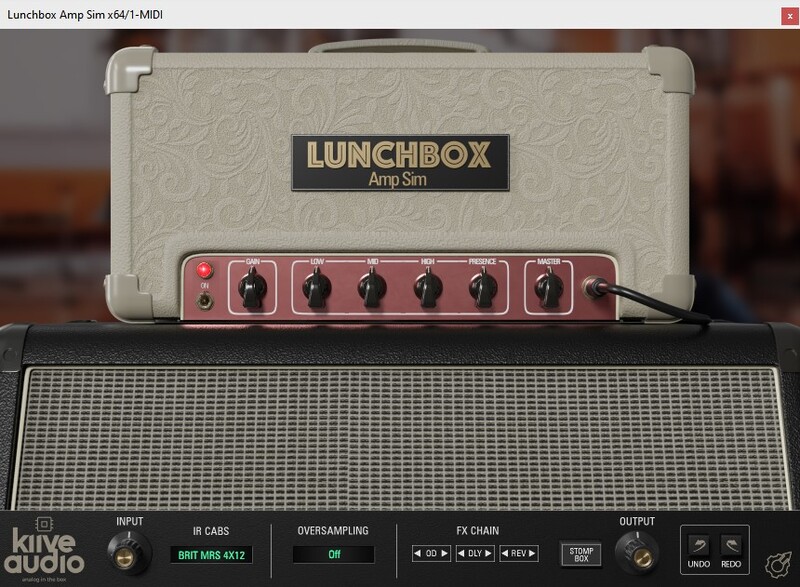
Please note: Lunchbox Amp Sim is used as an example.

Mac Installation

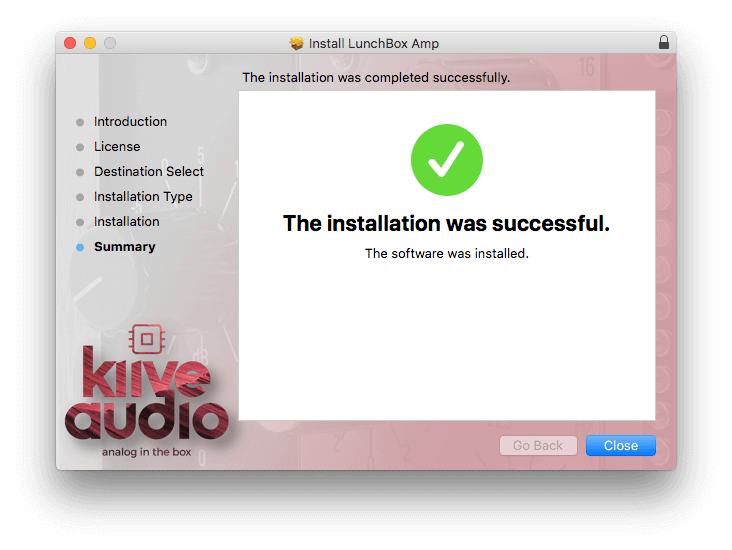
1. Download the .pkg file from your Plugin Boutique account > Open the .dmg installer > Click Continue.

2. Read the Software License Agreement > Click Continue.

3. Click Agree

4. Select the installation destination > Click Continue.

5. Click Install.

6. Click Close.

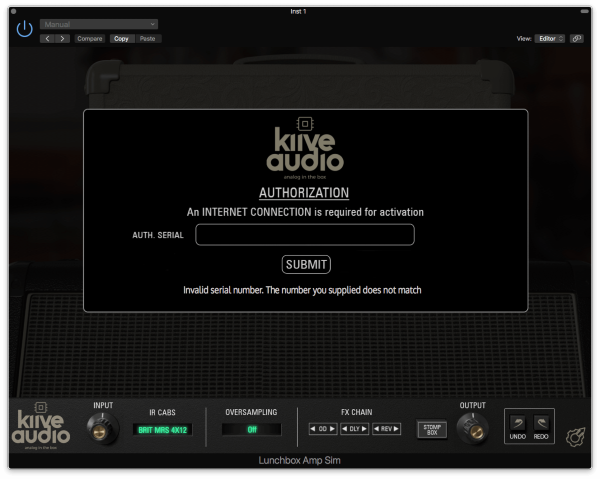
7. Open your new software in your DAW > Enter the serial number found in your Plugin Boutique account > Click SUBMIT.

Your software is now activated and ready to use in your DAW.

Windows Installation

1. Download the .zip folder from your Plugin Boutique account.

2. Extract the contents of the folder.

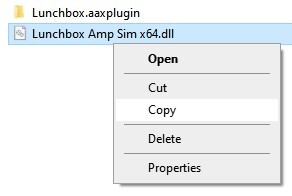
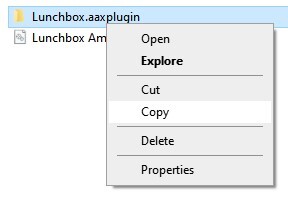
3. For VST, copy the .dll file > Paste it into your VST folder which could be one of the following:

  • C:\Program Files\VstPlugins
  • C:\Program Files\Steinberg\VstPlugins
  • C:\Program Files\Common Files\VST2
  • C:\Program Files\Common Files\Steinberg\VST2

For AAX, copy the AAX plugin folder > Paste it into your AAX folder which should be:

  • C:\Program Files\Common Files\Avid\Audio\Plug-Ins

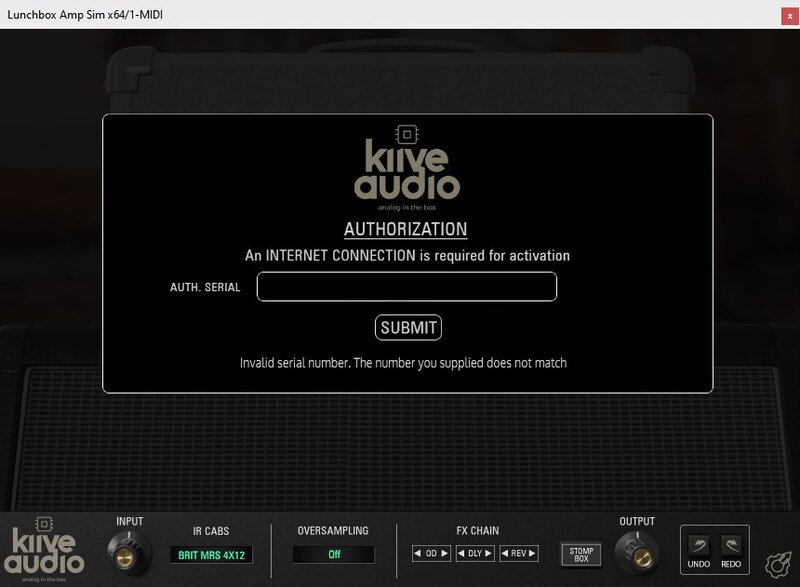
4. Open your DAW and load your new software > Enter the serial number found in your Plugin Boutique account > Click SUBMIT.

Your software is now activated and ready to use in your DAW.

Plugin Boutique Rewards

Discover the most rewarding loyalty programme among all plugin retailers.

  • Free Loopmasters Samplepacks
  • Discounts on products and courses
  • Extra Virtual Cash claimed immediately at checkout
Find out more

Follow us:

X (Twitter) Facebook YouTube Instagram
Logo Logo

Plugin Boutique Limited, Part of the Beatport Group LLC.

Copyright © 2011-2025 Plugin Boutique. All rights reserved