/ Vocal Processing / VocalNet
Session Loops

VocalNet

4.3 (9 Reviews)
$69.00 $99.00

30% off until Dec 07

Main Image
Main Image
Voice Cloning in your DAW | Plugin Espresso gallery thumbnail
Introducing VocalNet - Real-Time Voice Cloning & Transformation Plugin gallery thumbnail
VocalNet - UI Presets
Buy Now
Product information

Real-Time Voice Cloning & Transformation Plugin


Clone & Transform Voices in 3 steps

1. Import Voice Samples - VocalNet analyzes the imported samples and clones them as target voices. The cleaner and less processed the samples, the higher the quality of the transformations.

2. Transform Input Voice - Start playback on your audio track — VocalNet will convert the input in real time to match the target voices as an audio effect.

3. Morph Between Voices - Load up to three voices, then drag the cursor to blend them into a unique tone in real time.


Features

  • Real-time voice cloning and transformation
  • High-quality voice modeling from clean input samples
  • Seamless real-time voice conversion during playback
  • Supports morphing between up to 3 voice models
  • Intuitive interface for creative voice blending
Installation Instructions
Note: DrumNet is used as an example

Registration

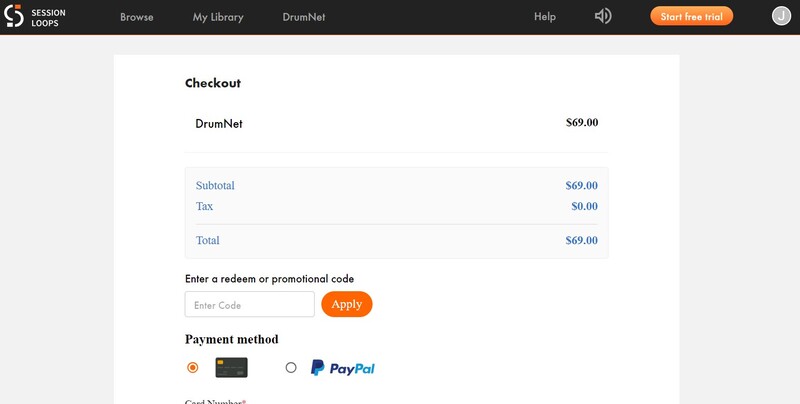
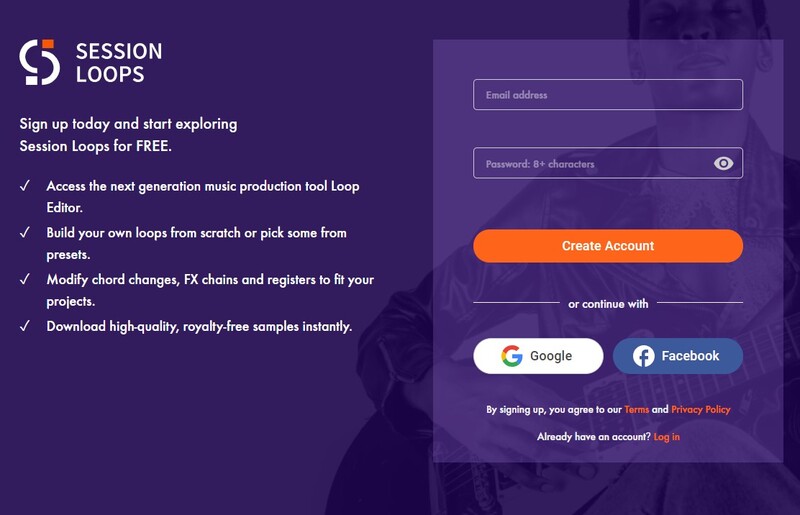
1. Head to https://sessionloops.com/account/app-buy?app-id=DrumNet, and enter your details to create a Session Loops account, or log in to your existing account using the button below the form.

2. Enter the redeem code (listed under 'Serial Number') from within your Plugin Boutique User Account into the box marked 'Enter a redeem or promotional code'. Click 'Apply'.

3. The redemption process is now complete. Proceed to install your product.

Installation

PC

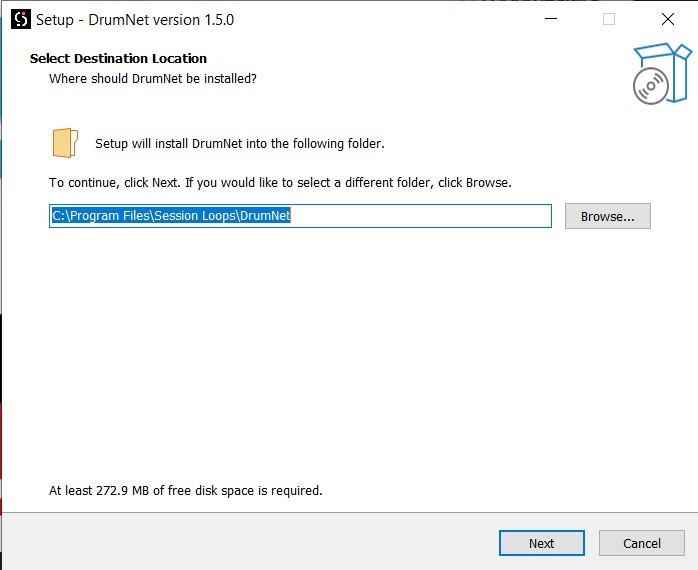
1. Download the installation file from within your Plugin Boutique User Account, and extract the contents. Launch the .exe file.

2. Click 'Next'.

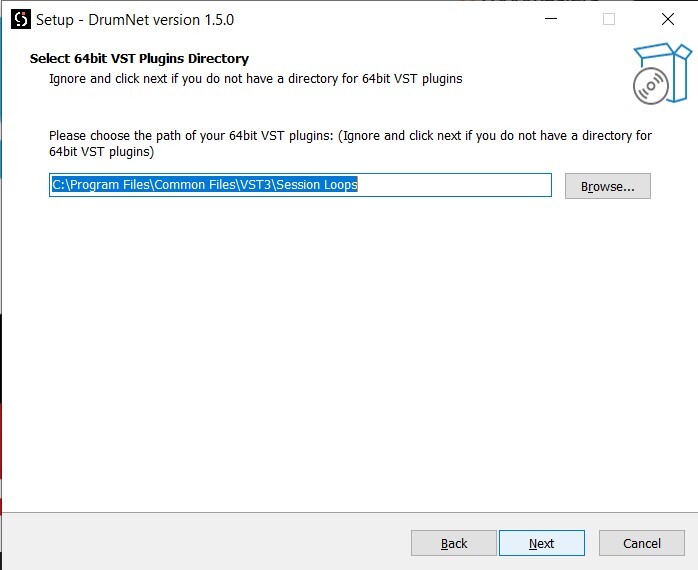
3. Click 'Next'.

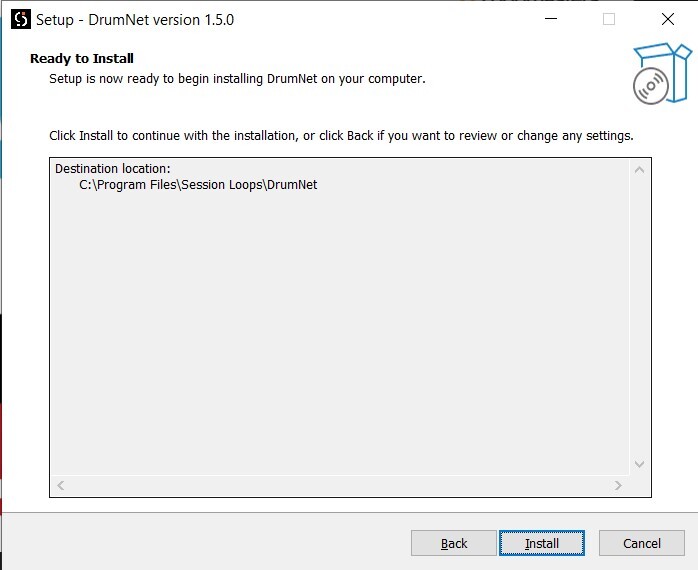
4. Click 'Install'.

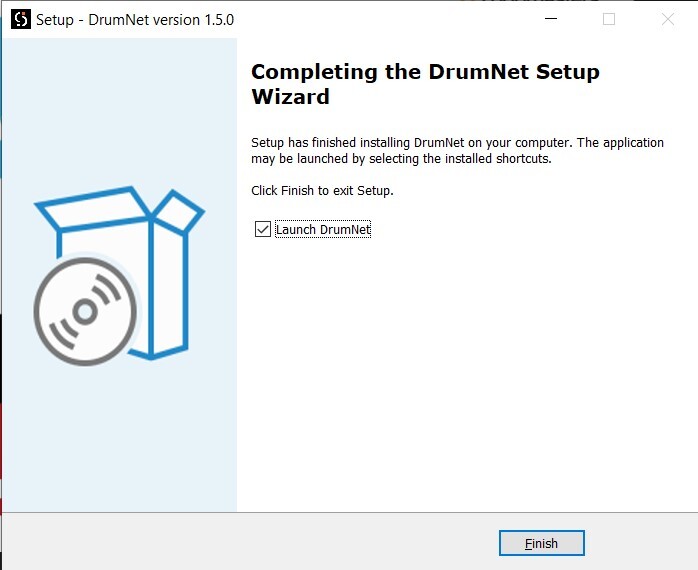
5. Once installation has completed, click 'Finish'.

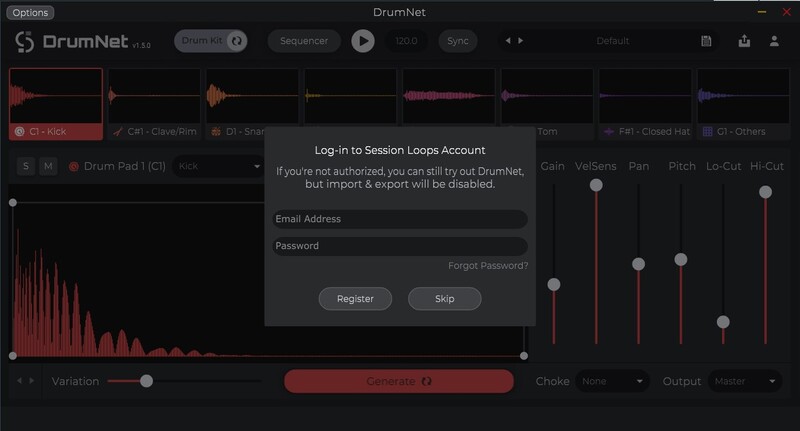
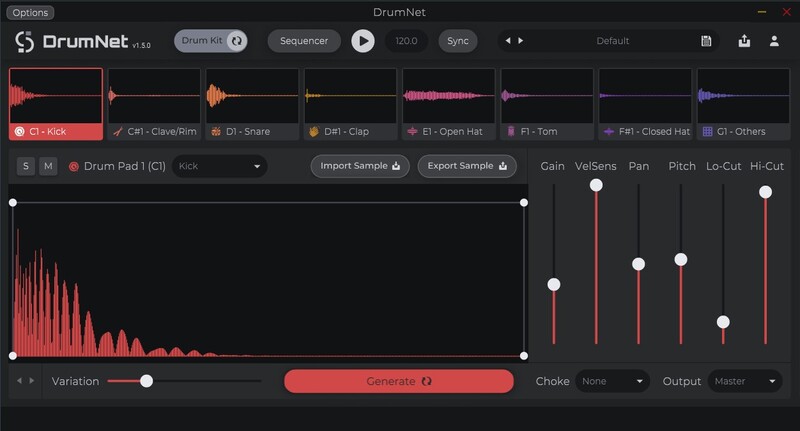
6. DrumNet should launch automatically. If not, open it within your DAW, and enter your Session Loops account details, as created during the redemption process. Click 'Register'.

7. Installation is now complete. Enjoy your software!

Mac

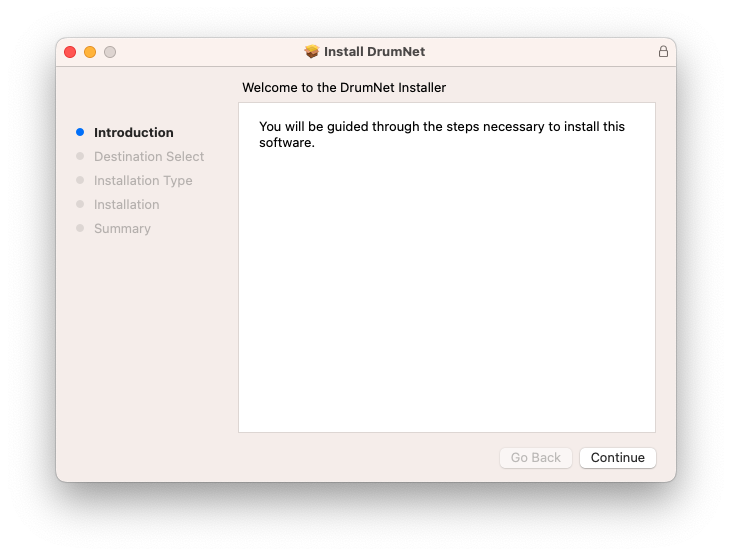
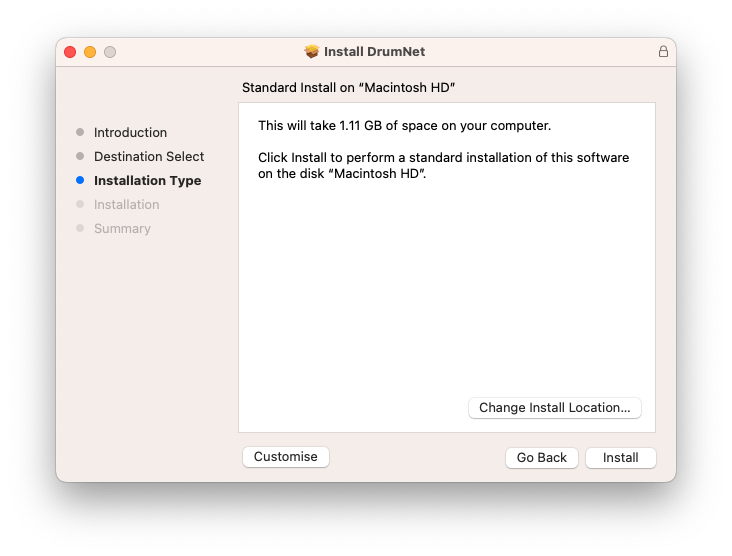
1. Download the installation file from within your Plugin Boutique User Account, and extract the contents. Launch the .pkg file.

2. Click 'Continue'.

3. Click 'Install'.

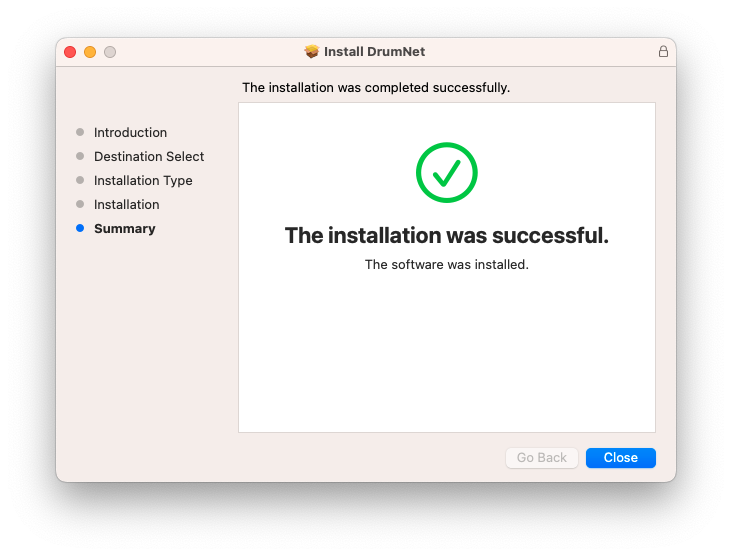
4. Once installation is completed, click 'Close'.

5. Open DrumNet within your DAW, and enter your Session Loops account details, as created during the redemption process. Click 'Register'.

6. Installation is now complete. Enjoy your software!

Plugin Boutique Rewards

Discover the most rewarding loyalty programme among all plugin retailers.

  • Free Loopmasters Samplepacks
  • Discounts on products and courses
  • Extra Virtual Cash claimed immediately at checkout
Find out more

Follow us:

X (Twitter) Facebook YouTube Instagram
Logo Logo

Plugin Boutique Limited, Part of the Beatport Group LLC.

Copyright © 2011-2025 Plugin Boutique. All rights reserved