


 Log In

Save $87.99 compared to buying products individually
Free gifts available with your purchase
Bundle Contents
- SoundID VoiceAI (Perpetual Licence)
- SoundID VoiceAI Pop Voices Expansion Pack
- SoundID VoiceAI Kids Voices Expansion Pack
- SoundID VoiceAI Rock Voices Expansion Pack
SoundID VoiceAI (Perpetual Licence)
Boost the way you produce your vocal tracks
Use the power of AI to transform your voice track instantly without leaving either your DAW or your studio.
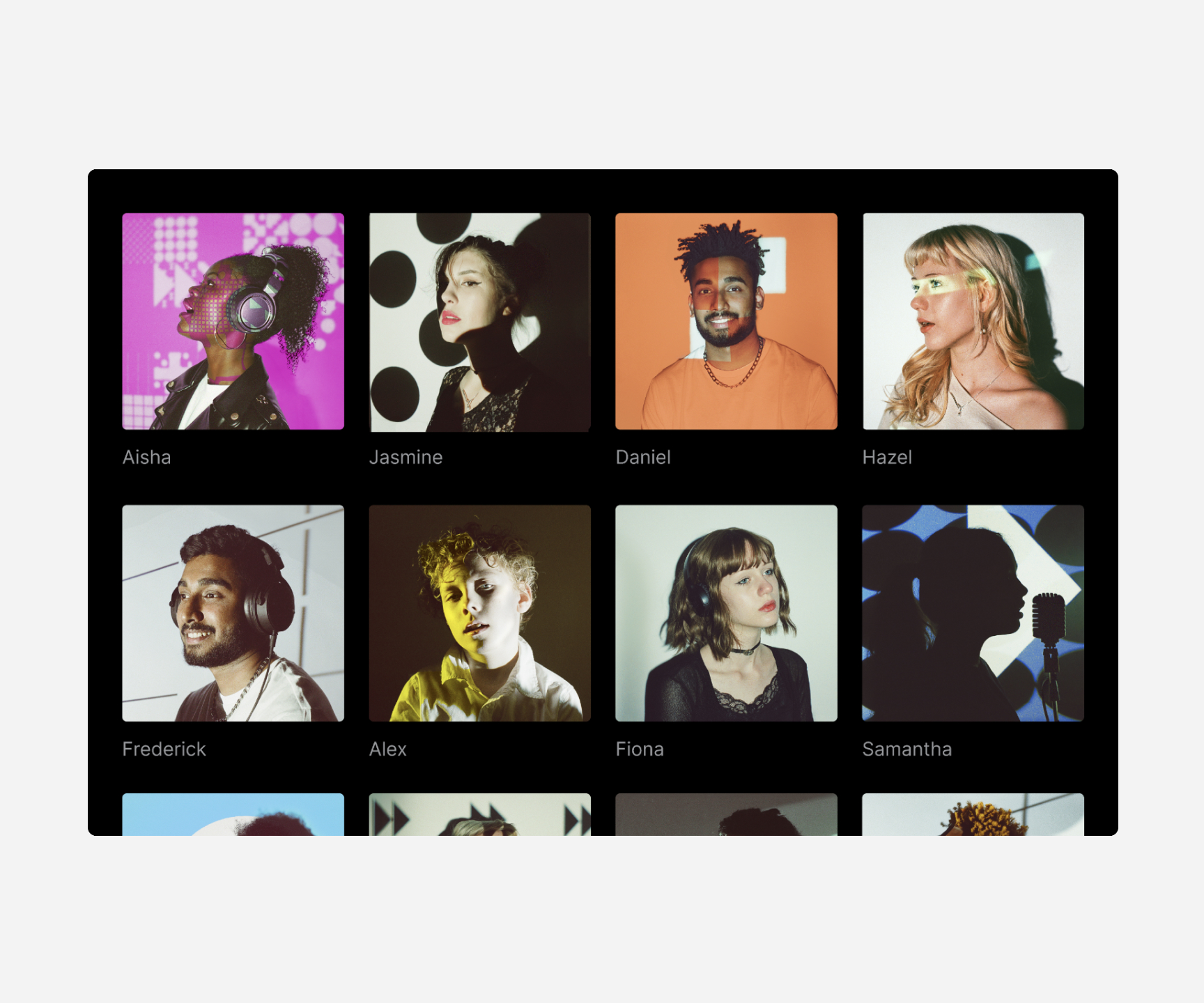
28 studio-grade voice models
Transform your vocal track into a realistic singing voice from our voice catalogue. We prioritize quality over quantity and will continue to release new voice models, maintaining a high standard in our library.
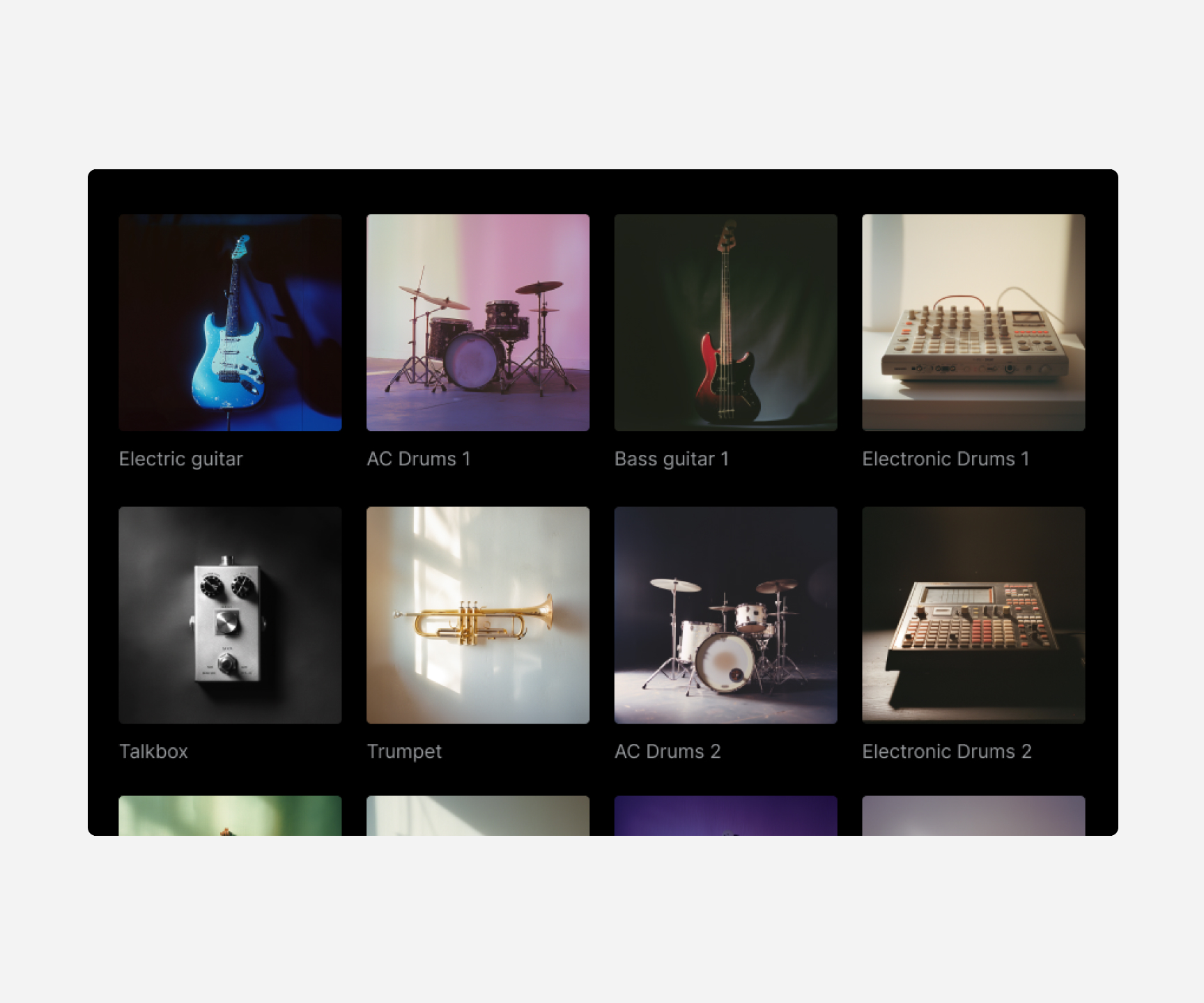
22 creative instrument models
Transform your humming or beatbox to sound like drums, guitar, or violin. Accelerate creativity in individual or group settings.
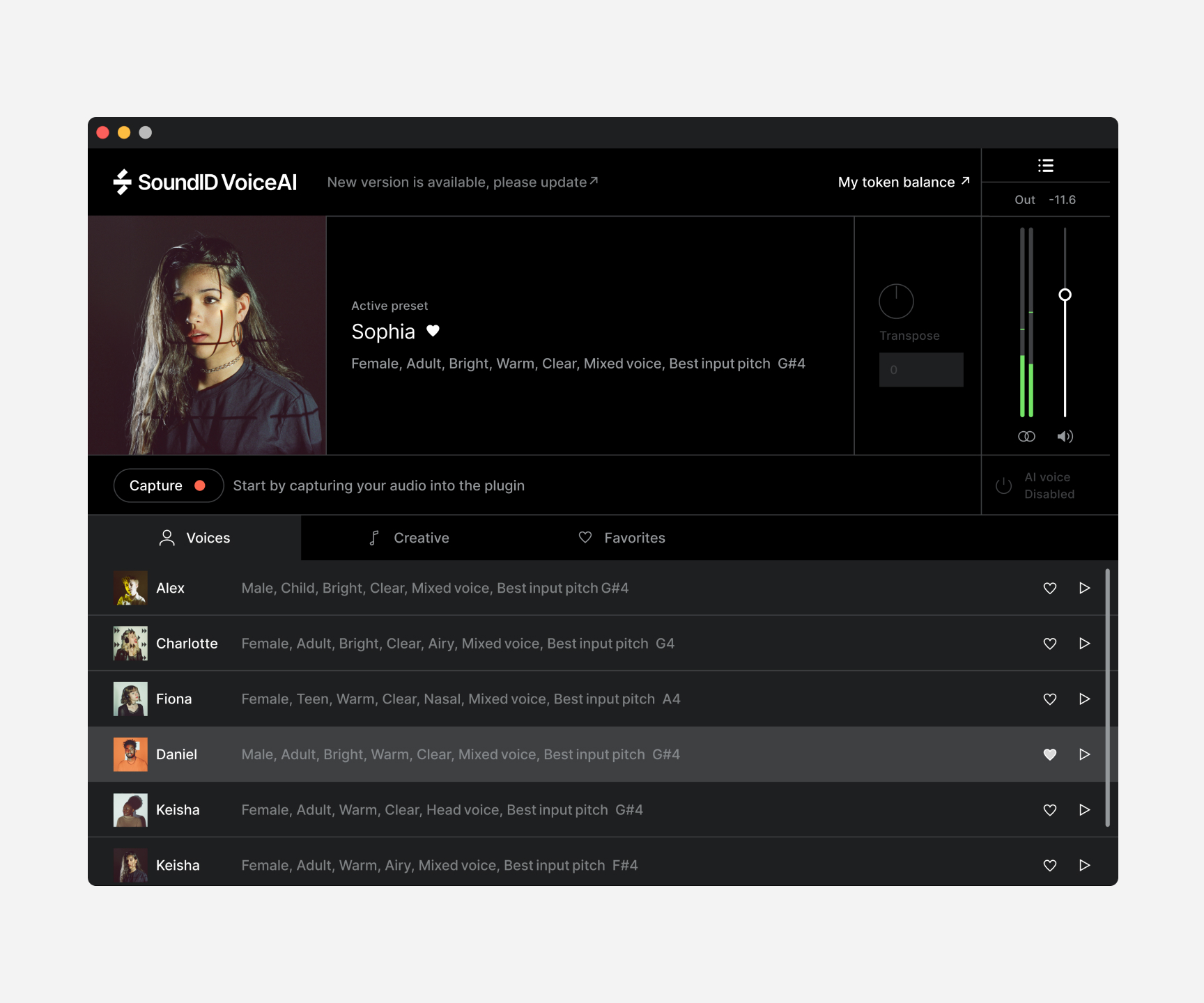
Works as a plugin in DAW
Get everything done without leaving your DAW, so you can maintain your workflow without interruption. The plugin is compatible with any DAW that supports audio plugins.
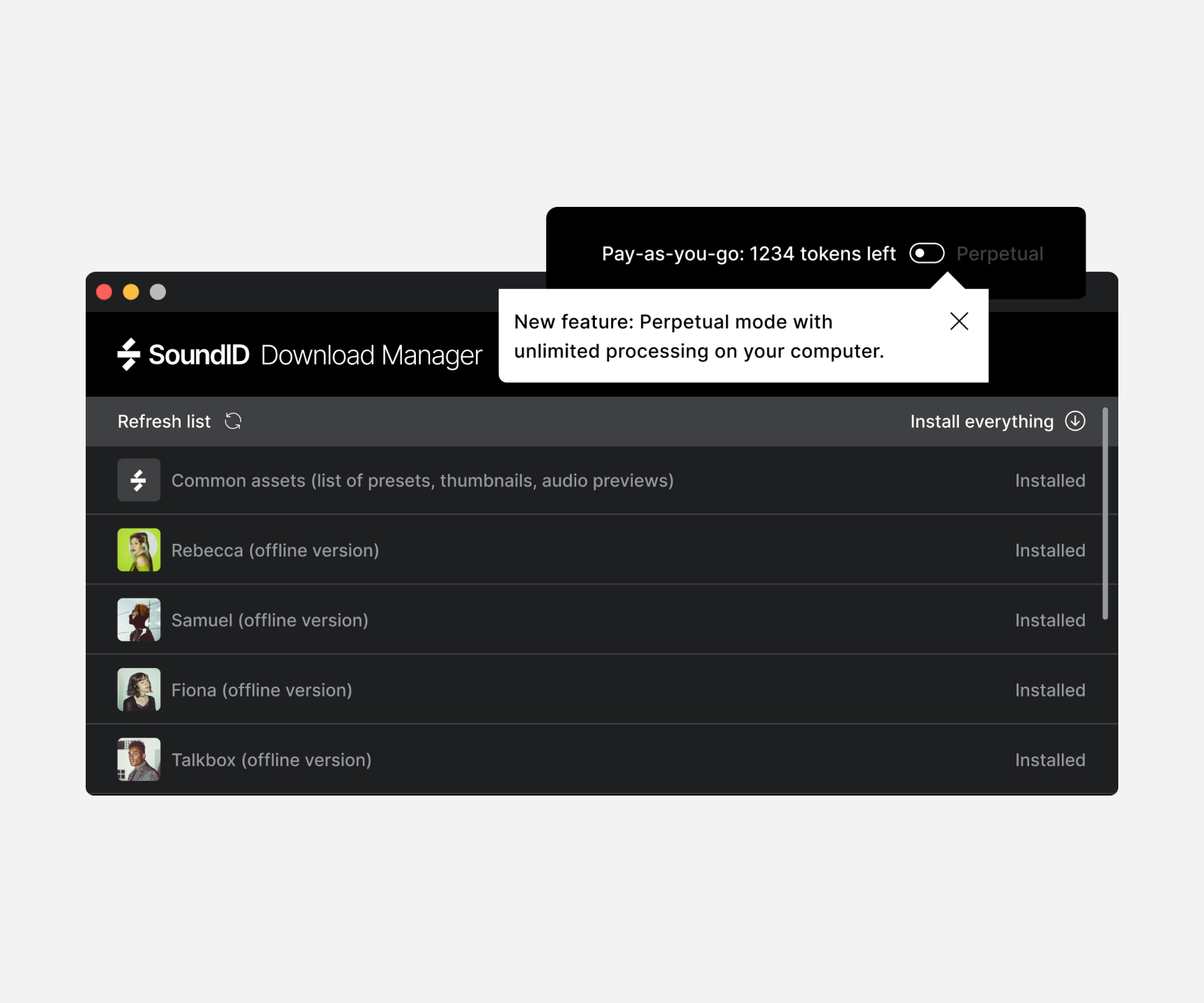
Unlimited local processing | with perpetual license
With the perpetual license, you get unlimited local processing. Pay once and process as much audio as you want on your computer’s CPU with no extra fees.
4 GB of free RAM and 4 GB of storage are required for smooth processing. Check the tech specs for details.
Cloud processing | token-based, pay-as-you-go
Cloud processing keeps your computer running smoothly by handling the heavy AI tasks on the cloud. With our pay-as-you-go token system, you only pay for the server time used based on the length of your audio. Your audio stays private thanks to industry-standard encryption, ensuring secure data transfer between the plugin and the server.
Use cases
- Create single or multiple backing vocals - Produce your backing vocal tracks instantly and at a fraction of the cost. With just one singer's voice, you can quickly create a rich set of backing vocals, saving time and money compared to inviting multiple singers.
- Create demo songs with ease - Accelerate the production of your demo songs with better and faster demo production. Simply sing a line yourself, then apply a preset that closely matches the timbre of the final vocalist to hear it in context immediately.
- Transform voice to instrument - Hum a melody and select a preset in VoiceAI to transform it to orchestral or band instrument. Expand on simple ideas and create rich instrumentation within minutes.
- Explore & get creative - Try applying the VoiceAI presets to your instrument tracks or even MIDI melodies. Use your laptop's built-in mic to record audio, then transform it into studio-grade vocals. Stay tuned for even more presets coming soon!
NEW Unison Mode
Key Features of the New Unison Mode Update
- AI-Powered backing vocal creation – Generate up to 8 vocal unisons from a single voice recording.
- Pitch & Timing variance – Add natural-sounding vocal variation for a more human feel.
- Stereo Width control – Automated voice panning across the stereo field for an immersive sound
How it works?
Step 1
Open plugin in DAW - SoundID VoiceAI works in any DAW that supports VST3, AU or AAX plugins.
Step 2
Capture your vocal track into plugin - Once you assign the plugin to your vocal track, arm it for capture and play back your project.
Step 3
Process audio locally or in the cloud - Cloud processing takes 2.5x the audio length and runs in the cloud. Perpetual mode is around 1.5x faster and works locally.
Step 4
Enjoy the result - In a matter of seconds, your audio will be transformed directly on the track.
Sonarworks products are used and loved by over 200,000 studios and numerous Grammy Award-winning engineers worldwide.
Learn more about SoundID VoiceAI.
Kids Voices Expansion Pack

This preset expansion pack features 10 charming voices (5 boys, 5 girls) with crystal-clear tone and natural playful expression. Perfect for any production requiring genuine children's vocal character. Create authentic children's vocals in seconds.
What's Included?
- Activation key for the Kids Voices expansion pack product license.
- The expansion pack can be activated and used on 3 devices.
Pop Voices Expansion Pack

This preset expansion pack features 10 polished pop voices (5 boys, 5 girls) with smooth tone and clear articulation. Perfect for contemporary pop styles or any production requiring modern, radio-ready vocal presence.
What's Included?
- Activation key for the Pop Voices expansion pack product license.
- The expansion pack can be activated and used on 3 devices.
Rock Voices Expansion Pack

This preset expansion pack delivers 10 pro-grade voices (5 male, 5 female) with natural rasp and powerful dynamics. Perfect for rock, metal, and heavy productions that need authentic grit and energy. Transform your vocals into studio-quality rock performances instantly.
What's Included?
- Activation key for the Rock Voices expansion pack product license.
- The expansion pack can be activated and used on 3 devices.
Mac
- macOS 11 Big Sur, 12 Monterey, 13 Ventura, 14 Sonoma
- DAW or other plugin host app that supports AU, AAX, or VST3 plugin formats
- For unlimited local processing with a perpetual license, 4 GB of free RAM is needed.
- Stable internet connection (offline use is not supported)
PC
- Windows 10, 11
- DAW or other plugin host app that supports AU, AAX, or VST3 plugin formats
- For unlimited local processing with a perpetual license, 4 GB of free RAM is needed.
- Stable internet connection (offline use is not supported)


