


 Log In
.webp)
Free gifts available with your purchase
Tones from the Crypt
Cryptone delivers authentic analog tone instantly—without hunting through multiple plugins or memorizing EQ curves. Built on cutting-edge neural network technology and meticulously crafted tone shaping, Cryptone brings legendary vintage character from the 60s, 70s, and 80s to your modern workflow in seconds.
Stop hunting for vintage tone. Cryptone delivers it instantly.
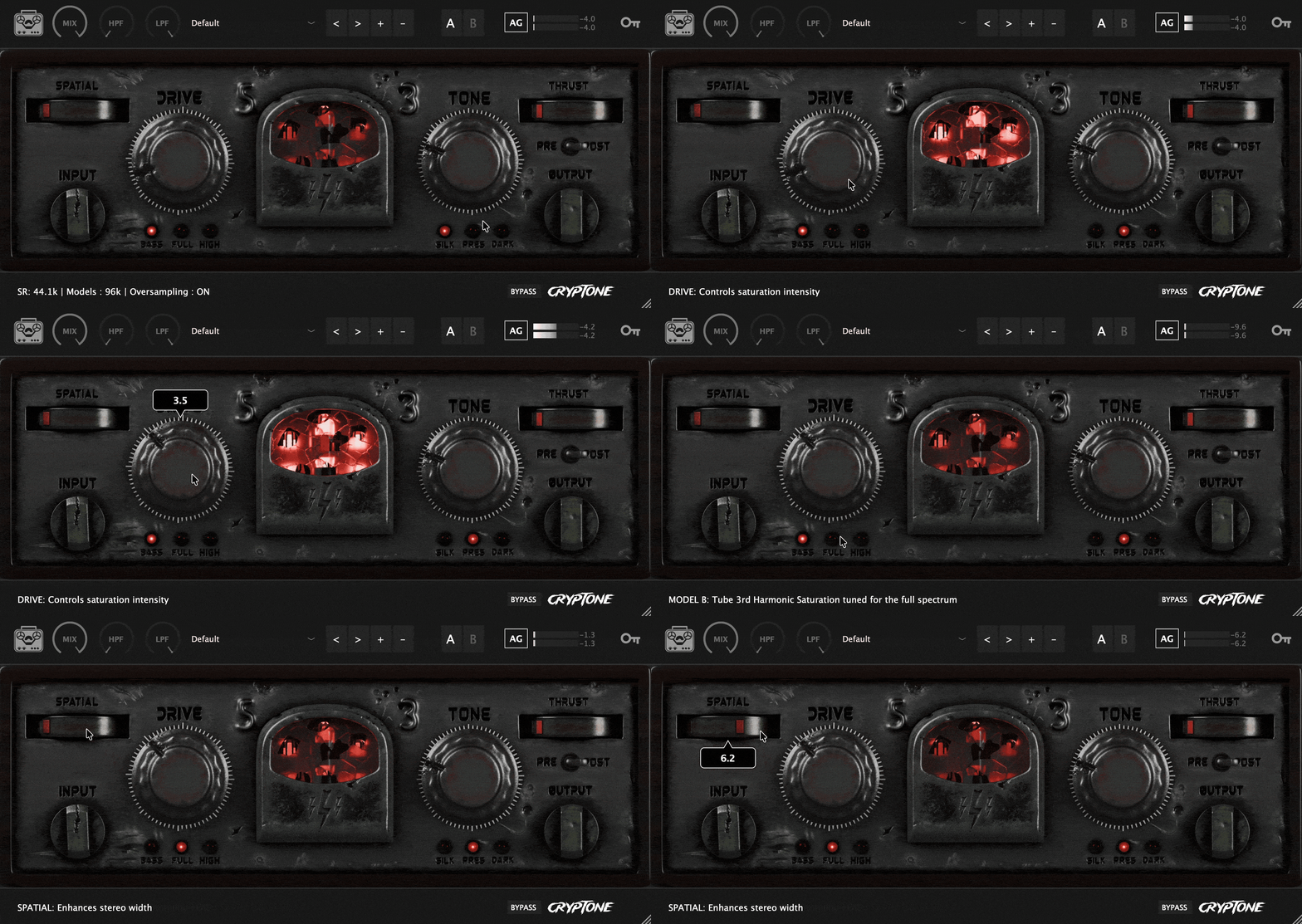
Revolutionary Auto-Gain Technology
Cryptone's intelligent auto-gain is a game-changer. No more volume jumps when tweaking settings. No more compensating manually. Cryptone analyzes input and output levels in real-time and applies transparent gain compensation automatically.
Drive it hard. Switch models. Crank the tone. The level stays consistent.
This proprietary technology ensures you can explore creative decisions without breaking your mix balance—a feature you won't find in vintage hardware or most plugins.
Three Neural Network Models (96kHz Sampled)
Each model is a neural snapshot of real analog gear trained at 96kHz, replicating every nuance—intermodulation distortion, frequency-dependent saturation, and the dynamic response that makes analog musical.
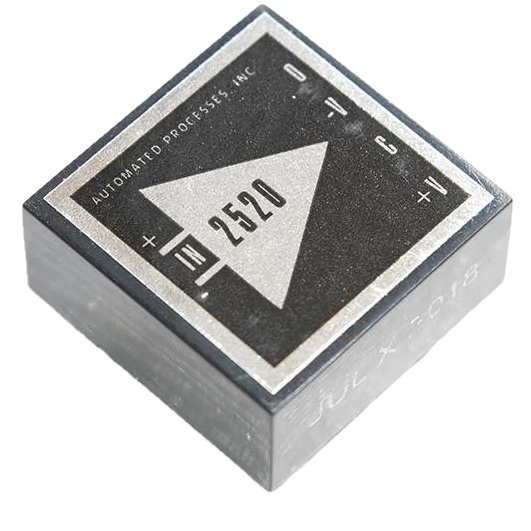
- Model A Low • Op-Amp
Op-amp saturation circuit captured at the moment of perfect harmonic bloom. Adds deep, controlled weight to kick drums, bass, and low-end heavy material. The neural network preserves the complex asymmetrical clipping and bass harmonics that made classic op-amp consoles legendary.
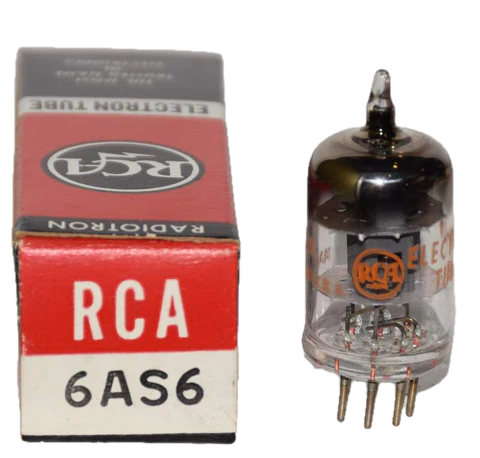
- Model B Mid • Tube Pentode
Tube pentode distortion across the entire frequency spectrum. Full-range analog glue with balanced harmonic enhancement. Perfect for mix bus processing, vocals, guitars, and synths that need cohesive warmth and presence without shifting tonal balance.
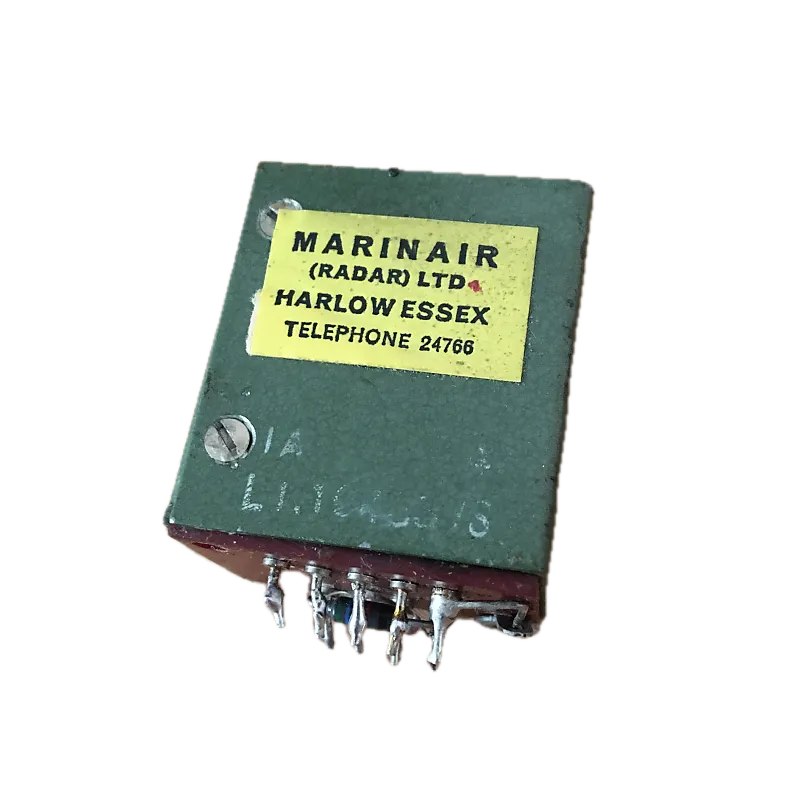
- Model C High • Marinair Transformer
Authentic Marinair transformer captures delivering silky high-frequency character. Adds shimmer, air, and presence while smoothing harsh digital transients. The sound of vintage British consoles—that magical top-end that sits perfectly in dense mixes.
Intelligent Automatic Oversampling
Cryptone's automatic oversampling system intelligently activates when your session runs below 96kHz, ensuring the models always operate at their trained sample rate for minimal aliasing and maximum authenticity.
Thrust Control VCA-Style Punch & Glue
Cryptone's Thrust compressor delivers fast, punchy dynamics with VCA-style compression characteristics:
- Pre or Post Drive Routing: Position before saturation for aggressive dynamic control, or after for transparent glue
- 0.3ms Attack: Lightning-fast attack for transient punch
- Auto-Release: Program-dependent release adapts to your material
- 4:1 Ratio: Aggressive enough for impact, musical enough for mix bus
- VCA Topology: Clean, punchy compression for modern productions
Three Tone Shaping Curves
Forget learning complex EQ curves. Cryptone gives you three instantly musical analog-modeled tone shapes:
- Silk Mode
Classic analog console EQ curves with legendary simultaneous low boost and cut for tight, powerful bass. Adds 800Hz midrange scoop for clarity and 16kHz air shelf for that vintage mastering console shimmer.
- Presence Mode (Exciter)
Focused 3-4kHz boost cuts through dense mixes without harshness. Intelligent 2kHz dip removes boxiness while low-mid cleanup keeps things clear
- Dark Mode (Tape)
Authentic tape machine characteristics—80Hz bump for warmth, gentle high-frequency rolloff, and tape-style compression. The sound of classic tape saturation.
Spatial Control Console-Style Dimension
Subtle stereo width enhancement inspired by legendary analog consoles:
- Centers bass (<200Hz) for mono compatibility and focused low-end punch
- Gently expands highs with phase-coherent all-pass decorrelation
- No phase issues or shifting—just natural, silky width that translates perfectly
- Perfect for vocals, guitars, mix bus, and spatial enhancement
Creates the three-dimensional soundstage of analog consoles without artificial widening artifacts.
Use Cases
- Mix Bus Processing: Add cohesive analog glue and dimension to your entire mix
- Drum Buss: Punch up drums with Thrust compression and Model A saturation
- Vocals: Silk mode shimmer with Spatial width for radio-ready presence
- Bass & Kicks: Model A op-amp saturation for deep, controlled low-end weight
- Guitars & Synths: Model B tube pentode warmth with Presence mode cut-through
- Mastering: Subtle Model C transformer sheen with Dark mode tape character
Technical Specifications
- 3 Neural Models (96kHz Sampled)
- 3 Tone Curves
- Zero Learning Curve
Features
- 96kHz Neural Network Models Authentic analog gear captured at the highest fidelity
- Revolutionary Auto-Gain Technology Level-matched processing for confident creative decisions
- Intelligent Auto-Oversampling Automatic sample rate optimization for pristine audio
- SSL-Style Thrust Compression VCA punch and glue with pre/post routing
- Three Instantly Musical Tone Curves Silk, Presence, and Dark modes
- Console-Style Spatial Enhancement Phase-coherent stereo width
- Apple Silicon Native Optimized for M1/M2/M3 processors
- Zero Learning Curve Instant vintage tone without the complexity
Windows
- Windows 10 or later
- VST3 / AAX (64-bit host)
- Intel i5 or later / AMD Athlon 64 or equivalent
- 4 GB RAM
- 100 MB hard disk space
Mac
- macOS 10.13 or later
- AU / VST3 / AAX (64-bit host)
- Apple Silicon & Intel native support
- 4 GB RAM
- 100 MB hard disk space
*License Authorization needs an internet connection













