


 Log In

Free gifts available with your purchase
The all-in-one compressor that shows you under the hood
Peek under the hood
Open Compressor combines the core components of all your favourite compressors - plus Clipping, Limiting, Auto-Threshold, and more.
But there’s a twist: by showing you exactly what’s happening under the hood at every stage, Woodstock Audio help you develop a deeper understanding of the technical processes at play, and provide the information you need to make better decisions for your music.
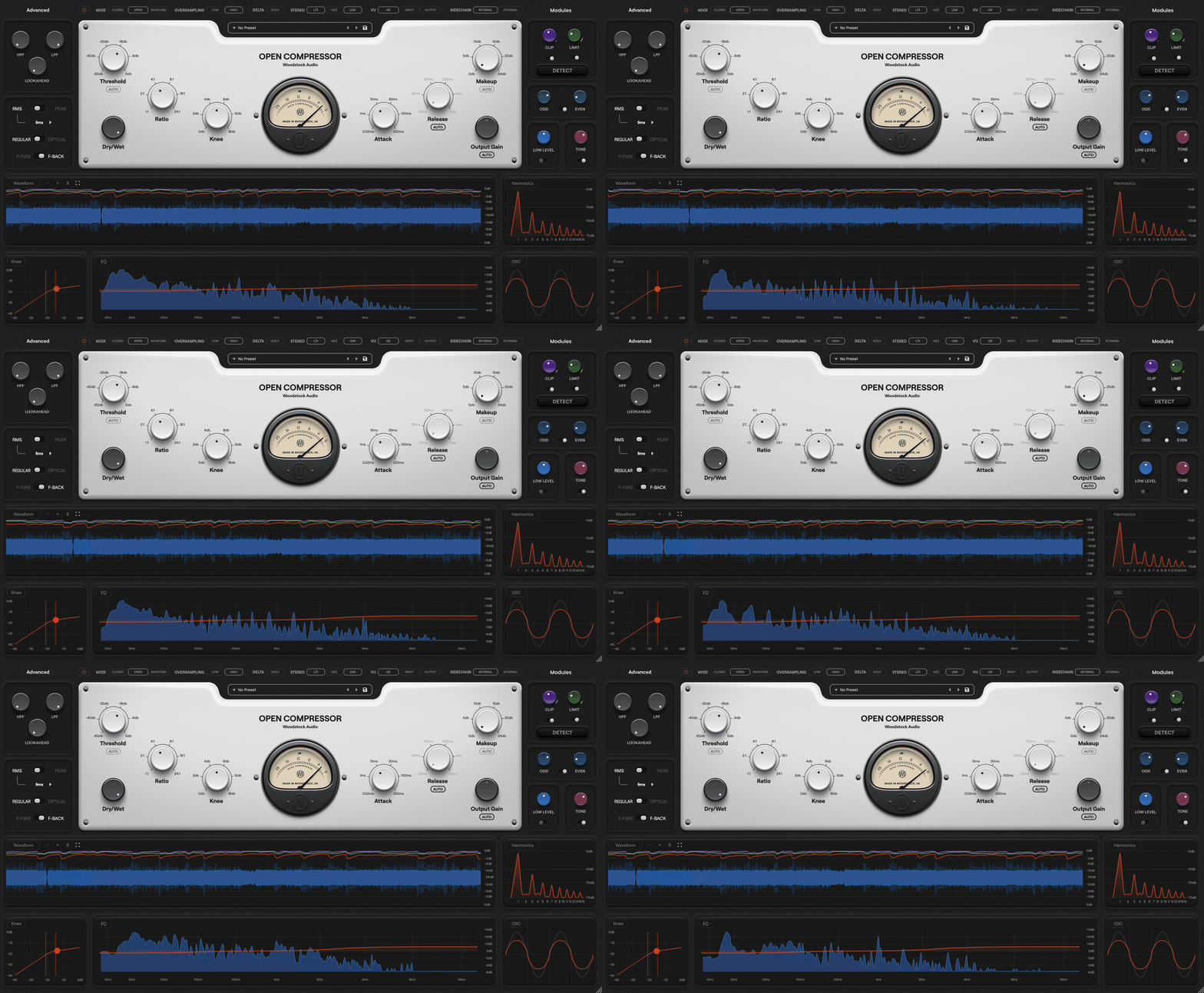
See the science behind the sound
Open Compressor’s confusion-free layout uses enhanced real-time visual analysis, an easy to navigate UI, and clear terminology, to bring you closer to your sound.
With a diverse range of processing tools at your fingertips, you can dial in the exact sound you want while getting instant visual feedback, helping you grasp the art and science of dynamics processing.
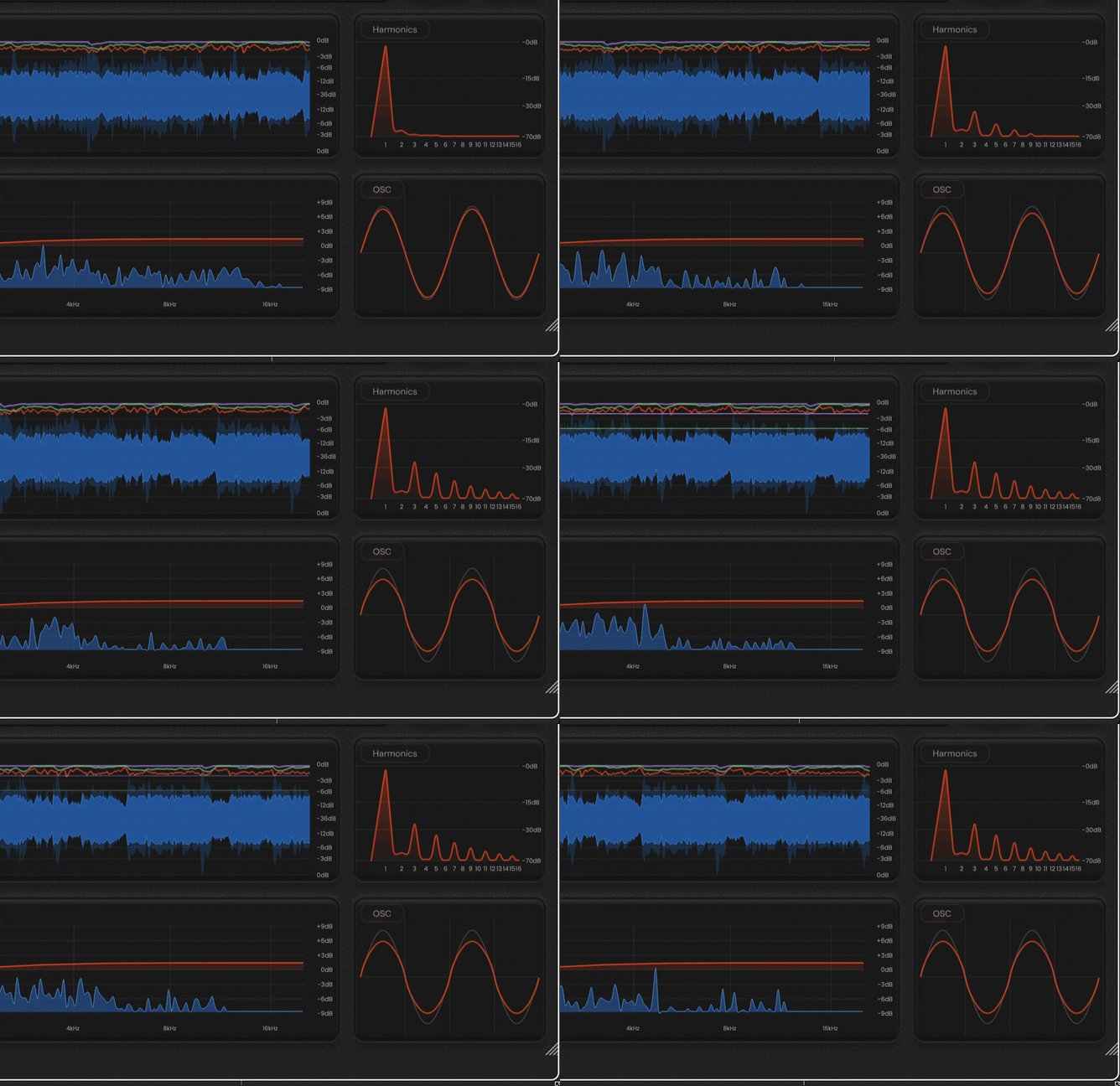
Take back control, put yourself in the pilot seat
The modular approach lets you tailor the topology to your signal, and even mimic classic hardware with Peak/RMS operating modes, Feedforward/Feedback architecture, and Regular/Optical ballistic (attack & release) models.
By putting you in the pilot seat, with nothing hidden or automated happening behind the scenes, we empower you to take back control of your audio.
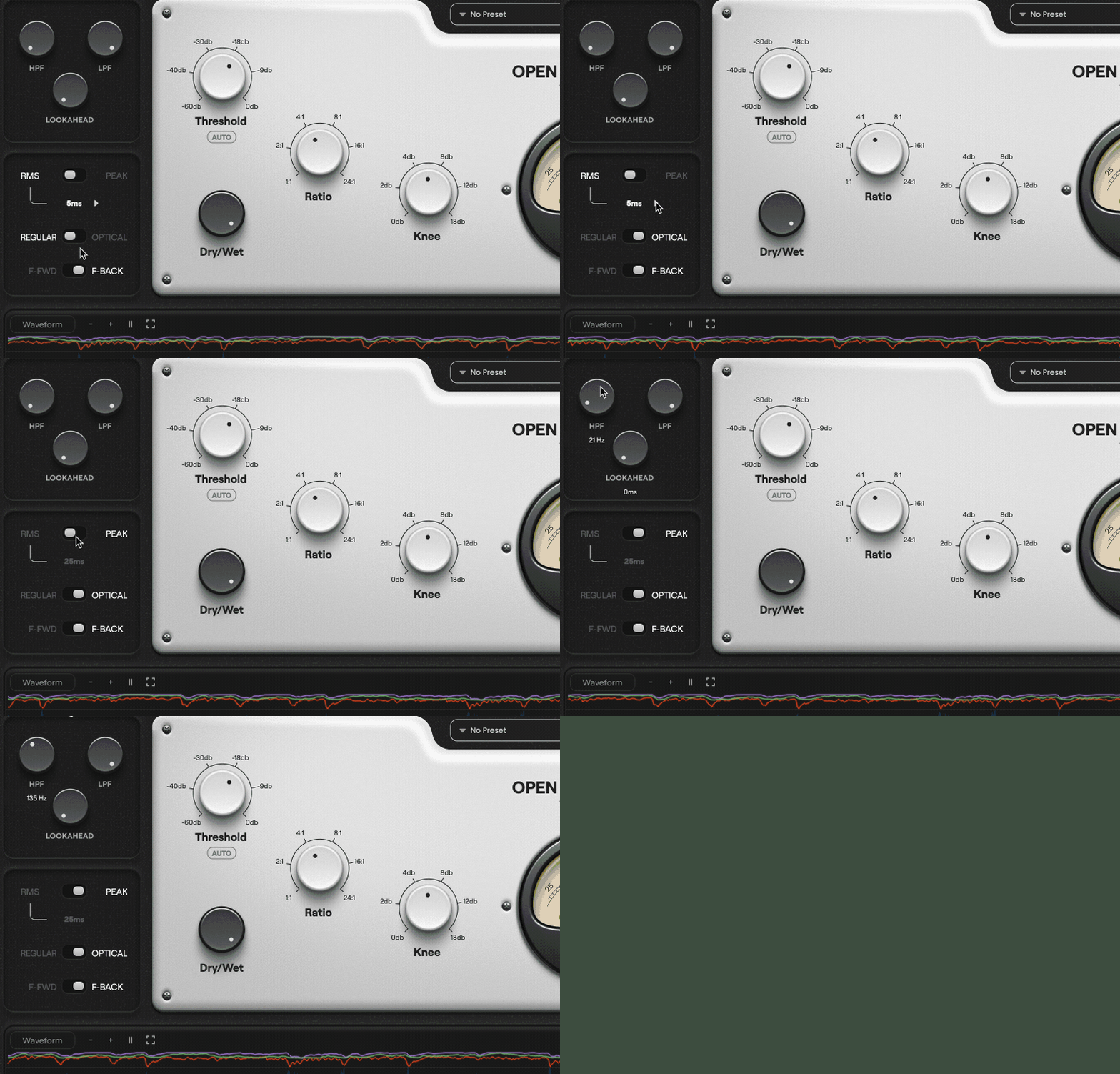
Maintain your creative freedom
A versatile feature set provides starting points for a range of creative processing styles. Take your sound in any direction, from smooth and controlled to bold and brash, or recreate your favourite studio gear by dialling in the settings that define their unique character.
Odd and even saturation, tone control, clipping, limiting, downward expansion, and upward compression give you endless control, while enhanced visualisers show you how parameters are impacting your sound.
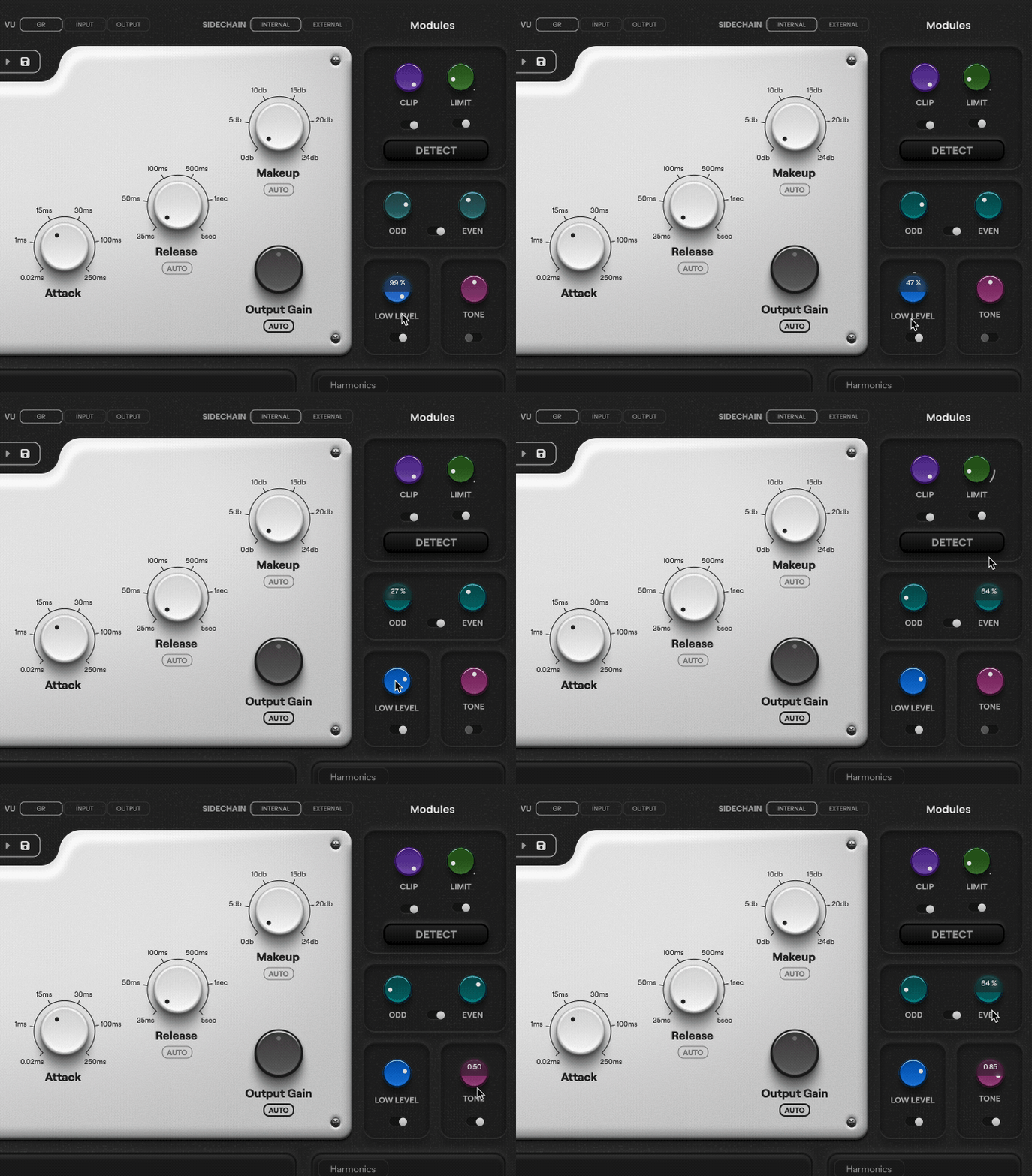
Your new "go-to" compressor
This plugin is designed to be a workhorse compressor, capable of a wide range of sounds and functions.
Of course, there will always be room for your favorite dedicated emulations of classic hardware...
But if you want one compressor that can get the job done 99% of the time, Open Compressor could be the "do-everything" tool for you.
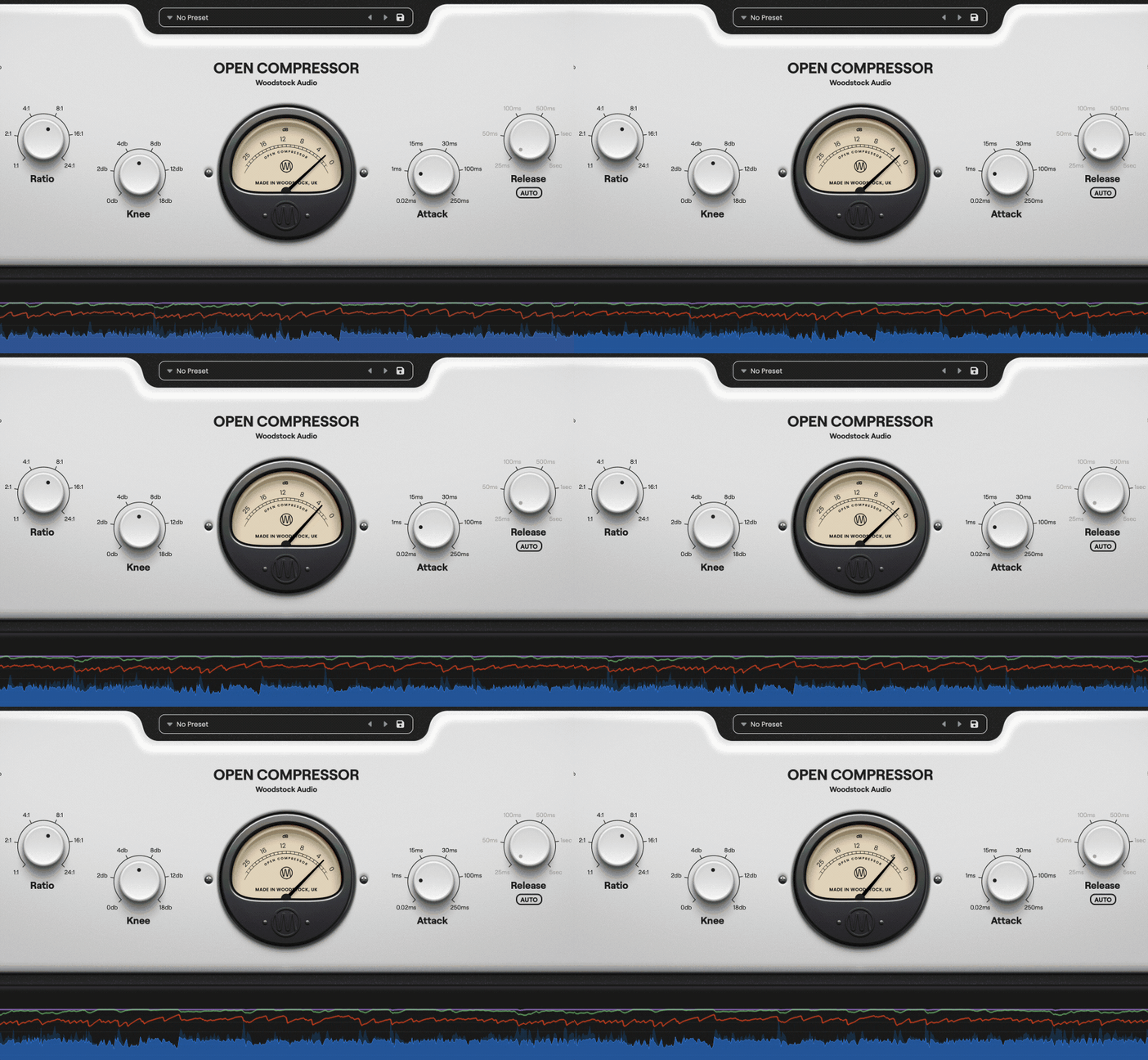
The easy way to control dynamics
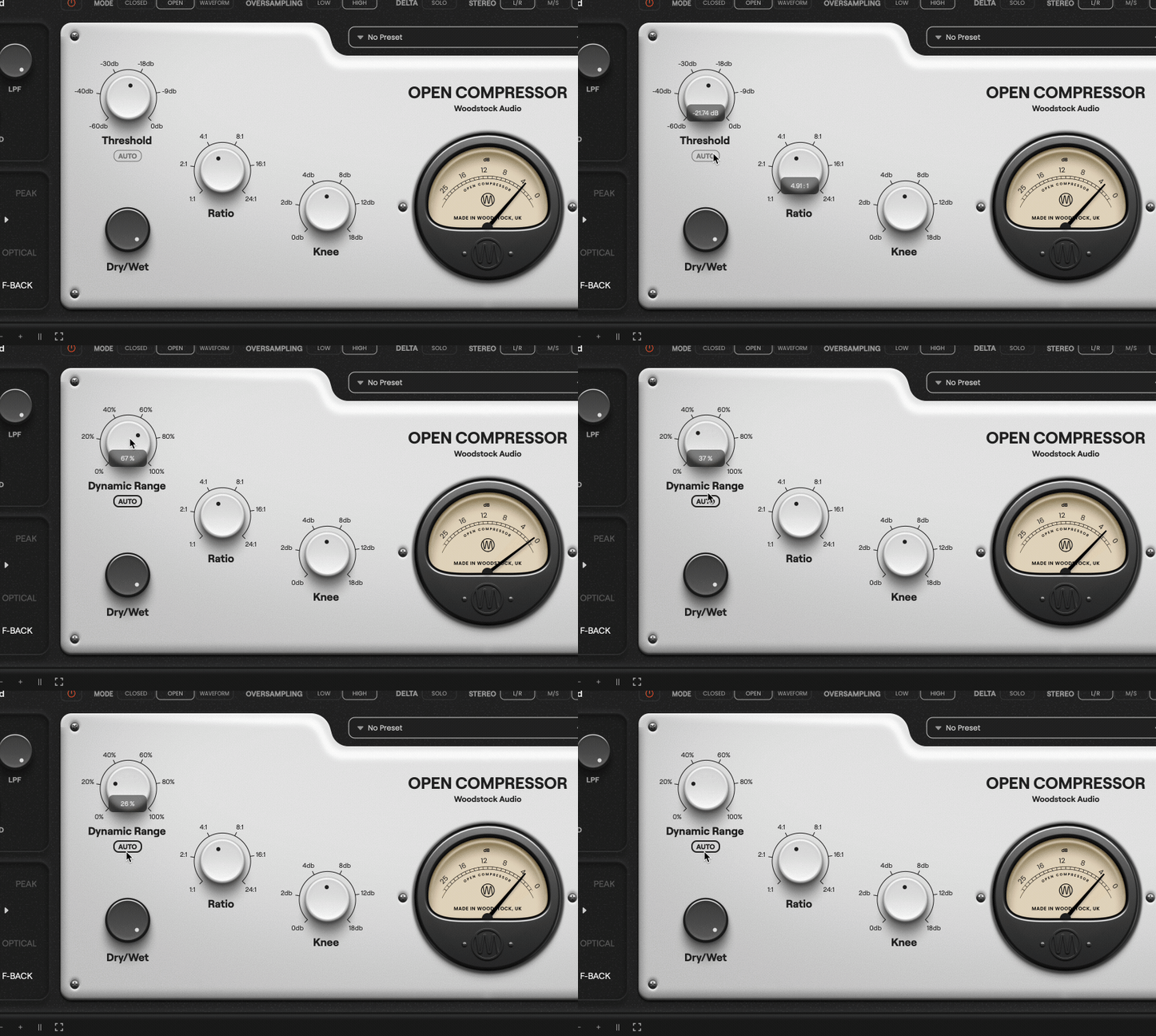
A conventional compressor’s threshold control sets a fixed point (in dB), above which compression takes place. This is great when your source signal is consistent, but when you have lots of gain variation, the compressor will only be affecting the loudest parts.
Using Auto-Threshold, you can apply compression in a variable way, regardless of a signal’s absolute level, and obtain the same tone on your whole signal without losing overall dynamics. Great for expressive vocal takes or dynamic drums.
Control transients before they hit the compressor
It can be difficult to find the balance between fast, aggressive compression that successfully controls transients; and smoother, slower compression that adds character and punch.
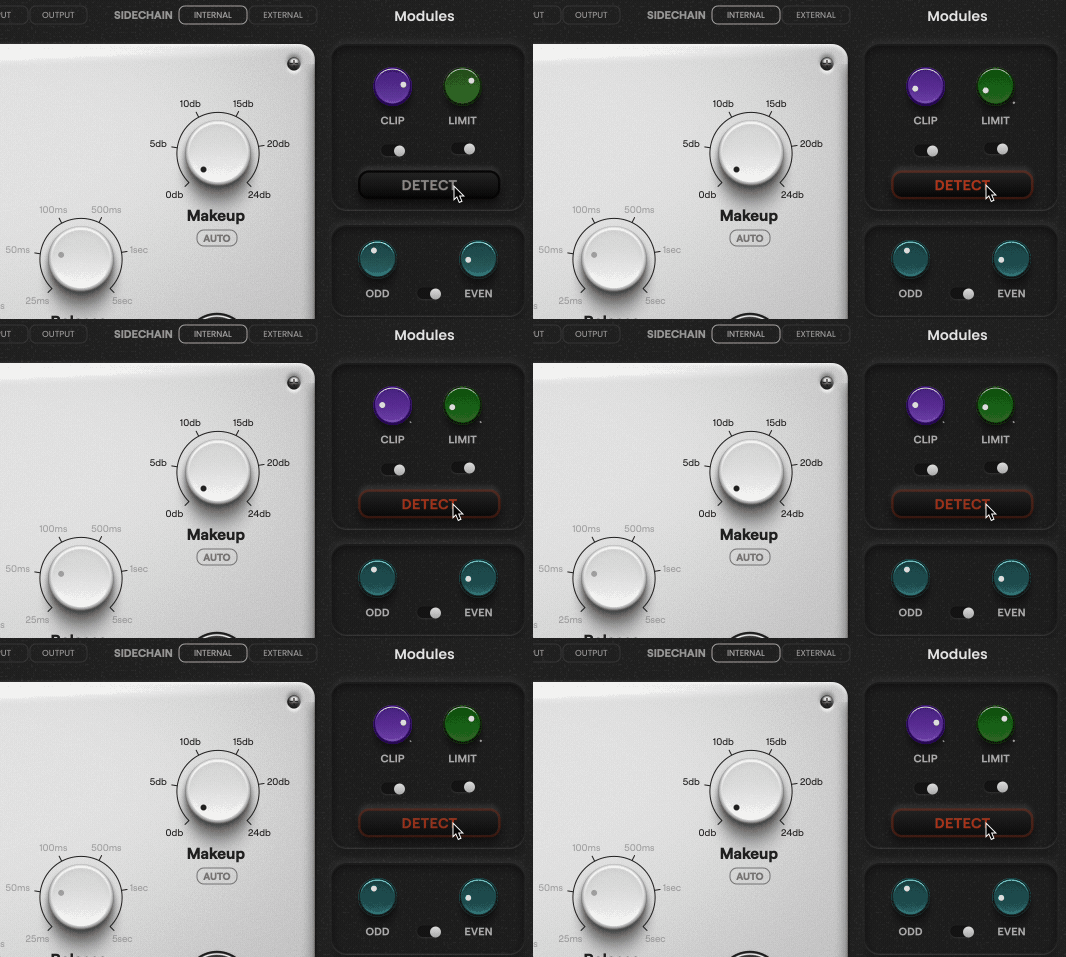
With Open Compressor, the clipper and limiter come before the compressor in the signal chain. That means you can catch and control transients in one click using the handy Detect feature, then shape the compressor to sound exactly the way you want, without compromise.
Features
- Flexible compressor with Threshold, Ratio (1:1–24:1), Attack, Release, and Knee controls
- Regular and Optical modes with distinct attack/release behaviors
- Auto Threshold, Auto Makeup Gain, and Auto Release for intelligent dynamics control
- RMS/Peak detection with multiple RMS window options
- Feedforward or Feedback detector modes
- Lookahead (0–10ms) for precise transient handling
- Detector HPF/LPF filters and external sidechain input
- Stereo processing in L/R, Mid/Side, and Link/Unlink modes
- One-knob soft Clipper and Limiter with auto-detect and bypass
- Dual Odd/Even Saturator with independent drive controls
- Low-Level control for upward/downward compression
- Tone control for dark/bright tonal shaping
- Dry/Wet mix for parallel compression
- Oversampling modes: 2× (Low) or 4× (High)
- Waveform, EQ, Knee, and Harmonic visualisers plus Oscilloscope
- Fullscreen waveform view with zoom and pause functions
- GPU-accelerated graphics and dynamic window resizing
- Built-in preset manager and analogue compressor emulations
- Global and per-module bypass options for quick A/B comparisons
- Input/Output/GR VU metering and Delta listen mode
- Value typing and hover readouts for precise control
- Low CPU usage with optimized performance
- macOS — 10.13+ (Intel) / 11+ (Apple Silicon). 64-bit DAW. 4 GB RAM (8 GB recommended). 200 MB disk. iLok account (USB dongle or computer host activation) required for all formats. Internet for activation/updates.
- Windows — Windows 10/11 (64-bit). 64-bit DAW. 4 GB RAM (8 GB recommended). 200 MB disk. iLok account (USB dongle or computer host activation) required for all formats. Internet for activation/updates.
- Tested hosts — Logic Pro, Ableton Live, Cubase, Studio One, Reaper, FL Studio, Pro Tools.


