Log In

Free gifts available with your purchase
Product information
World Music Sampler Platform
Modern India Meets Global EDM
Where traditional Indian soul meets modern electronic fire!
Desi Dance fuses sitar riffs, flutes, tablas, and Indian percussion with contemporary club-ready beats.
Crafted for today's producers blending authentic Desi textures with modern rhythm, this pack brings the energy of India's dancefloors straight into your DAW.
Built With World Class Musicians
Sonic Atlas libraries are built in collaboration with award-winning producers, composers, and musicians who’ve shaped modern global music. Their artistry powers every note, groove, and tone inside the plugin.
- Naveen Kumar - Renowned Flautist in the Indian Film Industry
- Ranjit Barot - Legendary Drummer, Composer & Music Producer
- Sai Shravanam - Music Producer, Engineer & Master Tablist
- Krishna Kishor - Multi-Percussionist & Music Producer
- Azad Khan - Grammy-recognized Sitarist, Composer, & Music Director
- Mandy Birgi - Music Composer & Producer
- Ishan Chabbra - Oscar-nominated Music Producer & Arranger
- L Kishore - Kumar Renowned Sitarist in the Indian Film Industry
System Requirements
macOS
- macOS 10.15 or higher (Intel / Native Apple Silicon supported)
- Plugin Formats: VST, VST3, AU, AAX, Standalone
- DAW's Supported: Ableton Live, Pro Tools, Logic Pro, FL Studio, Cubase, Nuendo, Reaper, Reason + more.
- Compatibility: 64-bit compatible only
Windows
- Windows 8 or higher
- Plugin formats: VST, VST3, AAX, Standalone
- DAWs supported: Ableton Live, Pro Tools, Logic Pro, FL Studio, Cubase, Nuendo, Reaper, Reason + more.
- Compatibility: 64-bit compatible only
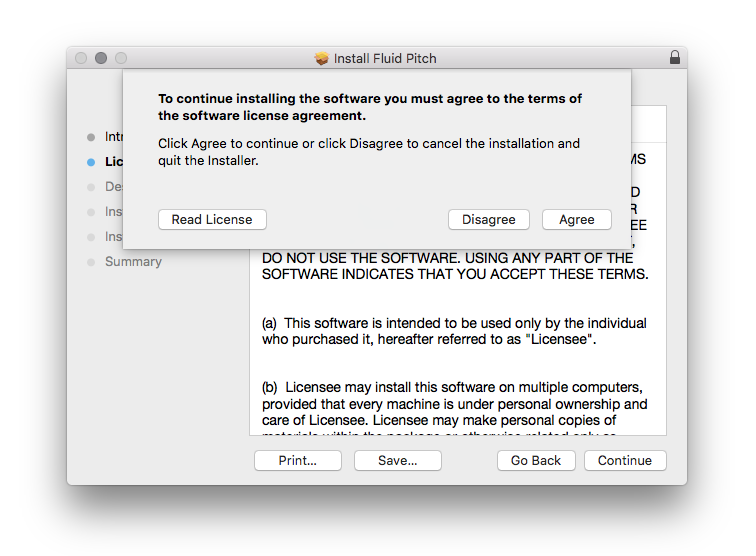
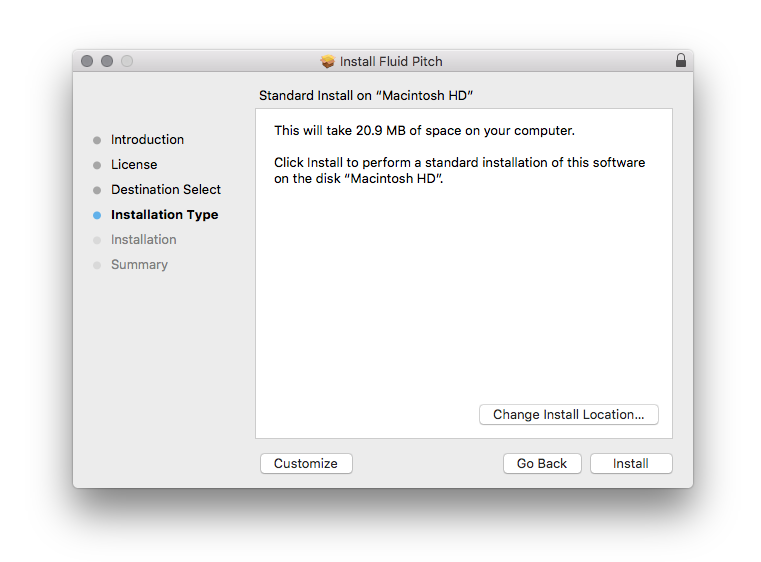
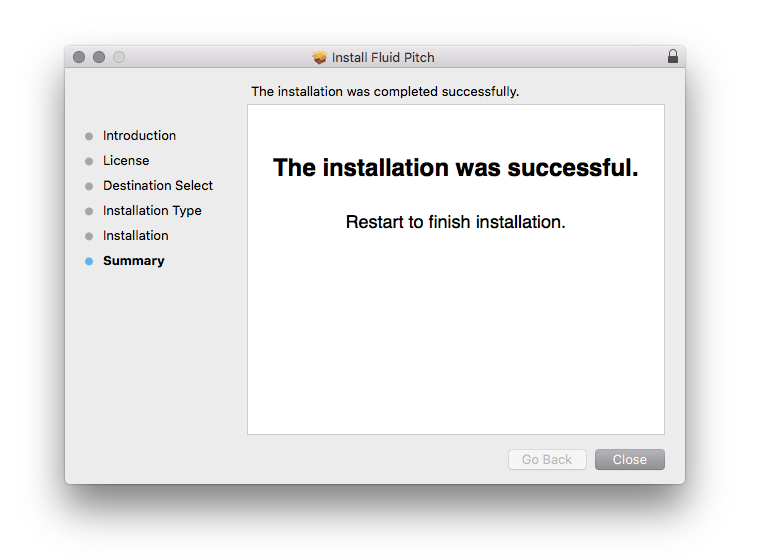
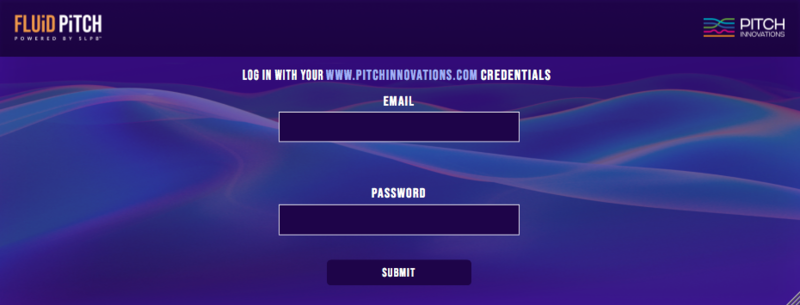
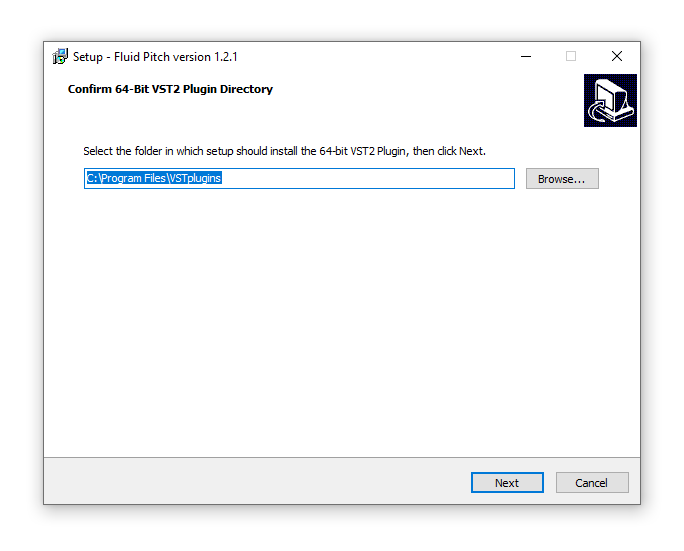
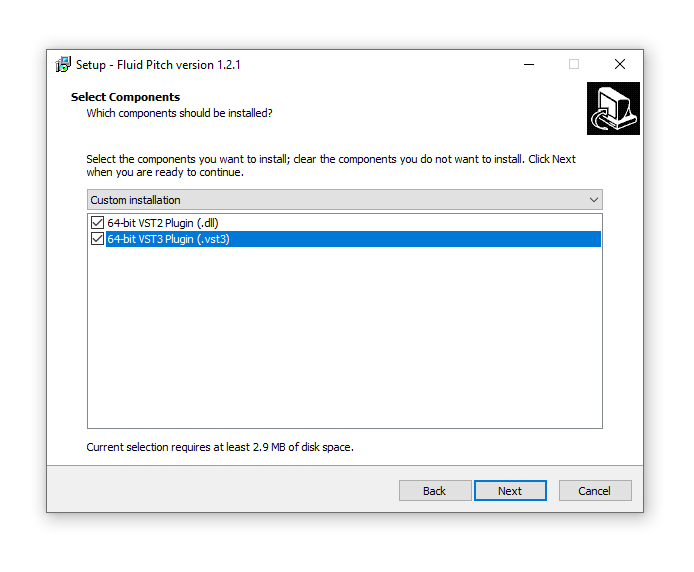
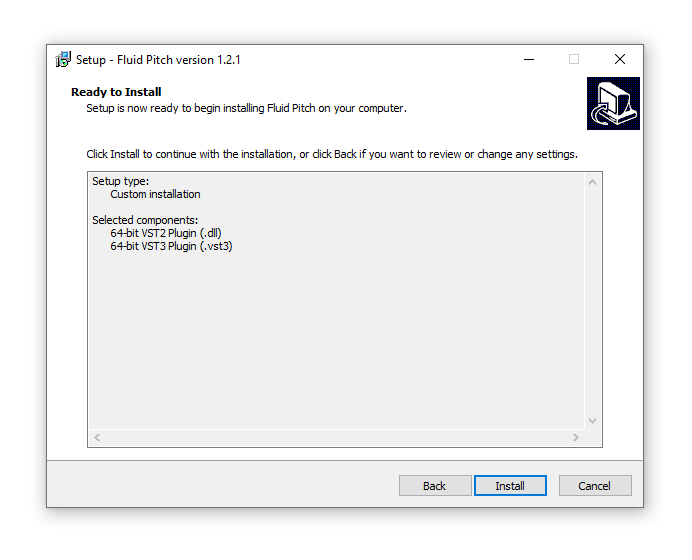
Installation Instructions