/ Effects Bundles / Solid Mix Series R2
Native Instruments

Solid Mix Series R2

$49.50 $99.00

50% off until Dec 08

Main Image
Main Image
 How to: master your mixing | Native Instruments gallery thumbnail
Buy Now
Product information

SUPERIOR MIXING TOOLS

Three sought-after console effects for high-end studio sound. A cohesive toolset for shaping and ‘exciting’ your tracks. Get high-end studio console sound in the comfort of your own virtual effects rack. A cohesive toolset for shaping and ‘exciting’ your sound.

Features

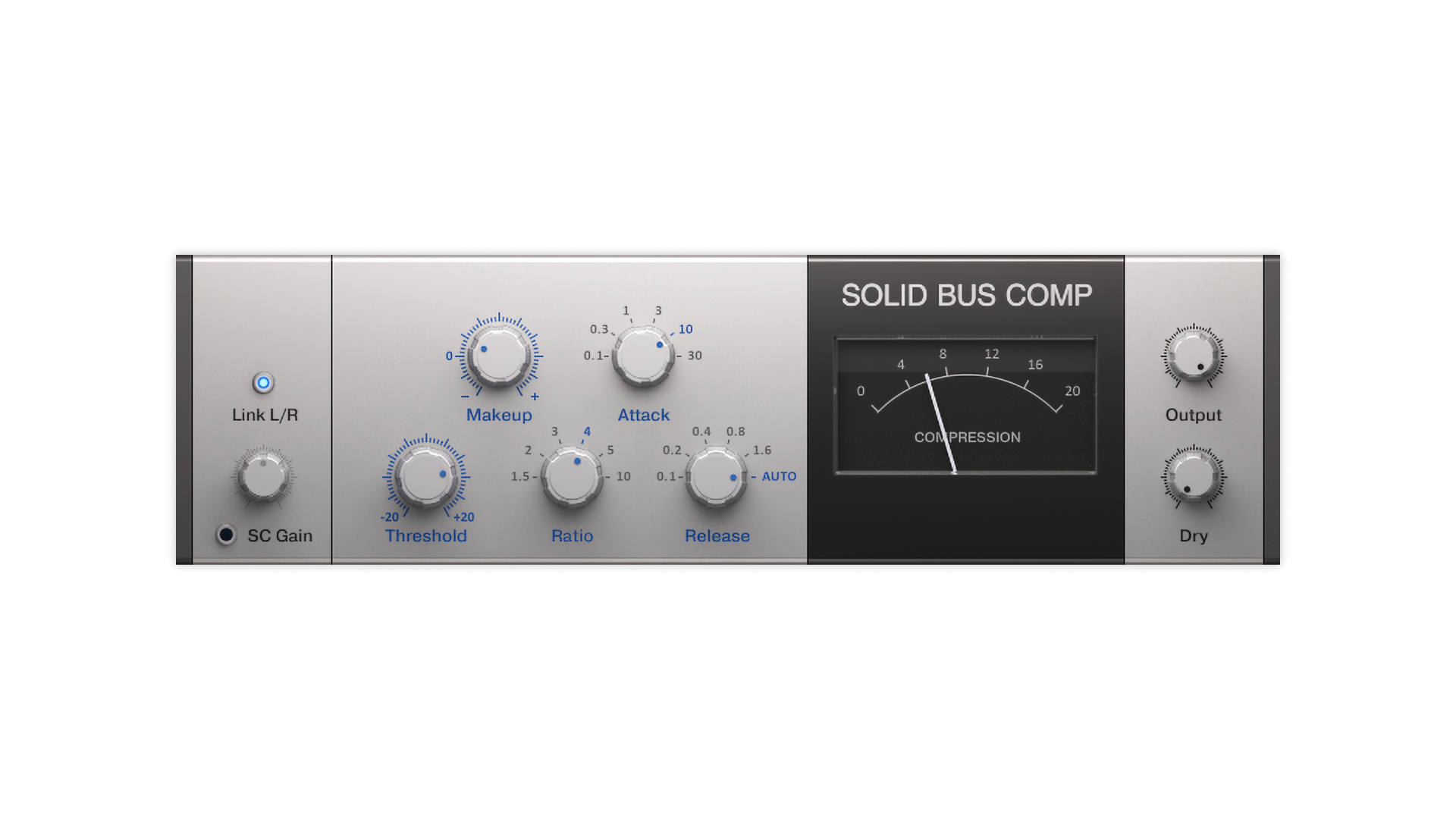
SOLID BUS COMP — for 'audio glue' compression
Image

More than a bus compressor. Use it on anything – single channels, subgroups, master channel – for consistently rewarding results.

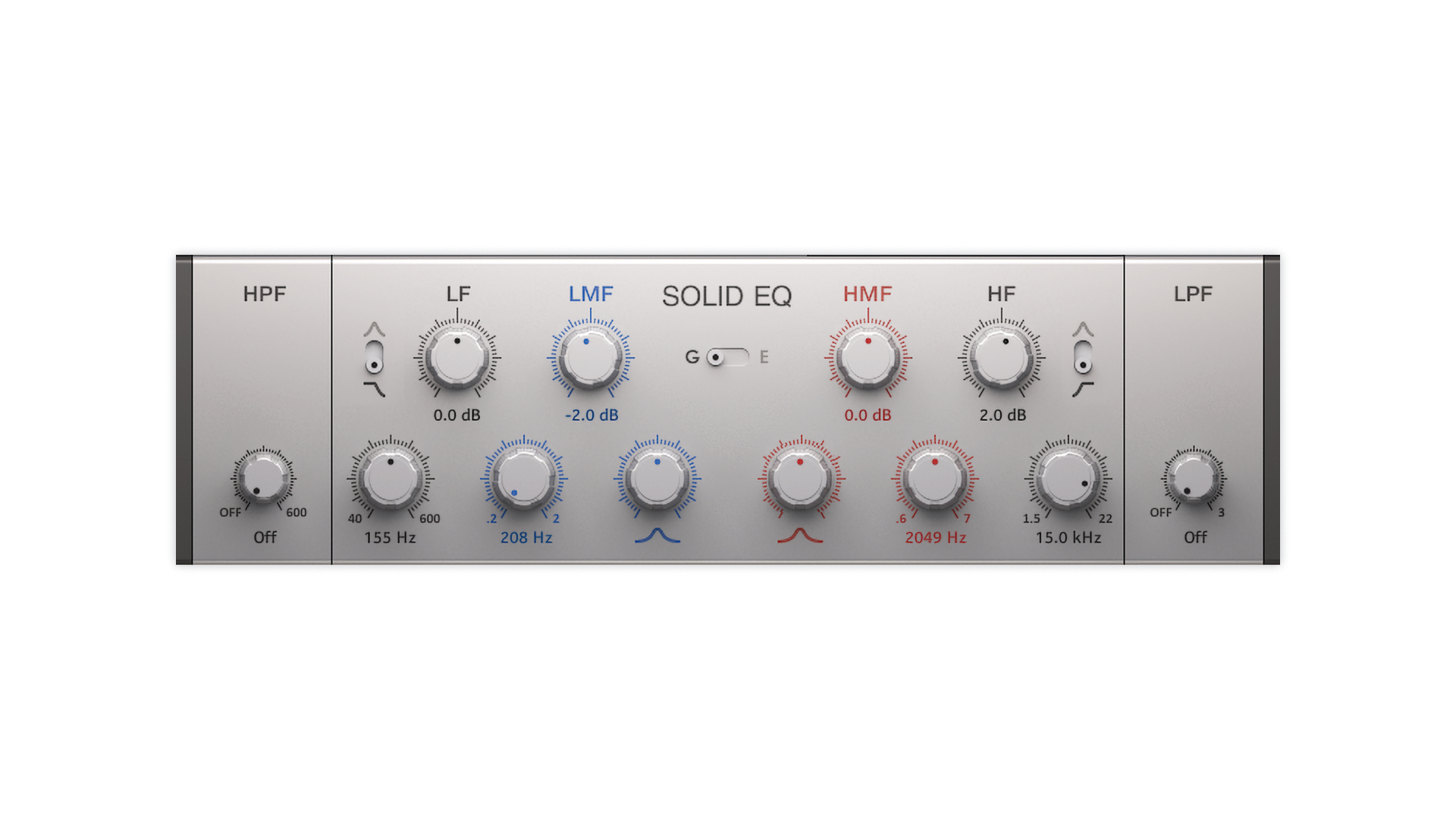
SOLID EQ — switchable 2-mode all-rounder
Image

Two models in one, with switchable curve shapes. A precise 6-band equalizer for all kinds of jobs, from subtle shading to aggressive shaping.

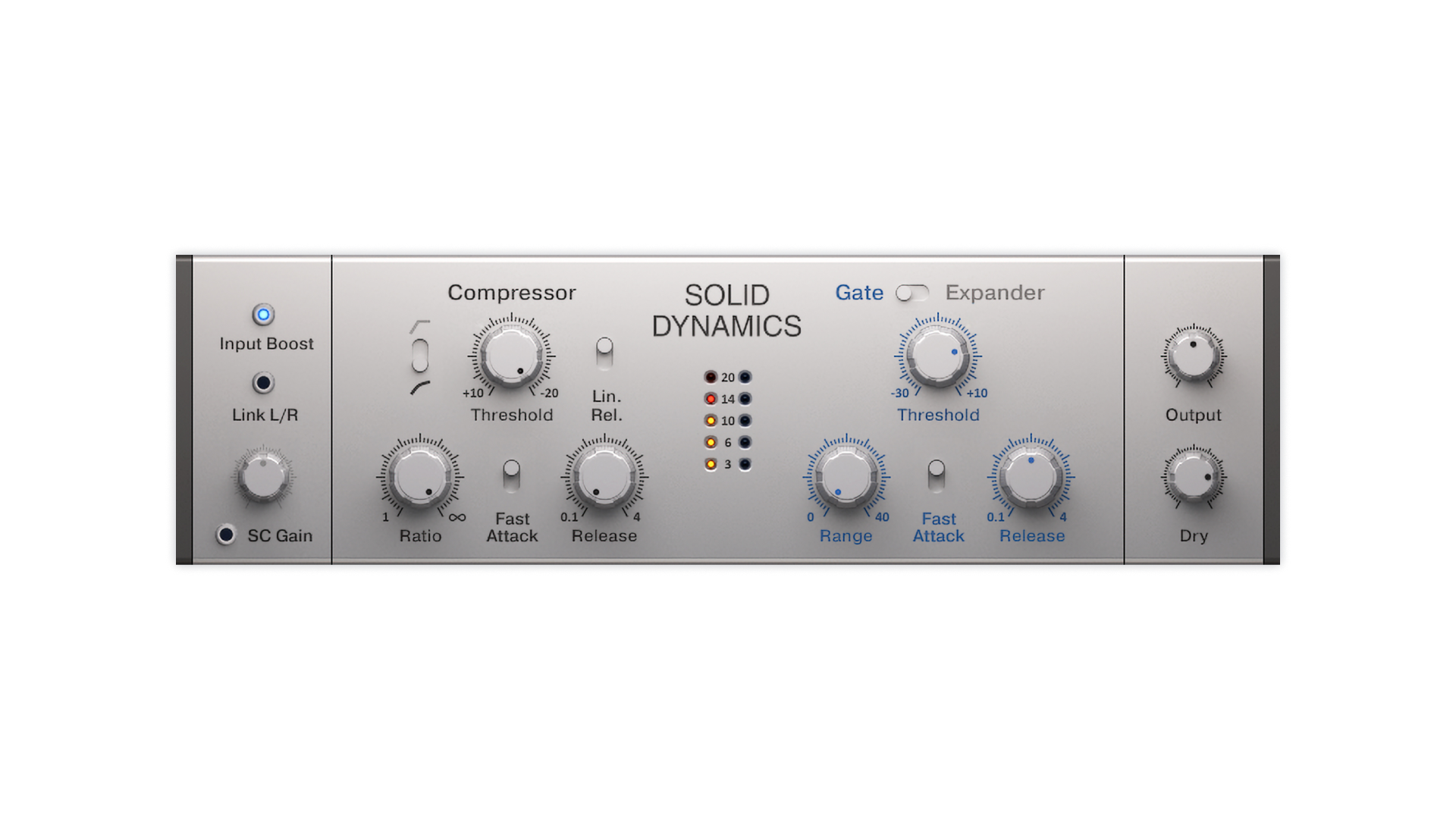
SOLID DYNAMICS — refined dynamics control
Image

A clean, musical dynamics section, combining a stereo compressor, expander and gate in one single effects unit. Works best on single channels.

System Requirements
  • macOS 13, 14 or 15 (latest update)
  • Windows 10 or 11 (64-bit, latest Service Pack)
  • Intel Core i5 or equivalent AMD CPU, 4 GB RAM (6 GB recommended)
  • Apple Silicon Mac (native mode or using Rosetta 2)
  • An Internet connection and a graphics card that supports OpenGL 2.1 or higher are required to download and activate this product. Once installed and activated, the product can be used offline.

Supported interfaces:
Windows (64-bit only): VST, VST3, AAX
Mac OS X (64-bit only): VST, VST3, AU, AAX
 

Installation Instructions

Native Instruments Installation Instructions

Note: Massive is used as an example.

Windows

1. Download the .zip installer file from this Help Centre Area.

2. Double-click the extracted .exe file to begin the installation process > click ‘Run’.

3. Read the welcome message > click 'Next'.

4. Click 'Next' to begin the installation.

5. Native Access has now been installed > Click 'Finish'.

6. Open Native Access > Create a new Native ID if you do not have one already. If you do, skip ahead to step 8.

7. You will then receive an email with a confirmation link > Open the email and click 'CONFIRM EMAIL'.

8. Log in to Native Access with your Native ID.

9. Click 'Add a serial'.

10. Enter your Serial Number found in your Plugin Boutique User Account > Click 'ADD SERIAL'.

11. Once your serial has been registered, click 'VIEW PRODUCTS NOT INSTALLED'.

12. Click the 'Not installed' tab > Locate Massive > Click 'INSTALL'.

Your software is now activated and ready for use within your DAW.

Mac

1. Download the .dmg installer file from this Help Centre Area.

2. Double-click the .dmg file to install Native Access.

3. Open Native Access > Create a new Native ID if you do not have one already. If you do, skip ahead to step 5.

4. You will then receive an email with a confirmation link > Open the email and click 'CONFIRM EMAIL'.

5. Log in to Native Access with your Native ID.

6. Click 'Add a serial'

7. Enter your Serial Number found in your Plugin Boutique User Account > Click 'ADD SERIAL'.

8. Click the 'Not installed' tab > Locate Massive > Click 'INSTALL'.

Your software is now activated and ready for use within your DAW.

Beatport Streaming Advanced Registration Instructions

1. Head to Beatport.com > enter your details > click 'CREATE ACCOUNT' (if you already have an account simply Log in).

2. Click 'SUBSCRIBE'.

3. Under the 'Advanced' plan > click 'TRY FREE FOR 30 DAYS'.

4. Enter your '3-Months Beatport Streaming Advanced' code (found in your Plugin Boutique account) > enter your payment details > Enter your billing details > click 'APPLY'.

Please note: No payment will be taken when you complete this step. Your payment date will be three months after you redeem your free 3 months of Beatport Streaming Advanced.

5. Click 'UNDEFINED 3-MONTH' to begin your free 3-Months Beatport Advanced Streaming membership.

6. Click 'Get Started' to get started with your subscription for Beatport Streaming Advanced.

Beatsource Pro+ Registration Instructions

1. Head to Beatsource > enter your details > click 'Create Account' (if you already have an account simply Log in).

2. Click 'Try Beatsource Free'.

3. Under the 'Beatsource Pro+' plan > click 'Try 30 Days Free'.

4. Enter your '3-Months Beatsource Pro+' code (found in your Plugin Boutique account) > enter your payment details > Enter your billing details > click 'APPLY'.

Please note: No payment will be taken when you complete this step. Your payment date will be three months after you redeem your free 3 months of Beatsource Pro+.

5. Click 'START YOUR 3 MONTH FREE TRIAL' to begin your free 3-Months Beatsource Pro+ membership.

Your subscription is now activated.

Plugin Boutique Rewards

Discover the most rewarding loyalty programme among all plugin retailers.

  • Free Loopmasters Samplepacks
  • Discounts on products and courses
  • Extra Virtual Cash claimed immediately at checkout
Find out more

Follow us:

X (Twitter) Facebook YouTube Instagram
Logo Logo

Plugin Boutique Limited, Part of the Beatport Group LLC.

Copyright © 2011-2025 Plugin Boutique. All rights reserved