/ Multi-Effect / Cache
Sinevibes

Cache

4.5 (4 Reviews)
$49.00
Main Image
Main Image
 Sinevibes Cache – Hardstyle Track gallery thumbnail
 Sinevibes Cache – Funk Drum Break gallery thumbnail
 Sinevibes Cache – Jungle Drum Break gallery thumbnail
Sinevibes Cache – Electric Guitar Riff gallery thumbnail
Sinevibes Cache – Male Vocal Phrase gallery thumbnail
Buy Now
Product information

Real-time audio manipulator

Cache is a MIDI-controlled effect plugin for real-time audio manipulation, available for Mac, Windows and Linux. Its unique sound engine constantly records all incoming audio and processes it live through multiple included buffer-based algorithms – such as repeat, robotize, time stretch, stop, reverse, rewind, scratch – and much more. The plugin allows you to set up any custom combination of 12 such effects at the same time, and then trigger them with extreme precision via MIDI note events – creating transitions of any complexity, all on the fly. Thanks to its lightning-fast workflow and meticulously tuned algorithms, Cache is a highly practical, dependable and super-fun tool for live performance, studio production, remixing, and sound design.

Features

  • 12 simultaneous buffer-based effects triggered via MIDI key zones with sample-level precision
  • Multiple algorithms selectable individually per each key zone: Loop, Repeat, Ping-Pong, Robotize, Stretch, Stop, Reverse, Rewind, Scratch, Bend, Roll Up, Roll Down
  • High-quality spline interpolation, fade envelopes and two-pole gate switches for completely smooth operation
  • Supports mono › mono, mono › stereo, and stereo › stereo channel configurations
System Requirements

Mac: AU/VST3/AAX for macOS 10.13 or newer (64-bit Apple Silicon and Intel)
Windows: VST3/AAX for Windows 8.1 or newer 
(64-bit Intel and AMD)
Linux: VST3 for Linux 2020 or newer 
(64-bit Intel and AMD)
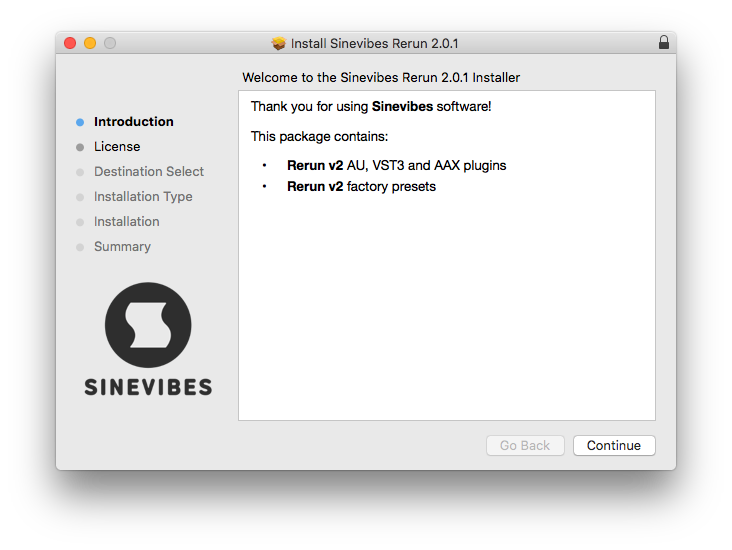
Installation Instructions

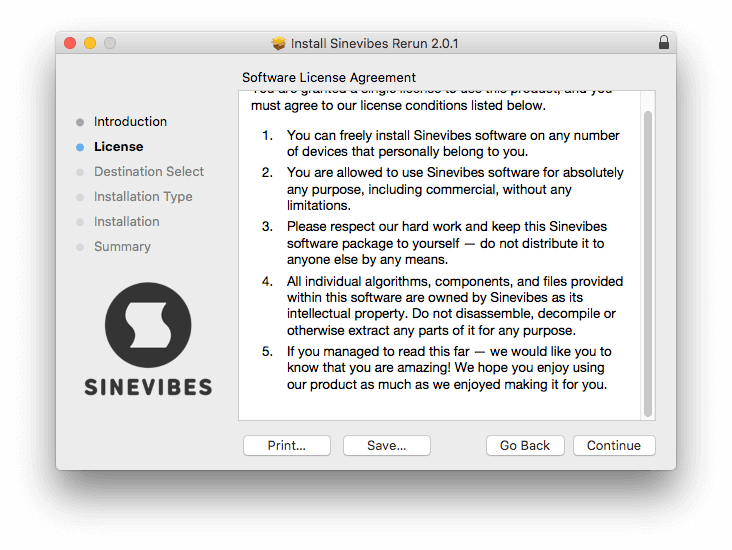
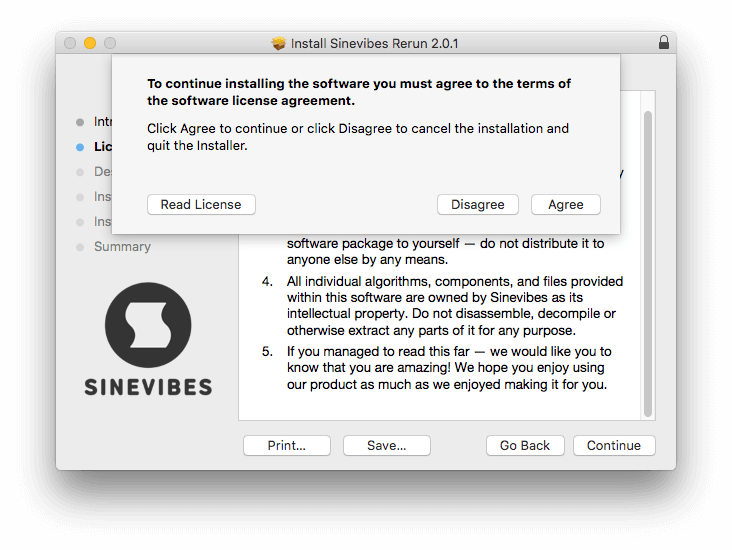
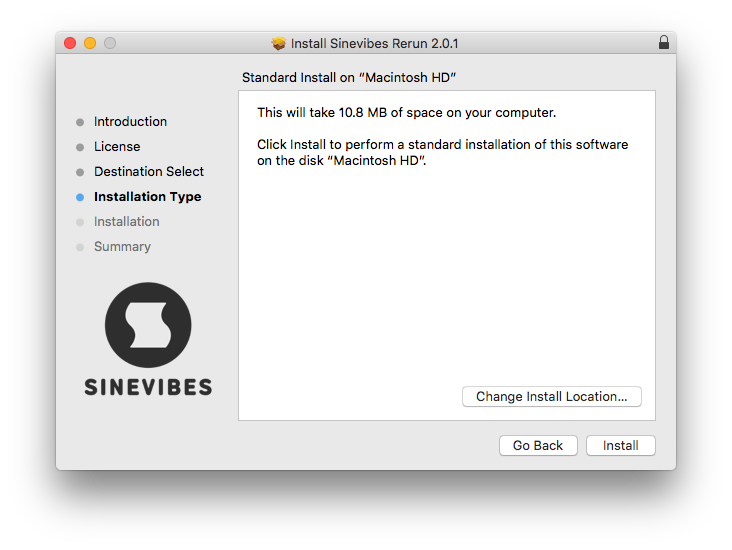
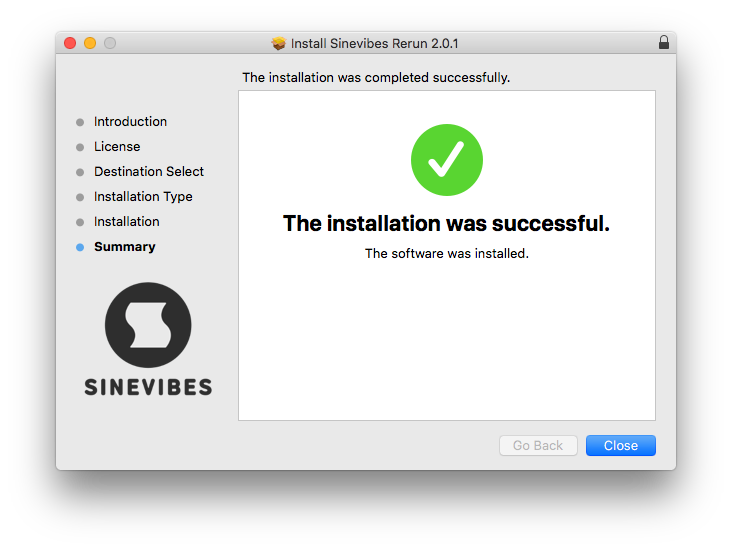
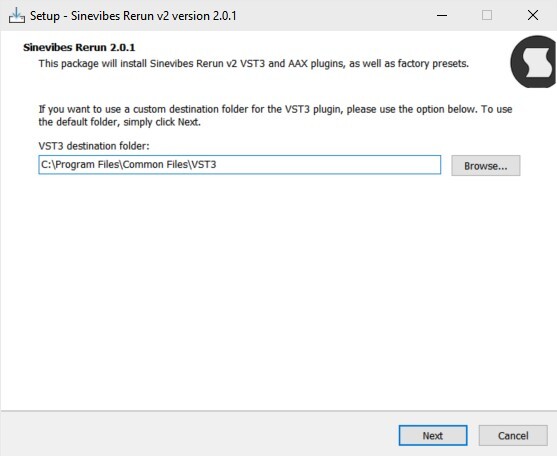
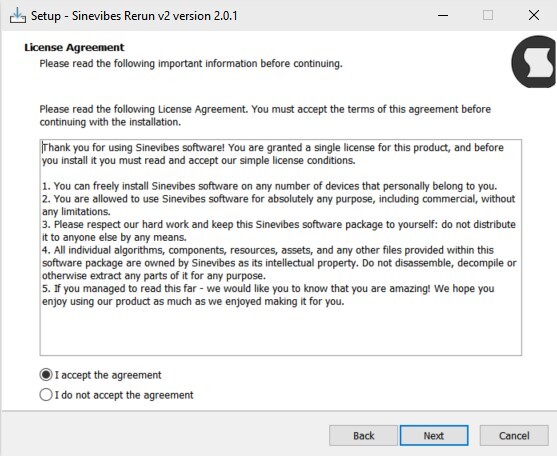
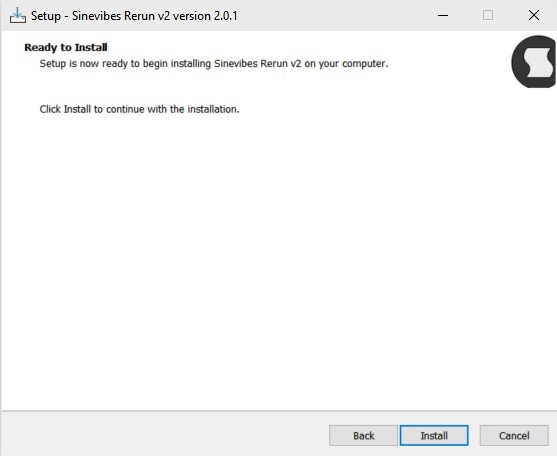
Please note: Rerun v2 is used as an example.

Mac Installation

1. Download the ZIP folder from your Plugin Boutique account > Open.

2. Double-click the PKG installer file > Click 'Continue'.

3. Read the Software License Agreement > Click 'Continue'.

4. Click 'Agree'. 

5. Choose the install location > Click 'Install'.

6. Click 'Close'.

Your software is now installed and ready to use in your DAW.

Windows Installation

1. Download the installer from your Plugin Boutique account > Extract the folder. 

2. Double-click the Windows installation file to run the installer > Click 'Next'.

3. Read the License Agreement > Select 'I accept the agreement' > Click 'Next'.

4. Click Install to start the installation.

Your new software is now installed and ready to use in your DAW.

Bundle & Save

Complete Collection
$299.00

Plugin Boutique Rewards

Discover the most rewarding loyalty programme among all plugin retailers.

  • Free Loopmasters Samplepacks
  • Discounts on products and courses
  • Extra Virtual Cash claimed immediately at checkout
Find out more

Follow us:

X (Twitter) Facebook YouTube Instagram
Logo Logo

Plugin Boutique Limited, Part of the Beatport Group LLC.

Copyright © 2011-2025 Plugin Boutique. All rights reserved