


 Log In

Free gifts available with your purchase
Product information
Step into the Wildhunt — where sound becomes prey and silence never survives. Built for pressure and forward motion, Savage Ritual Tension delivers tight impacts, feral percussion, organic textures, and beastly vocals that assemble scenes in seconds — warrior footsteps, tension in the woods, pursuit, primal mystery. Its motion design leans on tremor‑driven textures and ricochet‑inspired hits without relying on standard instrumental play. Perfect for worlds like See, The 100, Raised by Wolves, The Last of Us, and The Northman.
Features
- Content: Kontakt Instruments / Multi Patches: Artist Kits & Elements / WAV Folder
- Main Categories: Hits • Impacts • Kicks • Drum Loops • Tonal Loops • Signature Cello • Thumps & Heartbeats • Drones • Signals • Wild Calls • Tonal FX • Hybrid FX • Whooshes.
- Key Sounds: Organic and hybrid impacts, rattling drones, cello phrases, sub thumps, primal loops, cinematic whooshes, ritual chants.
- Workflow: Fully integrated rhythmic control with velocity lanes, randomness, and MIDI export.
- ~150 Kontakt Instruments
- 3000+ Rhythms
- 60+ FX Chain Presets
- Artist Kits Multis
- Elements Multis
- WAV Folder
System Requirements
- macOS 13, 14, and 15 (latest update)
- Windows 10 or 11 (latest Service Pack)
- Intel Core i5 or equivalent CPU, or Apple Silicon, 4 GB RAM (6 GB recommended)
- Kontakt 8.7.1 or newer is required. COMPATIBLE WITH FREE KONTAKT PLAYER
- Library Size: ~9 GB
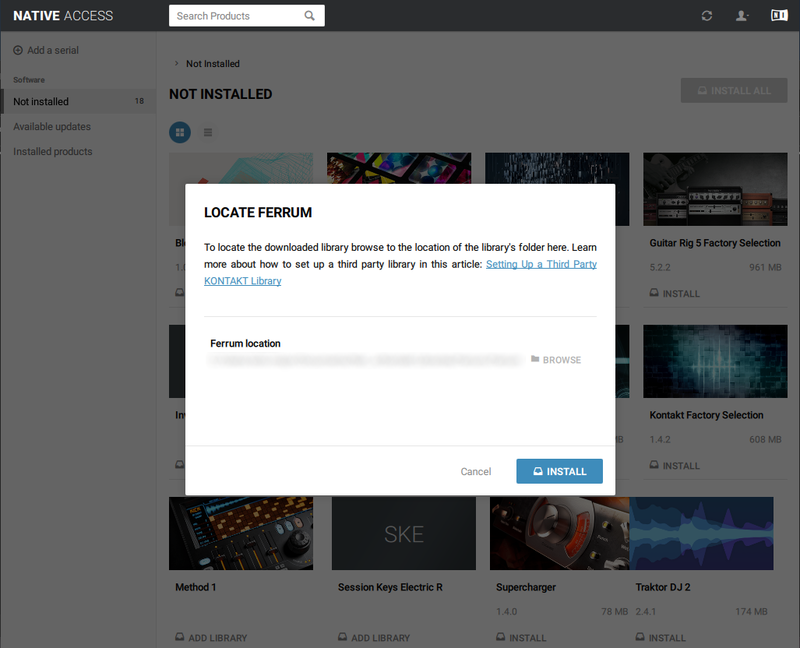
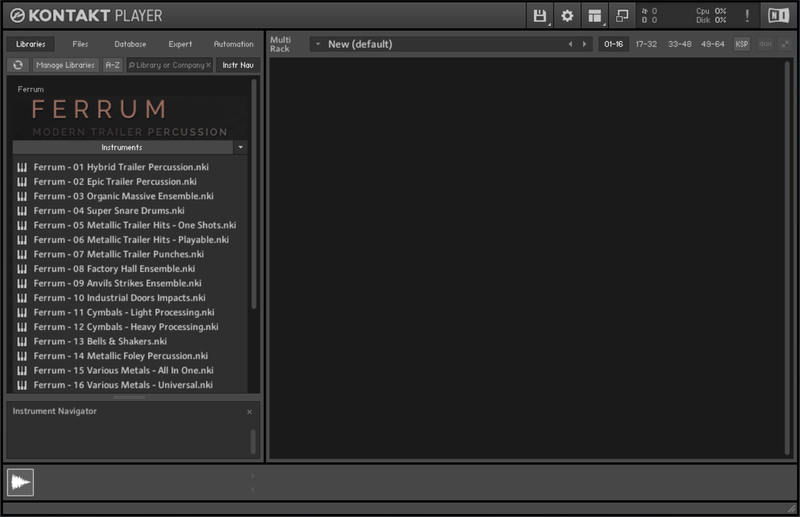
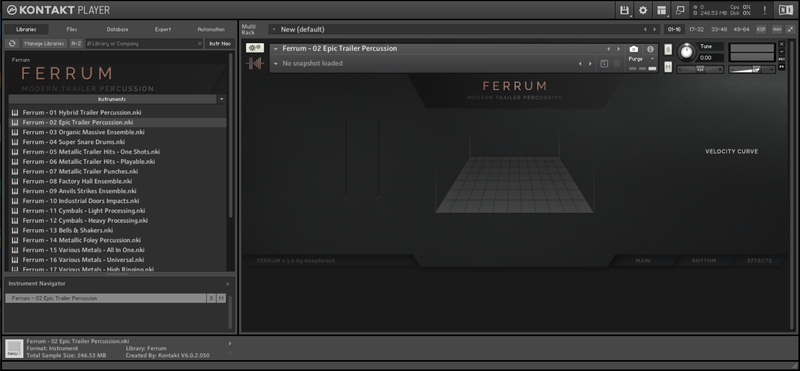
Installation Instructions
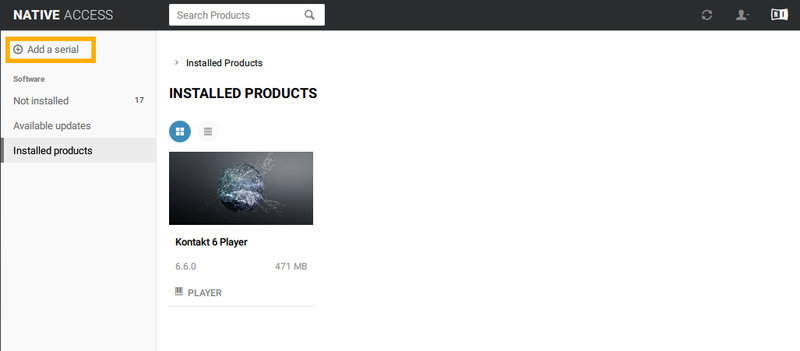
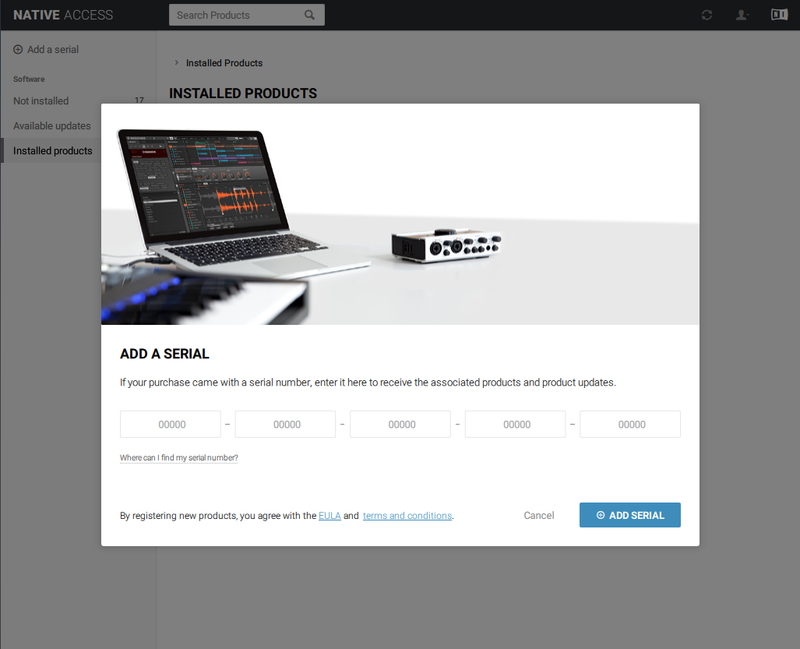
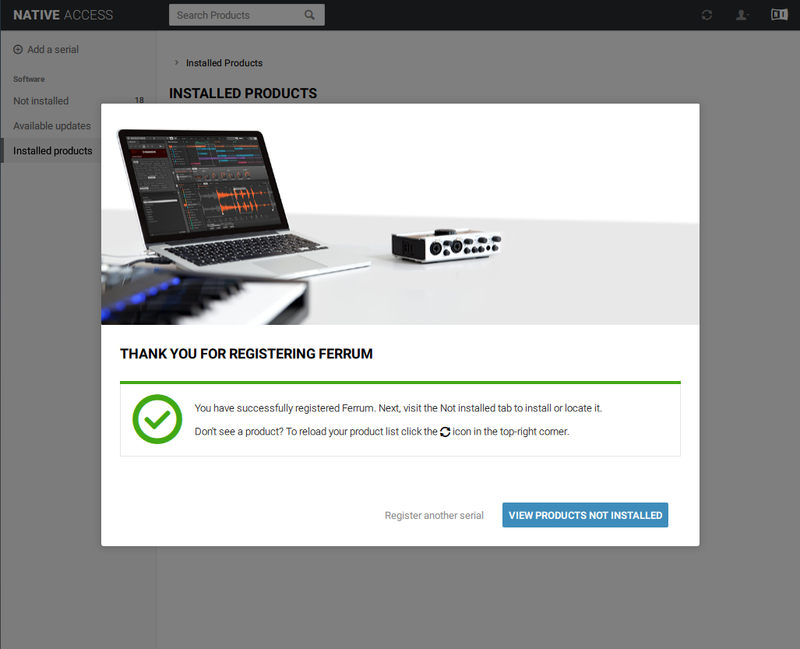
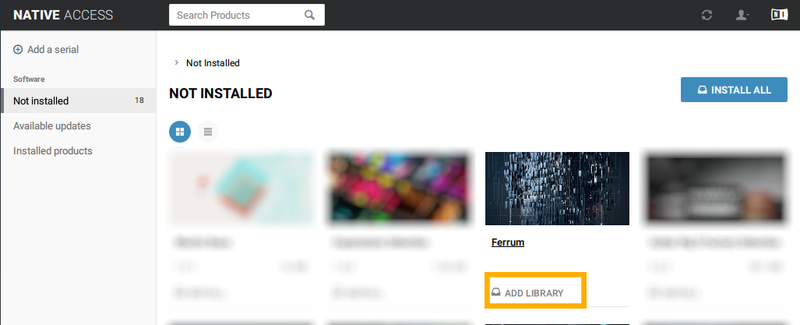
Bundle & Save
Wildhunt – Bundle
$399.00


