


 Log In

Free gifts available with your purchase
Master-Grade Limiter
Maximum Loudness. Zero Compromise. From bedroom beats to professional masters — make everything you create hit harder and sound louder, instantly.
Loud Without The Pain
Make your drums hit harder. Get your vocals to cut through. Master your tracks with pro-level loudness. LoudBody is the one-click solution that brings commercial power to everything you create — from individual tracks to full masters.
Bass-Heavy Champion
Hip-hop, EDM, trap — LoudBody handles sub-bass better than anything, keeping your 808s punchy at max loudness.
Stereo Width Stays Intact
M/S mode preserves your stereo image — your mix stays three-dimensional even when pushed hard.
Competitive Advantage
Louder, punchier tracks get more saves and shares. Deliver the most engaging version of your music.
Streaming-Ready Masters In Seconds
With LoudBody's professional LUFS metering and precise ceiling control, preparing the perfect master for any streaming platform is effortless. Simply dial in your target loudness using the real-time LUFS-I display, set your ceiling to prevent codec distortion, and export.
No guesswork. No re-exporting. Just loud, clean masters optimized for every platform — from Spotify's -14 LUFS to Apple Music's -16 LUFS, and everything in between.
The Tech Behind The Sound
Adaptive hybrid limiting — an intelligent algorithm that dynamically blends peak limiting with controlled soft-clipping based on your audio's characteristics.
Unlike fixed-ratio limiters that sound harsh when pushed, LoudBody's adaptive engine analyzes your signal in real-time and chooses the optimal balance. The result? Commercial loudness that maintains punch, clarity, and musicality.
Combined with True Peak limiting, 16x oversampling, and M/S processing — everything you need for streaming-ready masters without the artifacts.
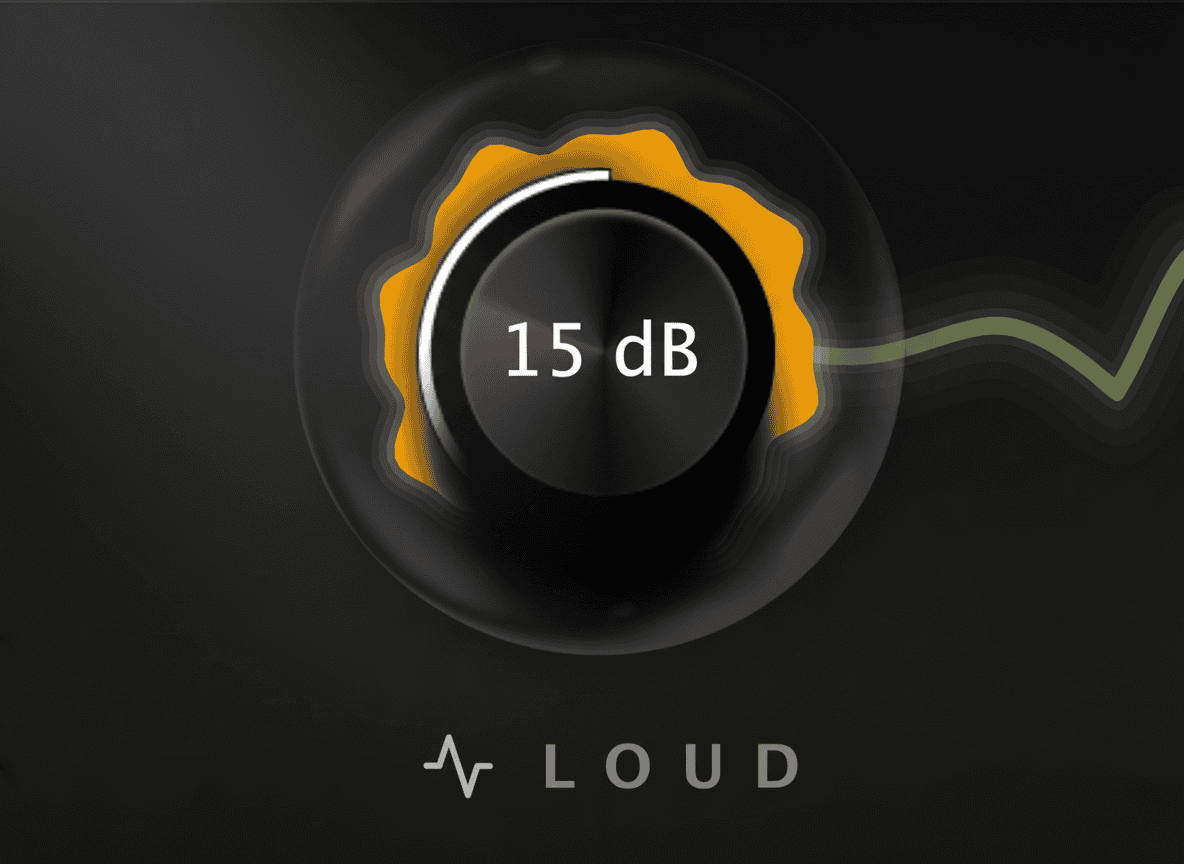
LOUD Knob
Your One-Stop Loudness Control
The LOUD knob is your master loudness control — turn it up to push your mix to commercial levels. LoudBody's adaptive algorithm automatically balances peak limiting and soft-clipping in real-time, giving you maximum loudness without the harshness.
From subtle glue at low settings to aggressive brick-wall limiting at maximum, this single control adapts to your material intelligently. No presets needed — just turn it until it sounds perfect.
Pro Tip: Watch the integrated LUFS-I and True Peak meters while adjusting — dial in -14 LUFS for Spotify or -16 LUFS for Apple Music with 0.1 dB precision. Enable True Peak mode to prevent codec distortion on streaming platforms.
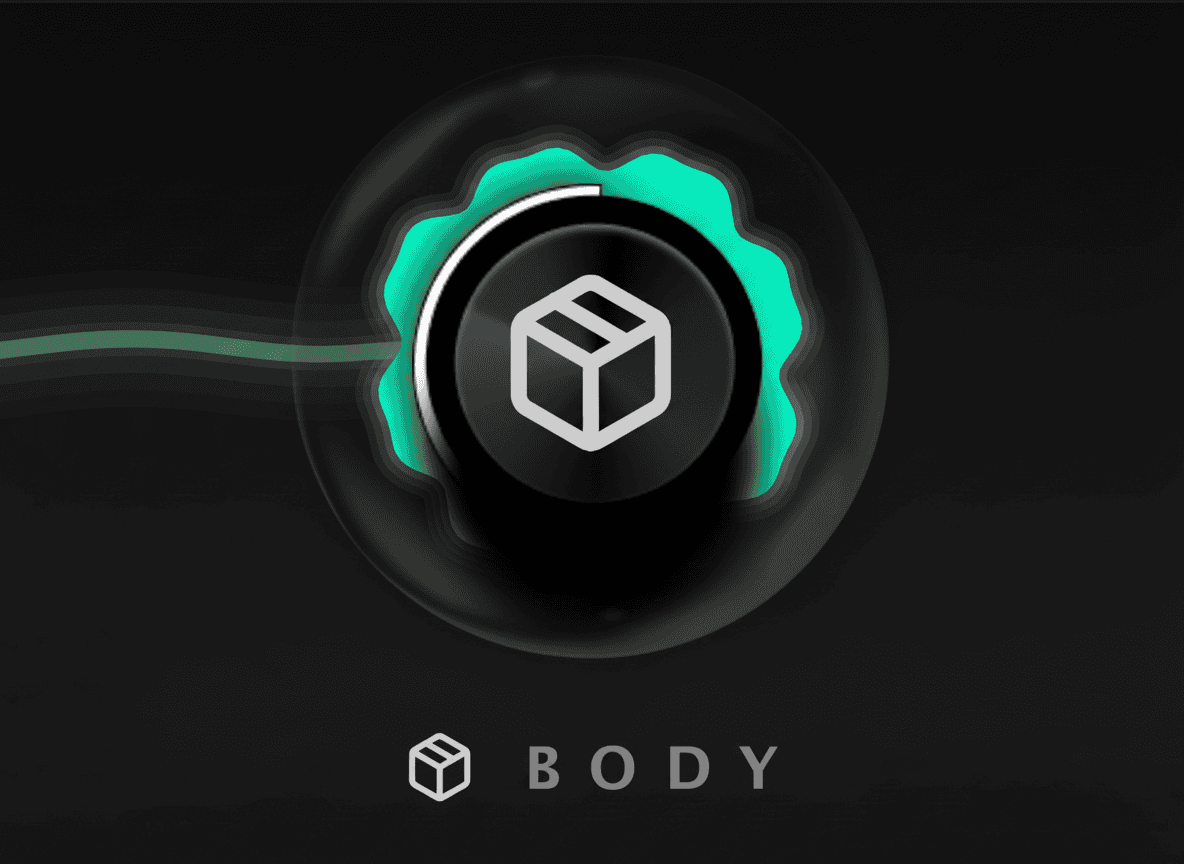
BODY Knob
Shape Your Sonic Character
The BODY knob controls the harmonic character of your limiting — dialing in the perfect balance between transparent precision and controlled harmonic excitement.
Turn left (0%) for gentle, transparent limiting that preserves your original tone — ideal for mastering and acoustic material.
Turn right (100%) for aggressive, punchy character with more harmonics — perfect for dense mixes that need maximum impact.
Pro Tip: Start at 50% and adjust by ear. EDM and hip-hop often sound best around 60-80%, while mastering typically sits at 20-40%.
Special Features
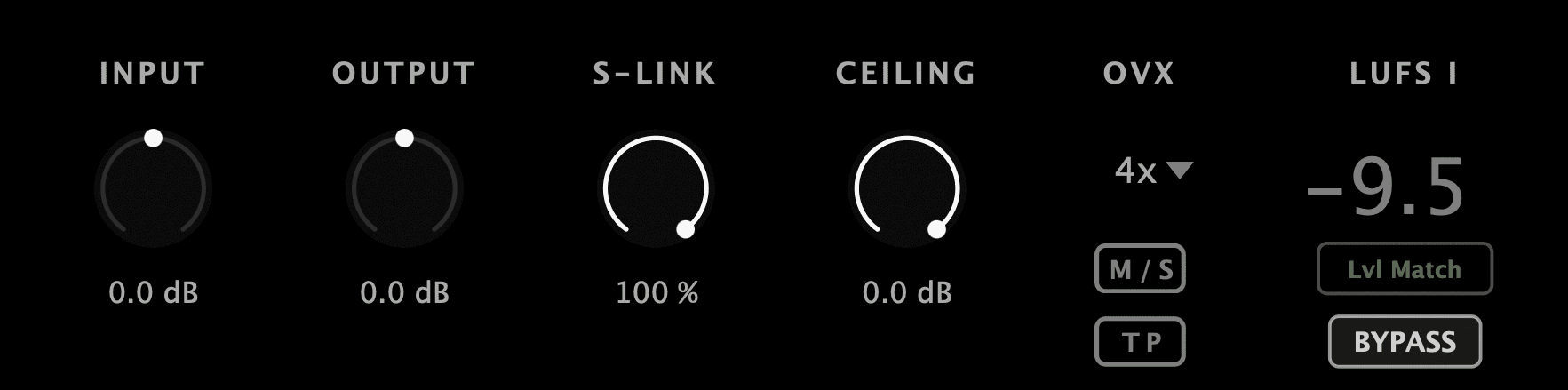
True Peak Limiting
Industry-standard -0.3dB True Peak compensation prevents inter-sample peaks that cause distortion. Essential for streaming — your masters stay clean even after lossy encoding.
M/S Mode
Process center (Mid) and stereo width (Side) independently. Preserve your stereo image while achieving maximum loudness — your mix stays three-dimensional even when pushed hard.
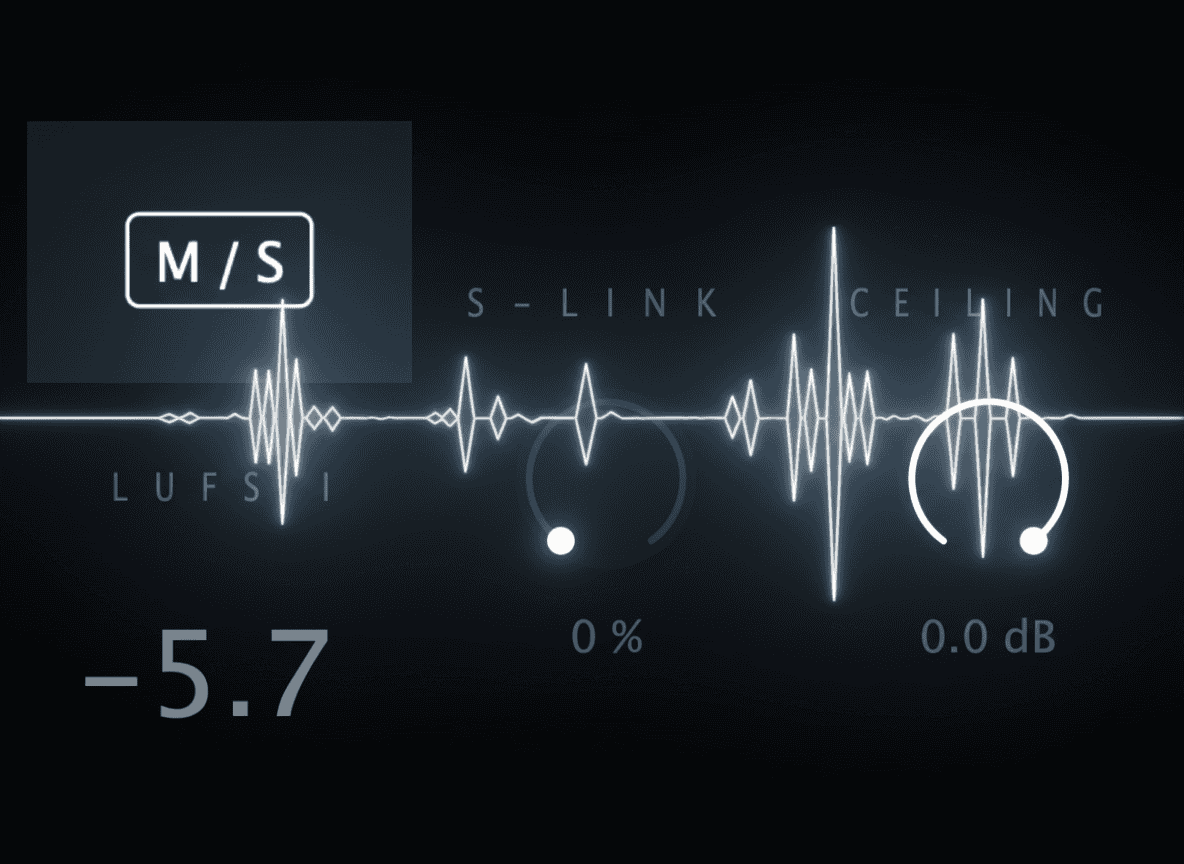
Professional LUFS Metering
Complete EBU R128-compliant metering: LUFS-I (integrated) and True Peak dBTP. Hit -14 LUFS for Spotify, -16 for Apple Music with precision.
Stereo Link (S-Link)
Control how much left and right channels influence each other during limiting. From fully independent (0%) to completely linked (100%) — dial in the perfect balance.
Ceiling Control
Set your absolute peak ceiling from 0dB down to -3dB. Leave 0.3dB headroom for streaming codec safety, or push to 0.0dB for maximum loudness.
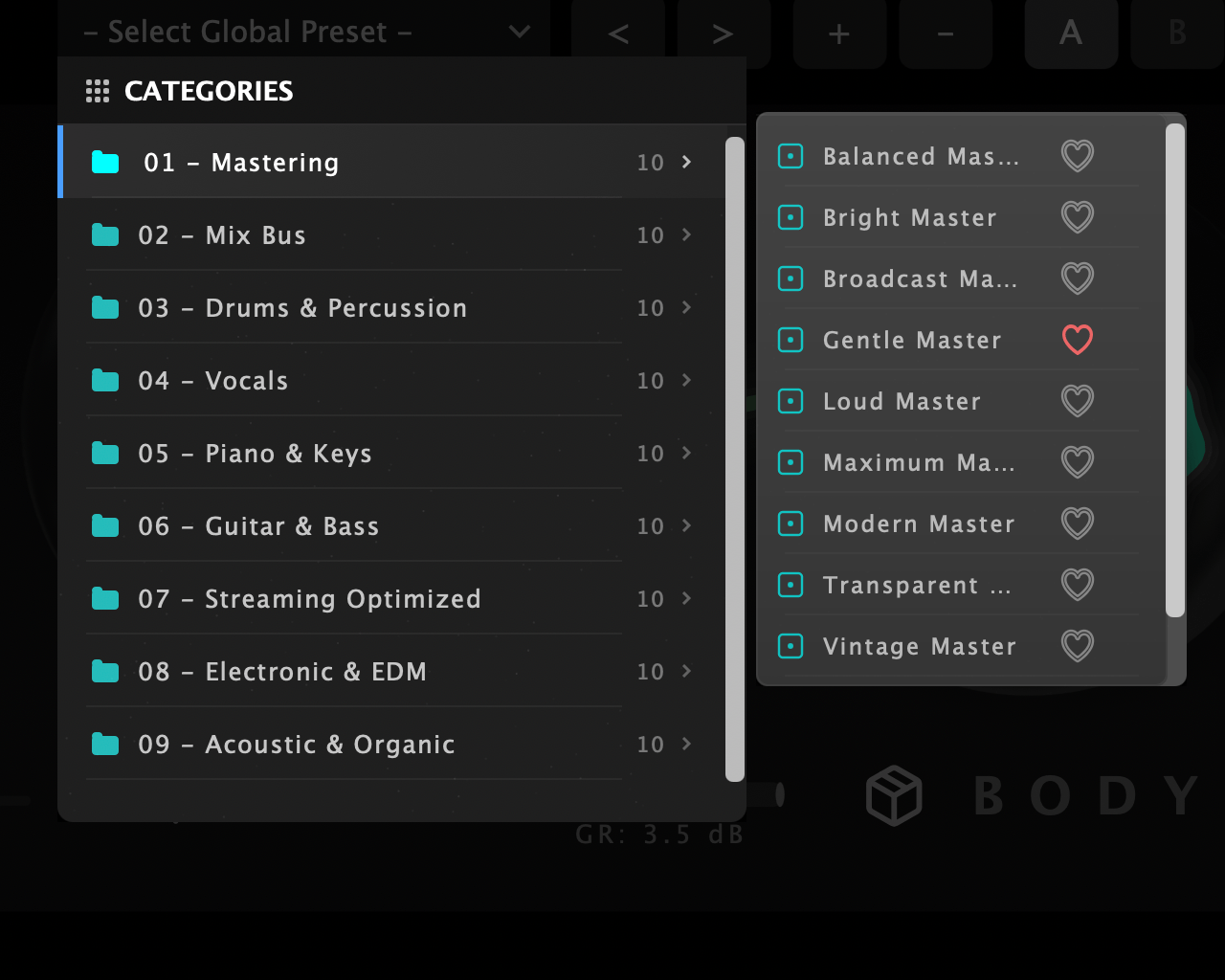
100 Professional Presets
100 expertly crafted presets covering mastering, drums, vocals, piano, guitar, bass, and more. Categories include Streaming Optimized, Electronic & EDM, Acoustic & Organic, and Creative FX.
Up to 16x Oversampling
Choose 4x, 8x, or 16x oversampling to eliminate digital aliasing. Your masters stay pristine even at extreme settings.
Automatic Gain Matching
A/B your processed vs. unprocessed signal at matched levels. Make better mixing decisions without bias.
Input/Output/Mix Controls
Independent input gain, output gain, and wet/dry mix. Perfect for parallel processing or surgical gain staging.
Windows
- Windows 10 or later
- VST3 / AAX (64-bit host)
- Intel or AMD processor
- 4 GB RAM
- 100 MB hard disk space
Mac
- macOS 10.13 or later
- AU / VST3 / AAX (64-bit host)
- Apple M1/M2/M3/M4 or Intel
- 4 GB RAM
- 100 MB hard disk space













