Log In
Free gifts available with your purchase
First-Class On The Soul Train
The Soul Club Bundle is your first-class ticket for a ride on the Soul train. Featuring 20 extensive construction kits, it takes you on a journey through every facet of classic 70s Soul. Packed with smooth drum and bass grooves, mellow keys, rhythmic guitars, real strings, classy brass, and live percussion, this bundle delivers everything you need to create authentic Soul sounds. With over 9 GB of timeless audio material, it perfectly blends retro and vintage vibes with modern production standards.
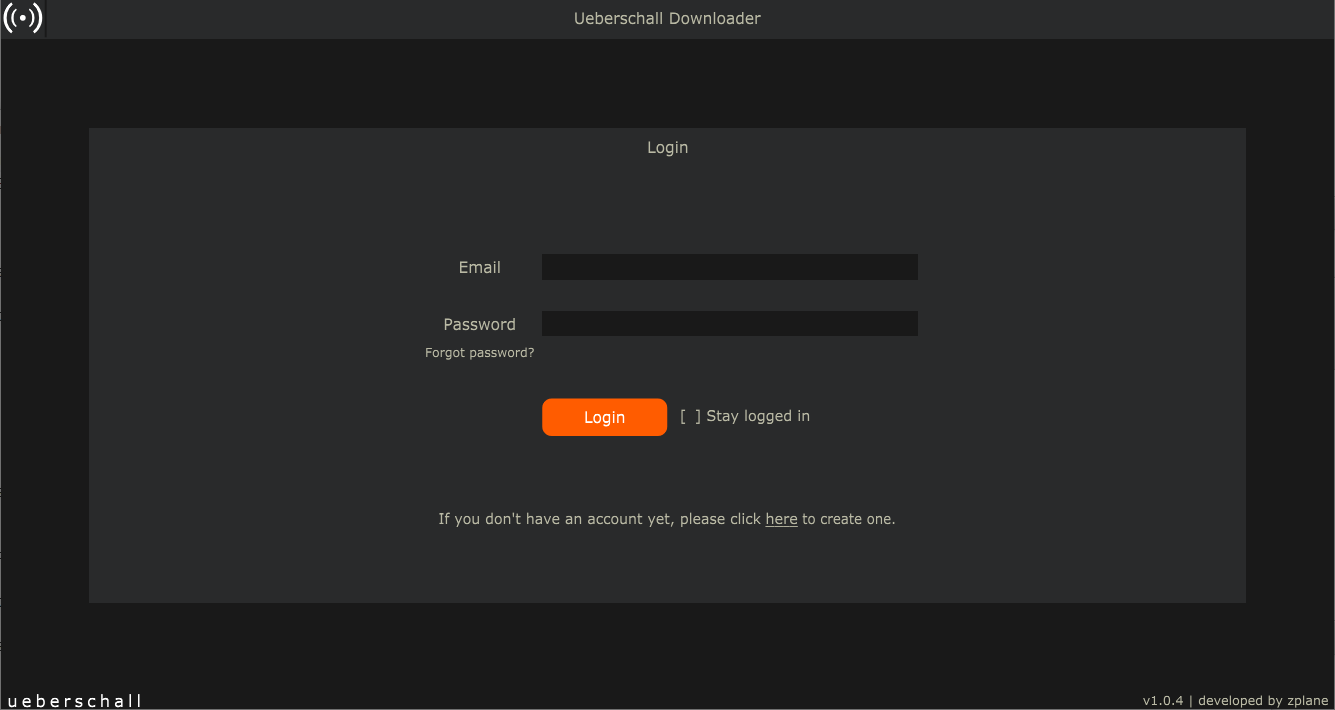
Powered by the Ueberschall Downloader
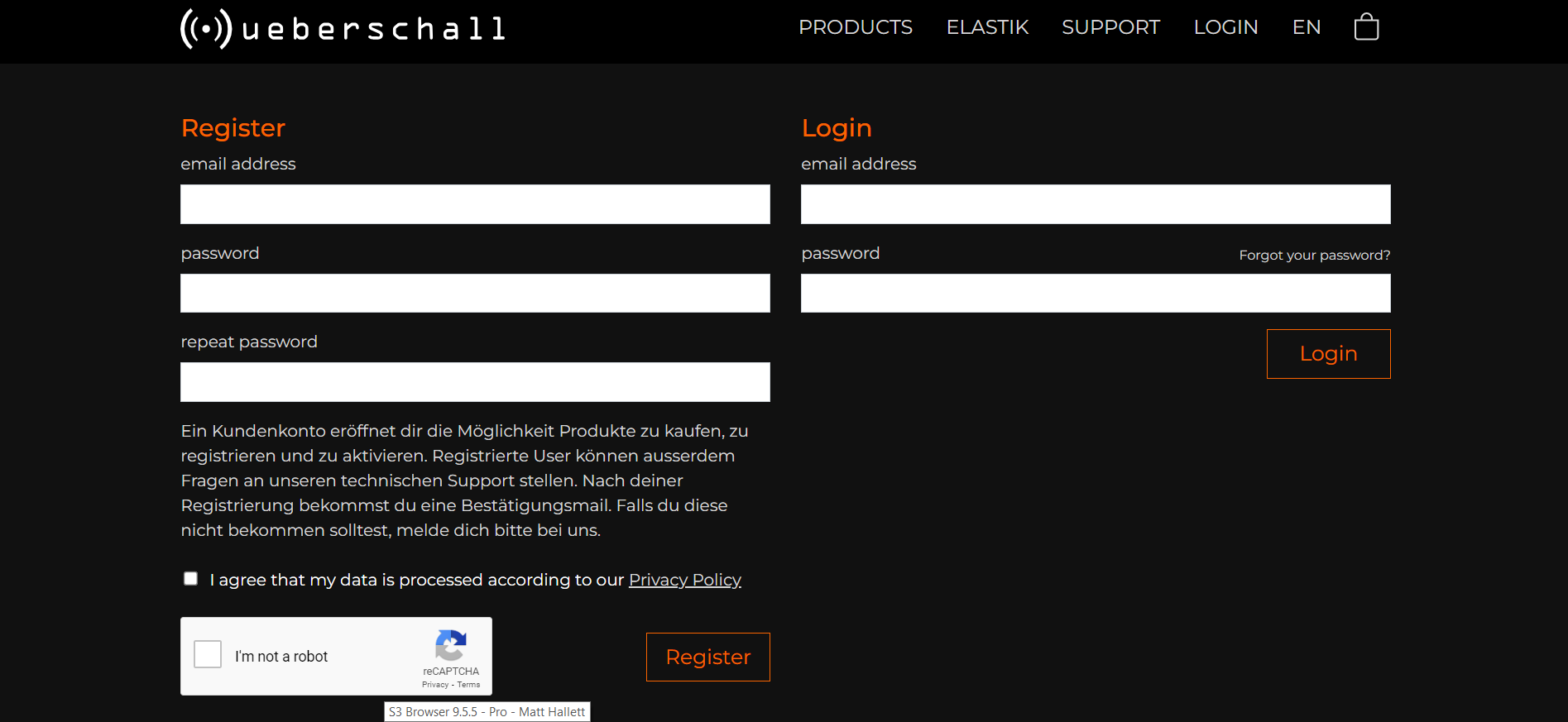
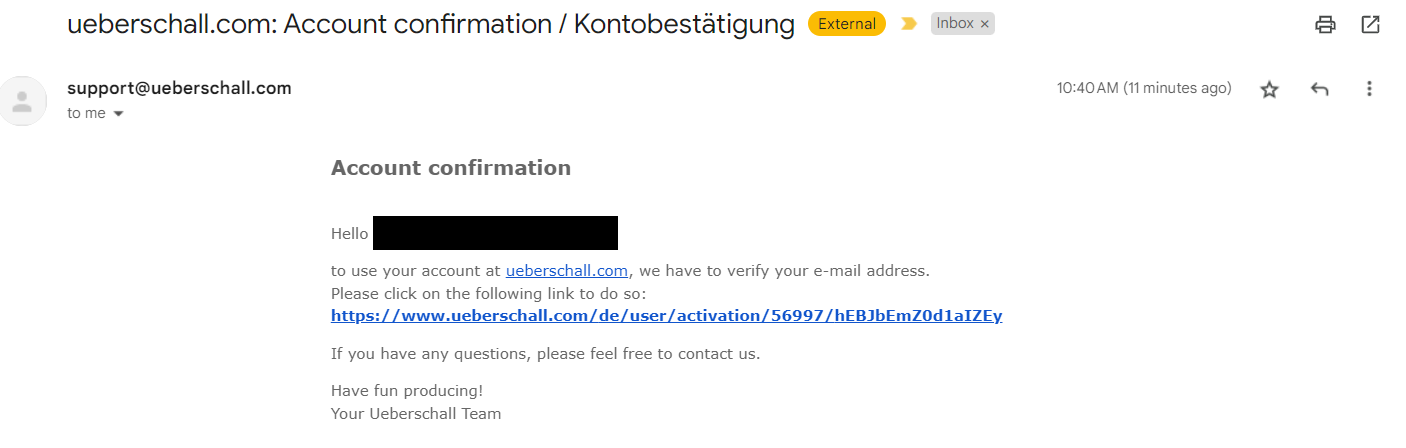
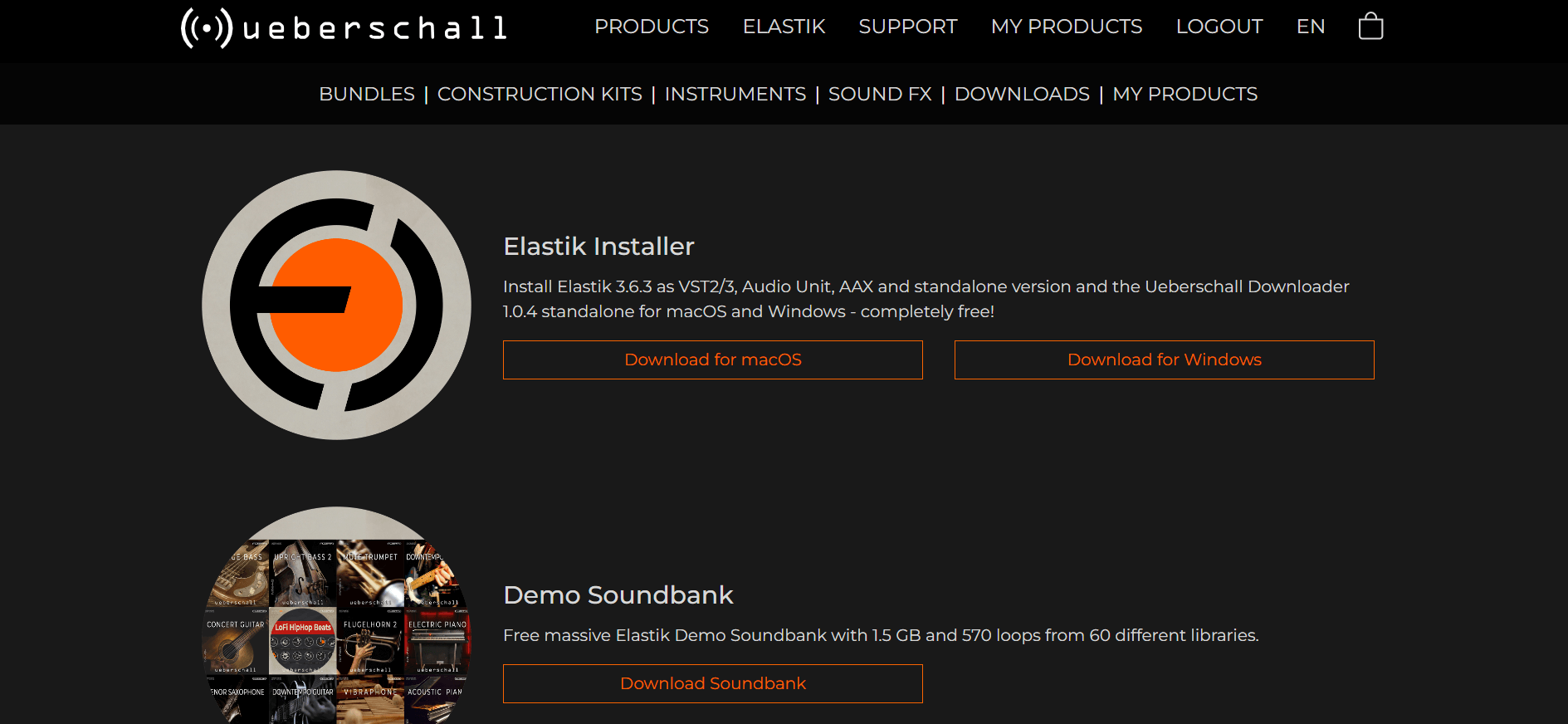
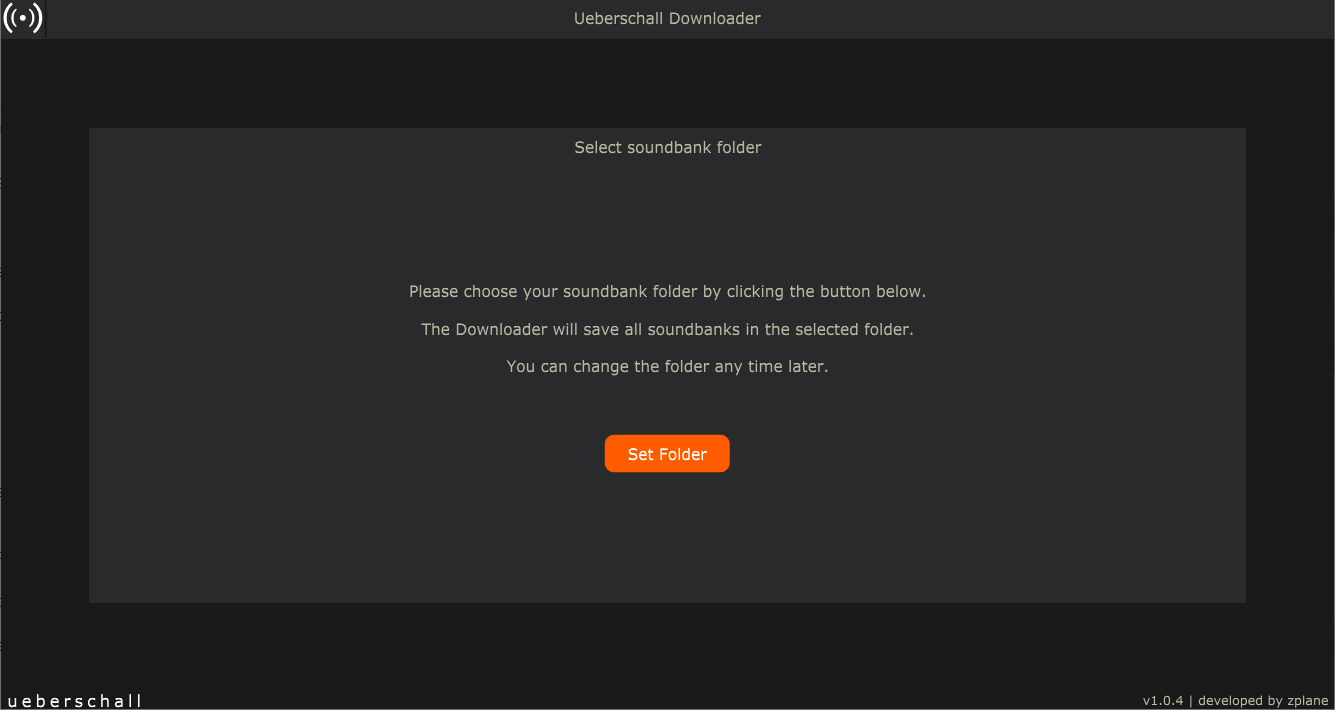
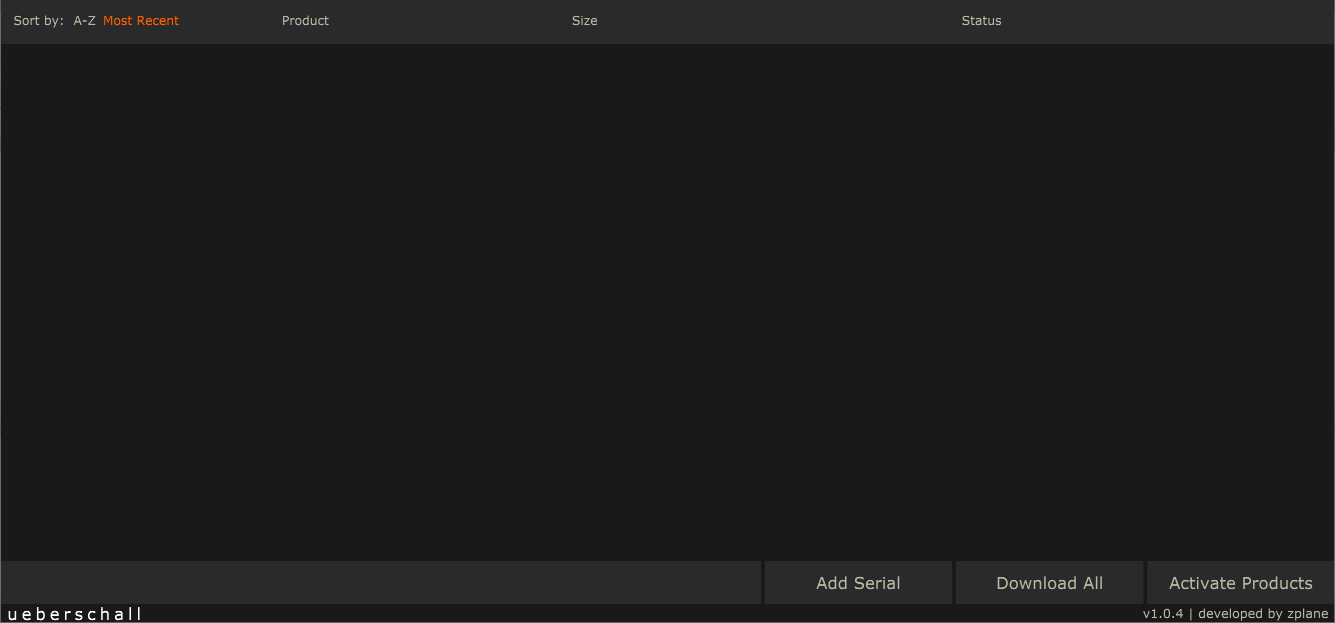
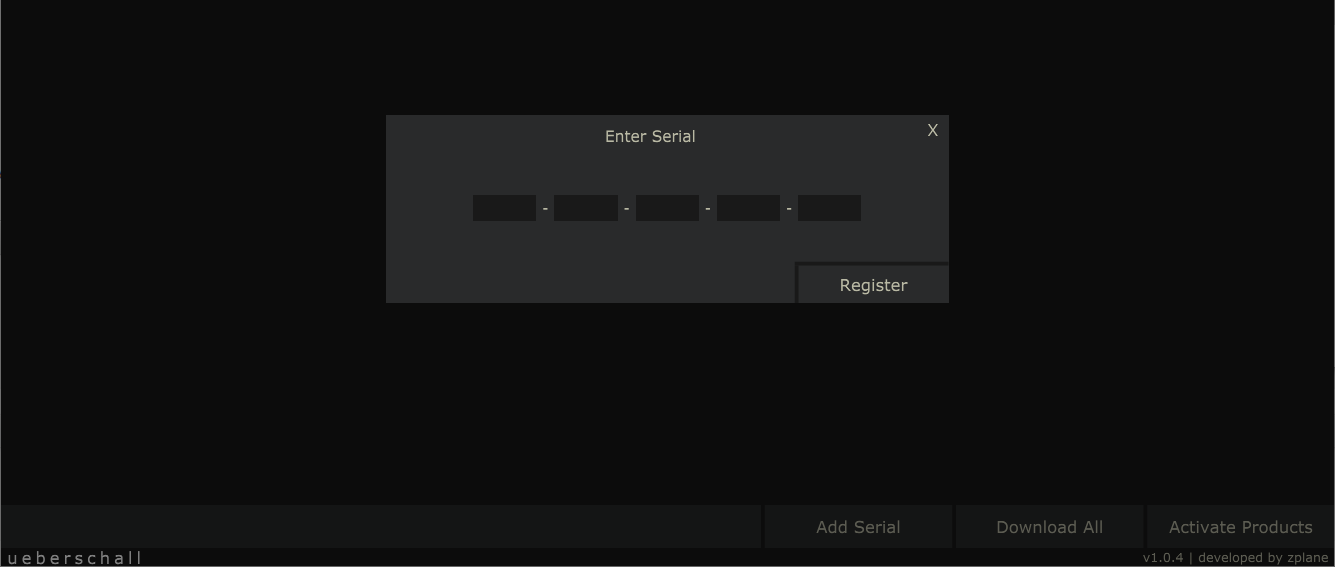
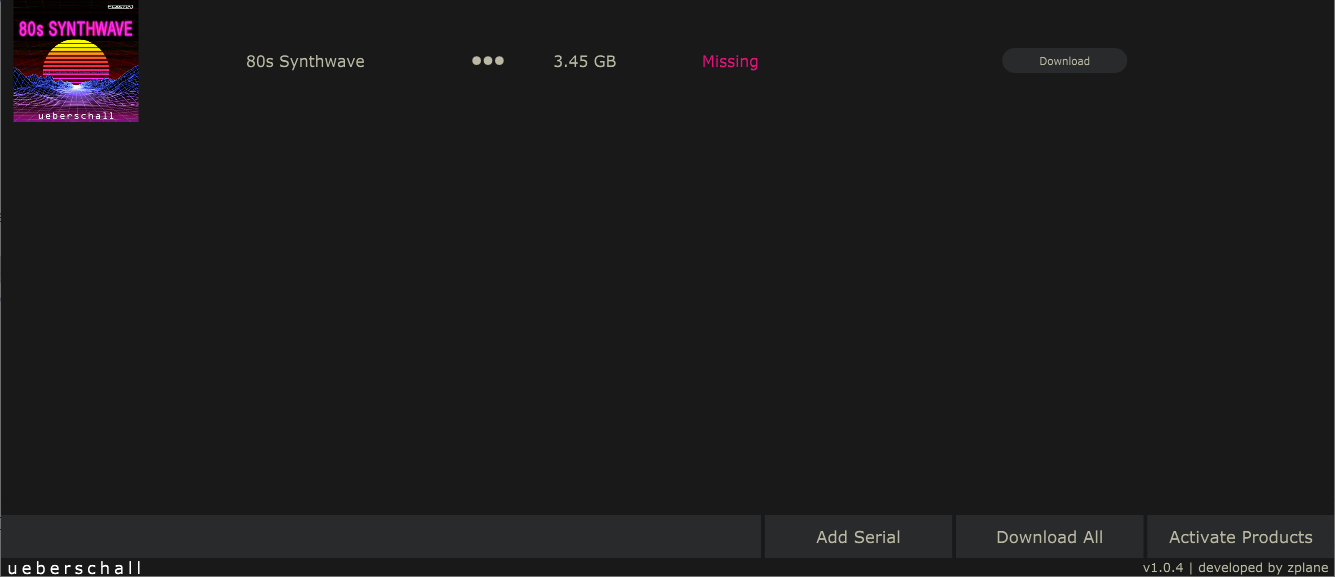
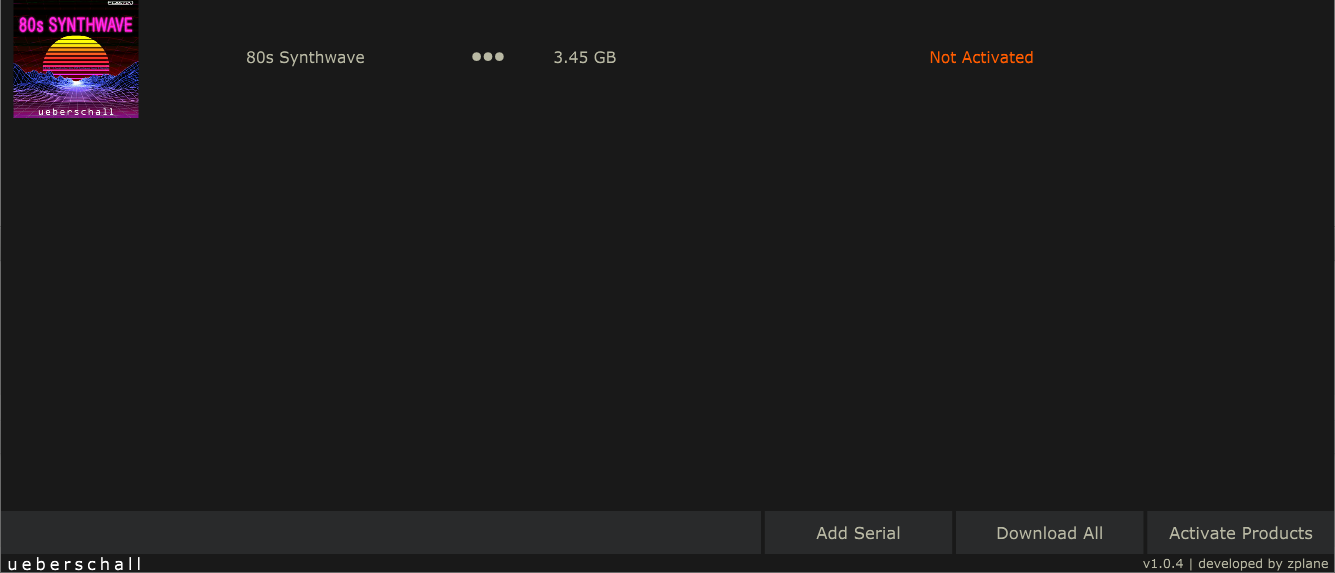
The Ueberschall Downloader is your one-stop solution for soundbank management. Register, download, import and activate your Elastik soundbanks quick and easy with this standalone app, available both for macOS and Windows. Download huge amounts of loops with a few clicks and then activate them in the Elastik player with just one button. Simple to use but efficient, the Ueberschall Downloader is the perfect partner for Elastik and will help you get the most out of your loop collection!
Optimized For The Elastik Player
The loop packs in this bundle are optimized for the Elastik loop player. With its Loopeye editing environment, award-winning pitch shifting, tempo matching and polyphonic scale syncing, Elastik is a powerful workstation for loop-based music creation. It can be used as a standalone application or as a VST, AAX or Audio Unit plug-in on both Windows and MacOS. Elastik also lets you export entire loop packs or individual loops to WAV format so you can use them directly in your DAW of choice.
If you already own certain products from this bundle you will NOT receive additional serial numbers for those products.
Features
- 9.6 GB
- 20 Construction Kits
- 2384 Loops & Phrases
For the Elastik Player:
- macOS: recommended 10.12 or higher
- Windows: recommended Windows 8 or higher
For the Ueberschall Downloader:
- Internet connection
- macOS: recommended 10.12 or higher
- Windows: recommended Windows 8 or higher