


 Log In

Free gifts available with your purchase

The AEON Collection delivers over 720 presets with 27 GB (14GB on disk) of organic and synth Melodic Instruments, cutting-edge Loops, Arpeggiated Instruments and epic One-Shots. This unique collection combines traditional, ethnic, and orchestral instruments with searing synths and edgy samples, all created with Heavyocity’s signature quality. Create lush melodies, dark lyrical phrases and devastating synth and bass lines directly within a deeply customized user interface. Also be sure to get both The AEON 'Melodic' and 'Rhythmic' component either as a bundle to the AEON Collection or separately.
The AEON Collection is available as a download only. (AEON also runs in the free KONTAKT 5 Player or in KONTAKT 5)
AEON Melodic
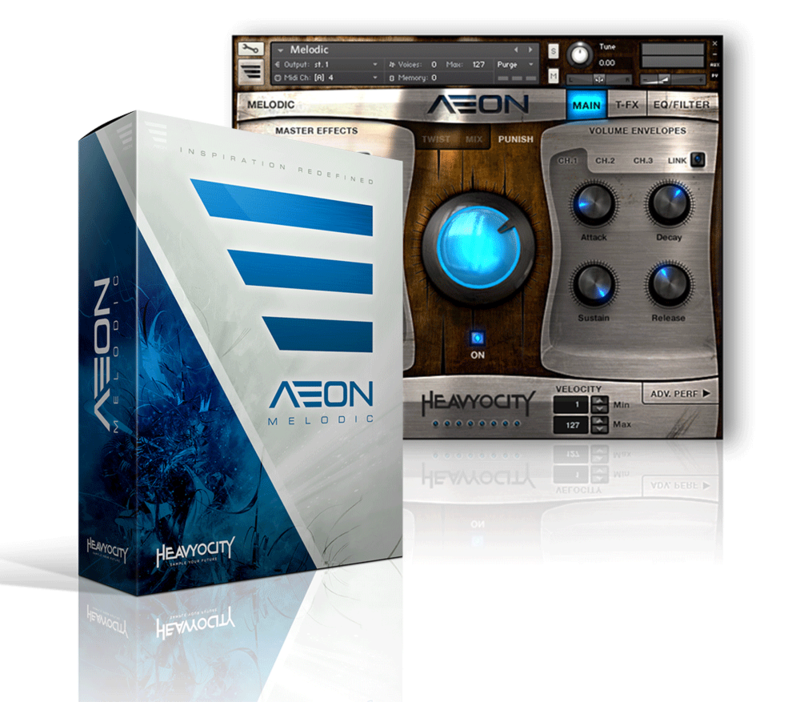
From Lyrical and expressive to dark and aggressive, AEON Melodic gives you 25 GB (12.86GB on disk) of organic and synth melodic instruments, arpeggiated instruments and epic One-Shots.
This unique collection combines traditional, ethnic, and orchestral instruments with searing synths and edgy samples, all created with Heavyocity's signature quality.
AEON's Melodic component provides 315 presets and 9,800+ samples of playable instruments in a deeply customizable interface. This vast collection is comprised of traditional instruments, unique ensembles, aggressive analog synths, hybrid presets, and signature “AEON HITS”. Quickly create motifs or build intricate rhythmic patterns with your own melodies in the custom Arpeggiator. Redefine your sound with AEON's Advanced Trigger FX, Arpeggiator, and deep modulation controls.
AEON Rhythmic
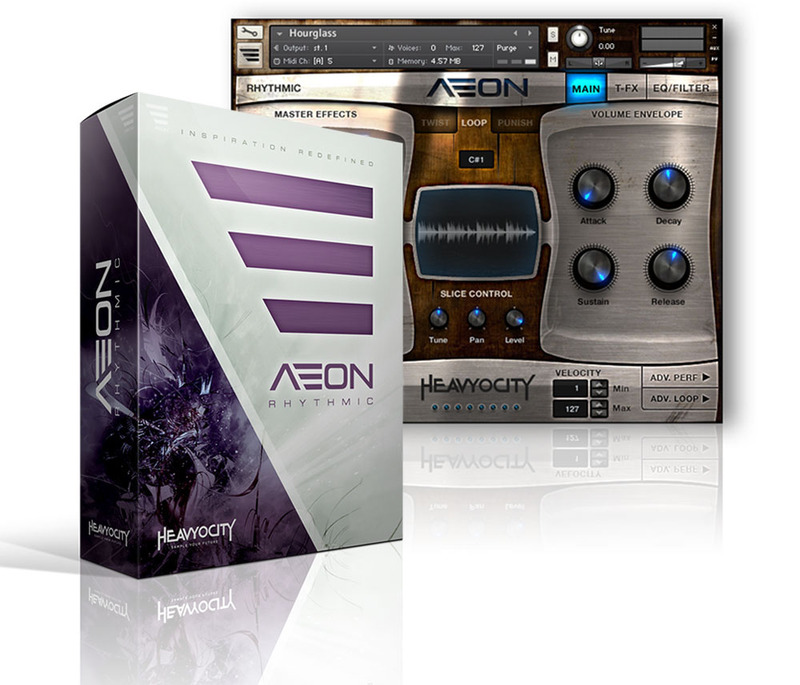
From pristine and expressive to dark and aggressive, AEON Rhythmic delivers 400+ presets of pure inspiration, melding super-fat analog synths with expressive organic instruments into a breathtaking electro-organic collection of cutting edge loops.
This unique collection combines traditional, ethnic, and orchestral instruments with searing synths and edgy samples, all created with Heavyocity's signature quality.
AEON Rhythmic delivers 315+ tempo-synced melodic loops arranged in menu-style suites and single loop presets. Create intricate melodic grooves by layering loops in the menu suites. Re-compose any single loop by re-arranging its slices via midi drag-and-drop or the signature "Loop Mutator". This groundbreaking new feature enables you to sequence and re-arrange the playback of looped material in previously unimaginable ways.
For AEON, Heavyocity captured true analog fatness from a combination of modular analog synth rigs. Carefully crafted, tuned, and tracked, these sounds range from serene to horrifically aggressive.
Features
- 14 GB (compressed)
- Available as direct download only
- 10,100+ samples, 48kHz/24-Bit
- 725+ NKIs
- AEON Melodic
- 130+ Organic Presets
- 160+ Synth and Hybrid Presets
- 39 Signature AEON Hits
- AEON Rhythmic
- 9 Tonal Loop Menus
- 315 Single Loop Presets
- 46 Loop ARP Presets
- 43 Three Loop Combo Presets
- Distortion, Modulation, Delay, Reverb, ADSR, Filter, EQ, and LFO controls
- Advanced Trigger FXTM performance controls
- Advanced Arpeggiator (AEON Melodic)
- Loop Mutator (AEON Rhythmic)
- Stand-alone, VST, AU, AAX
System Requirements
- Powered by the Kontakt Engine
- Kontakt 5 (Player) ver 5.5.1.451 or higher, NKS compatible
- Mac: OS X 10.10, Intel Core Duo, 4 GB RAM
- PC: Windows 7 (latest Service Pack, 32/64 Bit, Intel Core Duo or AMD Athlon 64, 2GB RAM

Awards


Robert Dietz
(Cadenza, Cécille, Deep Vibes, Running Back, Saved)
'Heavyocity does it again! AEON is perfect for building melodic textures and beefy motifs, quickly and efficiently. The sonic possibilites are endless.'
Pan-Pot
(Mobilee Records)
'Wow, what an amazing instrument! AEON takes working with samples, FX and modulation to another level.'
Angelo Badalamenti
(A Late Quartet, Mulholland Drive, The City of Lost Children, Twin Peaks)
'AEON offers a tremendous new palette of sounds and inspiration for modern scoring.'























