Log In

Free gifts available with your purchase
Product information
100 New Omnisphere Presets for Ambient, Film, Soundtrack and Underscore Music
Scattered Grains explores exotic techniques to create ambiences, soundscapes and textures combining high speed arpeggios, reverbs and the new InnerSpace effect. All presets can be morphed to a pulsing beat using the modulation wheel. The soundbank is focused on ambiences, hybrid soundscapes and textures designed for Ambient, Film, Soundtrack and Underscore.
Features
- 100 Texture Soundscapes
System Requirements
- The full version of Spectrasonics Omnisphere 2.1.0d or higher is required
Note: The full version of Spectrasonics Omnisphere (not including Omnisphere Legacy) is required to run this Expansion Pack.
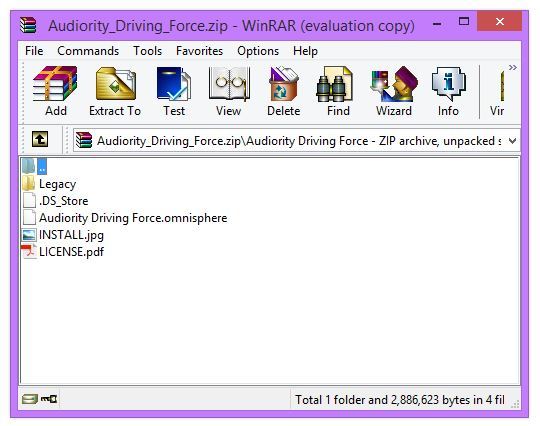
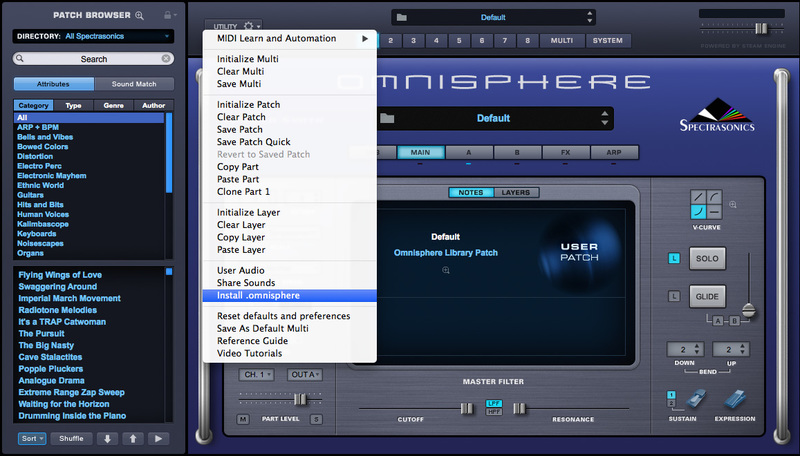
Installation Instructions