Buy Wave Box, get a free gift with purchase:
Wave Box is a dynamic dual waveshaper plugin that can be used for both symmetrical and asymmetrical distortion. A waveshaper is a type of distortion in which the input signal is mapped to the output by applying a fixed or variable shaping function.
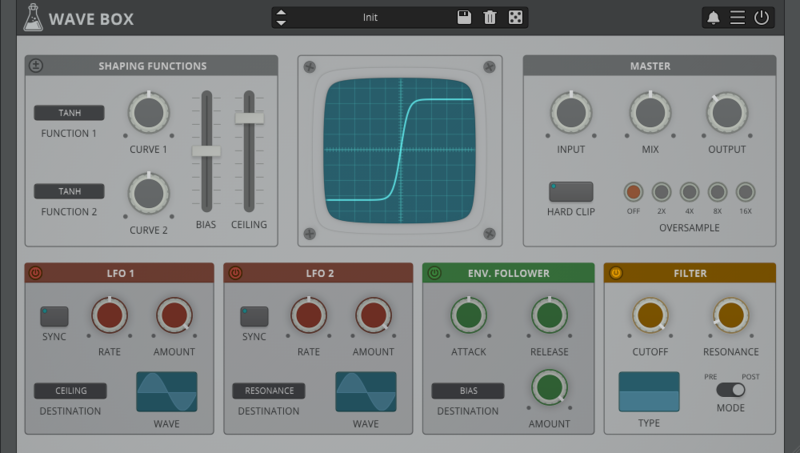
Wave Box features two separate waveshapers that can be mixed together while being modulated by 2 LFOs and 1 Envelope Follower. You can design your own waveshaping curves by combining and adjusting 6 pre-defined functions (tanh, sinh, sin, linear, floor, round). Wave Box can range from mild tube-flavoured overdrive to extreme digital harshness.
Symmetrical vs Asymmetrical Waveshaping

When a shaping function is applied equally to both the positive and negative part of the signal (symmetrical waveshaping), odd harmonics are generated. Instead, when a shaping function is applied only to either the positive or the negative part (asymmetrical waveshaping), even harmonics are generated.
In Asymmetrical Mode (± on), the first shaping function is applied to the positive part while the second shaping function is applied to the negative. The Bias, in this case, controls an offset added between the positive and negative part of the signal.
In Symmetrical Mode (± off), both shaping functions are applied to the whole signal. The Bias, in this case, controls the mix between the two functions.
Features
- 2 Waveshapers
- 6 Shaping Functions
- 2 LFOs with 6 Waveforms
- Envelope Follower
- Oversample up to 16x
- 30 Factory Presets
- Preset system with randomizer
- Formats: VST, AU, and AAX (64-bit only)
- Platforms: OSX, Windows
System Requirements
Windows
- Windows 7-11
- 2GHz CPU, 4 GB RAM
- VST2, VST3, AAX, CLAP (64-bit)
Mac
- OS X 10.9 – macOS 14
- Apple Silicon (M chips) Native (Universal 2 Binary)
- 2GHz CPU, 4 GB RAM
- VST2, VST3, AU, AAX, CLAP (64-bit)
- Universal 2 Binary
AudioThing Wave Box Is FREE With Any Purchase @ Plugin Boutique Plugin Boutique offers the Wave Box (€49 value) plugin by AudioThing as a free download with any purchase this month. Wave Box is a dynamic dual wave shaping device that can generate either symmetrical or asymmetrical distortio...
Read MoreWindows
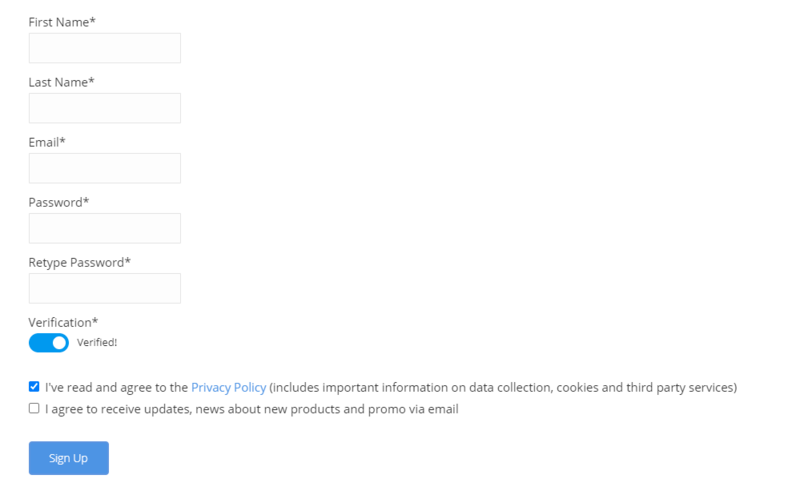
1. Visit the AudioThing Account Signup Page and enter your personal details to set up an account. Click the Verification and "I've read and agree to the Privacy Policy" > Click Sign Up.
Note: If you already have an existing AudioThing account, Login here and skip to step 3 of the installation process.

2. A confirmation email will now be sent to your registered email > click the link within the email to activate your account and Login here.
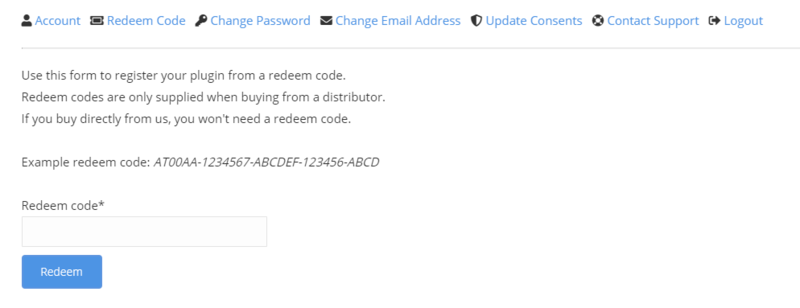
3. Once logged into your account, visit the Redeem Page and enter Redeem Code from your Plugin Boutique User Account into the box > Click 'Redeem'.

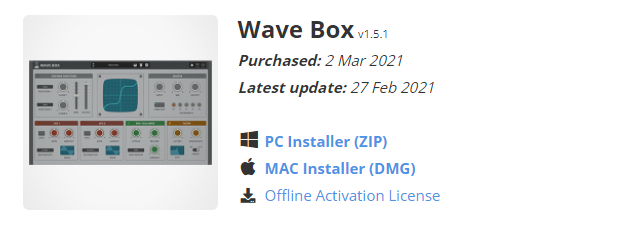
4. Download the PC installer and the Offline Activation License.
Note: Save the Offline Activation License to a memorable location on your computer for activating the software.

5. Double-click the downloaded .zip folder to extract its contents.
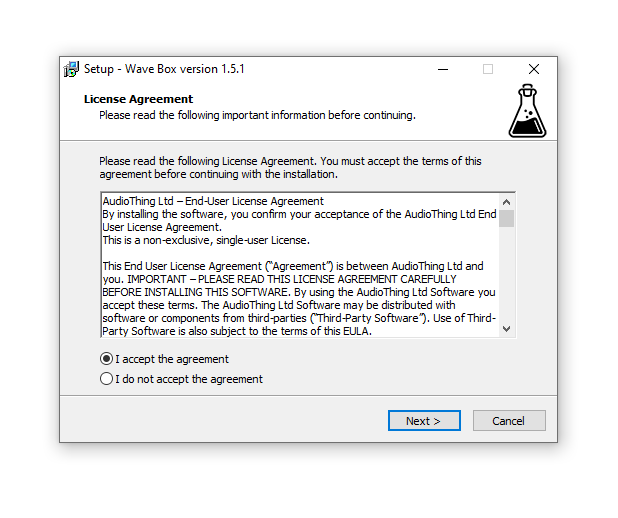
6. Double-click the extracted .exe file > click 'I accept the agreement and click 'Next'.

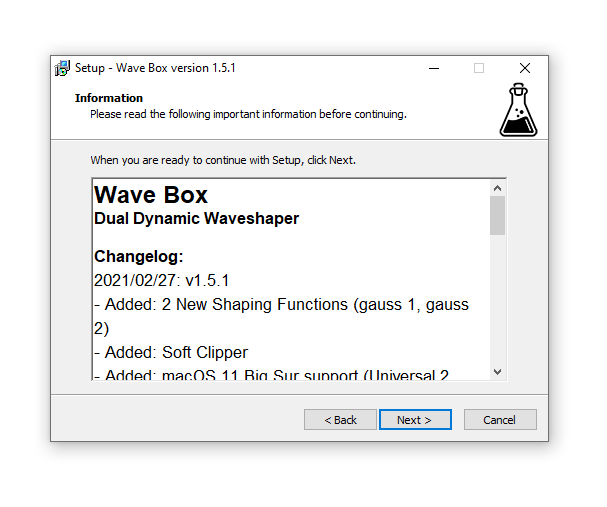
7. Click 'Next'.

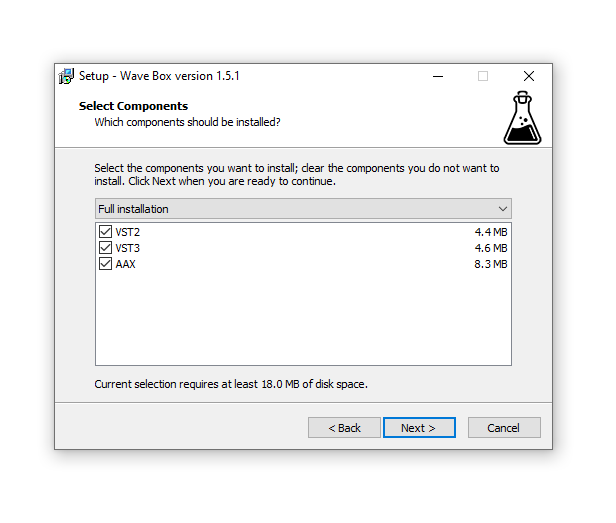
8. Select the components that you wish to install > Click ‘Next’.

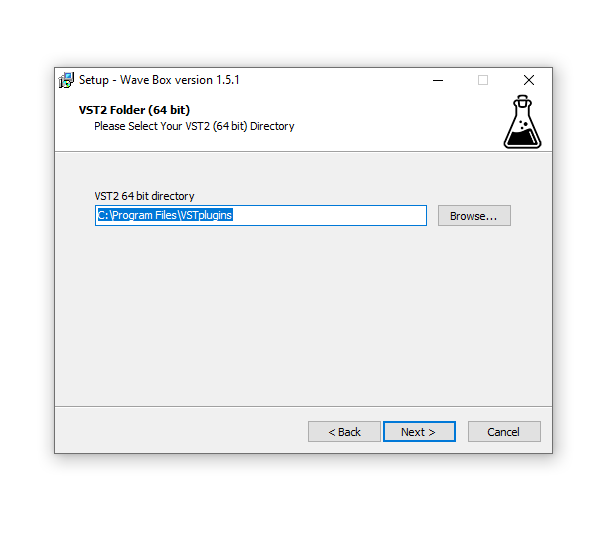
9. Click ‘Next’.

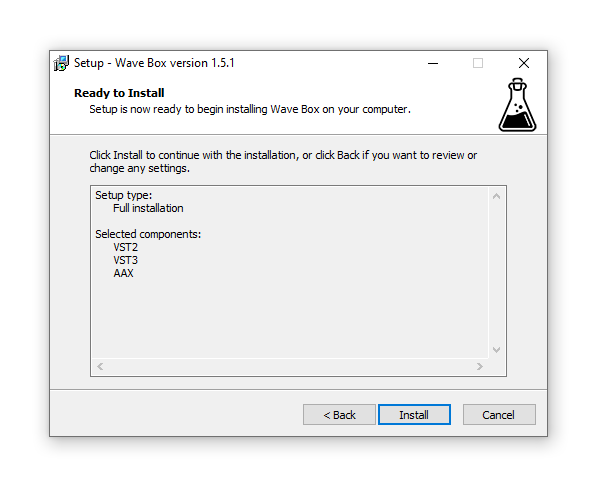
10. Click 'Install'.

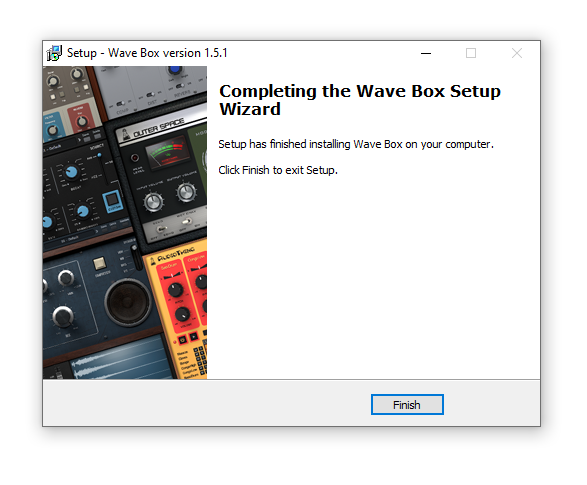
11. Click ‘Finish’.

Offline Activation
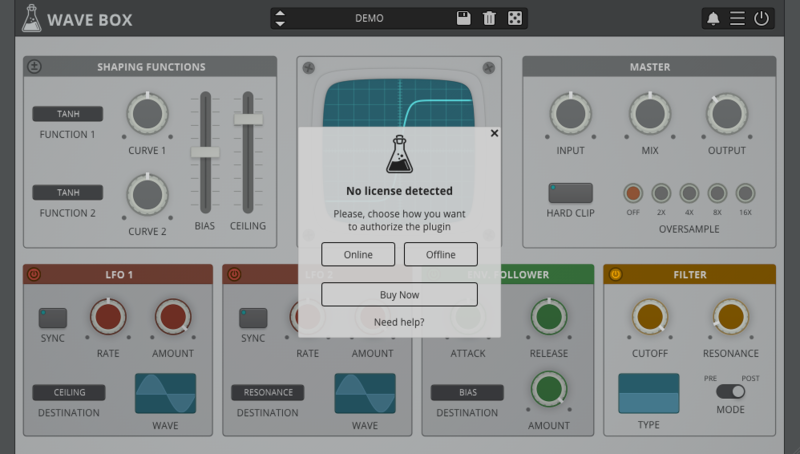
1. Open Wave Box inside of your DAW > Click 'Offline'.

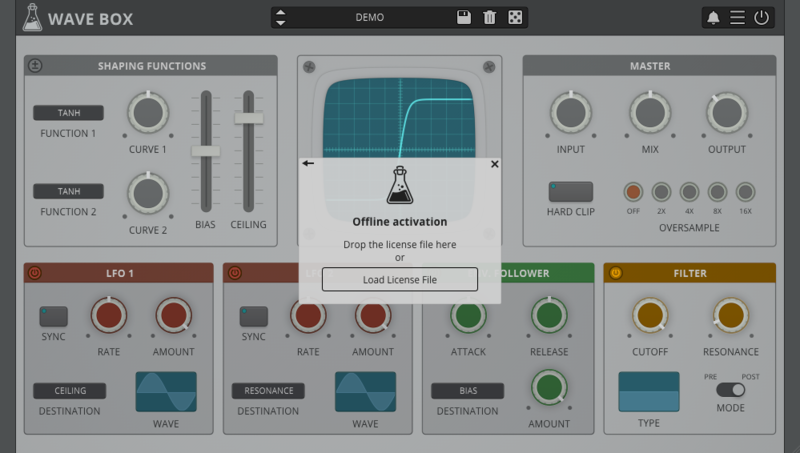
2. Click 'Load Licence File' and navigate to your Offline Activation License.

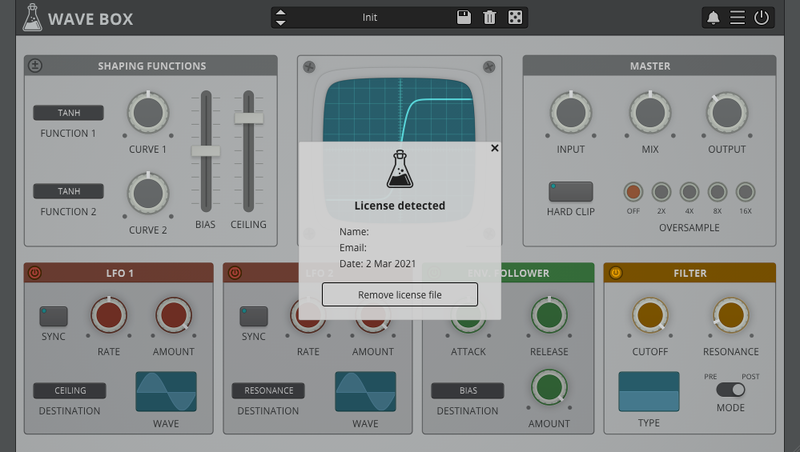
3. Click the X to close the box.

The software is now activated and ready to use inside your DAW!

Online Activation
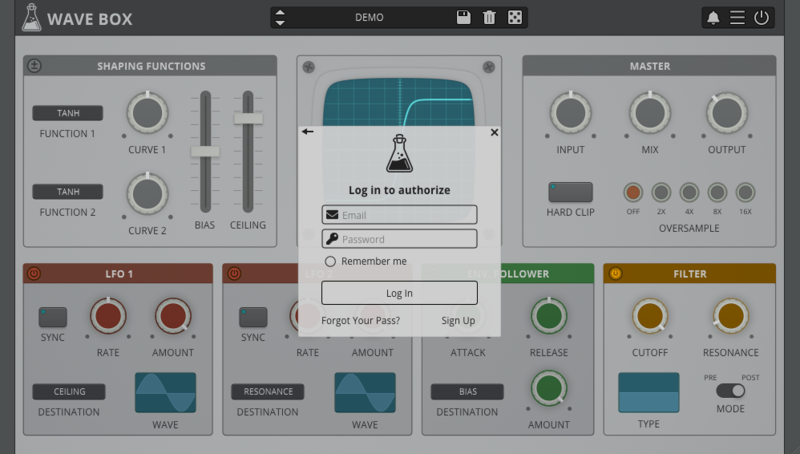
1. Open Wave Box inside of your DAW > Click 'Online'.

2. Enter your AudioThing email and password > Click 'Log In'.

3. Click the X to close the box.

The software is now activated and ready to use inside your DAW!

Mac
1. Visit the AudioThing Account Signup Page and enter your personal details to set up an account. Click the Verification and "I've read and agree to the Privacy Policy" > Click Sign Up.
Note: If you already have an existing AudioThing account, Login here and skip to step 3 of the installation process.

2. A confirmation email will now be sent to your registered email > click the link within the email to activate your account and Login here.
3. Once logged into your account, visit the Redeem Page and enter Redeem Code from your Plugin Boutique User Account into the box > Click 'Redeem'.

4. Download the MAC installer and the Offline Activation License.
Note: Save the Offline Activation License to a memorable location on your computer for activating the software.

5. Double-click the downloaded .dmg folder to extract its contents > Double-click the .pkg file to run the installer
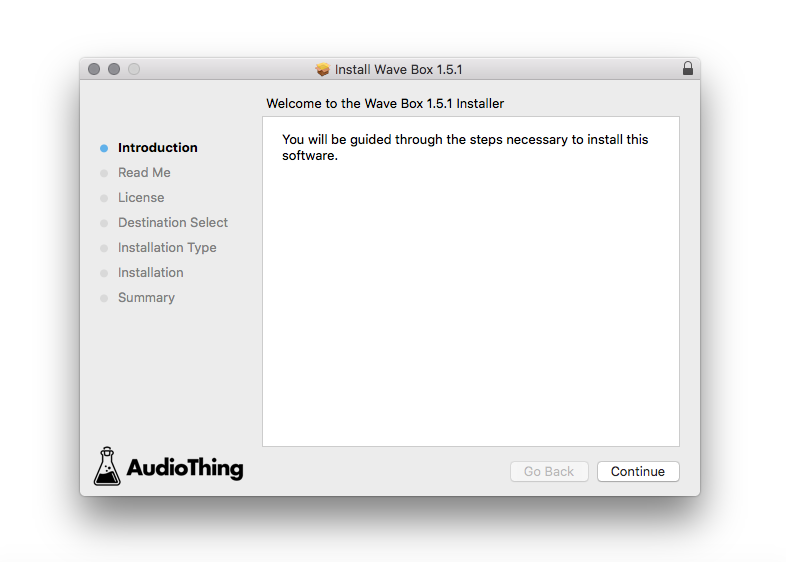
6. Click 'Continue'.

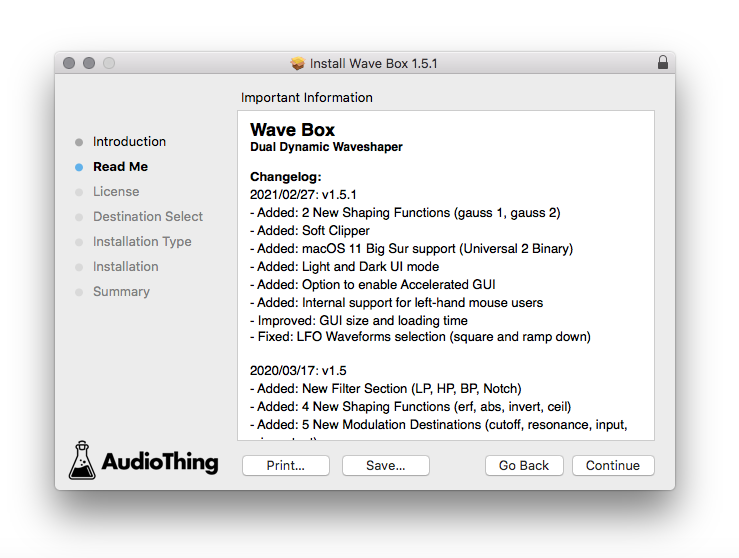
7. Click ‘Continue’.

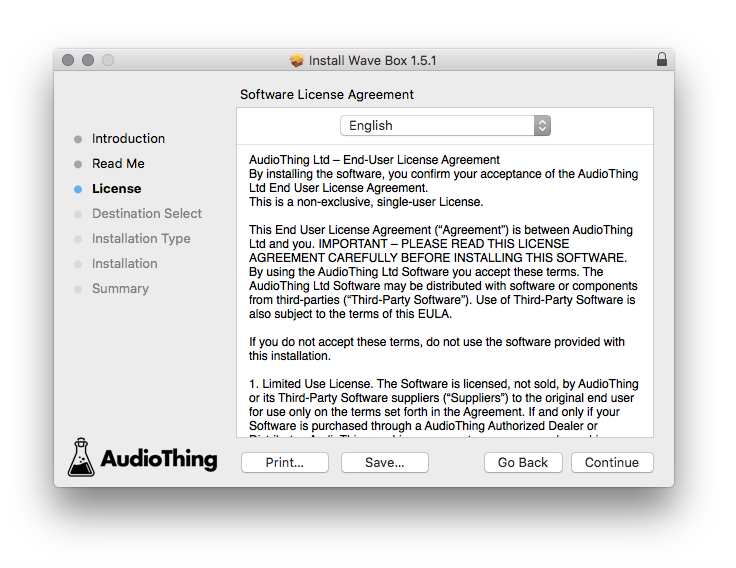
8. Click 'Continue'.

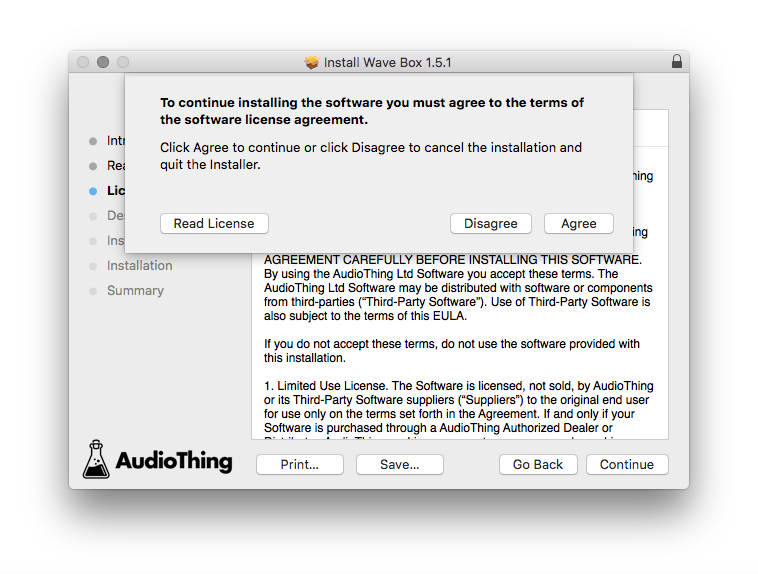
9. Click ‘Agree’.

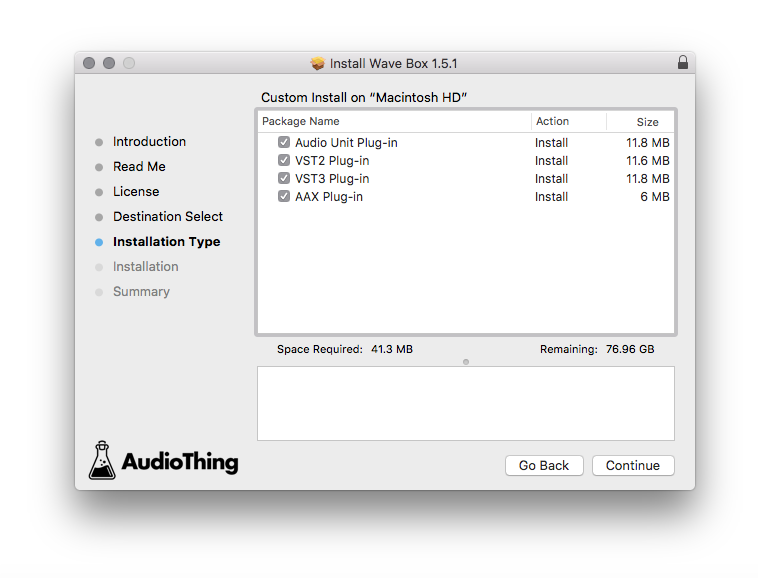
10. Select the components you would like to install > Click 'Continue'.

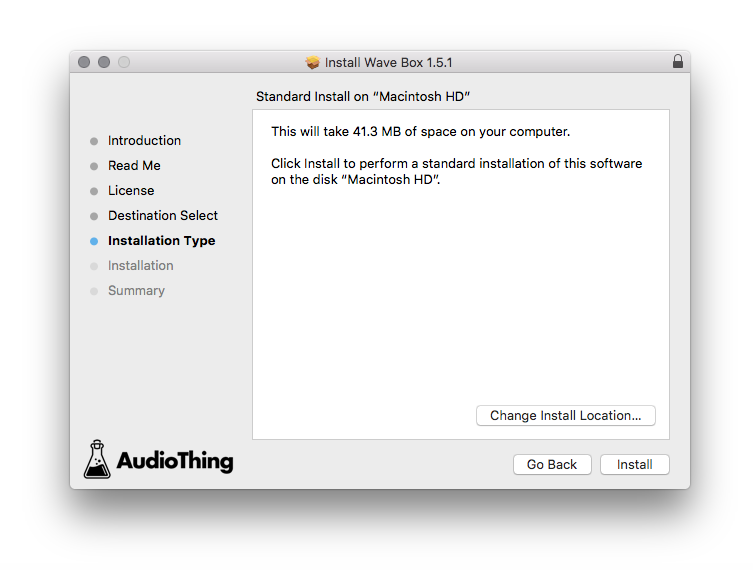
11. Click ‘Install’.

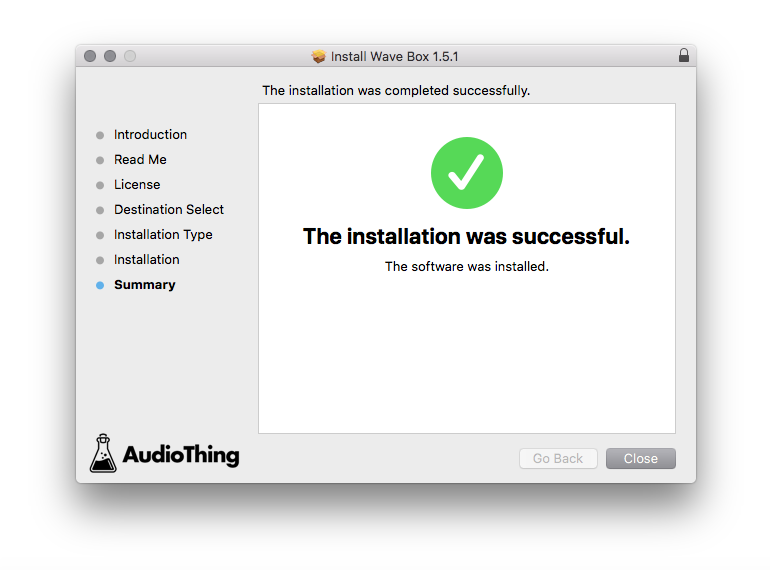
12. Click 'Close'.

Offline Activation
1. Open Wave Box inside of your DAW > Click 'Offline'.

2. Click 'Load Licence File' and navigate to your Offline Activation License.

3. Click the X to close the box.

The software is now activated and ready to use inside your DAW!

Online Activation
1. Open Wave Box inside of your DAW > Click 'Online'.

2. Enter your AudioThing email and password > Click 'Log In'.

3. Click the X to close the box.

The software is now activated and ready to use inside your DAW!