


Buy Echoes T7E MKII, get a free gift with purchase:
Analog Modelled Italian Magnetic Echo Plugin.
Echoes T7E is a faithful recreation of a vintage tube magnetic echo made in Italy in the early ‘60s. This echo effect unit is based on a magnetic spinning drum with both record and playback heads arranged around a recording wire wound around the drum circumference. This solution provides better stability over the usual tape transport with reduced wow and flutter.
Since the main “core” of this effect is based on the above mechanism, we modelled both the mechanics and the electronics. Echoes T7E also provides 3 different playback modes allowing you to set different spinning speed or ever synchronize it to your host tempo extending the original delay length from ~310ms up to ~1100ms.
Features
- Analog Modeled Vintage Tube Echo
- 3 Playback Modes: Classic, Varispeed and Sync
- 4 Playback Heads (equally spaced)
- EM81 “Magic Eye” Tube Level Indicator
- 3 Echo Modes: Echo, Repeat and Swell
- 12 Heads combinations
- Tone, Error and Volume controls for each head
- Independent panning for each head
- Stereo Spread
- Heads Pan Law
- Magnetic Drum Age and Speed settings
- Internal hum noise (for increased realism and self-oscillation)
- Input Tube Low Cut
- PE 603 style head switching matrix (NEW v2.0)
- Delay Extension (up to 11s with Speed at minimum) (NEW v2.0)
- Pre-amp mode (with Delay Extension set to 0) (NEW v2.0)
- Output Booster (NEW v2.0)
- Speed Filter (NEW v2.0)
- Lite Mode (NEW v2.0)
System Requirements
PC
- Windows 7 or later (64-bit Only)
- Intel i5 or higher
- 2GB RAM
- Screen resolution: 1024×768
- VST2, VST3 64-bit host
- PT 11+ AAX 64-bit host
Intel Mac
- OSX 10.8 or later (64-bit Only)
- Intel i5 or higher
- 2GB RAM
- Screen resolution: 1024×768
- VST2, VST3, AU 64-bit host
- PT 11+ AAX 64-bit host
Silicon Mac
- macOS 11.0 or later
- Apple M1 or higher
- 2GB RAM
- Screen resolution: 1024×768
- VST2, VST3, AU, CLAP 64-bit host
- PT11 or higher, AAX 64-bit host
Important Note: This software is 64-bit compatible only and will not function on 32-bit systems.
Note: LDC2 Compander is used as an example.
Mac
Registration
1. Visit https://www.audiority.com/register and enter your personal details > Click 'Register.'
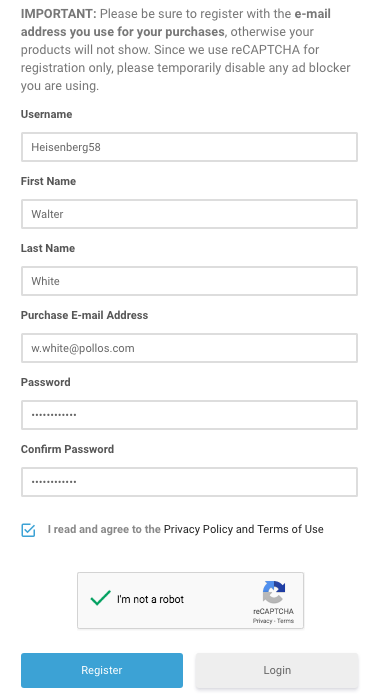
2. Once logged in, Click the 'Redeem' button at the top of the page and enter the redeem code, found in your Plugin Boutique User Account > Click 'Submit'.
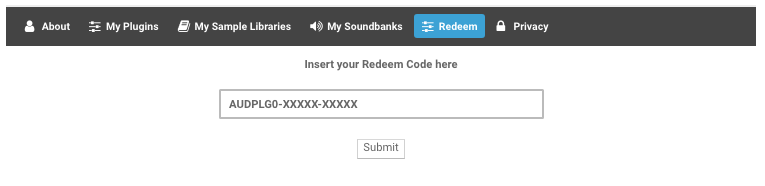
3. Click the 'My Plugins' button > Select the Mac Installer.
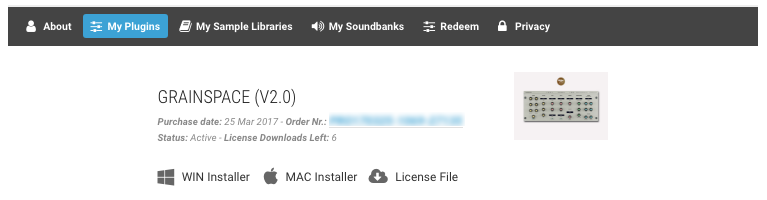
4. Locate the .dmg installer file from the 'Downloads' section of your computer, and double-click it to begin the installation process > click ‘Continue.’
Installation
1. Open the .dmg file > Open the .pkg file to begin the installation.
2. Click 'Continue'.
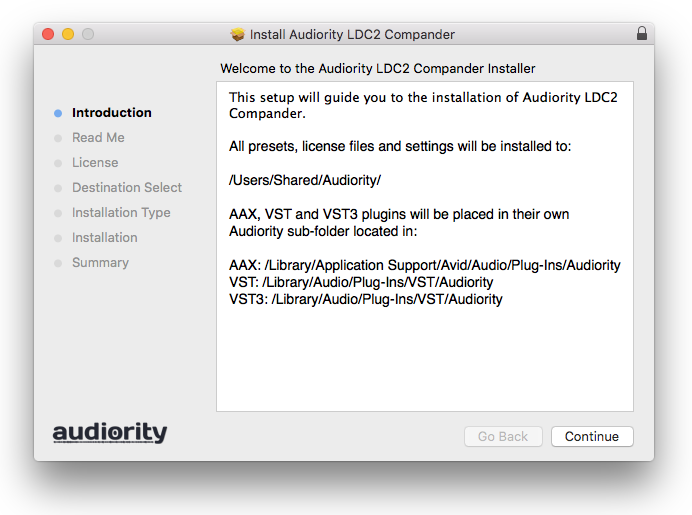
3. Click 'Continue'.
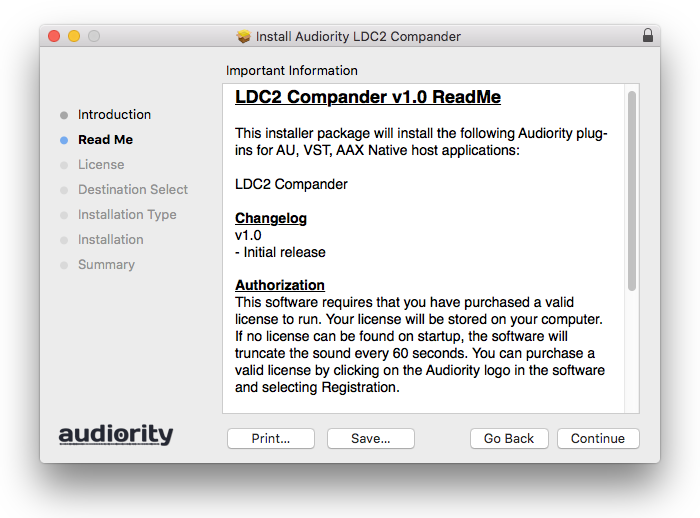
4. Click 'Continue'.
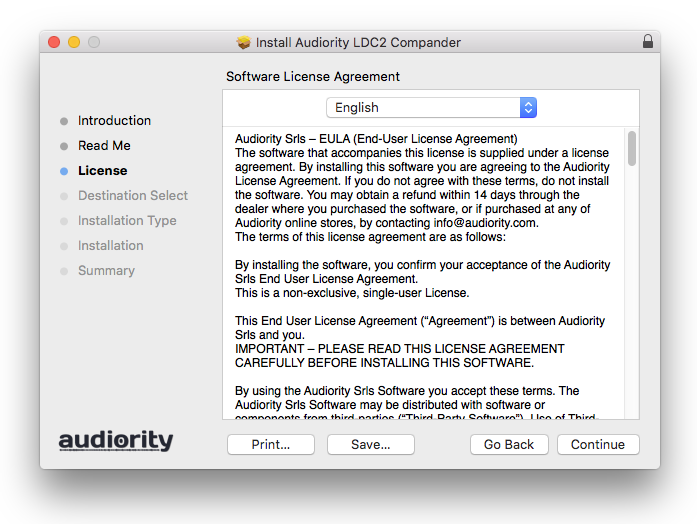
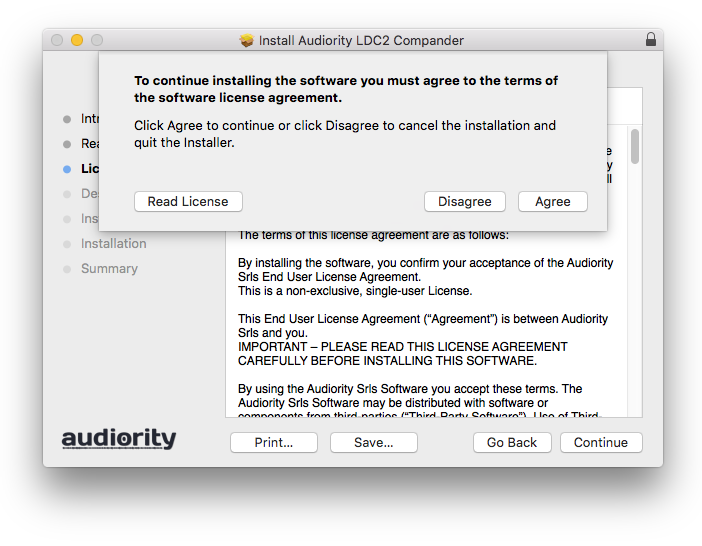
5. Click 'Agree'.
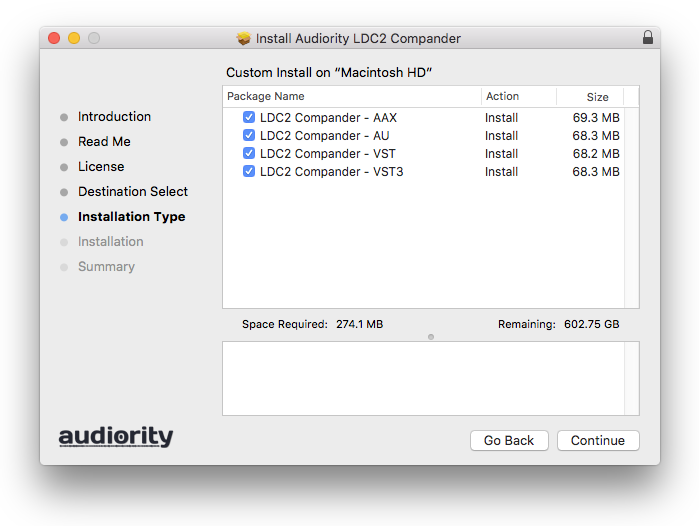
6. Click 'Continue'.
7. Click 'Install'.
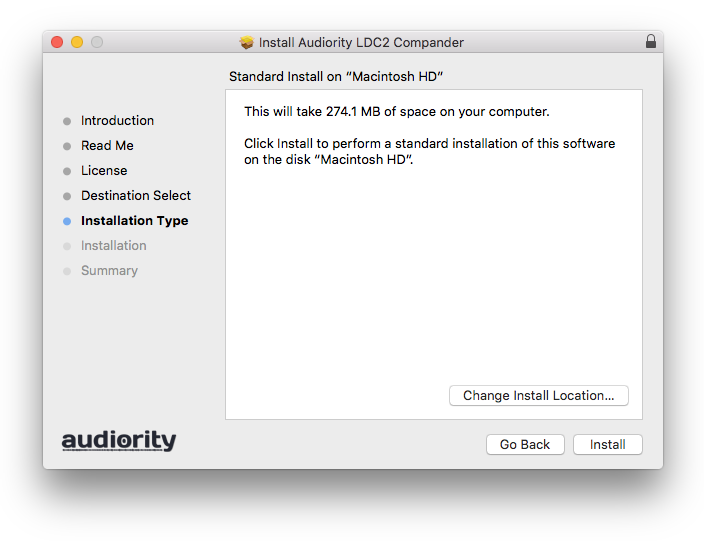
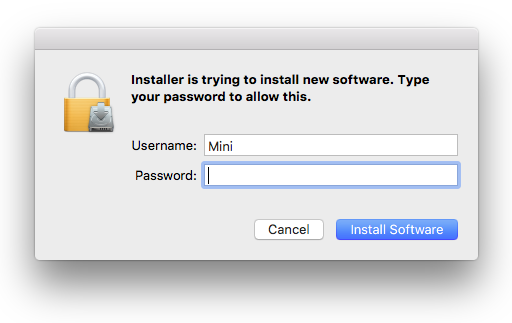
8. Enter your computer Username and Password > Click 'Install Software'.
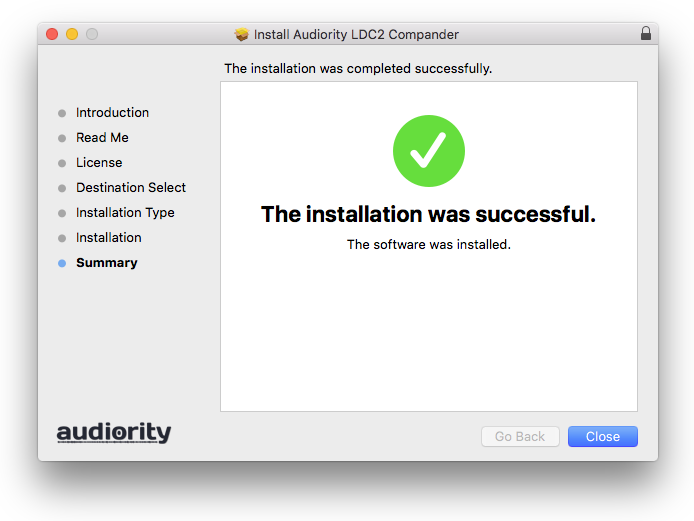
9. Click 'Close'.
Activation
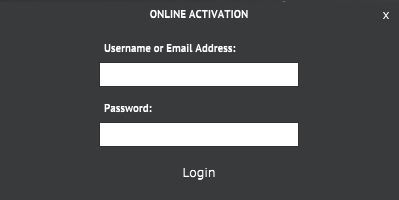
1. Open the newly installed plugin in your DAW > Click 'Register Online'.
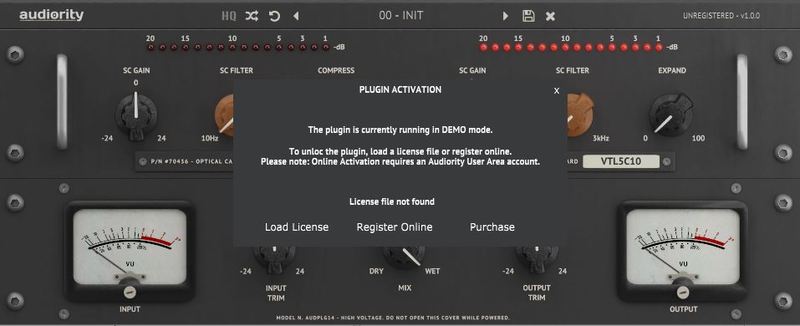
2. Enter your username and email address that you registered at Audiority > Click 'Login'.
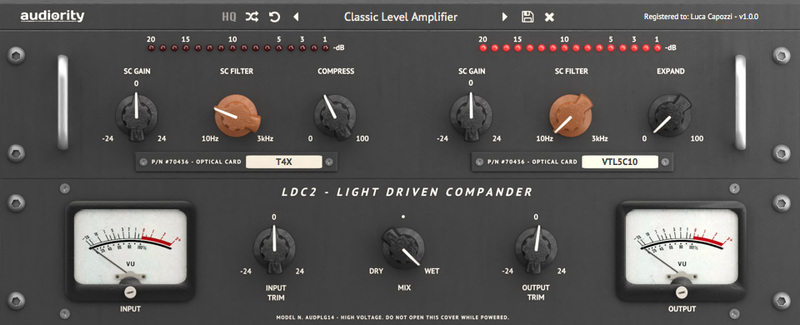
Your plugin is now activated and ready to use.
Windows
Registration
1. Visit https://www.audiority.com/register and enter your personal details > Click 'Register.'
2. Once logged in, Click the 'Redeem' button at the top of the page and enter the redeem code, found in your Plugin Boutique User Account > Click 'Submit'.
3. Click the 'My Plugins' button > Select the Windows Installer.
Installation
1. Double-click the installer to extract the contents > Double-click the .exe file to begin the installation.
2. Select 'I Accept the Agreement' > Click 'Next'.
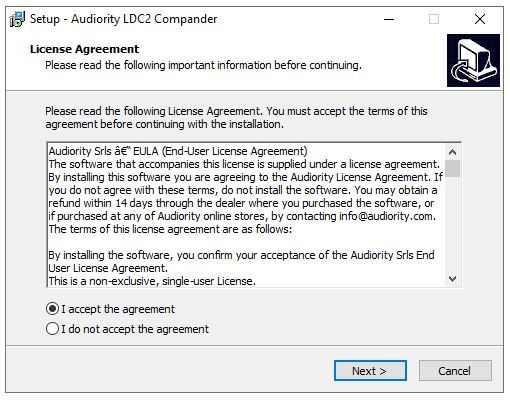
3. Click 'Next'.
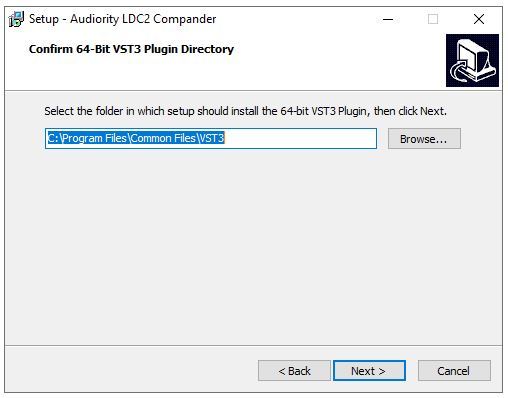
4. Click 'Next'.
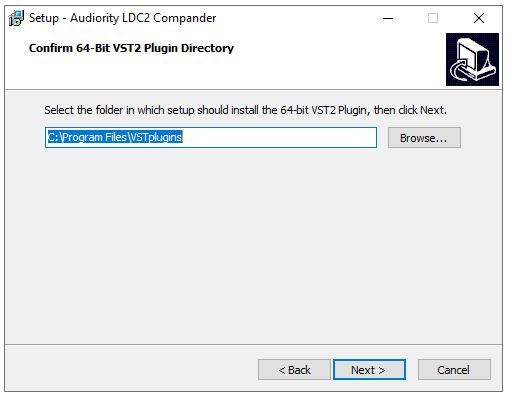
5. Click 'Next'.
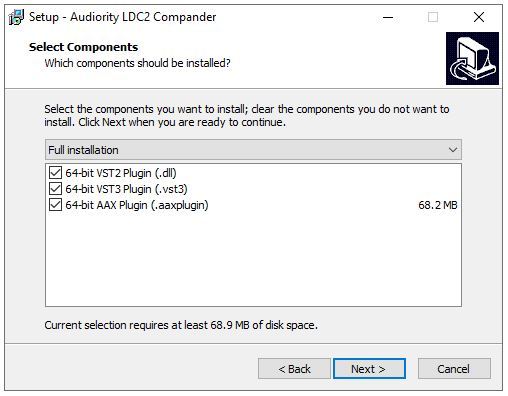
6. Click 'Install'.
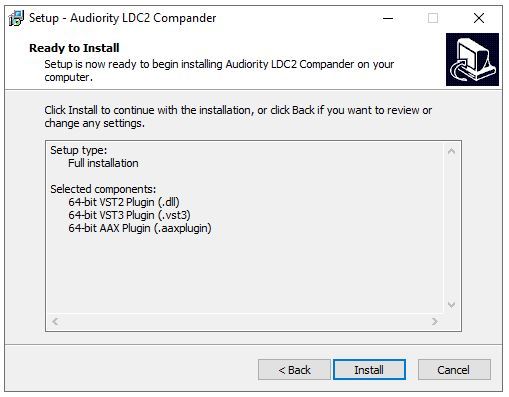
7. Click 'Finish'.
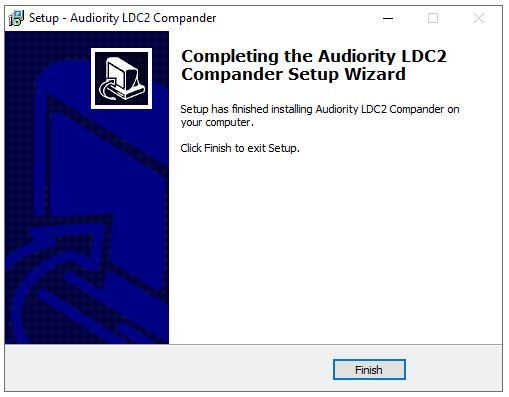
Activation
1. Open the newly installed plugin in your DAW > Click 'Register Online'.
2. Enter your username and email address that you registered at Audiority > Click 'Login'.
Your plugin is now activated and ready to use.


