


 Log In

Free gifts available with your purchase
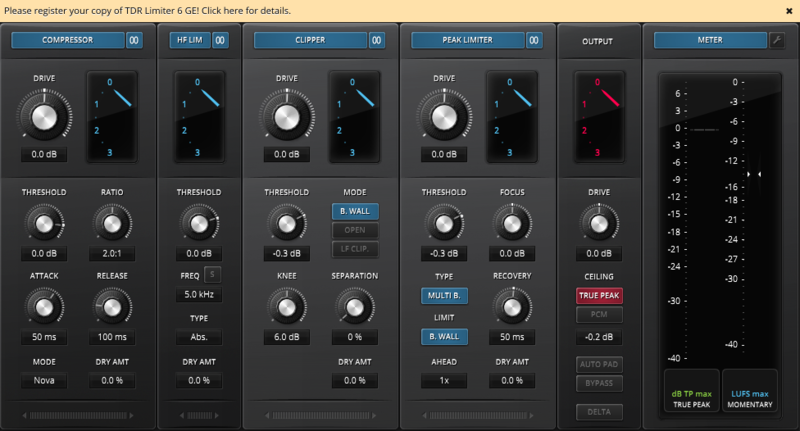
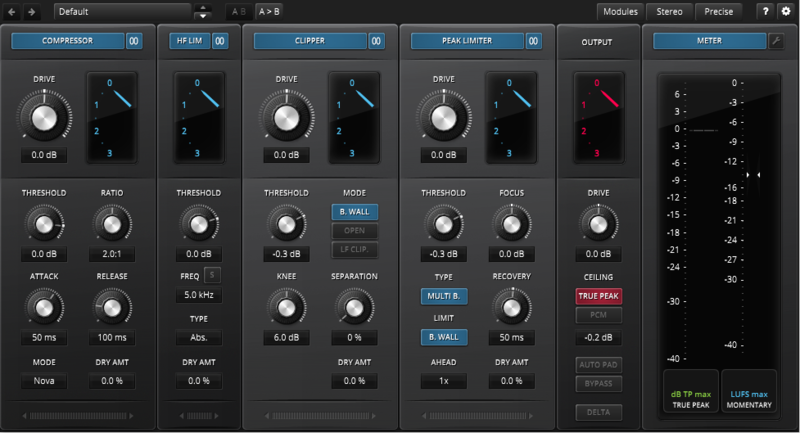
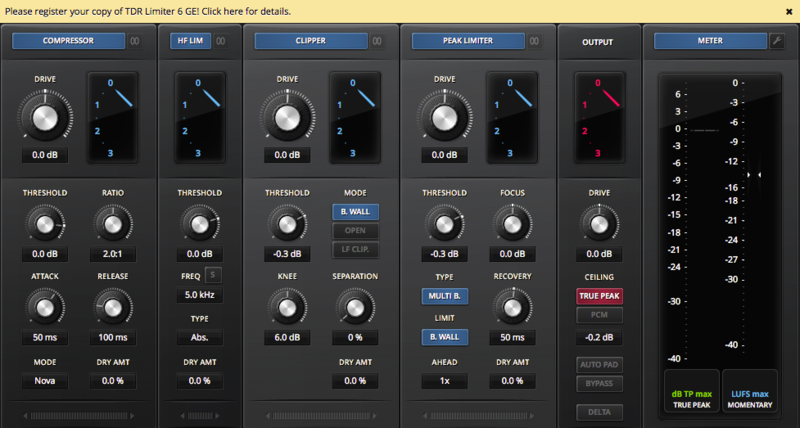
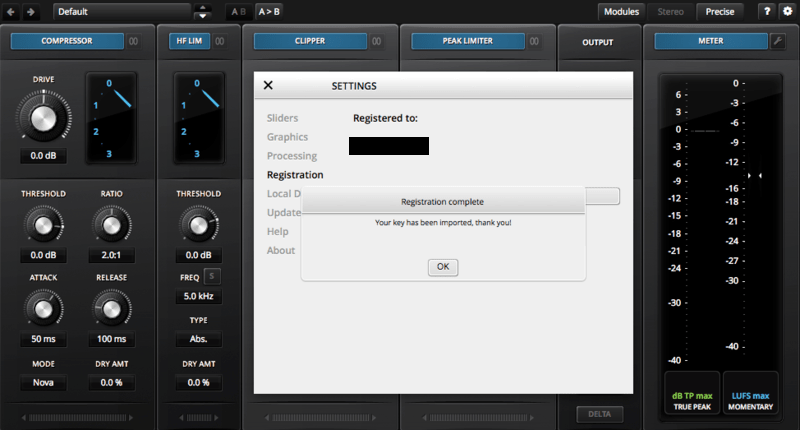
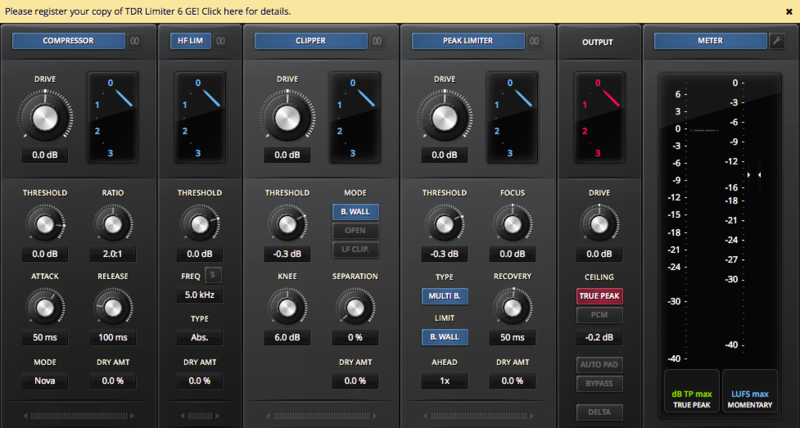
TDR Limiter 6 GE is a modern dynamics compression and limiting toolkit featuring six specialized modules that can be arranged in variable order. Together, they cover a remarkable range of applications from creative crunching to precise and competitive loudness control.
Modules
- Dynamics Compressor
- Clipper, both upward and downward
- High Frequency Limiter, with absolute and relative control
- Peak Limiter
- Precise True Peak Output Protection Limiter
- EBU compliant True Peak and Loudness Meter, further supporting the Zwicker Loudness algorithm
- Each module offers dedicated control over different types of events, from macro to micro, and allows you to determine the signal path. Combined wisely they can greatly increase the perceived loudness of a mix while preserving superior musical fidelity, punch, and excitement.
With its appealing visual aesthetic, the advanced metering section gives a detailed insight into the signal’s dynamics, incl. EBU compliant True Peak and Loudness meters, and a psycho-acoustically most elaborate Zwicker Loudness meter. The equal loudness bypass will also make sure the operators’ aural perception doesn’t get tricked by any loudness differences.
A collection of sensible starting points allows for quick, yet precise loudness maximization. If needed, a wide range of options offer endless creative possibilities for getting that optimal setting. Going further, Limiter 6 also enables the operator to build their own personal take on loudness maximization, bus processing, and much more.
Music Radar
Up to the minute news and reviews for all music makers.
"Delivering versatile, powerful, surgical dynamics shaping via an innovative, beautifully presented package, this is a must-have."
Our Verdict Up there with the best compressors and limiters, and much cheaper than most of them, Limiter 6 GE is an unmissable plugin. Pros Great UI and workflow. Per-module M/S mode. HF Limiter is fantastic. Absurdly good value. Cons Manual is very vague in places. ...
Read MoreTokyo Dawn Records make some of the finest free plugins out there (check out Nova for example), and their paid ones are exceptional and affordable. If you’re looking for a high quality, clean and affordable limiter for your mastering need then you might wanna check out Limiter 6 GE. Limit to ...
Read MoreIt's highly flexible, sounds superb, and is an absolute steal at 1/4th the cost of many competing top-end limiting plugins. Overview Limiters are, in my experience, the category of plugins that exhibit the most drastic differences in quality between built-in DAW options and high-end third par...
Read MoreWindows
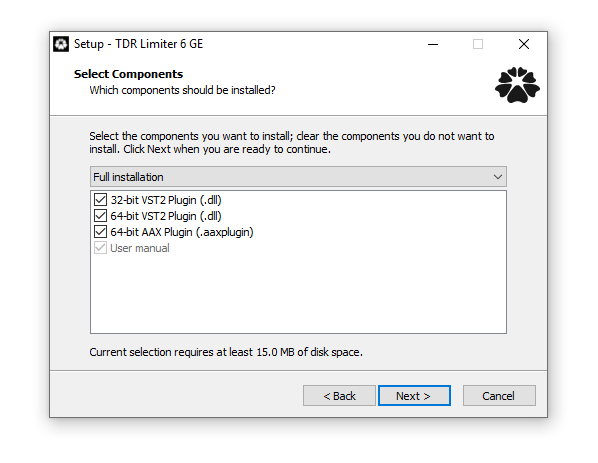
- Win XP or above
- VST, VST3 (32-bit / 64-bit)
- AAX (64-bit only)
Mac
- macOS 10.9 or above
- VST, AU, AAX (64-bit only)
Important Note: The Mac version of this software is 64-bit only and will not function on 32-bit systems.
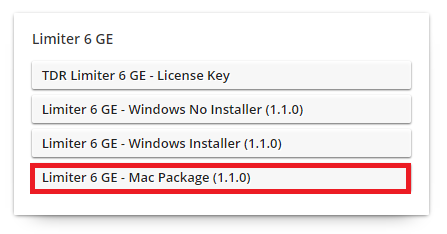
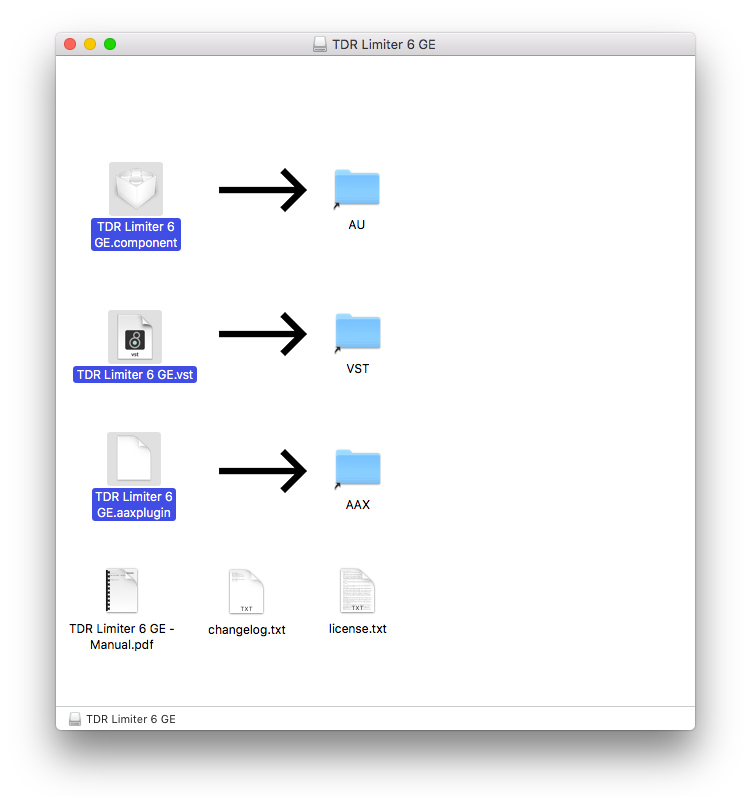
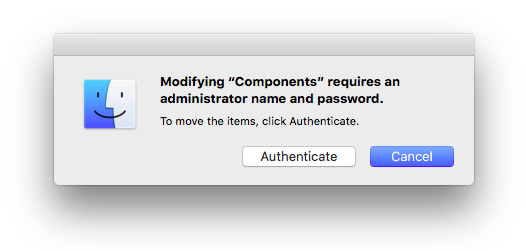
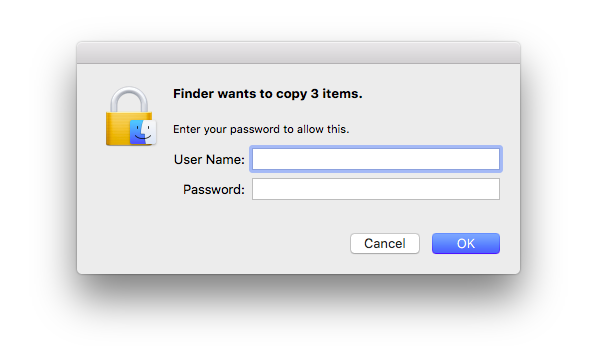
Reviews Summary
While it aims to provide a helpful overview, it may not capture every perspective or detail. We encourage you to read individual reviews to make an informed decision.
Reviewers widely praise this plugin as a powerful, versatile, and transparent dynamic processing suite for mixing and mastering. Users highlight its modular design, featuring an exceptional high-frequency limiter, clipper, and true-peak limiter that deliver punchy, loud results without coloration or distortion. While several note that the extensive controls create a slight learning curve, it is overwhelmingly viewed as an indispensable, high-value workhorse for master and drum buses.


