Buy TDR SlickEQ M, get a free gift with purchase:
TDR SlickEQ M (Mastering Edition) extends SlickEQ’s proven concept into a fully-fledged stereophonic equalizer. Specifically developed for the audio mastering engineer, no compromises have been made to deliver exceptional musical flexibility and audio fidelity.
Behind an intuitive user interface hides as a staggering array of possibilities: A set of musical high-pass and low-pass filters including a low frequency “monoization” section offer detailed control over the signal bandwidth. Six powerful parametric filter bands give precise access overtone, timbre and the stereo image, and a sophisticated meta-filter offers direct and intuitive access to the brightness, hardness or equal loudness curve of an audio signal.
All filters except HP and LP operate in a parallel EQ configuration. The EQ bands, in particular, include an elaborate nonlinearity inspired by the musically beneficial side effects found in inductor filter technology. An effective auto gain mechanism automatically compensates for changes of perceived loudness while operating the EQ and last but not least, semi-intelligent signal analysis options allow matching the input signal’s spectrum against a pink noise reference or automatically setting the HP and LP filters according to the signal’s audible bandwidth.
As with SlickEQ Standard and SlickEQ – Gentleman’s Edition, a multi-rate processing scheme (a.k.a. “internal resampling”) combined with elaborate signal processing techniques ensure the highest signal integrity is maintained throughout the processing.
Features
- Intuitive user interface with a focus on musical flexibility
- State of the art audio processing algorithms in a parallel EQ structure
- Six full parametric EQ bands offer spectral control over stereo width and balance
- Advanced filter nonlinearities inspired by inductor EQ technology
- Powerful HP and LP filters. Each with four distinctly musical slopes
- Dedicated Low-frequency mono filter
- A Meta Filter with direct control over brightness, hardness or equal loudness contours
- Smart actions allow matching the input against pink-noise distribution or custom references, and more
- Highly effective loudness compensated auto gain control
- Expandable EQ display including a realtime spectrum analyzer
- Comprehensive documentation, a toolbar with undo/redo, A/B, advanced preset management and much more
System Requirements
Windows
- Win XP SP2 or above
- VST (32-bit / 64-bit)
- AAX (64-bit only)
Mac
- macOS 10.9 or above
- VST, AU, AAX (64-bit only)
Important note: the Mac version of this software is 64-bit only and will not function on 32-bit systems.
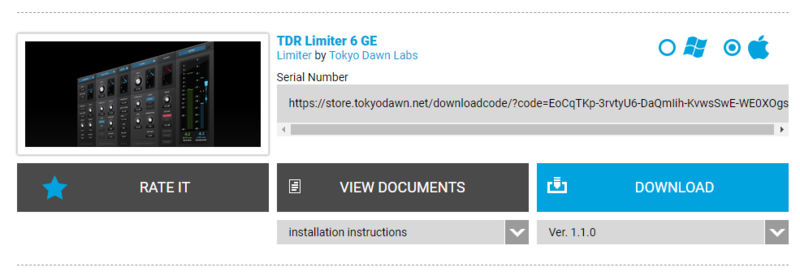
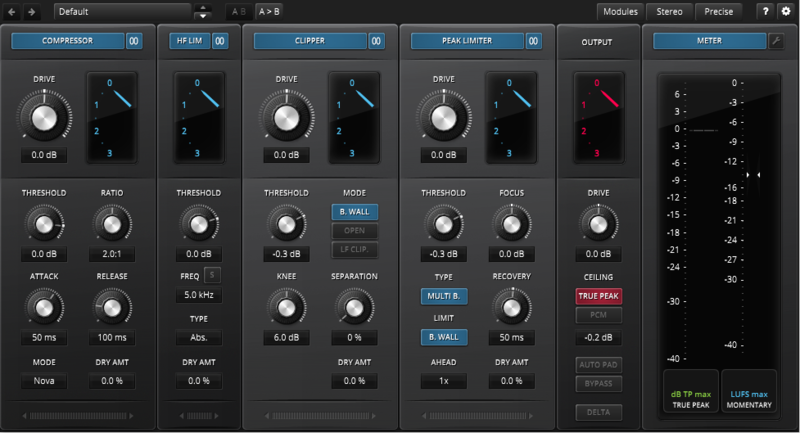
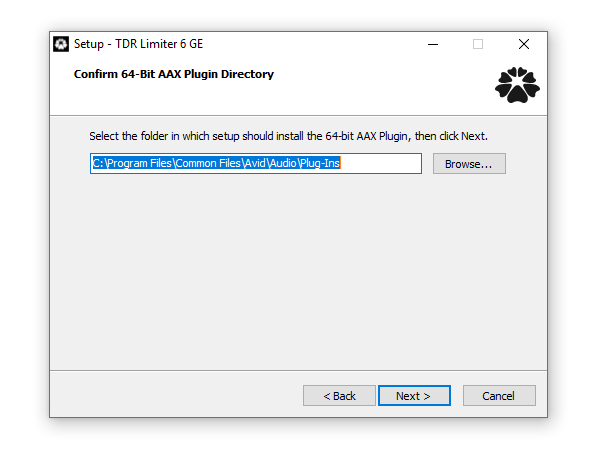
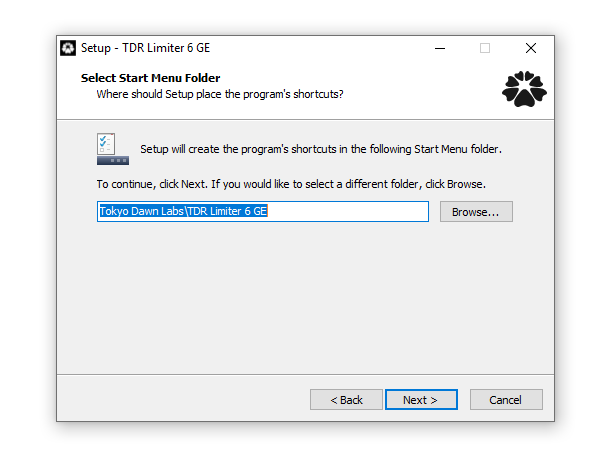
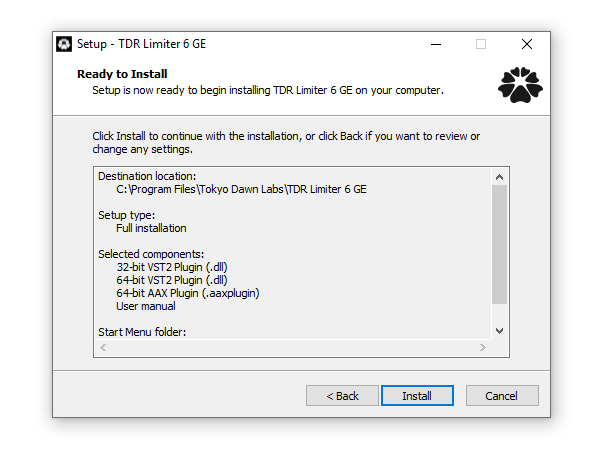
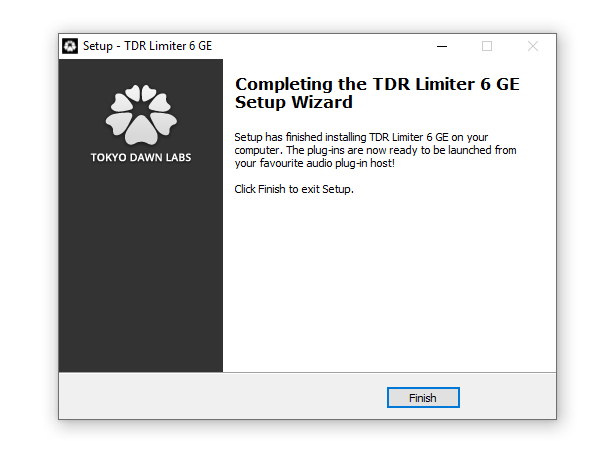
Note: TDR Limiter 6 GE is used as the example.
Mac
Registration
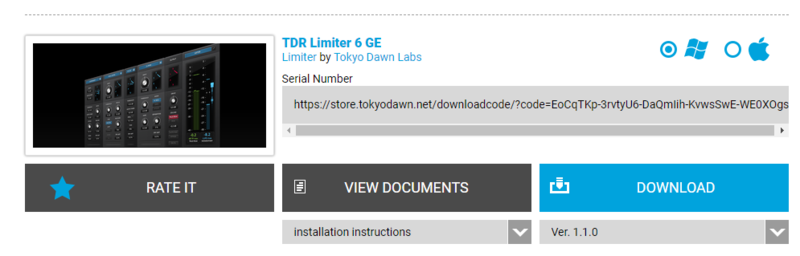
1. Go to your Plugin Boutique User Account > Copy and paste your serial number into your web browser search bar and press 'enter' on your keyboard.

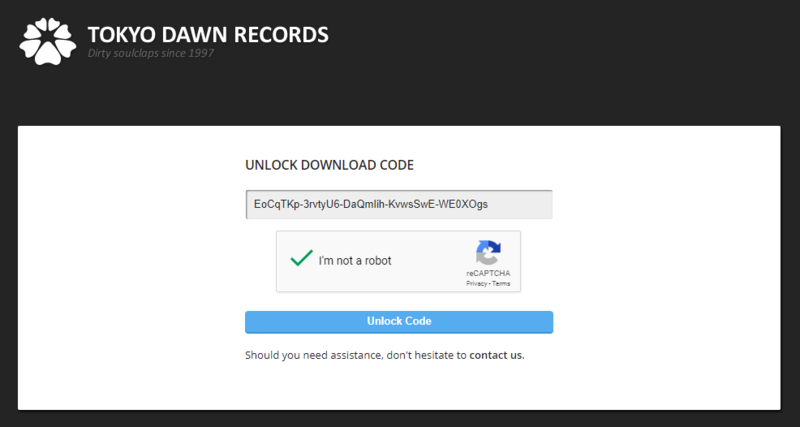
2. Check the box that states 'I'm not a robot' > Click 'Unlock Code'.

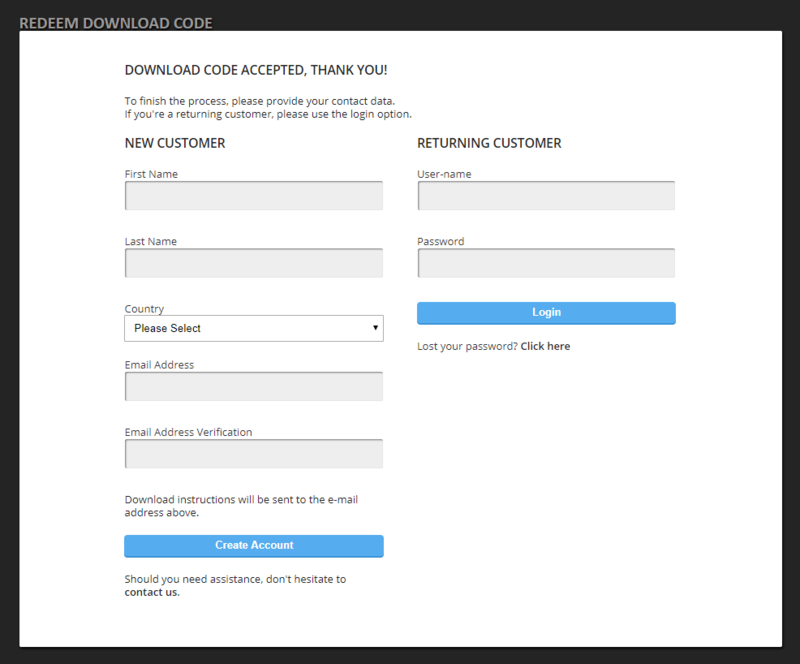
3. Enter your Name & email address and select your country from the drop-down menu > Click 'Create Account'.

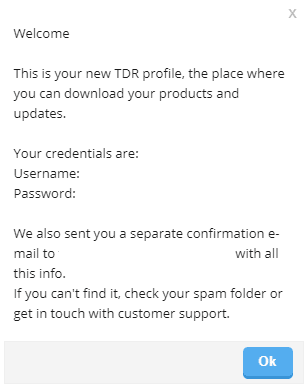
4. Click 'Ok'.

Installation
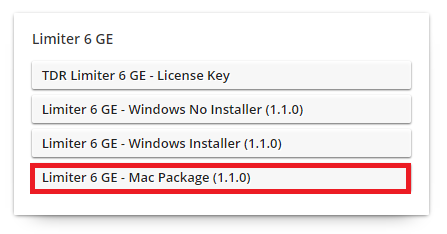
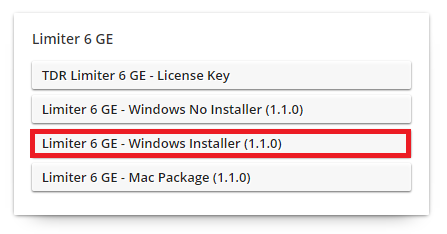
1. Click the Mac installer link to download the correct installer for your operating system.

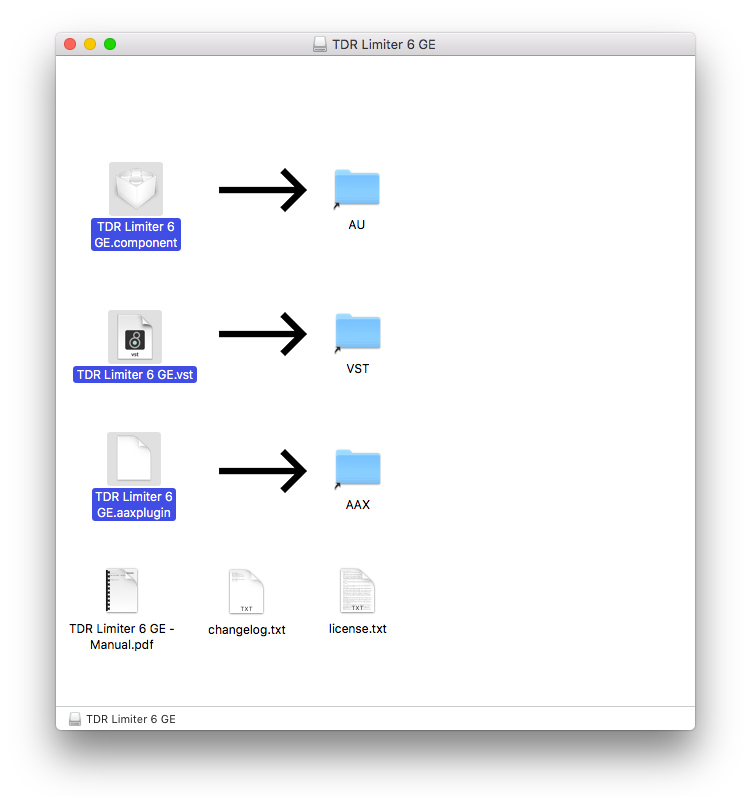
2. Open the .dmg file > Click and drag the Component, VST and AAX Plugin files into their respective folders.

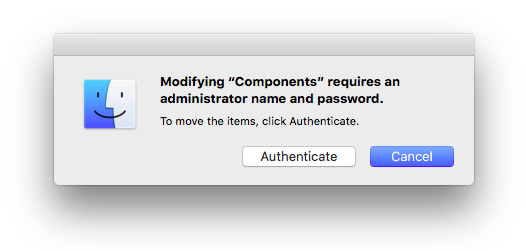
3. Click 'Authenticate'.

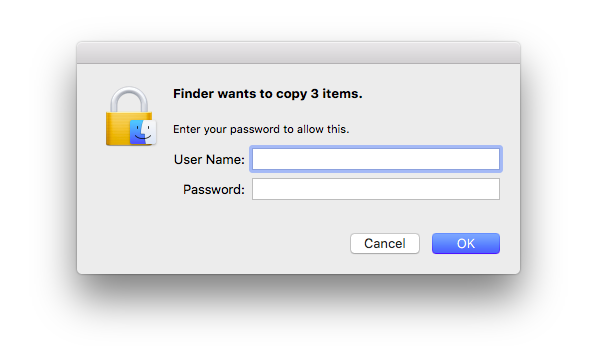
4. Enter your computer Username and Password > Click 'Ok'.

Online Activation
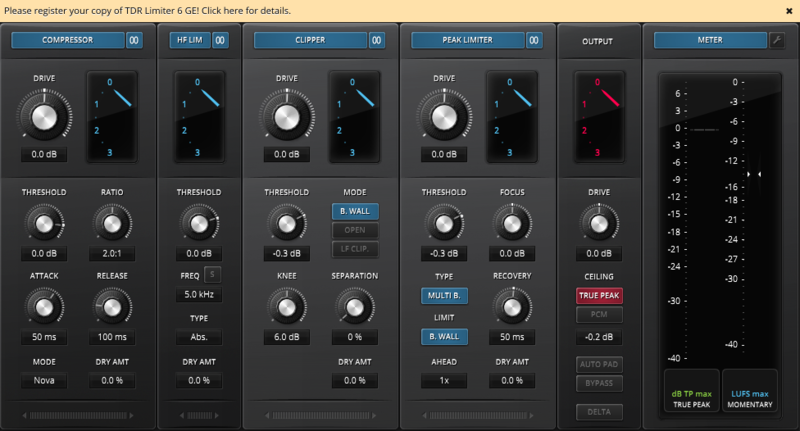
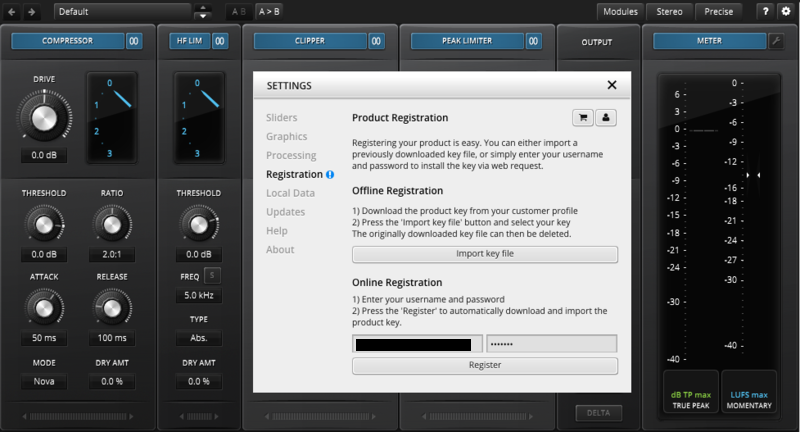
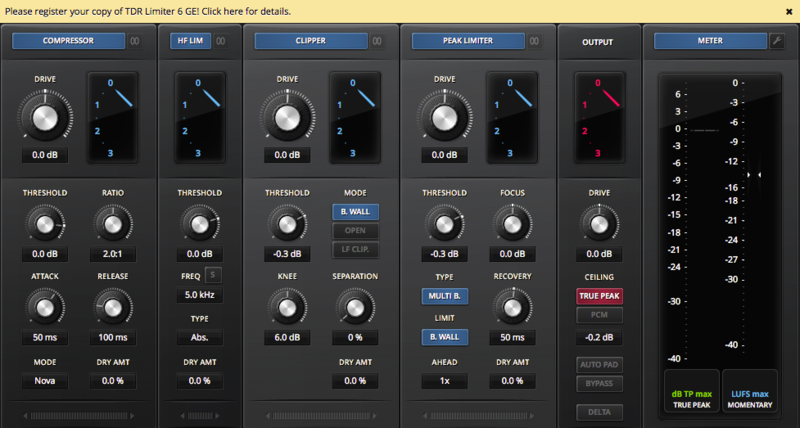
1. Open the installed software in your DAW > Click the dialogue box at the top of the plugin to open the activation menu.

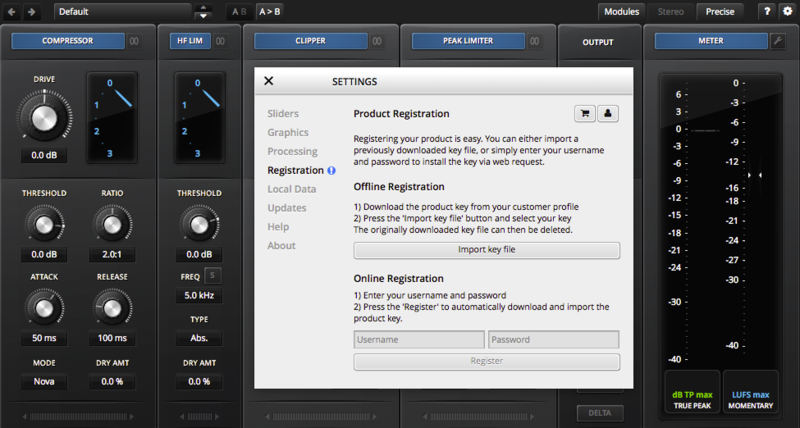
2. Enter your Tokyo Dawn Labs registered email address and password > Click 'Register'.

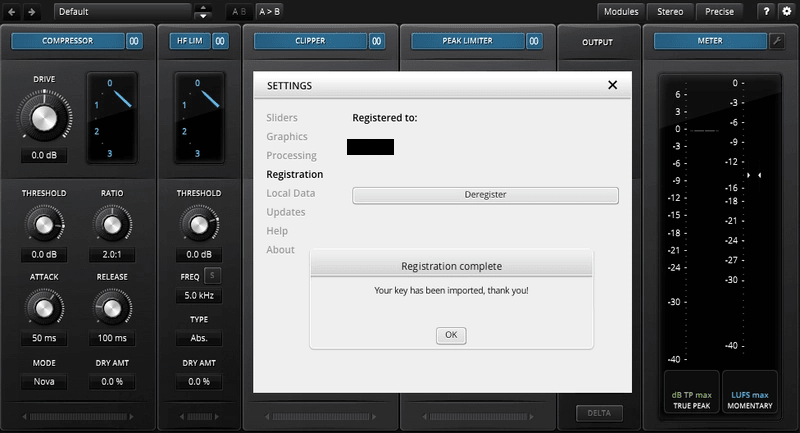
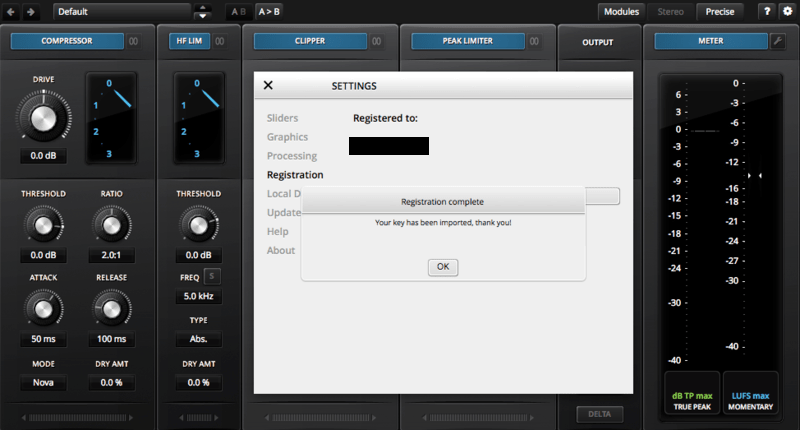
3. Click 'Ok'.

Your software is now activated and ready to use within your DAW.

Offline Activation
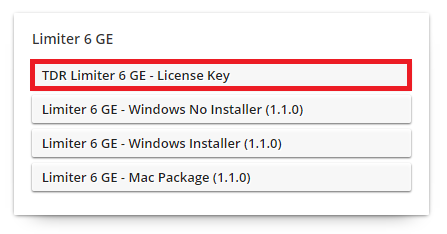
1. Go to your Tokyo Dawn Labs User Account > Download the License Key File for your software.

2. Open the installed software in your DAW > Click the dialogue box at the top of the plugin to open the activation menu.

3. Click 'Import Key File'.

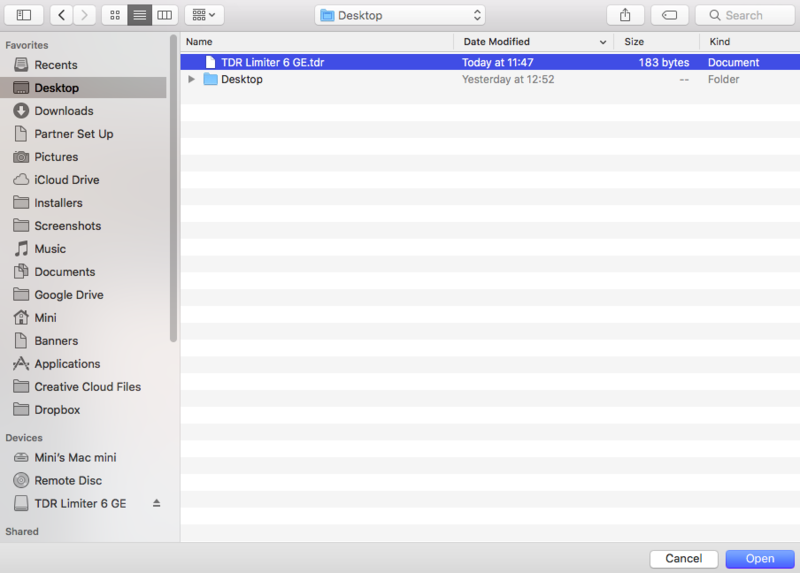
4. Select the License Key File > Click 'Open'.

5. Click 'Ok'.

Your software is now activated and ready to use within your DAW.

Windows
Registration
1. Go to your Plugin Boutique User Account > Copy and paste your serial number into your web browser search bar and press 'enter' on your keyboard.

2. Check the box that states 'I'm not a robot' > Click 'Unlock Code'.

3. Enter your Name & email address and select your country from the drop-down menu > Click 'Create Account'.

4. Click 'Ok'.

Installation
1. Click the Windows installer link to download the correct installer for your operating system.

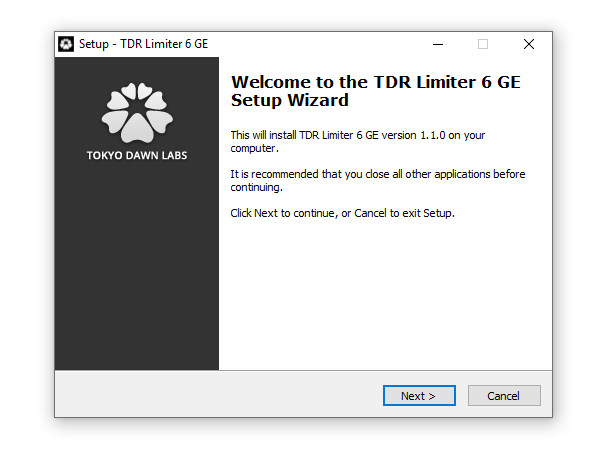
2. Double-click the .zip file to extract the contents and open the .exe file to begin the installation > Click 'Next'.

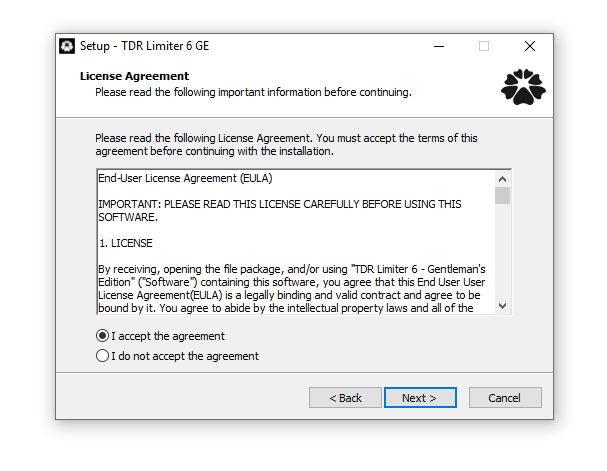
3. Select 'I accept the agreement' > Click 'Next'.

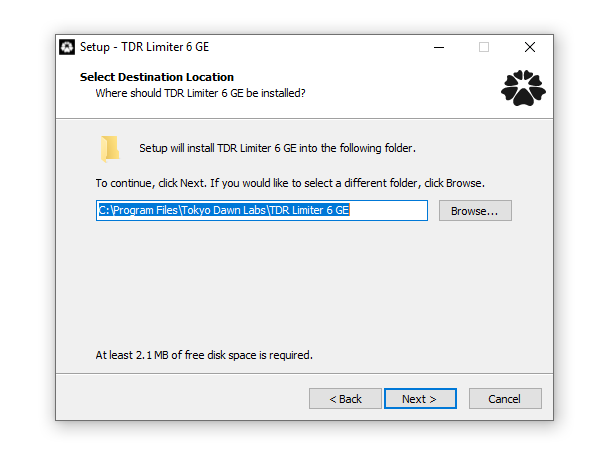
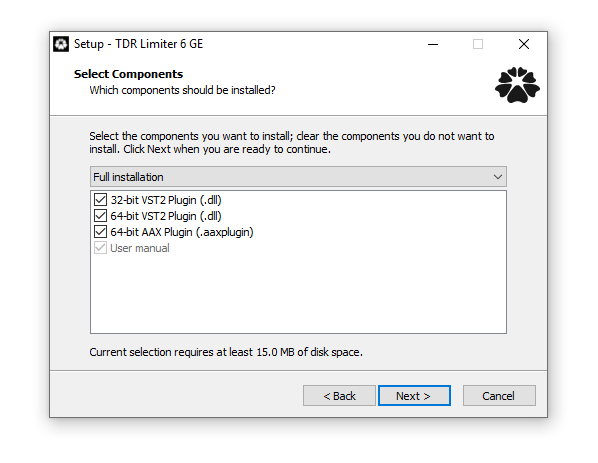
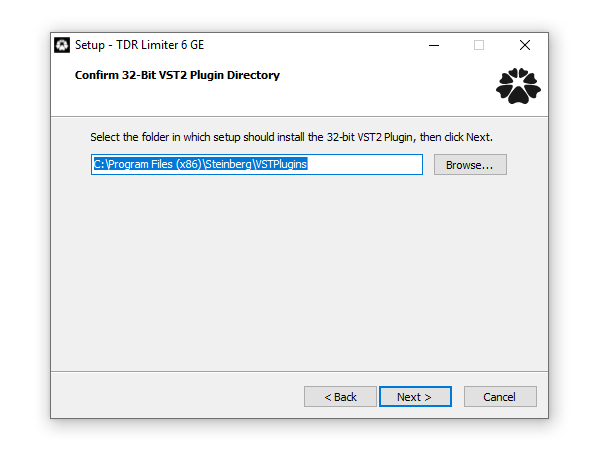
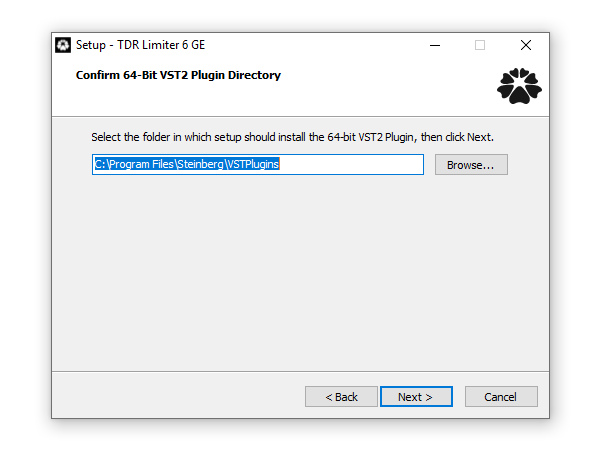
4. Click 'Next'.

5. Click 'Next'.

6. Click 'Next'.

7. Click 'Next'.

8. Click 'Next'.

9. Click 'Next'.

10. Click 'Install'.

11. Click 'Finish'.

Online Activation
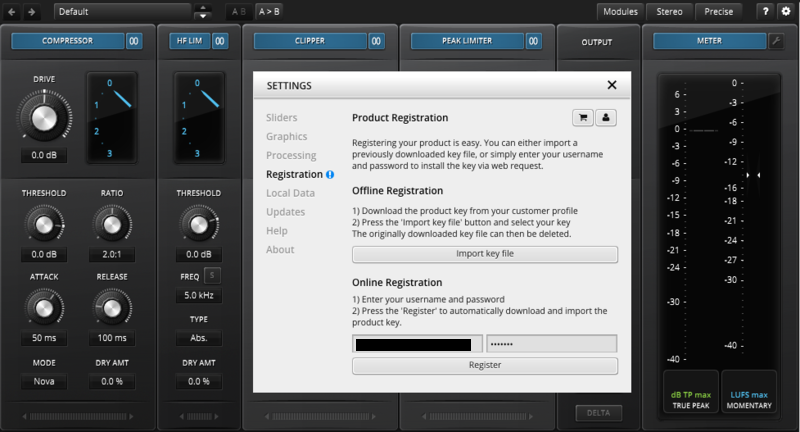
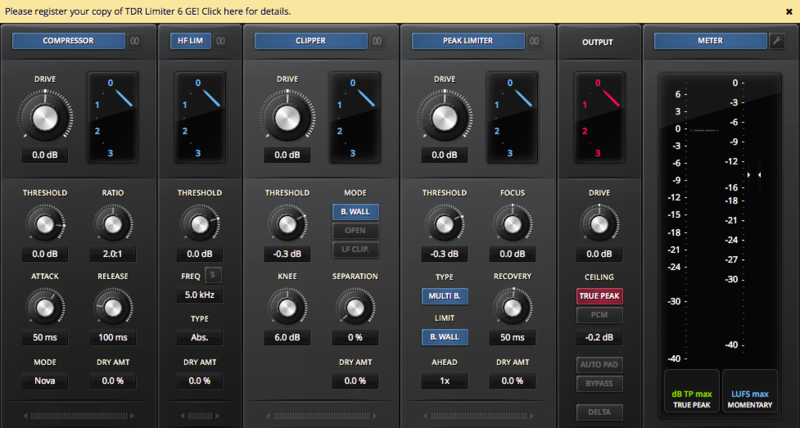
1. Open the installed software in your DAW > Click the dialogue box at the top of the plugin to open the activation menu.

2. Enter your Tokyo Dawn Labs registered email address and password > Click 'Register'.

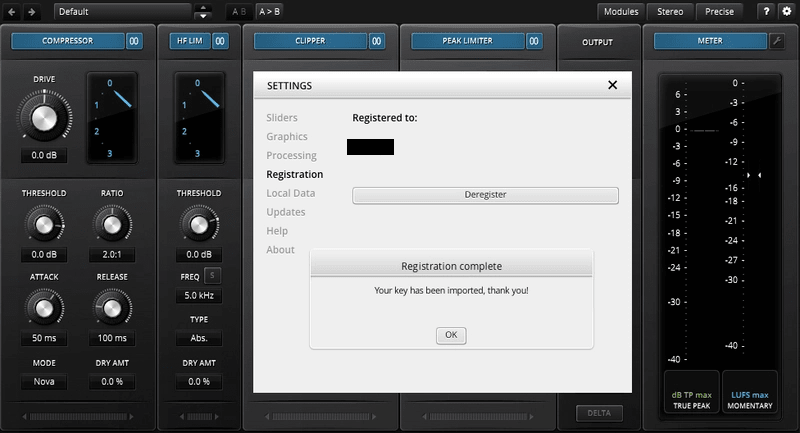
3. Click 'Ok'.

Your software is now activated and ready to use within your DAW.

Offline Activation
1. Go to your Tokyo Dawn Labs User Account > Download the License Key File for your software.

2. Open the installed software in your DAW > Click the dialogue box at the top of the plugin to open the activation menu.

3. Click 'Import Key File'.

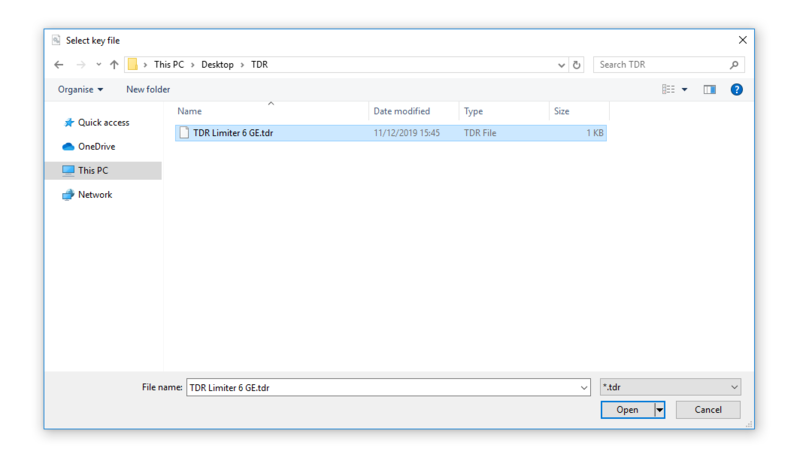
4. Select the License Key File > Click 'Open'.

5. Click 'Ok'.

Your software is now activated and ready to use within your DAW.