Log In

Free gifts available with your purchase
A Very Boutique EQ
Achieve Spacious Highs, Smooth Lows, and Great Tones Fast. This Model of German Engineering Brings a Whole New Colour to your EQ Palette.
Classic Color
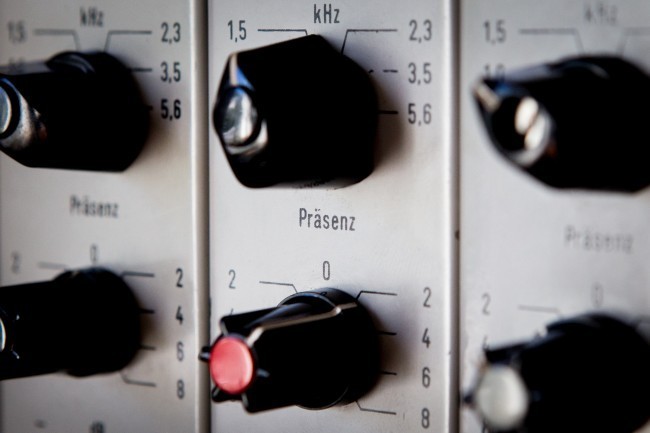
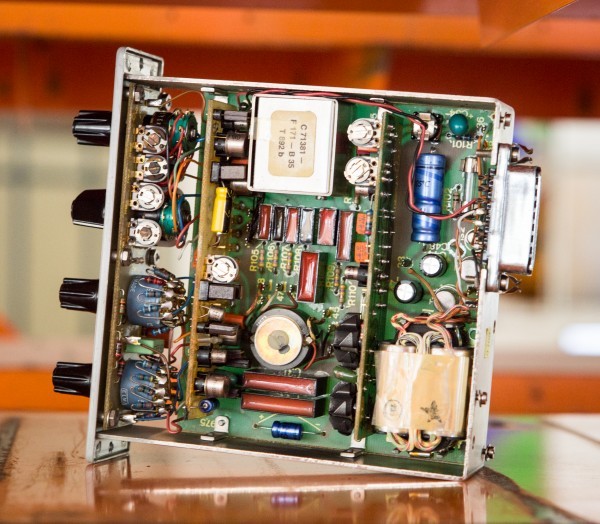
In Soundtoys' quest to capture unique tones and colours from the world of hardware, Soundtoys dug deep into the Soundtoys gear museum and found a little-known gem: the Siemens W295b. It impressed us so much that it became the inspiration for Soundtoys' first EQ. Sie-Q faithfully captures the hardware’s smooth curves, airy highs and ease of use, allowing you to get the tone you want fast, without a lot of hassle.
Of course, in classic Soundtoys tradition, they have also carefully modelled its saturation character so you can hit it hard and get the real analog vibe of the hardware. The magic of this classic piece is now in your hands and in your mix.
Great Highs
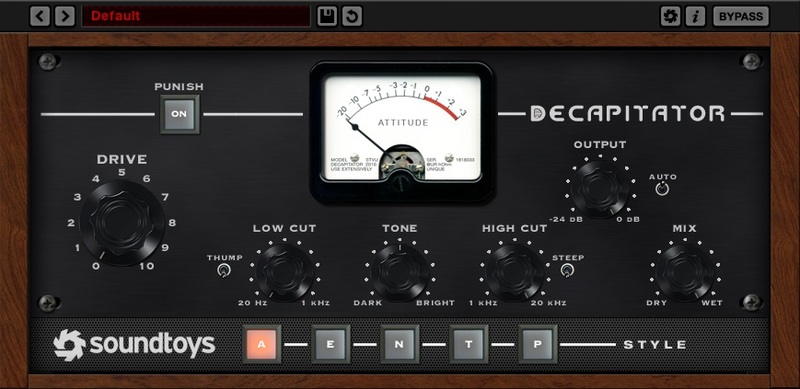
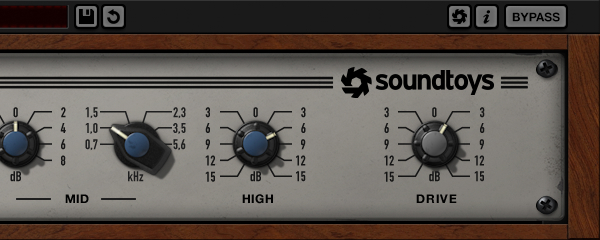
The stand-out feature of Sie-Q, like the original, is its amazing high-end. It adds space and air, and feels perfect on any track, no matter how much you boost. Turn up the High knob to breathe life into vocals, or pull it back on bright acoustic guitars and cymbals to create a silky sheen. Sie-Q is also a fantastic addition to your master bus–just a touch of the High band can add life and openness. , Is your mix sounding a little too digital? Combining Sie-Q and Decapitator in the Soundtoys Effect Rack is the perfect remedy.
EQ with IQ
Like the original, Sie-Q is an EQ that’s hard to make sound bad. One of the things Soundtoys love so much about the W295b is that even though it’s over half a century old, the design is as intelligent today as it was back in the 60s. When you use it, it just feels like all the hard work has been done for you.
Designed for broadcast, its frequencies and curves were carefully chosen to keep things sounding good no matter what. And this clever design translates perfectly to tracking and mixing records, too. From full mixes to sub-mixes, to vocals and guitars, to drums and percussion this EQ helps you find the sweetness without the hassle.
Features
- Get an airy top end with the super-smooth High band
- Accentuate or tame mid-range details with the switched Mid band
- Carve out some space or add rich bass with the Low band
- Push the Drive control to recreate the colour of the original EQ
System Requirements
Mac
- macOS 10.12 Sierra and later (Intel / Apple Silicon supported) (64-bit only)
- VST2, VST3, AU, AAX Native, AAX AudioSuite
Windows
- Windows 7 and later (64-bit only)
- VST2, VST3, AAX Native, AAX AudioSuite
Supported Sample Rates:
- Minimum - 44.1 kHz
- Maximum - 192 kHz
Important Notes:
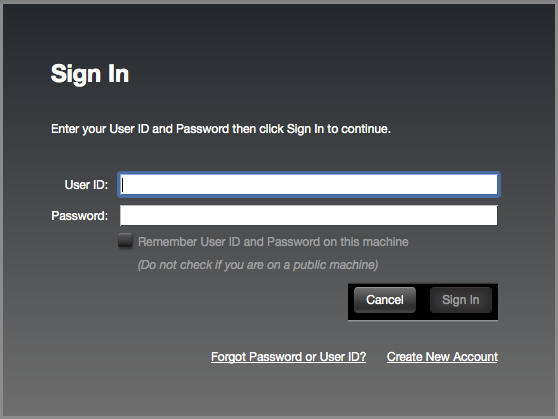
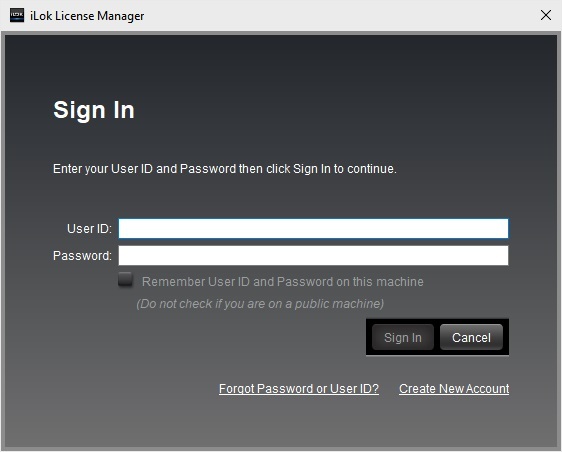
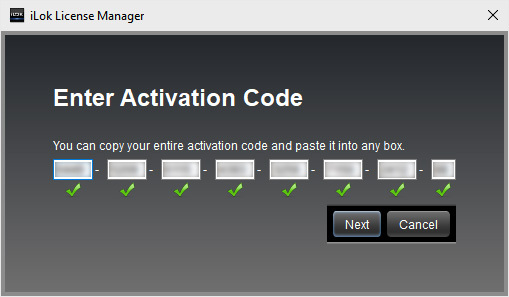
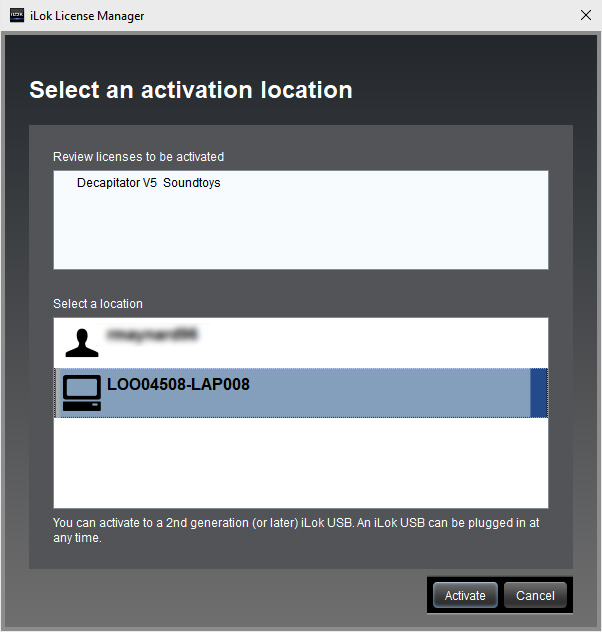
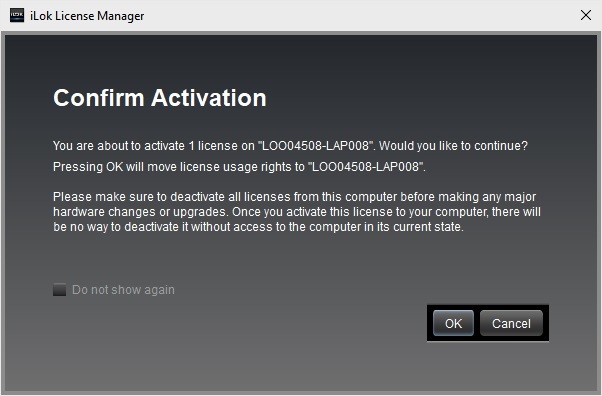
- A FREE account at ilok.com is required (a physical USB iLok is not required)
- This software is 64-bit only and is not compatible with 32-bit systems.
Officially Supported Host Applications:
All version 5 Soundtoys products come in 64-bit VST2, VST3, AU and AAX Native plugin formats.
Supported DAWs:
- Pro Tools: 12 or higher (Mac & PC: AAX Native and AudioSuite)
- Logic Pro X: 10.7 or higher (Mac: AudioUnits)
- Ableton Live: 10.0 or higher (Mac: AudioUnits, VST2 & VST3; Windows: VST2 & VST3)
- Studio One: 4.5 or higher (Mac: AudioUnits, VST2 & VST3; Windows: VST2 & VST3)
- Cubase: 9.5 or higher (Mac & PC: VST3)
- Nuendo: 8 or higher (Mac & PC: VST3)
- Reaper: 6 or higher (Mac: AudioUnits, VST2 & VST3; Windows: VST2 & VST3)
- Bitwig: 4 or higher (Mac & PC: VST2 & VST3)