Log In

Free gifts available with your purchase
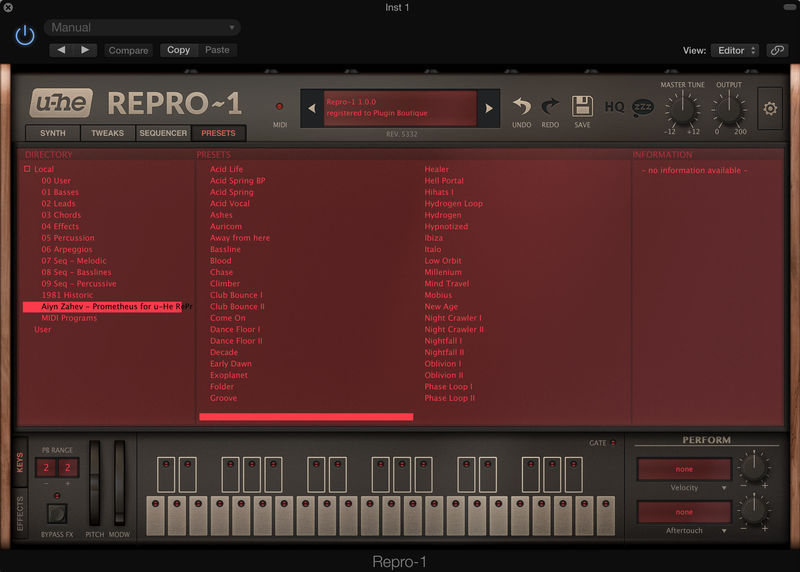
Prometheus for Repro-1 features a wide range of presets exploring both vintage and modern sound. The bank is based on over 65 sequences and 120 individual sound presets. Since the sequence data and the sounds are included individually you can mix and match the sequences to different sounds, or just use sequence presets as they are. This gives you not only inspiring sounds to work with, but also fresh musical ideas. Repro-1 has superb filters and beefy oscillators, making it ideal for baselines, arpeggios and musical monophonic sequences, but you’ll also find some cinematic sounds and thanks to some programming trickery even some polyphonic pads.
Any of the sounds of course can have their sequencer switched off and used normal patches, basses, leads, atmospheres and mono-phonic pad sounds, giving you a full 120 sounds to work with, all tagged for use in U-he’s new browser system.
Patches feature Modwheel assignments where possible and velocity where sensible. The effects section features heavily here, reverb and chorus accentuating atmospheric patches even further, while subtle distortion and EQ is used judiciously on patches that benefit from a dry and powerful sound, such as basses.
Drop these sounds in your DAW, save time on production!
Features
- 120 Sounds
- Over 65 sequences
- Velocity and Modwheel
- Careful use of effects
- Tagged presets for U-he’s new browser system
System Requirements
Formats:
- Repro-1 Presets
Important Note: u-He Repro-1 version 1.1 is required to run the contents of this software.