


 Log In
Free gifts available with your purchase
British Iconic Sound Of The 70’s
The iconic vintage sound of the world’s best studios, perfectly recreated for the modern producer.
The subtle nuance and tonal flavour added by a vintage preamp can have an amazing overall effect on the music you create.
For years, top producers have coveted the sound of the venerable 1073 preamp. Now - through the power of Arturia’s advanced TAE modelling - you too can have a taste of that harmonically rich, classic tone in your DAW.
Devised by visionary electronics engineer and pro audio legend Rupert Neve, the preamp became a staple of the world’s top studios, and added its unique tonal flavour to countless hits. It was a revolution in 1970, pioneering the use of reliable high-efficiency transistors to replace the temperamental vacuum tube technology of the time. The sound of the preamp became an instant hit with record producers, sound engineers, and artists the world over, cementing its place in music history.
Continuing that revolution, using their exclusive TAE technology, Arturia have recreated this phenomenal piece of music production history. Capturing and recreating its distinct musical colour, its pleasing analog distortion, and its sweet-sounding tone controls, you’ll be able to start your virtual signal chain with one of the best sounding pres ever created.
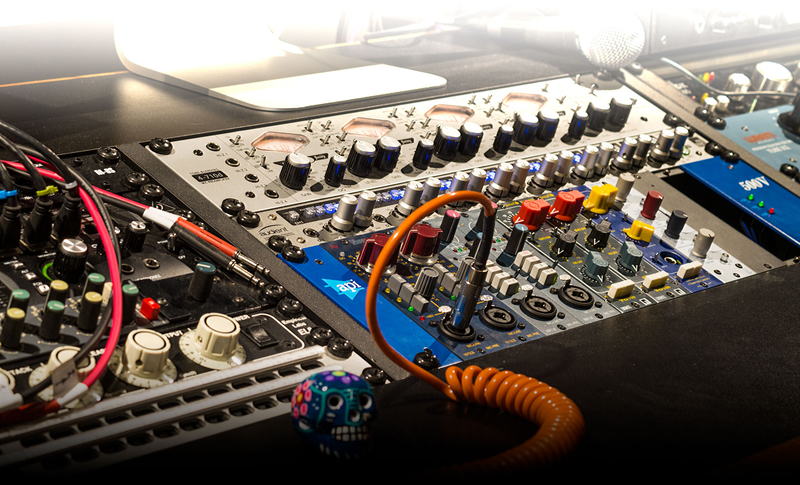
Analog Sound in the Digital World
“… but my audio interface already has preamps. Why do I need virtual preamps? What difference will it make?”
Great question!
As you’ll know, preamps raise the gain of incoming signals - from microphones and musical instruments - to usable levels, which can then be mixed. Practically all modern audio interfaces include preamps, just as most analog mixing consoles integrated preamps in the pre-digital age.
Thanks to today’s technology, preamps are very neutral and transparent in the way they amplify the audio signal. In the past, preamps tended to subtly distort the sound, imparting a tonal character to the audio they processed; a sort of “sonic fingerprint” that music producers would become familiar with, and start to use in creative ways. This is what people usually refer to when they talk about ‘the sound’ of a mixing console. Running a session on a mixing console that used the 1073 preamps, for example, would give the whole track a harmonically exciting feel.
Now, you can enjoy the best of both worlds. You can use the preamps on your audio interface to get your signals to a usable level, and use Arturia’s software preamps to impart that iconic tone to your tracks.
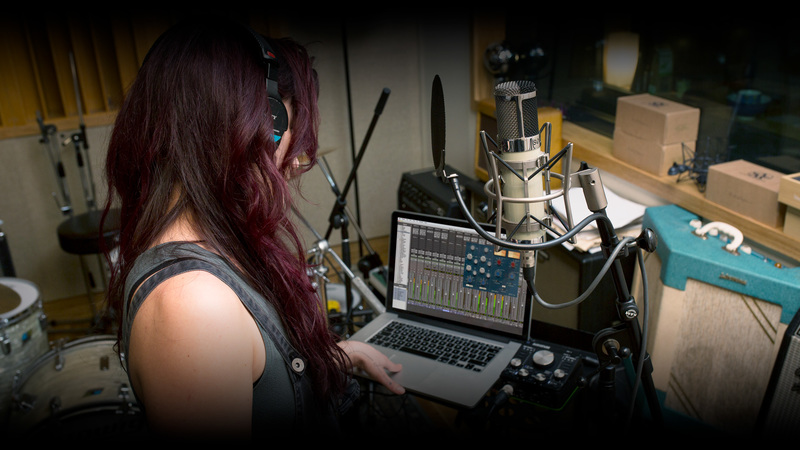
Adding that “je ne sais quoi”
It’s difficult to let new producers and mix engineers know just how important the subtle sound-shaping power of preamps are; we’re talking about something understated. It’s not a flashy synth or an extreme audio-mangling plug-in.
At their core, all of our preamp plugins provide 2 main benefits:
A Link to the Past
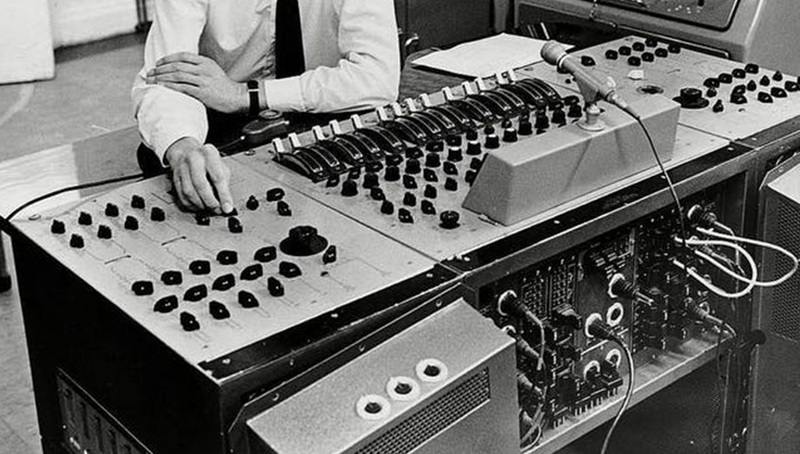
There’s something quite magical about hearing classic songs. If you let your mind drift, you’re transported to a totally different time: different fashion, different politics, different tastes, different lives. If you want to evoke the feeling of the 70s or 80s, when the 1073 was used on practically every chart hit, our 1973-Pre makes it easy. Added to individual tracks in your song, you can add that toasty, harmonic, saturated sound that typified the era.
Mixing Confidence

Load up 1973-Pre as an “insert” effect on channel, dial in an appropriate preset, and most of the hard work has been taken care of. You’ll now be mixing with the sound of a classic analog console, with the parameters set up by a top sound designer. Now you’re free to get creative, safe in the knowledge that you have half a century of legendary pro audio heritage supporting you.
That’s what we think, anyway. How you decide to use 1973-Pre is up to you. Maybe you’ll just love the way drums sound when you slam the input gain and pull down the high end. In fairness, that does sound pretty awesome.
Cracking the Code
We built our award-winning reputation on accurately modelling classic synthesizers and keyboards, now we extend our expertise to bringing legendary, rare, and unattainable pro audio hardware to every modern music creator.
We didn’t just want to make something that sounded like a 1073, we wanted to create a living, breathing emulation to bring you as close as possible to the joyous original, and go beyond your expectations. To do Rupert Neve’s brainchild justice, we analysed the unique response of every electronic component of the hardware. To guarantee the best preamp sound, Arturia’s engineers travelled the world, visited studios, and spoke to producers and engineers who use their 1073 on every project.
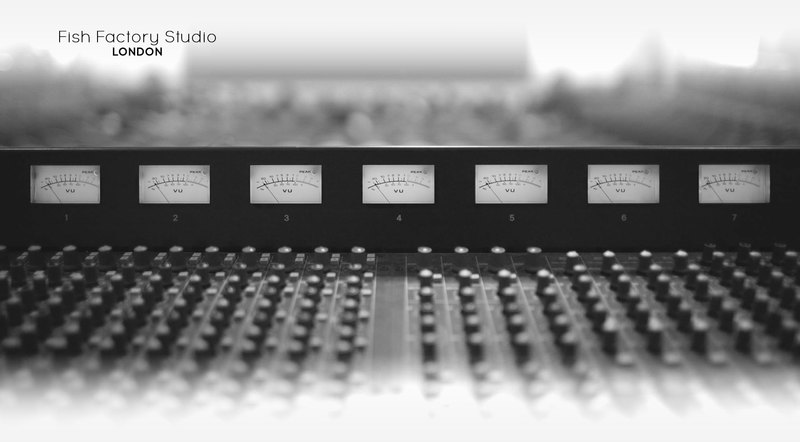
When designing the 1973-Pre, our quest brought us to London, England. There, we were able to spend some time with unit #3392, an original unmodified 1073 built in 1971. This particular preamp helped shape the course of popular music for almost half a century. Now owned by Fish Factory Studio, it also played its part in creating iconic Blur and Gorillaz tracks when it was used by Damon Albarn’s sound engineer.
Taking its rightful place alongside the best performance keyboards, analog synths, and digital powerhouses in Arturia’s virtual hall of fame, the 1973-Pre is ready to show you what it’s made of.
Rediscover an Industry Legend
Beautifully simple, yet stunningly effective, the 1973-Pre offers simple controls that pros will feel right at home with, and newcomers will quickly learn to love.
3-Band Equalizer
Creatively shape your signal with low, medium, and high band controls of +/- 18dB. The low band lets you perfectly balance the bass content in your signal, the mid band can add presence or cut the mud, and the high band can add shine and air, or remove any unwanted sharpness.
Input Gain
Controls how much of your signal is sent through the circuitry. Subtle levels will introduce that flattering brilliance that the 1073 is known for. Pushing harder will introduce harmonic distortion, adding presence and fatness.
High Pass Filter
Cuts the super-low end, inaudible rumble in your signal. Switched on, this can give your mix more headroom and energy. Left off, it lets through the bass you feel, rather than hear.
Output Trim
A fully transparent volume control to give your DAW exactly the level of signal you want.
It’s fair to say that in the 50 years since unit #3392 was built, the music industry has seen some changes. To bring this legend up to date, we’ve also included some optional enhancements to make the most of your DAW.
- Automatic Gain Control - Intelligently alters the output volume based on the changes you make to the input gain.
- Continuous Controls - Rather than stepped, for extra creative precision.
- Switchable Transformers - Letting you choose between the original Carnill and the modified Marinair components, so you can easily choose which hardware voicing sounds best on your signal.
- Self Contained Mid / Side Mode - So you don’t need to use additional convertors to use this advanced studio technique, your audio will sound amazing in both mono and stereo.
To top it all off, we even recreated the vintage style of the interface in a glorious, high-definition GUI. Every aspect of the 1973-Pre has been meticulously put together, ready to take your music to the next level.

Features:
- Comprehensive set of presets
- State-of-the-art TAE® analog modeling
- 1 & 2 channels plugin versions
Virtual Recreation of Famed Classic British Preamp:
- 60 dB virtual continuous input gain
- 2 type of output transformers
- +/- 24 dB Output trim level
Complete switchable EQ section:
- Include bypass & phase Inversion switch
High Shelf Filter:
- +/- 18dB gain
- Fixed frequency of 12kHz
Midrange Bell Filter:
- +/- 18 dB gain
- Continuous frequency range from 360Hz to 7.2kHz
Low Shelf Filter:
- +/- 18dB gain
- Continuous frequency range from 35Hz to 220Hz
High Pass Filter:
- -18dB/oct. Slope
- Continuous frequency range from 50Hz to 300Hz
3 Stereo Modes:
- Stereo Link
- Dual Mono Channels
- Mid/side (M/S) encoding-decoding for advanced stereo processing
Output Analog VU meter:
- 3 calibrations mode (-18dBFs, -12dBS, -8 dBFs)
- Analog clipping LED indicator
System Requirements
- Works in Standalone, VST, AAX, Audio Unit, NKS (64-bit DAWs only).
Mac
- Mac OS 10.13+
- 4 GB RAM
- 4 cores CPU, 3.4 GHz (4.0 GHz Turbo-boost) or Apple Silicon CPU
- 1GB free hard disk space
- OpenGL 2.0 compatible GPU
Windows
- Win 10+ (64bit)
- 4 GB RAM
- 4 cores CPU, 3.4 GHz (4.0 GHz Turbo-boost)
- 1GB free hard disk space
- OpenGL 2.0 compatible GPU
- ARM processors not supported on Windows
Protection
All Arturia software is protected by the Arturia Software Center.
Dov Waterman (Audio Editor and Sound Designer)
Dov Waterman is the founder of Forksound - a classically trained pianist and production music composer.
“The V76-Pre is one plugin I don’t have in my arsenal and I know it’s going to get used.”
Alicia Light (Tracking Engineer)
Alicia Light is a London-based tracking engineer, musician and photographer.
“The 1973-Pre has such a characteristic tone.”
Richard Furth (Mixer - Prince, Frank Ocean)
Richard Furth is a sound mixer and engineer who has worked with the likes of Prince, Frank Ocean and Tyrese.
“The V76-Pre is such a welcome addition to my arsenal to excite lackluster sounds and make the track pop a little more.”


