Log In
Free gifts available with your purchase
This U-he Diva soundset elevates you to this pinnacle of aesthetics, by helping you to create your own sonic universe.
Diva Chomolungma is the first Diva soundset by Synthmorph with 70 carefully crafted preset and 10 unmatched Synthmorph morphing sequences with expressivity way beyond an average MIDI sequence.
Sounds are both dreamy, liquid, fairy and organic, always with a light vibrato, tremolo, but there are darker presets as well, often with a dramatic vibe. And yes, a Laser Harp emulation is included as well, a tribute to Jean Michel Jarre :)
It is ideal for all kind of film scoring, game or commercial work, besides it perfectly fits for all electronic music genre these days. A must have for the modern film, game and commercial composers or any musician who want expressive playable sounds.
As divas tend to surprise us occasionally, u-he Diva is not different either — she will show you her new, undiscovered side through the use of the 10 Synthmorph MIDI sequences. There are 15-35 continuously morphing parameters per sequence, boosting the quite a bit organic character of Diva to the extreme!
Features
- 70 Diva presets in .h2p and .nksf (Native Instrument NKS) format
- All presets are categorized, tagged, some commented.
- Categories: 13 Arp, 4 Bass, 3 Chord, 24 Key, 4 Lead, 13 Pad, 10 SFX patches
- 10 morphing Synthmorph sequences in MIDI and WAV
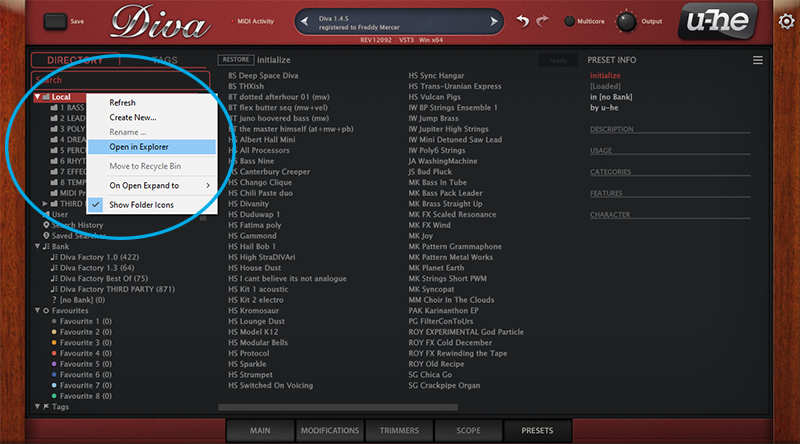
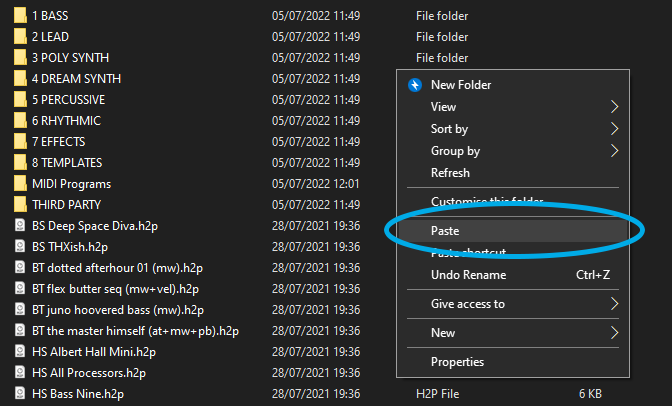
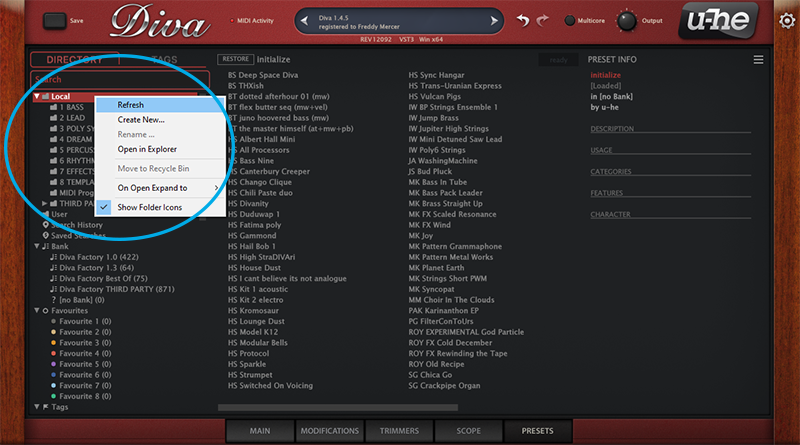
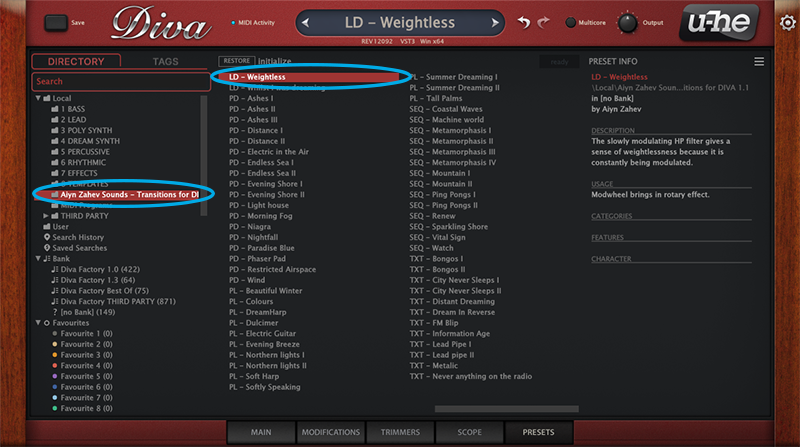
- Video tutorial + PDF manual on installation and usage tips
System Requirements
- Requires u-he Diva 1.4.2 (Rev5541) or later