


 Log In

Pseudo stereo without phase issues.
Wider takes the massively popular stereo section from its sibling, Manipulator, and creates the illusion of an expanded stereo image of a mono signal to an awe-inspiring amount of width. However, Wider is a unique stereo plugin in the sense that it is completely “mono-compatible”, meaning that any signal that has been extended will always remain in phase with itself, even if summed to mono.
Broaden Your Horizons
Many stereo effects currently in use have the nasty habit of knocking signals out of phase, which can quickly make a track sound muddy and unbalanced or make sounds seem flat and lacking dynamics if one isn’t mindful of the effect. Thanks to Wider’s one-of-a-kind all pass and comb filtering algorithm, a natural sounding stereo image is created from a mono channel, without compromising the phase between the sides! Instead, Wider cancels itself out when summed to mono, so the original signal is left intact.
Wider can be used to increase the stereo image of any mono signal up to 200% of full stereo for an extra wide, exaggerated effect.

Extraordinary Space, Professional Clarity
No matter how far out and experimental Infected Mushroom’s sounds get, they always keep their channels clean, crisp, and translatable without sacrificing power. Now you can achieve the same depth and clarity, absolutely free.
System Requirements
- Platform - Mac/PC
- Bit Depth 32/64
- Format - AAX, VST, AU
- Hardware Requirements - Mac: Intel Core 2 Duo or higher, 4GB RAM minimum
- Hardware Requirements - PC: Intel Core 2 Duo/AMD Athlon 64x2 or higher, 4GB RAM minimum
- OS Requirements - Mac: OS X 10.6 or later
- OS Requirements - PC Windows 7 SP1 or later
Note: Gatekeeper is used as the example.
Mac
Installation
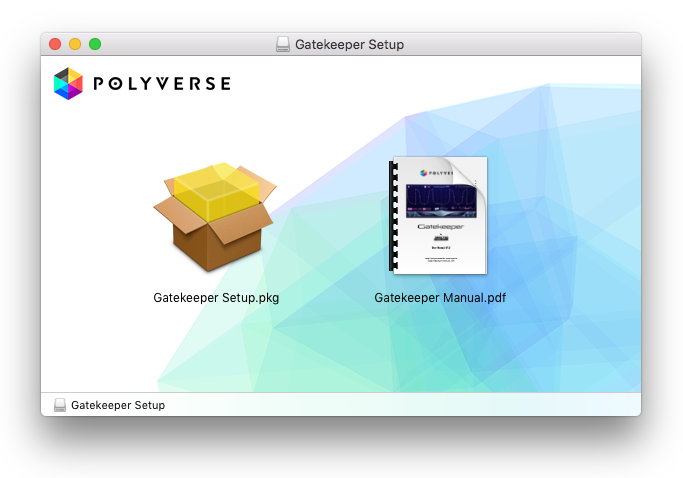
1. Open the downloaded .dmg file > Open the .pkg file to begin installation.
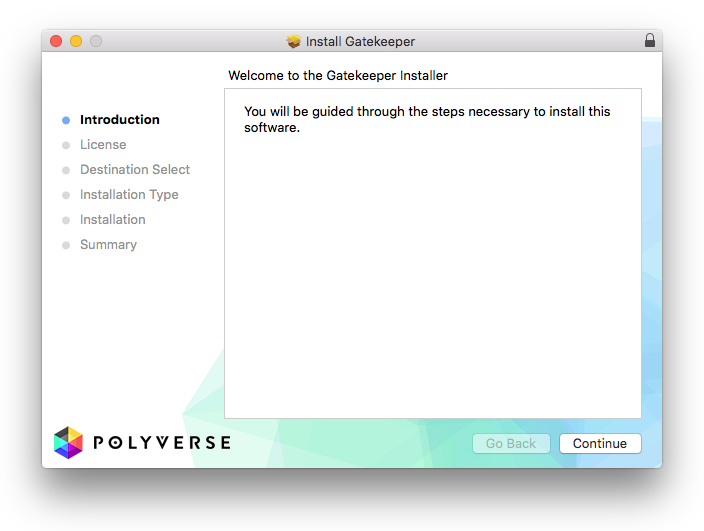
2. Click 'Continue'.
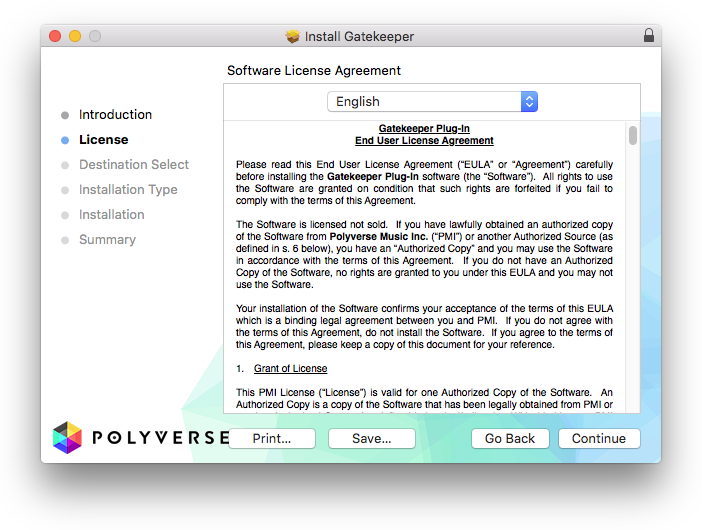
3. Click 'Continue'.
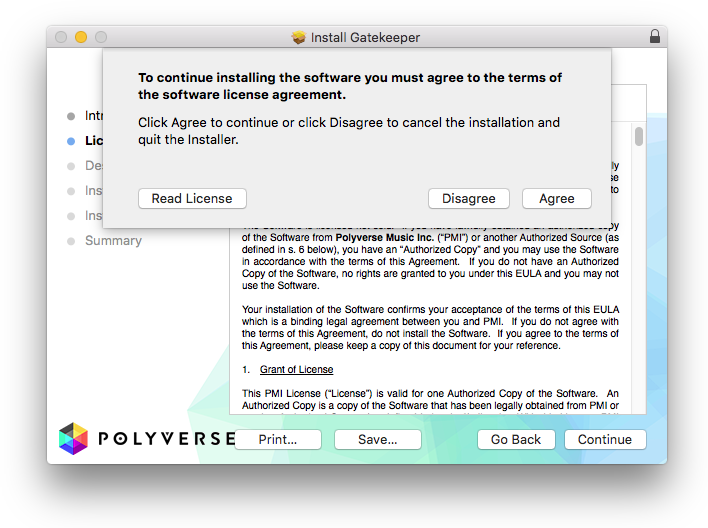
4. Click 'Agree'.
5. Click 'Install'.
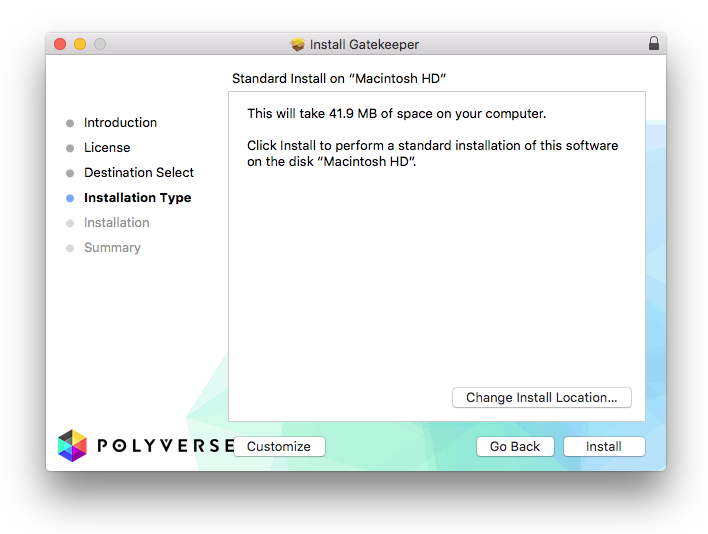
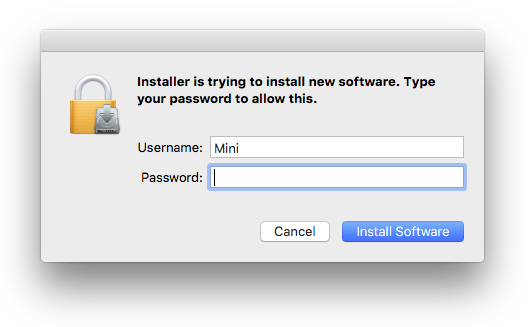
6. Enter your computer Username and Password > Click 'Install Software'.
7. Click 'Close'.
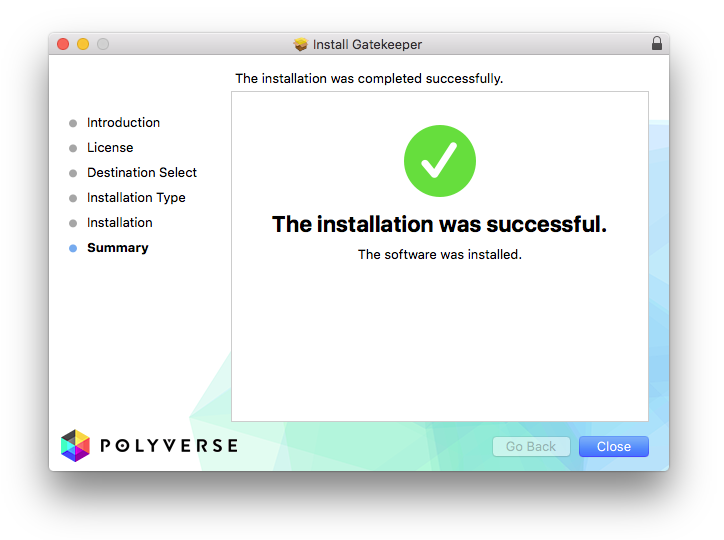
Your software is now activated and ready to use.
Windows
Installation
1. Double-click the downloaded .zip file to extract the contents and double-click the .exe file to begin installation > Click 'Next'.
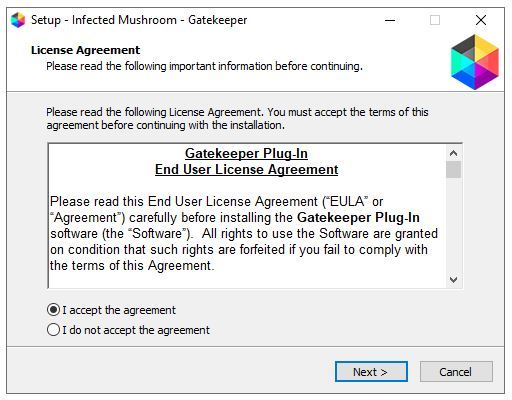
2. Click 'Next'.
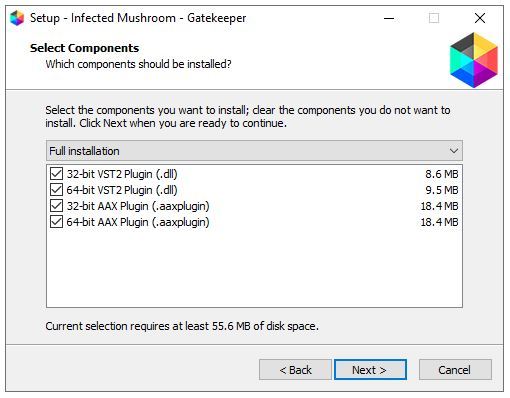
3. Click 'Next'.
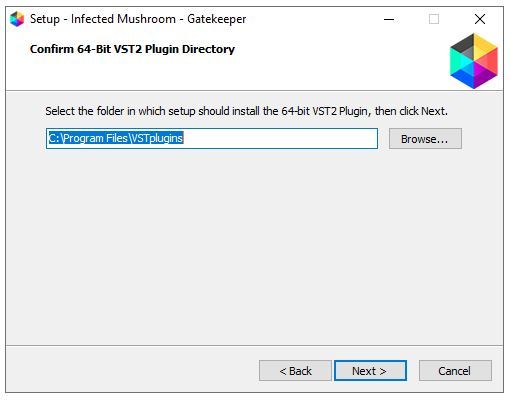
4. Click 'Next'.
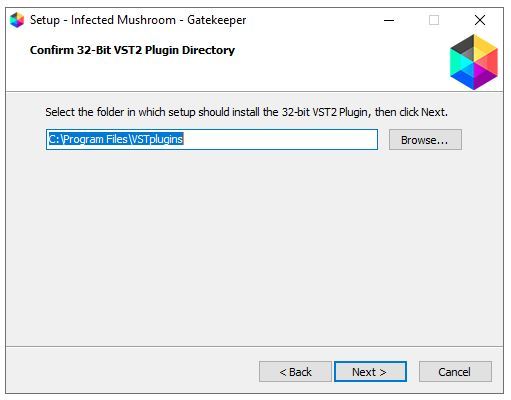
5. Click 'Install'.
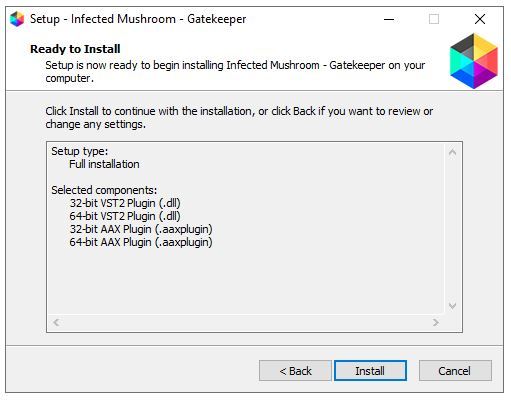
6. Click 'Finish'.
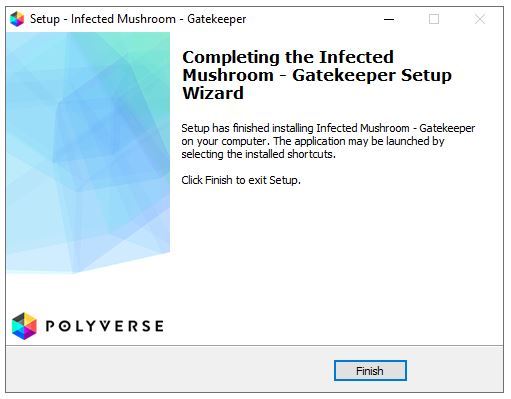
Your software is now activated and ready to use.


