/ Reverb / Springs
AudioThing

Springs

4.8 (446 Reviews)
$39.33 $69.00

43% off until Jan 05

Springs User Interface
Springs Overview - Spring Reverb + Baxandall EQ Plugin (VST, AU, AAX) gallery thumbnail
Springs Demo - Spring Reverb Plugin (VST, AU, AAX) gallery thumbnail
Springs User Interface (2x)
Buy Now
Product information

Vintage Spring Reverb + Baxandall EQ

Springs is a plugin which features a collection of vintage spring reverbs paired with an authentic Baxandall EQ emulation. Springs features emulations from 8 types of spring reverbs, ranging from a long 6-spring pipe to a tiny battery-powered single-spring unit. We have used a combination of convolution and modelling to recreate the vintage character of each reverb.

Spring reverbs were usually paired with tone stacks from guitar amplifiers. Springs features one of the most iconic and unique sounding tone stack equalizers: the Baxandall EQ. A classic Baxandall tone stack usually features just the bass and treble bands, but we have also added a Mid band (with control over the Q).

Baxandall EQ

The Baxandall EQ is a classic type of EQ, mostly found in guitar amps, and usually limited to just a single tone control or two bands (bass and treble). We have added a third band (mid with Q control) to shape the reverb sound further.

One important characteristic of the Baxandall EQ is that the bands interact with each other. This may seem like an unwanted behaviour, but it’s one of the reasons why the Baxandall EQ curves are smooth and musical.
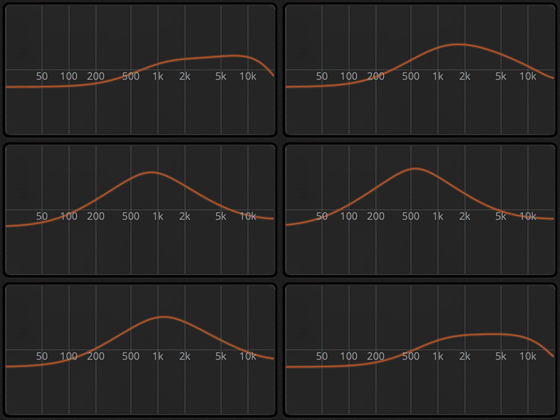
Bandwidth

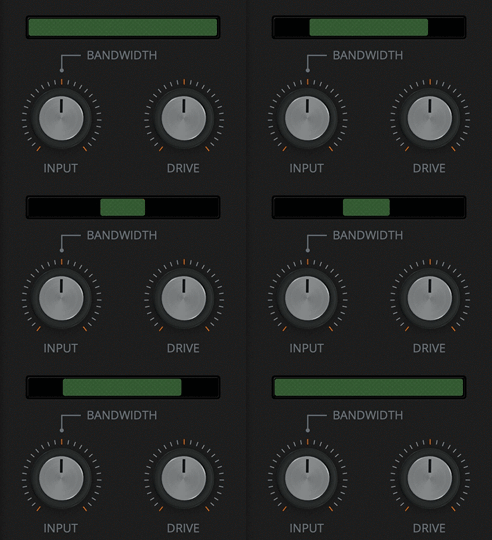
While with the Baxandall EQ you can shape the sound of the mix (dry+wet) or just the wet signal, with the Bandwidth control you can filter the input signal that goes into the spring emulation.

Some springs have a boomy low end, some are too bright and boingy. By limiting the bandwidth of the signal you can dampen these characteristics.
Features

  • 8 Vintage Spring Reverbs
  • Baxandall EQ (three bands)
  • 50 Presets
  • Resizable Window
  • Preset system with randomizer

System Requirements

Windows

  • Windows 7, 8, 10, 11
  • 2GHz CPU, 4 GB RAM
  • VST2, VST3, AAX, CLAP (64-bit only)   

Mac

  • OS X 10.9 – macOS 13
  • Apple Silicon (M chips) Native (Universal 2 Binary)
  • 2GHz CPU, 4 GB RAM
  • VST2, VST3, AU, AAX, CLAP (64-bit only)
  • Universal 2 Binary

Important note: This software is 64-bit compatible only and will not function on 32-bit systems.
Installation Instructions

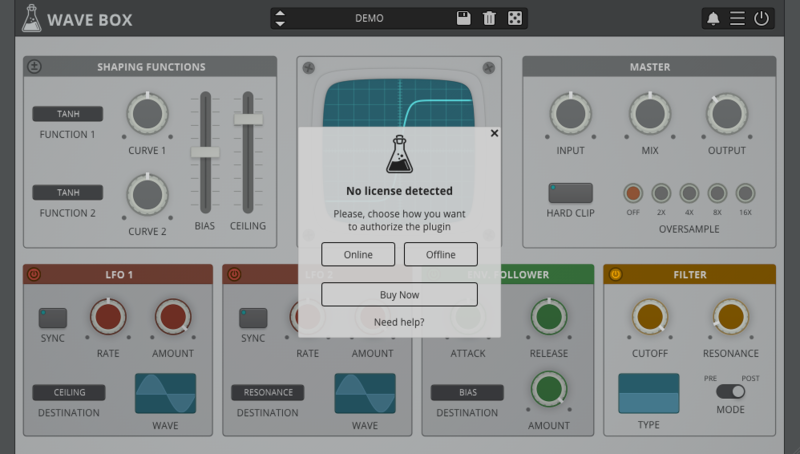
Note: Wave Box is used as the example.

Windows

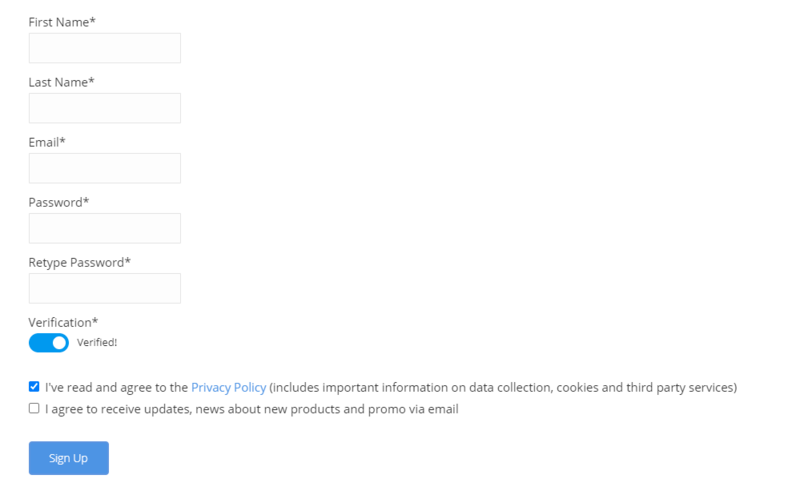
1. Visit the AudioThing Account Signup Page and enter your personal details to set up an account. Click the Verification and "I've read and agree to the Privacy Policy" > Click Sign Up.

Note: If you already have an existing AudioThing account, Login here and skip to step 3 of the installation process. 

2. A confirmation email will now be sent to your registered email > click the link within the email to activate your account and Login here.

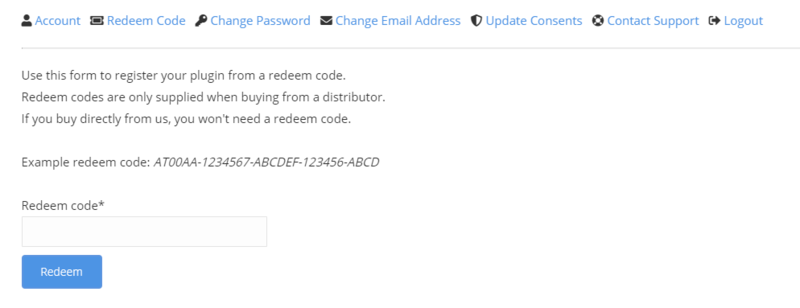
3. Once logged into your account, visit the Redeem Page and enter Redeem Code from your Plugin Boutique User Account into the box > Click 'Redeem'.

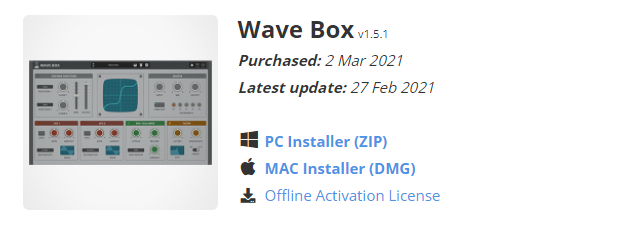
4. Download the PC installer and the Offline Activation License.

Note: Save the Offline Activation License to a memorable location on your computer for activating the software. 

5. Double-click the downloaded .zip folder to extract its contents.

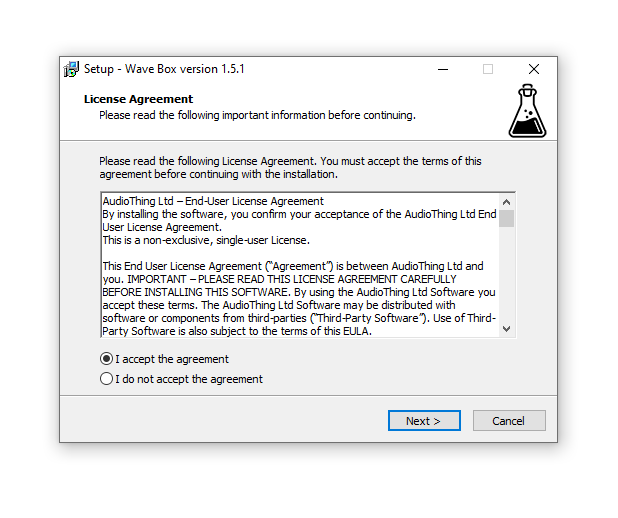
6. Double-click the extracted .exe file > click 'I accept the agreement and click 'Next'. 

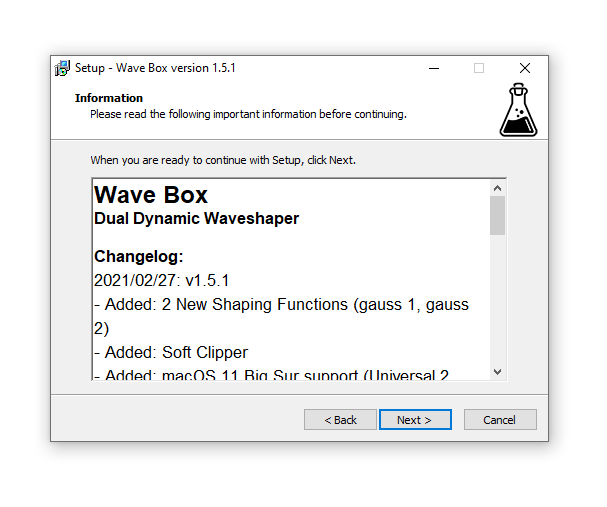
7. Click 'Next'.

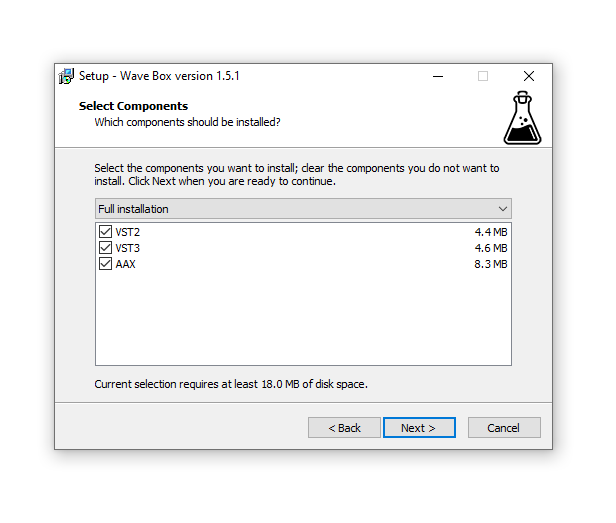
8. Select the components that you wish to install > Click ‘Next’.

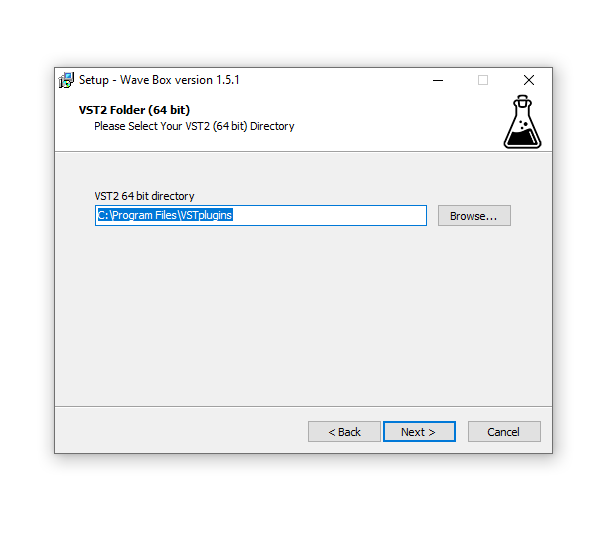
9. Click ‘Next’. 

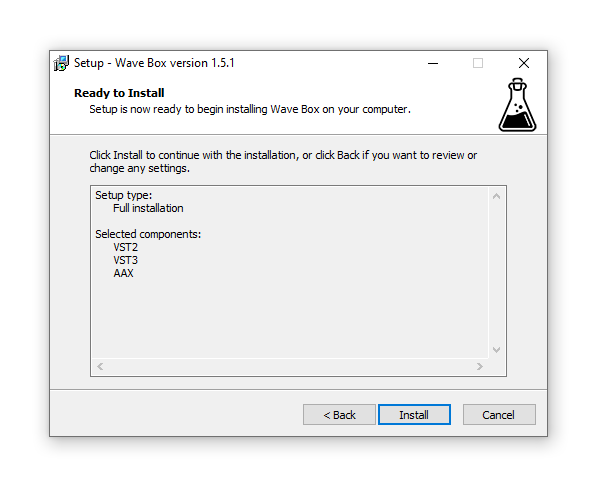
10. Click 'Install'.

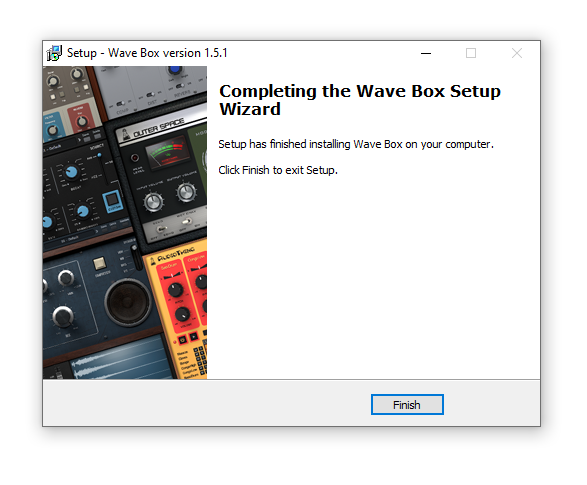
11. Click ‘Finish’.

Offline Activation

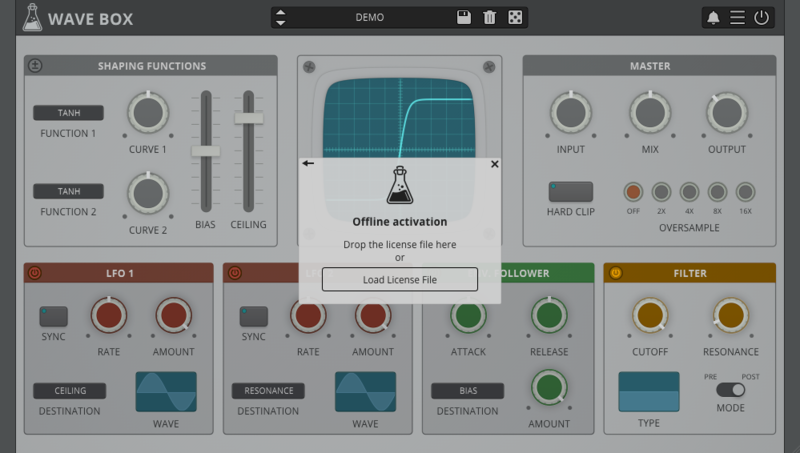
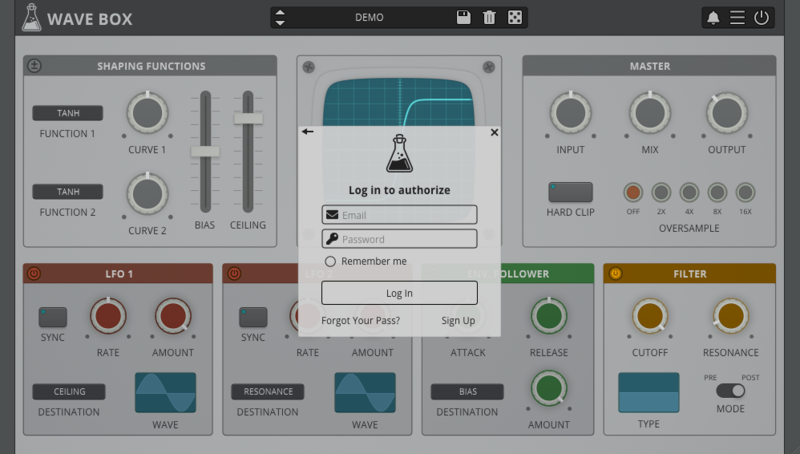
1. Open Wave Box inside of your DAW > Click 'Offline'.

2. Click 'Load Licence File' and navigate to your Offline Activation License.

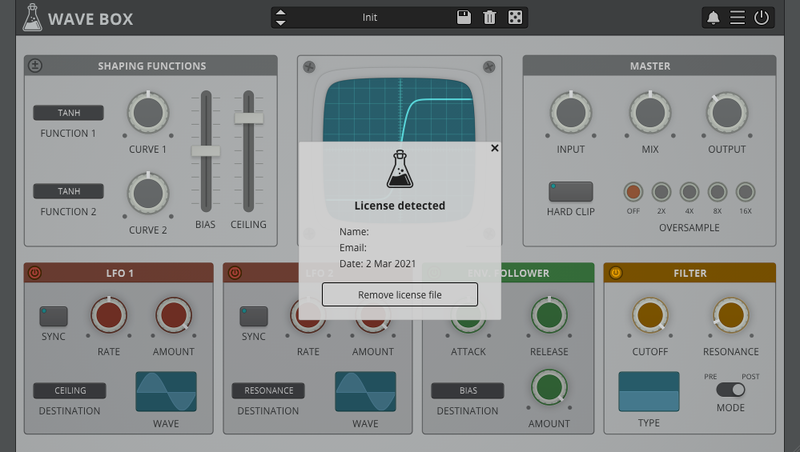
3. Click the X to close the box.

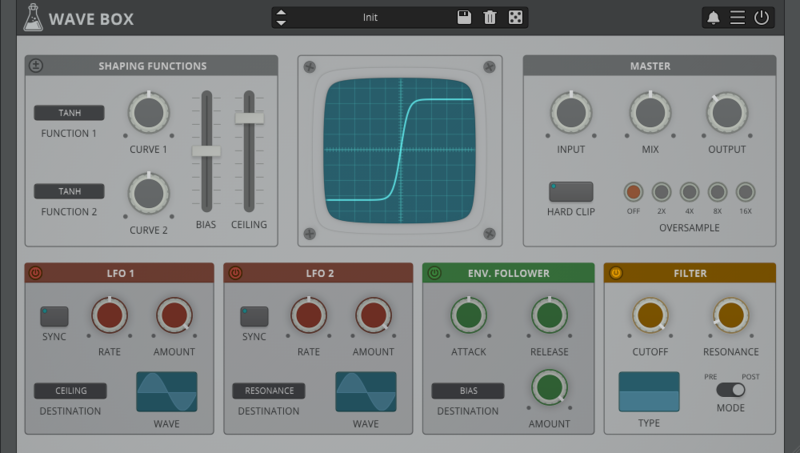
The software is now activated and ready to use inside your DAW!

Online Activation

1. Open Wave Box inside of your DAW > Click 'Online'.

2. Enter your AudioThing email and password > Click 'Log In'.

3. Click the X to close the box.

The software is now activated and ready to use inside your DAW!

Mac

1. Visit the AudioThing Account Signup Page and enter your personal details to set up an account. Click the Verification and "I've read and agree to the Privacy Policy" > Click Sign Up.

Note: If you already have an existing AudioThing account, Login here and skip to step 3 of the installation process. 

2. A confirmation email will now be sent to your registered email > click the link within the email to activate your account and Login here.

3. Once logged into your account, visit the Redeem Page and enter Redeem Code from your Plugin Boutique User Account into the box > Click 'Redeem'.

4. Download the MAC installer and the Offline Activation License.

Note: Save the Offline Activation License to a memorable location on your computer for activating the software. 

5. Double-click the downloaded .dmg folder to extract its contents > Double-click the .pkg file to run the installer

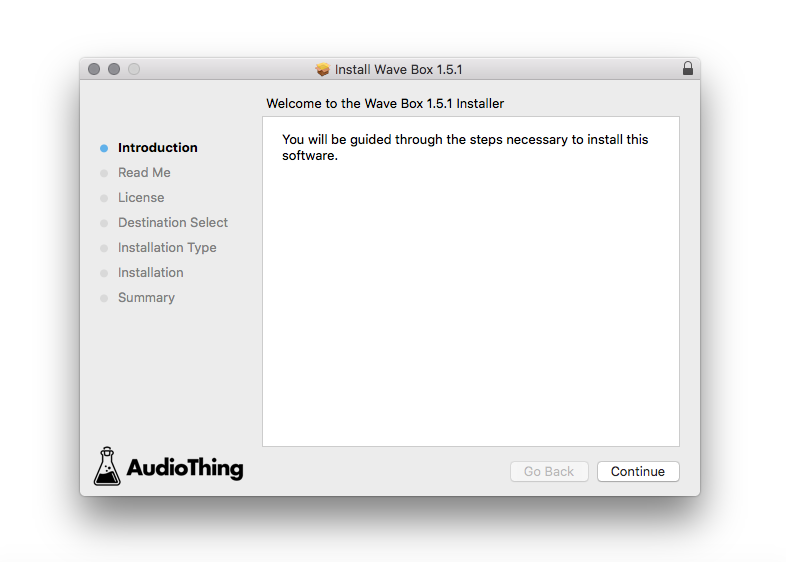
6. Click 'Continue'.

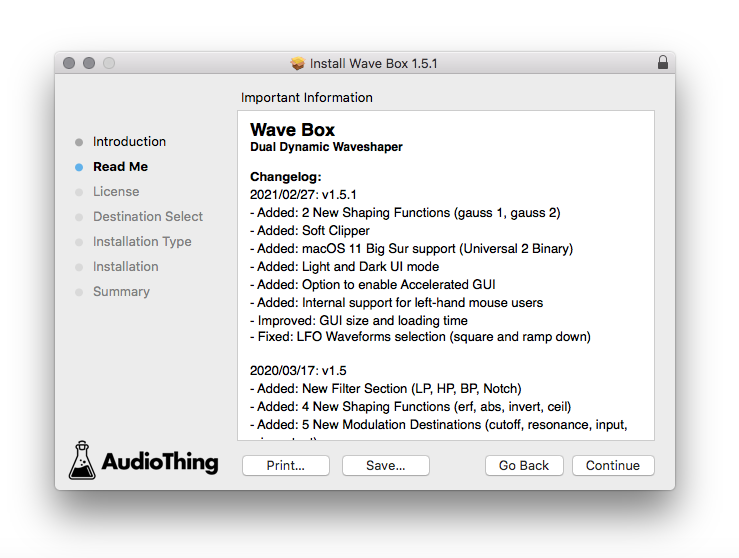
7. Click ‘Continue’.

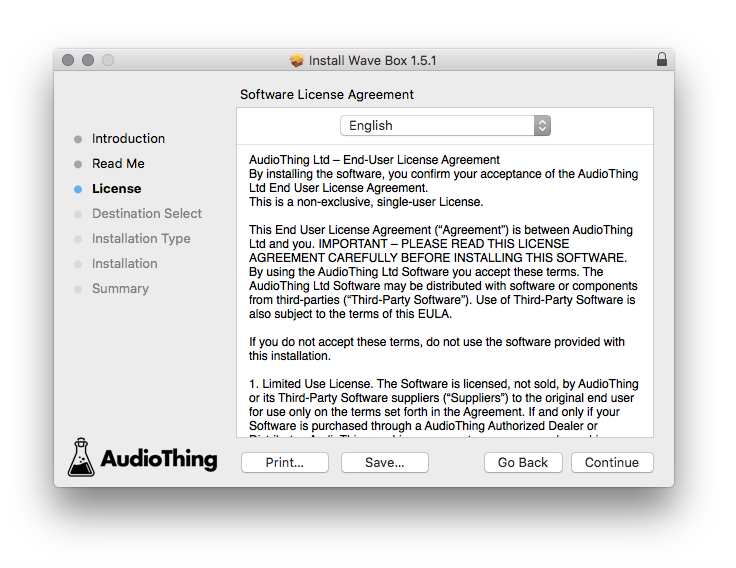
8. Click 'Continue'.

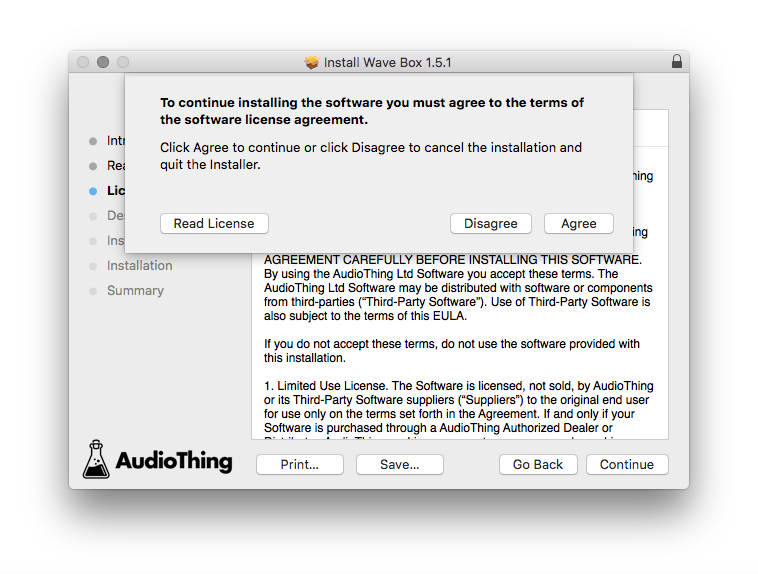
9. Click ‘Agree’. 

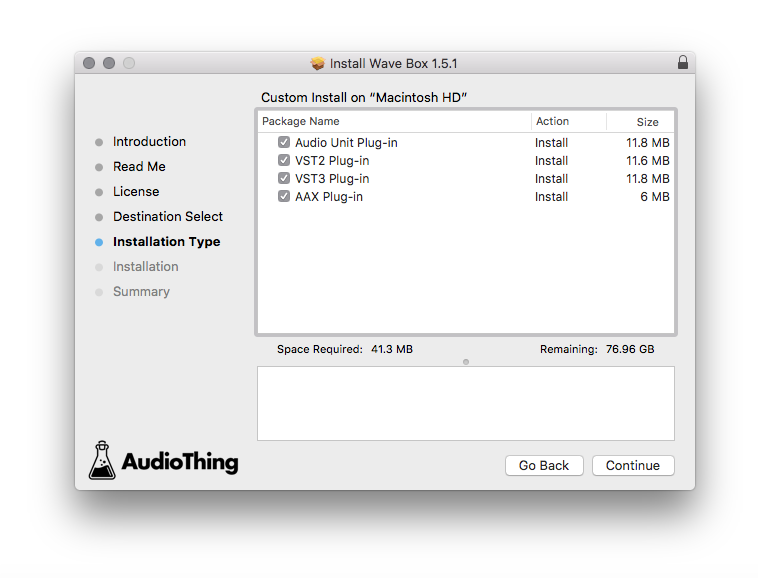
10. Select the components you would like to install > Click 'Continue'.

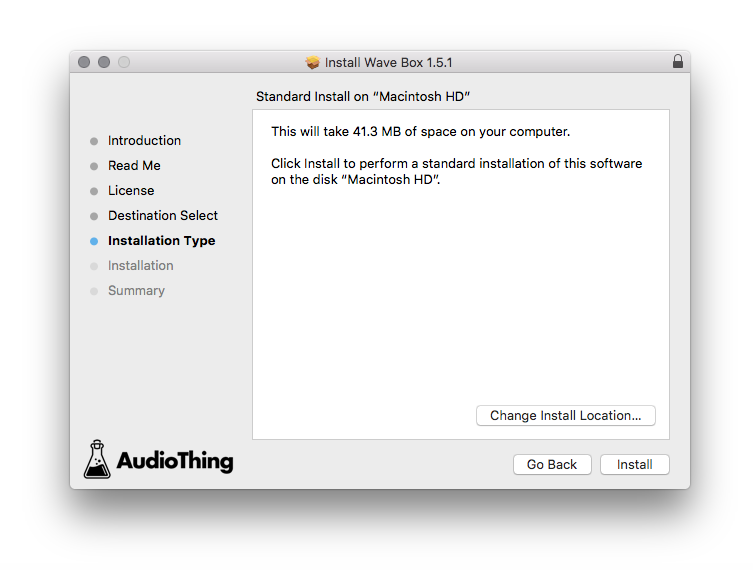
11. Click ‘Install’.

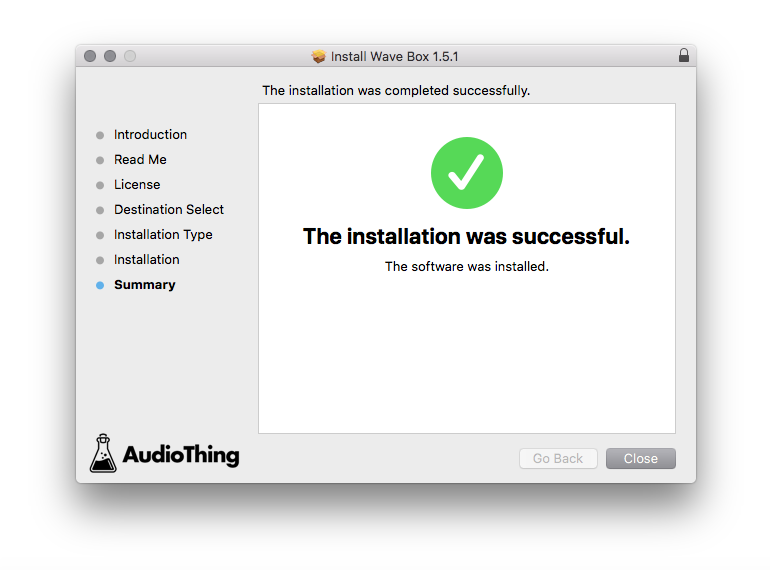
12. Click 'Close'.

Offline Activation

1. Open Wave Box inside of your DAW > Click 'Offline'.

2. Click 'Load Licence File' and navigate to your Offline Activation License.

3. Click the X to close the box.

The software is now activated and ready to use inside your DAW!

Online Activation

1. Open Wave Box inside of your DAW > Click 'Online'.

2. Enter your AudioThing email and password > Click 'Log In'.

3. Click the X to close the box.

The software is now activated and ready to use inside your DAW!

Plugin Boutique Rewards

Discover the most rewarding loyalty programme among all plugin retailers.

  • Free Loopmasters Samplepacks
  • Discounts on products and courses
  • Extra Virtual Cash claimed immediately at checkout
Find out more

Follow us:

X (Twitter) Facebook YouTube Instagram
Logo Logo

Plugin Boutique Limited, Part of the Beatport Group LLC.

Copyright © 2011-2025 Plugin Boutique. All rights reserved