Log In
.jpg)
A true powerhouse of audio warfare, Grind puts the "damage" in Audio Damage. From subtle tube-style saturation to full-on mangled wavetable distortion, Grind is a Swiss Army Knife of sound design.
Grind consists of three main blocks: wavetable lookup, into algorithmic saturation/distortion/, and finally to a multi-mode filter. The wavetable module uses the amplitude of the incoming signal to replace the sample with one from 15 different linearly-interpolated wavetables, chosen for their mangling potential. Window size and phase controls provide further tone-shaping possibilities.
The next stop is the algorithm module, with eleven different distortion and saturation algorithms, from simple soft-knee saturation on up to full-on sine warping.
After this, the signal passes through a multi-mode filter stage, with eleven different filter models to choose from, including "vintage digital" versions from the early days of plugin development, on up to our modern analogue-modelled MS20-style lowpass and highpass synth filters. A tempo-synced LFO provides motion for the filter frequency, and a final stage of soft clipping and DC filtering tames the output.
Make no mistake: this is not a subtle, polite tool. With careful tuning of the provided presets, it can be tamed to normal filtering and saturation duties, but on the whole, it is a noisy, snorting beast of a plug-in, and is happiest with Full Metal audio destruction.
System Requirements
Mac
- macOS 10.9 Mavericks or newer (M1 Apple Silicon supported) (64-bit only)
- VST, VST3, AU, AAX
Windows
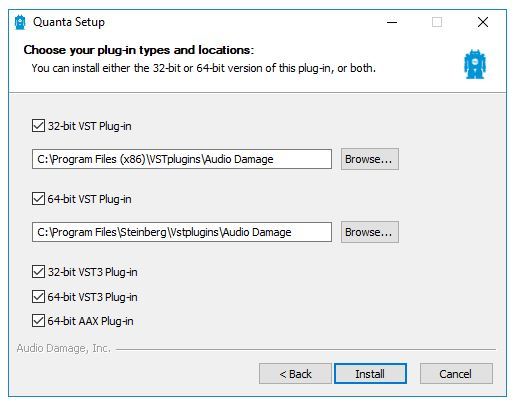
- Windows 8.1 or newer (32 / 64-bit only)
- VST, VST3, AAX