Log In

Free gifts available with your purchase

Your Cinematic Guitar Orchestra
Continuo is a complex-sounding cinematic texture designer tool based on electric guitars for creating endless pads, unusual soundscapes, characteristic atmospheres and experimental sublayers especially for film, video game and electronic music. This is the first release of Karanyi Sounds' cinematic series with their brand new, easy to use Layer Designer Engine where you can edit, modulate and mix up to 4 individual Instrument Modules at the same time. Your Continuo journey starts now.
Ideal for...
 ...
... ...
...
18 Instrument Modules
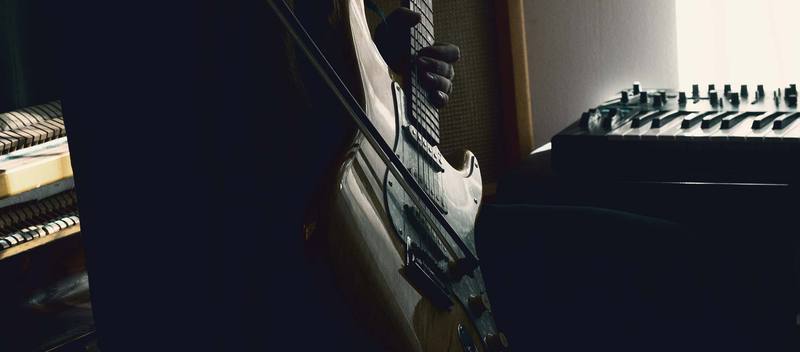
12 Extra-Long Guitar Patches
- 6 Hojave Guitars: Raw, almost cello sounding patches with a lot of fortuitousness and life for creating intimate textures or to enhance realism (as an additional layer).
- 6 Badlands Guitars: Straight, edgy and sometimes organ-like sounding patches for creating sharper or epic soundscapes
- Techniques: Bowed, tremolos, vibratos, beaten (with a wooden stick), driven patches
4 Super-Large Texture Patches
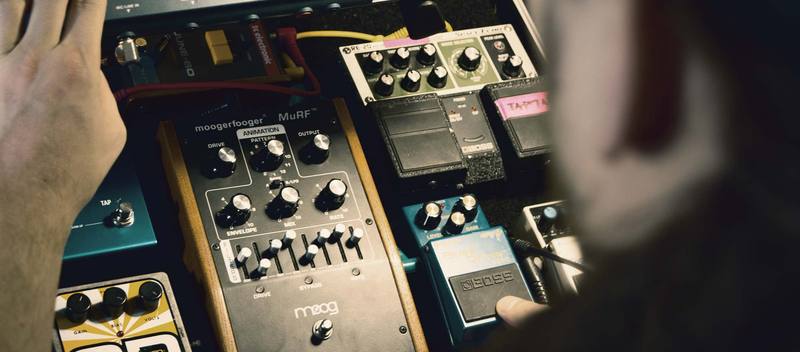
Open, huge and spacey patches for creating ethereal or even symphonic orchestra sounding textures when mixing with other patches. Straight, super long reverbs created with several eurorack modules, Eventide and Strymon pedals.
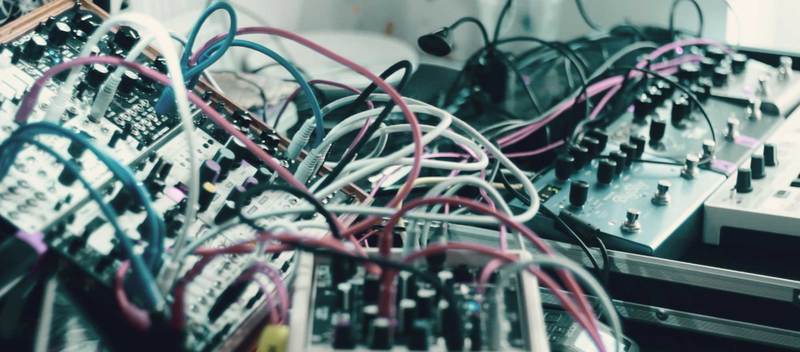
Extreme Timestretch & Synth Sublayer
Additional patches for extra colouring options including a 300x Stretched Bowed Guitar patch and Moog Subsequent37 Taped Synth patch.
GUI Features
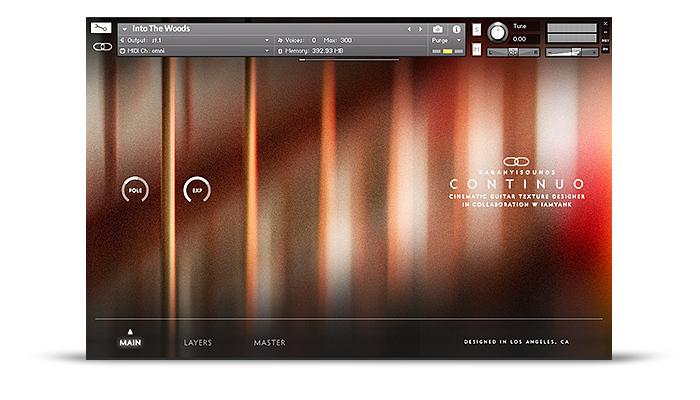
Meet the latest Layer Designer Engine - a powerful tool for composers, music producers who are seeking for instant inspiration and extremely easy workflows on the fly:
New Engine
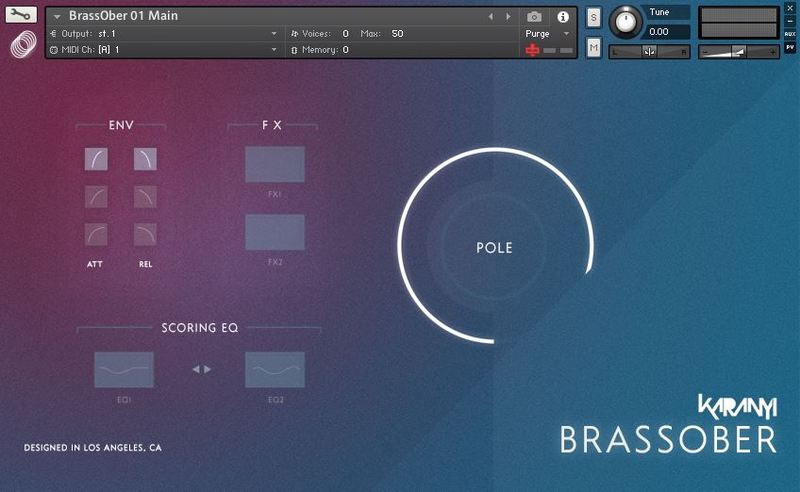
Inspiring, super clean interface right out of the box. Need more controls? Under the hood, you get more than 80+ smartly adjusted control options!
4 Modules in 1
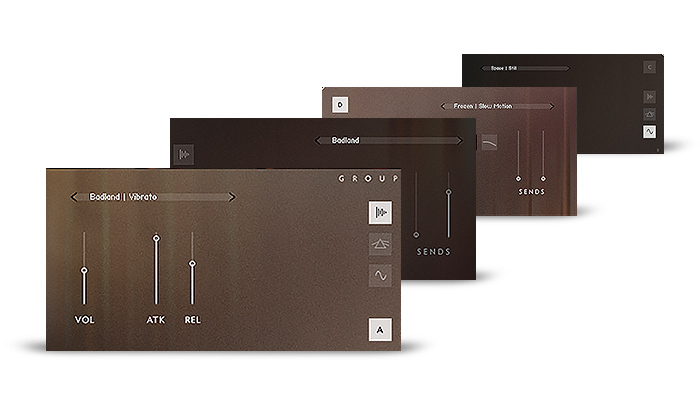
With the new engine, you can run up to 4 Sound Modules at the same time. Also, you can add effects and modulations individually on these Sound Modules.
Effect Rack
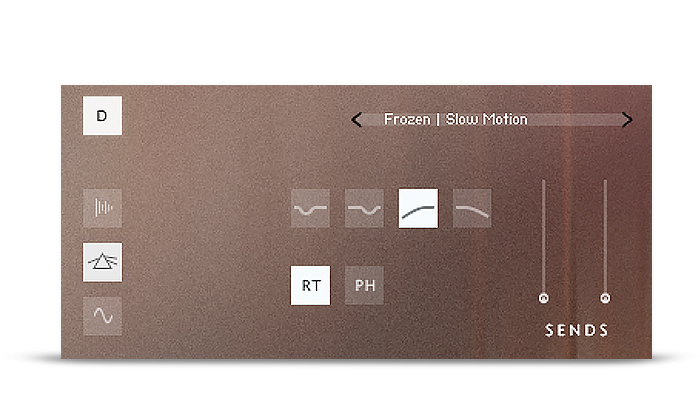
Every Slot comes with 4 EQ, 2 vintage effects (Slow Leslie rotator & a Classic Phaser) and 2 Lexicon-style reverb sends. The combinations of these controls can surprise you with some very interesting new textures.
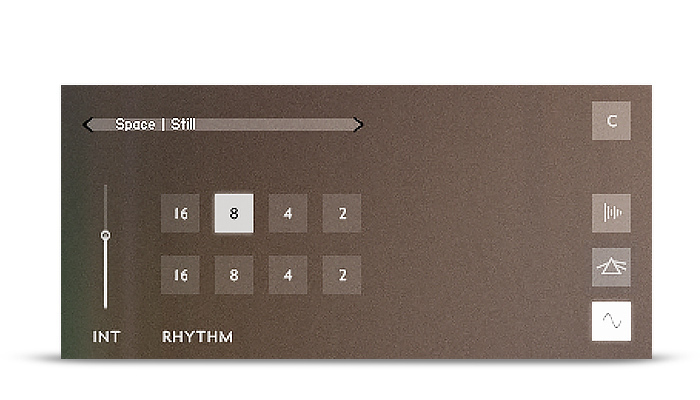
Pulses
Turn your sound into pulses or create a super complex moving soundscape combining the settings on the 4 Slots. Choose from 8 different LFO presets from fast to slow automatically synced to your DAW’s / Kontakt master clock.
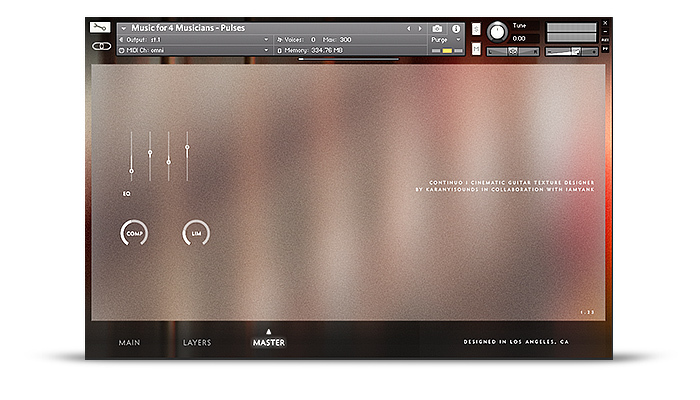
Master Effects
Add a final touch or go extreme with the Master Section: an SSL Style Channel EQ, Glue Compressor & a Master Limiter. Thanks to the high-quality recordings changing these parameters (especially the EQ settings) can dramatically change your overall sound. Pimp up your textures, add some extra edge, brillance, fatness with these rich-sounding features at the final stage.
Features
- Inspiring guitar texture patches created on with several Fender guitars a wide collection of hardware effect processors
- All samples are recorded in 24bit / 48kHz through UAD Apollo AD converters
- Sound design, recordings, coding and design are made in Budapest & LA
- 360+ extra-long samples (30-150 second long recordings)
- Made for fast and effective work: simple-to-use interface
- 2.7 GB total size (3.6 GB uncompressed)
- Kontakt 5.7.3+ required
- Royalty-free license
System Requirements
- Windows 7 (latest Service Pack, 32-/64‑bit), Intel Core Duo or AMD Athlon 64 CPU, 8GB RAM.
- Mac OS 10.12 or higher, Intel Core Duo CPU, 8GB RAM.
- 6 GB free disk space for complete installation.
- The full version of Kontakt 5.7.3 or higher
Important Notes:
- The FULL Version of Kontakt 5.7.3+ is required in order to use this instrument.
- You will be stuck in DEMO MODE if trying to use this instrument in the FREE Kontakt Player.


Gabriel Dib
Film Score Composer | Criminal Minds, Child of Nature, The Story of Us & more.
"Continuo is a beautiful rendition of sounds bridging the now and the future."

Richie Kohan
Trailer Music Composer | Spiderman, X-Men Apocalypse, John Wick & more.
"It’s a very well crafted, musician focused library."

Peter Vozar
Trailer Music Composer | Avengers: Endgame, Narcos: Mexico, First Man & more.
"Inspiring, flexible tool with many possibilities."