


 Log In
Free gifts available with your purchase
Loopmasters Instruments are proud to present Bass Pick Up, a brand new expansion pack for Bass Master.
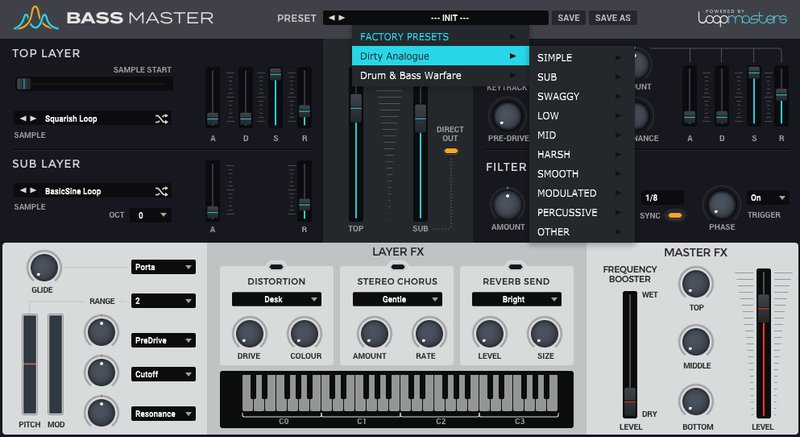
Bass Pick Up is a collection of 50 distinctive and rich bass tones recorded from various upright and electric basses, driven through amps and outboard equipment to deliver ultimate punch and character. The raw samples will give instant gratification and cover the huge range of low end tones and effects that can emanate from the best four strung beasts. Expect to wah, fuzz, distortion, plucked, strummed, slides, slap-back, snappy and punchy bass throughout this collection. If you like your bass REAL, Loopmasters have you covered!
In detail, expect to find 50 brand new waveforms, broken down into 15 High Sounds, 6 Low Sounds, 8 Mid Sounds, 9 Percussive Sounds, 7 Simple Sounds, 5 Sub Sounds. 9 Simple Presets, 7 Sub Presets, 9 Swaggy Presets, 14 Low Presets, 12 Mid Presets, 15 Harsh Presets, 8 Smooth Presets, 8 Modulated Presets, 10 Percussive Presets and 4 Other Presets.
Features
- 50 Waveforms
- 96 Presets
System Requirements
- Bass Master 1.1.3 is required to run this software.
Important Note: Bass Master must be updated to at least version 1.1.3 in order to install the Bass Master expansion packs.
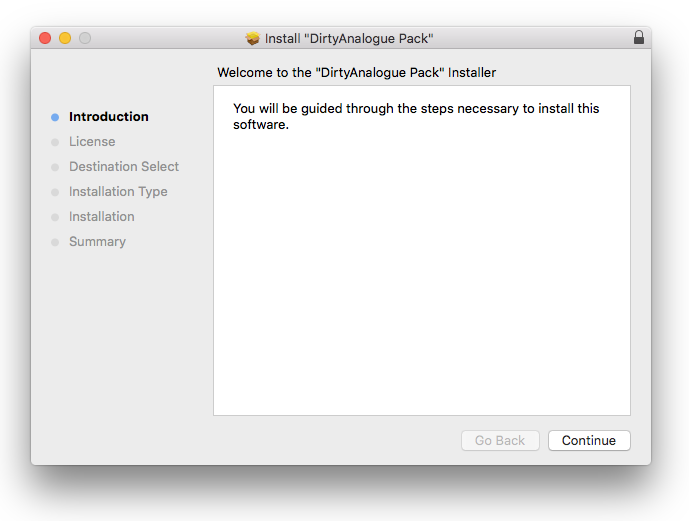
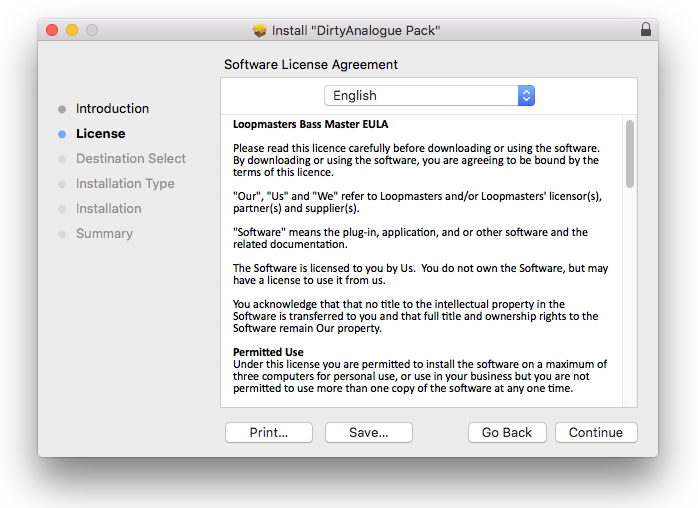
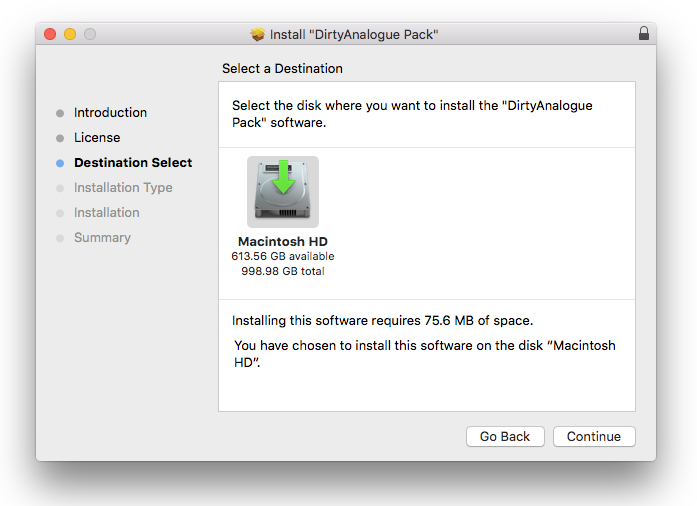
Reviews Summary
While it aims to provide a helpful overview, it may not capture every perspective or detail. We encourage you to read individual reviews to make an informed decision.
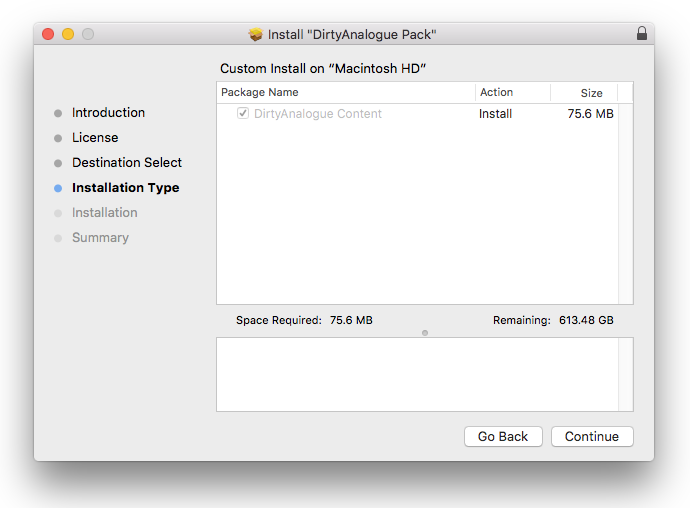
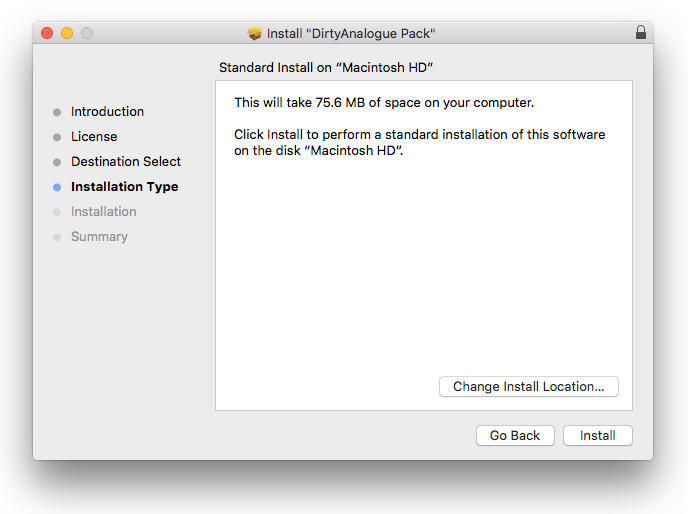
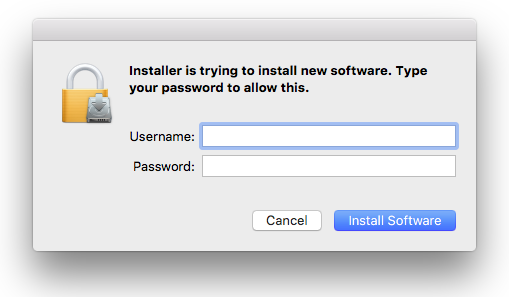
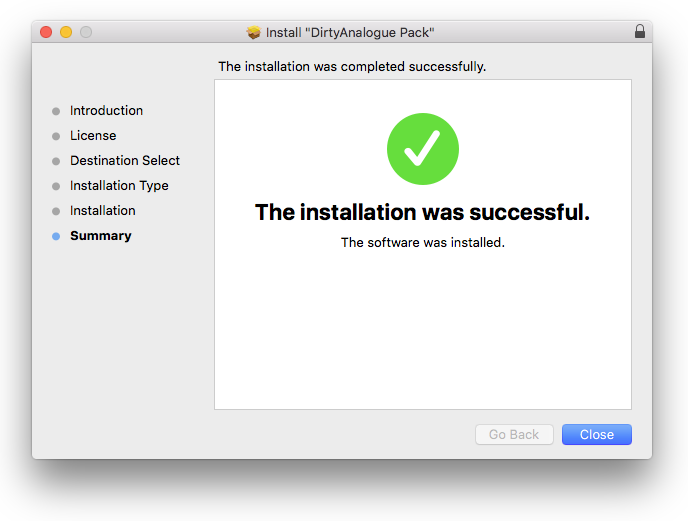
Customers highly praise this expansion pack for its excellent sound quality, wide variety of modern bass presets, and easy installation, noting it provides great value especially when bought on sale or in a bundle. On the downside, some users mentioned occasional program crashes, a desire for instrument updates, and that expansions can feel pricey at full price.


