Buy Cabal 8 Elements: Crunch, get a free gift with purchase:
Cabal 8: Crunch is the first chapter in Cabal 8: Elements series. There is no need to spend time on guitar processing and no need to use any third-party tools. Just drag and drop the instrument into Kontakt to get powerful crunch sound of 8-string guitar. This guitar is a part of Cabal 8 Full.
Features
- Over 9800 hand-edited samples in 48 kHz / 24-bit.
- 6 primary articulations (Sustain, Palm Mute, Short Palm Mute, Harmonics, X-Note, Tappings) and 2 additional articulations (FX Sustain, FX Palm mute)
- Up / down picking
- 8 Round Robins per note
- MIDI included
System Requirements

![]()
- The FULL version of Kontakt 5.7.3 or higher
- 3.16 GB of hard drive space
Important Note: The full version of Kontakt 5.7.3 or higher is required in order to use this software.
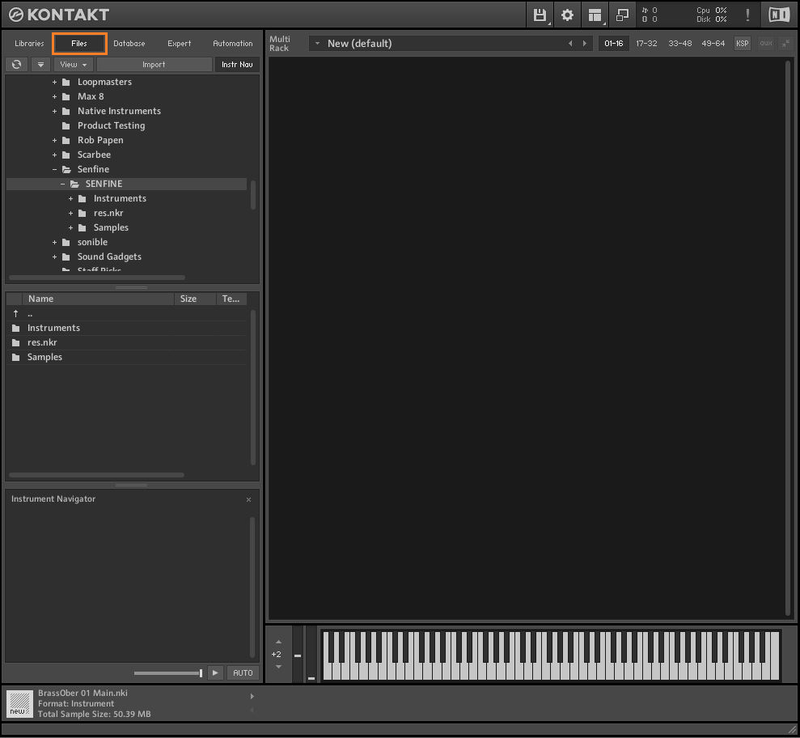
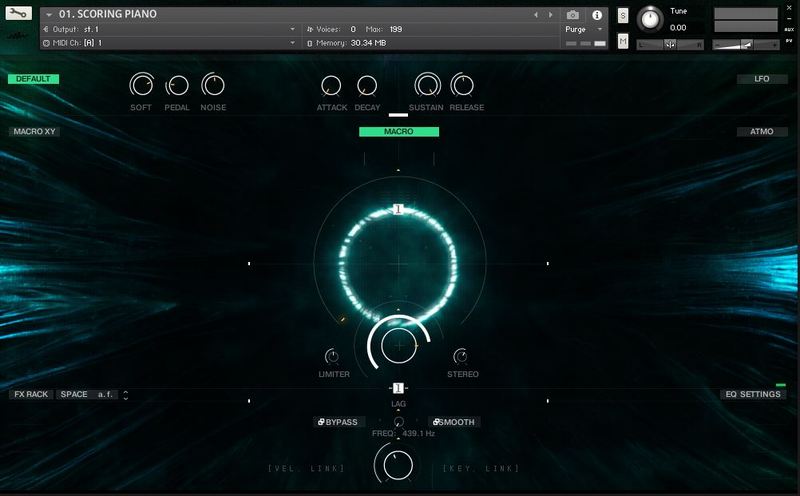
Note: Senfine is used as the example.
Mac & Windows Formats
Important Note: This software requires the Full Version of Native Instruments Kontakt to be installed on your system. Please ensure you have purchased, downloaded and installed Kontakt before attempting to install this product.
Installation
1. Download the Kontakt Instrument from within your Plugin Boutique User Account. Be sure to remember the download location as you will need this when locating your Kontakt Library in step 3.
2. Open Kontakt, either as a standalone application or as a plugin within your DAW.

3. Click the 'files' tab at the top of Kontakt > Navigate to the location of your downloaded Kontakt Library from step 1 of the installation instructions.

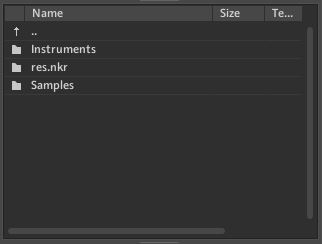
4. Double-click the 'Instruments' folder to open it within Kontakt.

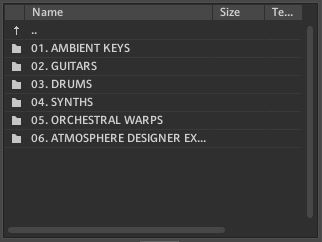
5. Open any folder to access the .nki files containing the Kontakt instrument patches.

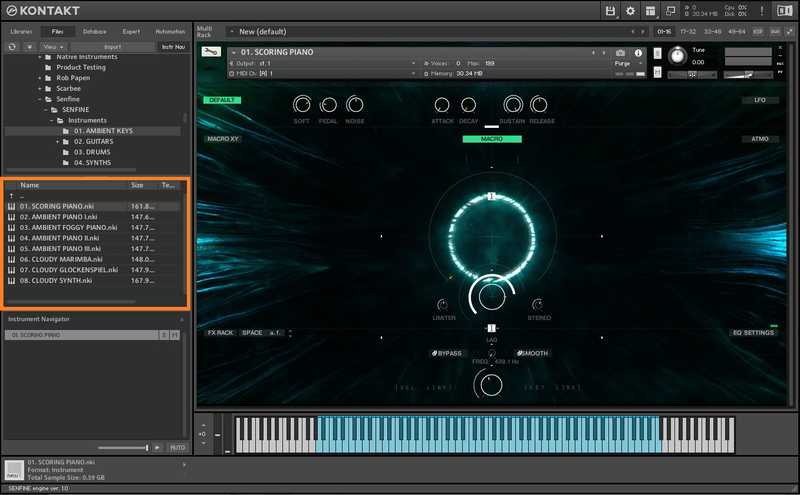
6. Click and drag any .nki file from the left-hand window of Kontakt into the main window of Kontakt to load up a patch.

Your software is now installed and ready to use.