/ Kontakt Instrument / Cold Sul Ponticello
Wavelet Audio

Cold Sul Ponticello

4.3 (129 Reviews)
FREE
Wavelet Audio Cold Sul Ponticello - Main UI
Wavelet Audio Cold Sul Ponticello - Main UI 2
Product information

Single-Dynamic Cello Instrument From One of Wavelet Audio's Private Developments

Cold Sul Ponticello is a limited single-dynamic instrument from Wavelet Audio. Sul-Ponticello articulation is often used by composers to create a unique atmosphere. Wavelet Audio added only 'must-have' controls to the interface to help keep it simple. This playing technique brings a lot of high-frequency harmonics — which you can choose to filter out if needed.

Wavelet Audio recorded the tone of the concert cello for this little instrument to celebrate their first anniversary.

System Requirements

  • Requires FULL version of Kontakt 5.7.3 or higher.
  • 48kHz / 24-bit.
  • 109 MB of hard drive space.
  • Includes Kontakt Engine.

Important Notes:

  • The FULL Version of Kontakt 5.7.3+ is required in order to use this instrument.
  • You will be stuck in DEMO MODE if trying to use this instrument in the FREE Kontakt Player.

Installation Instructions

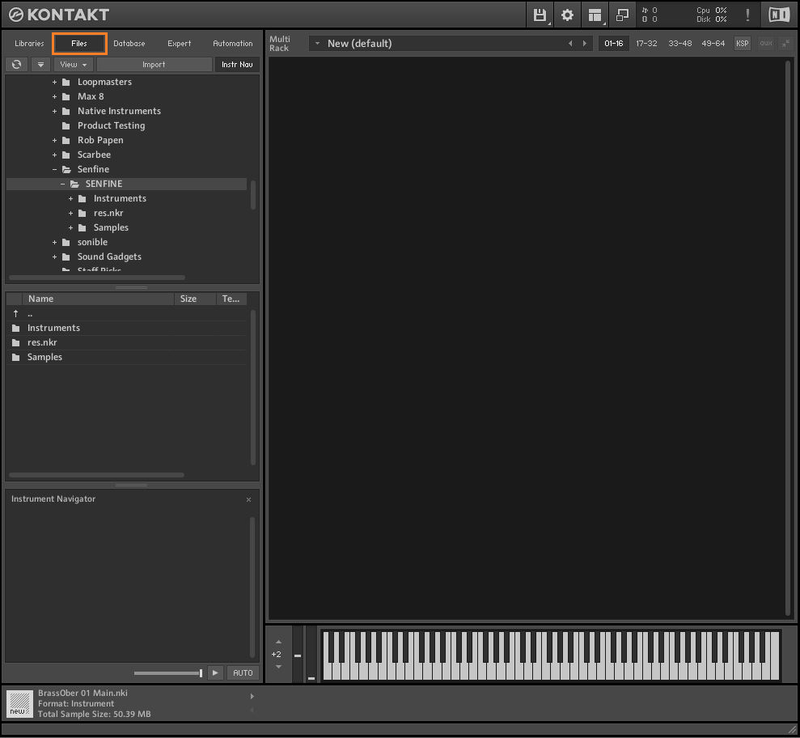
Note: Senfine is used as the example.

Mac & Windows

Important Note: This software requires the Full Version of Native Instruments Kontakt to be installed on your system. Please ensure you have purchased, downloaded and installed Kontakt before attempting to install this product.

Installation

1. Download the Kontakt Instrument from within your Plugin Boutique User Account. Be sure to remember the download location as you will need this when locating your Kontakt Library in step 3.

2. Open Kontakt, either as a standalone application or as a plugin within your DAW.

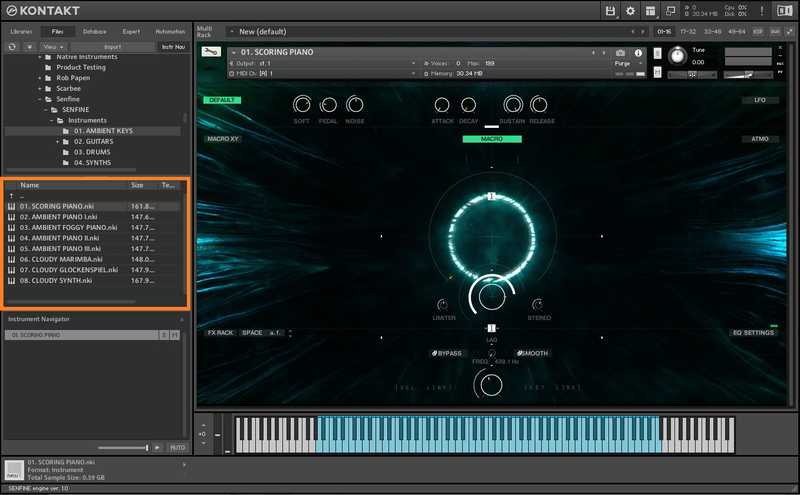
3. Click the 'files' tab at the top of Kontakt > Navigate to the location of your downloaded Kontakt Library from step 1 of the installation instructions.

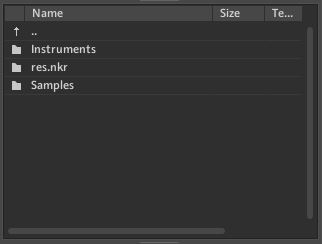
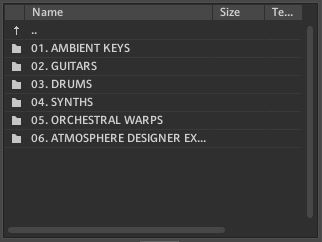
4. Double-click the 'Instruments' folder to open it within Kontakt.

5. Open any folder to access the .nki files containing the Kontakt instrument patches.

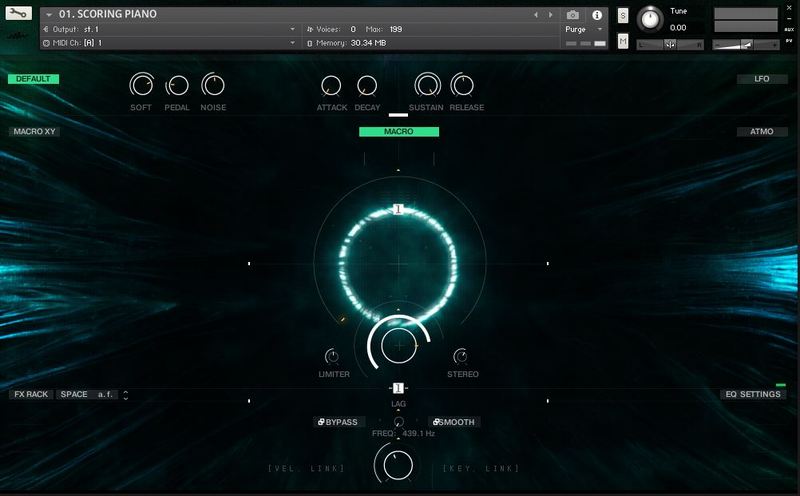
6. Click and drag any .nki file from the left-hand window of Kontakt into the main window of Kontakt to load up a patch.

Your software is now installed and ready to use.

Plugin Boutique Rewards

Discover the most rewarding loyalty programme among all plugin retailers.

  • Free Loopmasters Samplepacks
  • Discounts on products and courses
  • Extra Virtual Cash claimed immediately at checkout
Find out more

Follow us:

X (Twitter) Facebook YouTube Instagram
Logo Logo

Plugin Boutique Limited, Part of the Beatport Group LLC.

Copyright © 2011-2025 Plugin Boutique. All rights reserved