


 Log In
![Helios - Video Walkthrough [Features and Controls] gallery thumbnail](https://www.pluginboutique.com/rails/active_storage/blobs/redirect/eyJfcmFpbHMiOnsibWVzc2FnZSI6IkJBaHBBd1BTQmc9PSIsImV4cCI6bnVsbCwicHVyIjoiYmxvYl9pZCJ9fQ==--e12c5ff3792bf2c45ace45a20070aa31fec6a0cd/Helios-pluginboutique.jpg)
Free gifts available with your purchase
Advanced Textures, Pulses and Ambiences
Helios is an incredibly advanced instrument for Kontakt. Combine two sound sources and rhythmically swap between each sound or create rich evolving soundscapes with gradual modulation. Each channel has an additional 11 individual sequencers which can all be synced to different speeds to control a rich collection of effects in either a pulsed or blendable system.
That's just the start!
On the second page is yet another set of sequencers which control master effects and 60 beautiful, custom-made impulse responses to further colour your sounds.
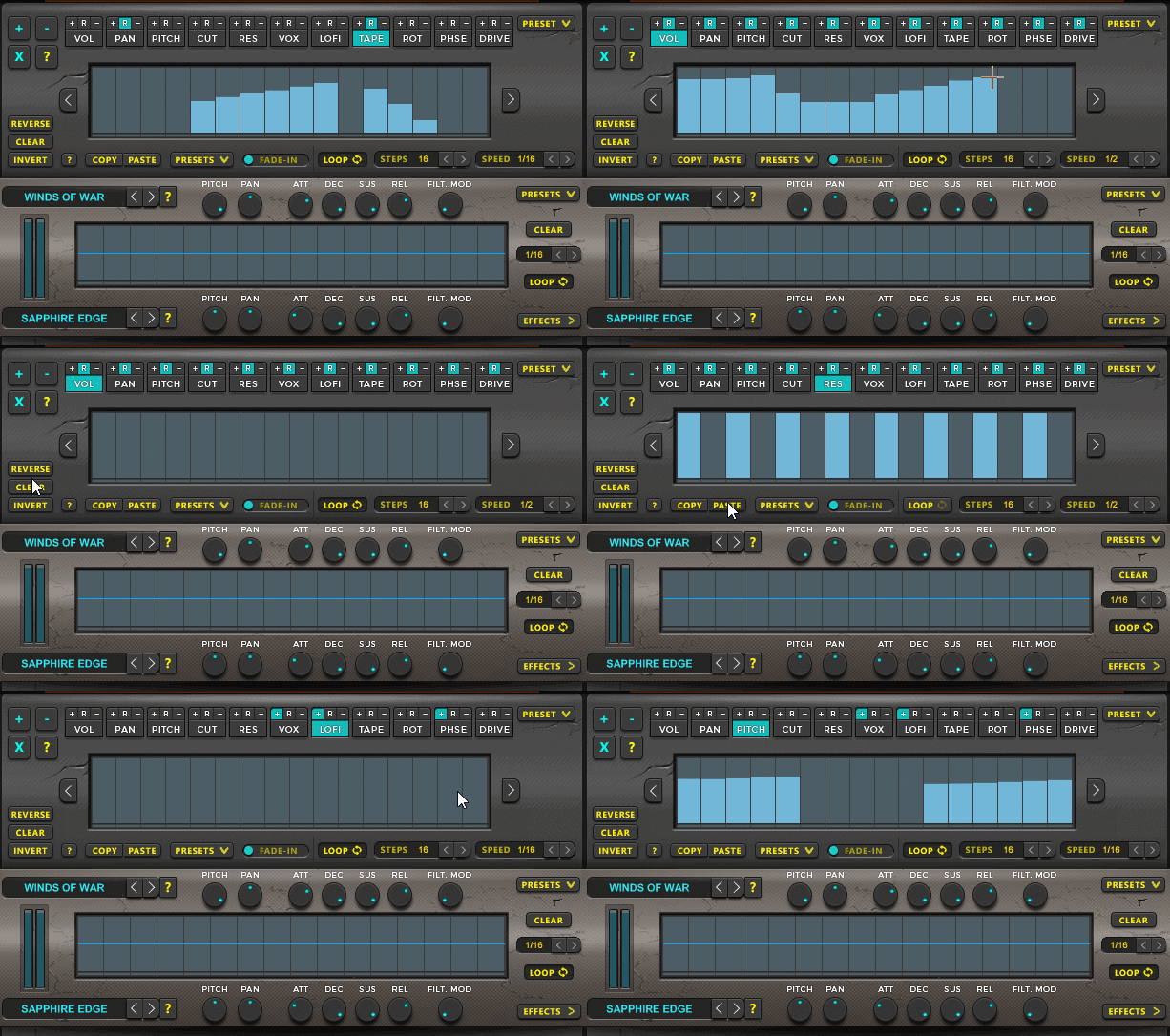
Powerful Sequencing
Each sequencer has advanced controls which allow you to change the speed, number of steps, direction, offset, fade-in, nudge and loop individually per sequencer. Each sequencer also has copy/paste functions, randomisation and built-in presets.
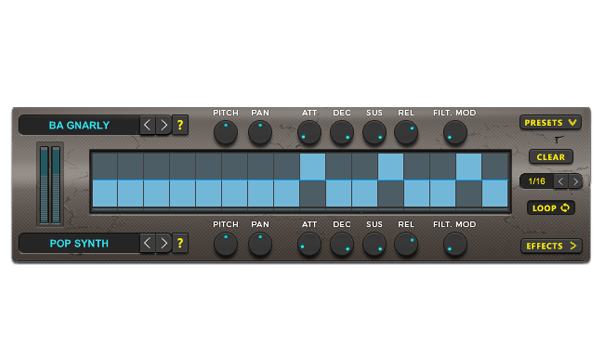
Rhythmical Blending
Helios is an incredibly advanced instrument for Kontakt. Combine two sound sources and rhythmically swap between each sound or create rich evolving soundscapes with gradual modulation. There are also presets per sequencer so you can quickly select pre-built tools to add rhythm and variation instantly.
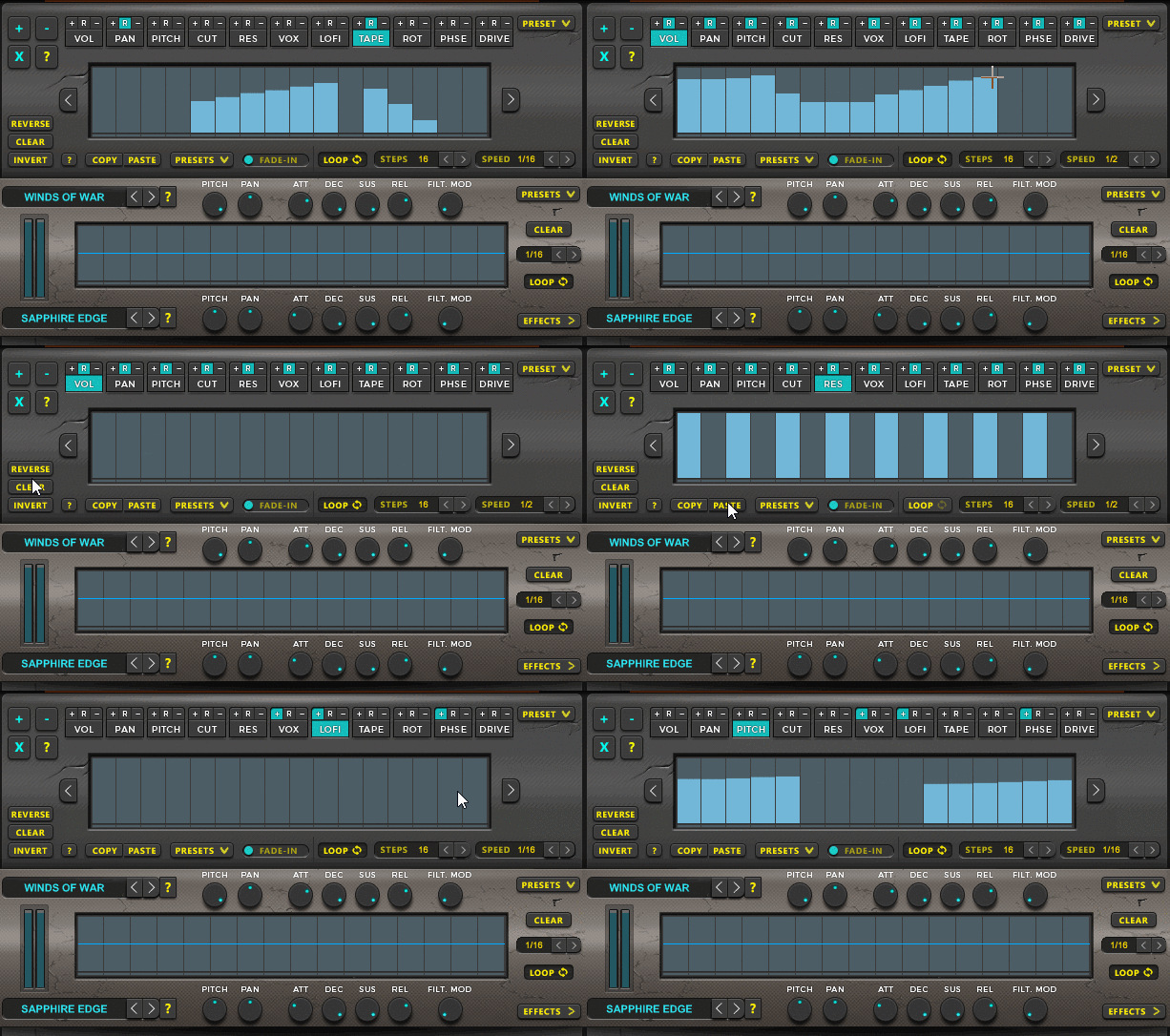
Unprecedented Control
The 11 effects can be controlled randomly or in positive or negative directions at the press of a button. The amount of control here is unprecendented and opens up a vast world of sound design capabilities.
114 Snapshots
Helios contains 114 professionally designed snapshots to get you started.
Sound Design
Helios contains 5GB of customer made soundscapes created by a selection of different sound designers. Select your source and manipulate the sounds in creative and unexpected ways.
System Requirements

Important Notes:
- The FULL Version of Kontakt 5.6.0+ is required in order to use this instrument.
- You will be stuck in DEMO MODE if trying to use this instrument in the FREE Kontakt Player.










