


 Log In

Free gifts available with your purchase
Important Note: This is an Amp Room expansion and requires Softube Amp Room in order to function.
Your All-access Pass to the Marshall Sound
- The only officially licensed collection of cabinets from Marshall.
- Sound quality perfectly captured by acclaimed producer Daniel Bergstrand.
- Versatile collection of 8 cabs with many microphone options for each one.
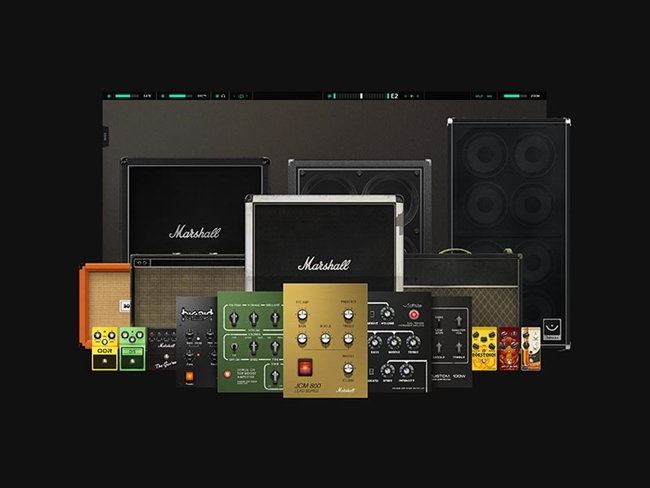
Marshall Cabinet Collection is a collection of 8 classic, rare, and hand-wired speaker cabinets by Marshall exclusively available for Amp Room, the pro audio guitar and bass platform.
Versatile enough for any style or genre of music from vintage to modern, they were all recorded at Dugout Productions studio by Daniel Bergstrand (Behemoth, Meshuggah, In Flames), and each one has 6 single microphone options and 6 mix-ready microphone combinations unique to each cabinet that sound absolutely incredible.
Use them with any amplifier in Amp Room, use the mix-ready microphone combinations, or put multiples of the same cabinet in parallel to create your own combinations. You’ll feel like a demigod, conquering all.
The Marshall Sound in a Guitar Platform
Softube has a long history of collaborating with Marshall, and Amp Room comes with the only Marshall gear available in software form that is officially licensed and endorsed by Marshall. The Marshall Cabinet Collection is an essential addition to your Amp Room modules if you’re interested in capturing the Marshall sound in your guitar and bass tones.
Professionally Recorded for Stunning Sound
Daniel Bergstrand expertly recorded all the cabinets at Dugout Productions studio with sound quality as the top priority. Each cabinet was recorded with multiple microphones and mix-ready microphone combinations, giving you even more tonal options when creating guitar sounds in Amp Room. With this collection, you get incredibly realistic guitar and bass tones from legendary Marshall cabinets that sound just like the originals. Next will come clarity and a sense of purpose.
Many Options and Endless Combinations
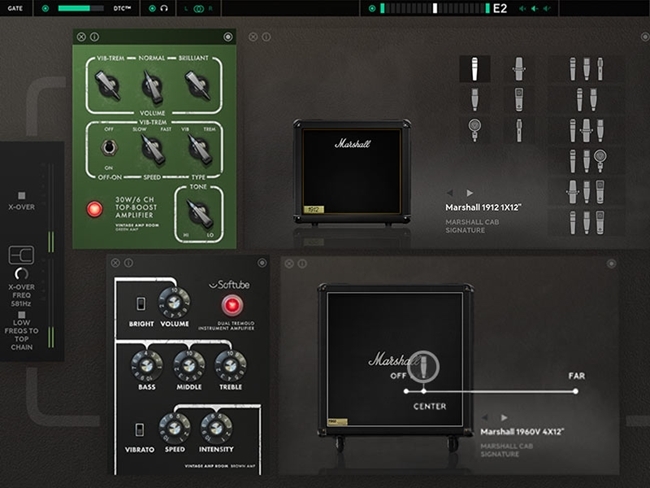
Once you have the Marshall Cabinet Collection, you’ll be able to choose between 8 cabinets in the cabinet module in Amp Room where you can easily toggle between cabinets if you need to.
With 6 microphone options and 6 mix-ready microphone combinations per cabinets, it’s super easy to get the exact sound you want. If you feel like you’re living in the chaosphere with your music production, destroy erase improve and change it up. In Amp Room, you use these cabinets to create patches that would be difficult or impossible to achieve with physical gear.
What's included?
Just like Amp Room, Marshall Cabinet Collection is for the guitar and bass connoisseur who can tell the difference between good sounds and great sounds. It includes a versatile collection of 8 different 4x12, 2x12 and 1x12 Marshall cabinets. Each one has 6 microphone options that capture the true sound of the cabinets plus 6 unique mix-ready microphone combinations per cabinet. Here are the details of the cabs.
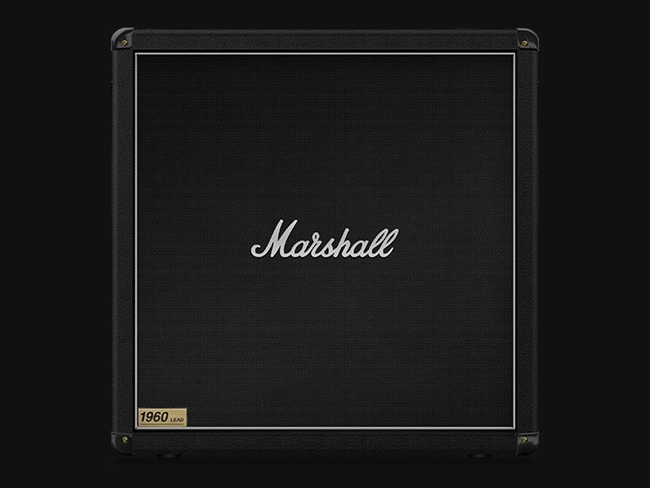
Marshall 1960B 4x12”
A classic straight 1960 cab in black Tolex with the 300W sound you know and love. It comes with a wide variety of mix-ready options from which to quickly achieve a great sound.
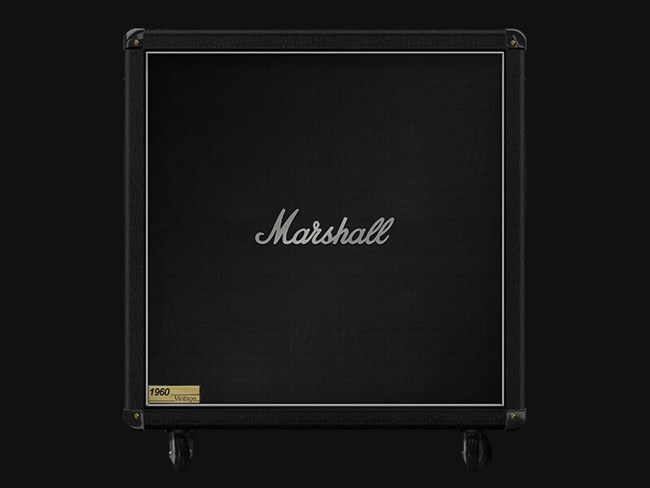
Marshall 1960BV 4x12”
A 280W 1960 vintage cab that’s a combination of the 1960 enclosure and vintage aural characteristics of a 1982 model. Use it for a warmer tone and a range from a well-rounded high-end punch to a low-end thump.
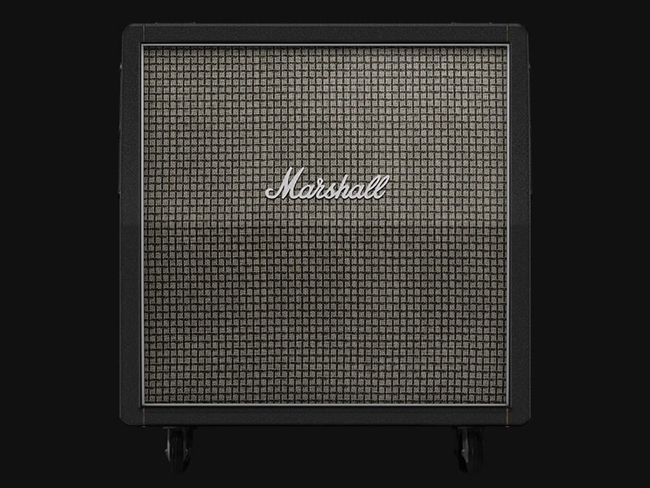
Marshall 1960AX 4x12”
Get great a mid-range punch with beautifully detailed highs with this G12M-25 Greenback-powered 100W cab. The speakers gently break up the sound giving the overdrive more depth.
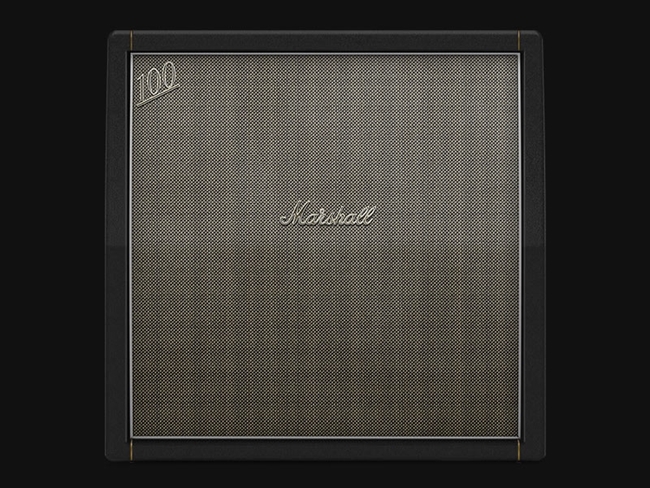
Marshall 1960HW 4x12”
A hand-wired retro-sounding 120W cab for a total 60s experience. Use this for a tight low-end, great mid-range punch, and stunning highs, and it’s also effective for modern high-gain use.
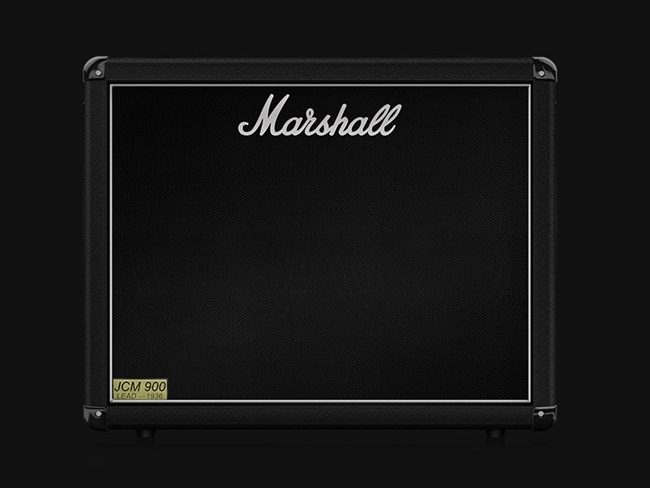
Marshall 1936 2x12”
A 150W cab with two G12T-75 Vintage speakers for a softened high-end response and higher gain tones. Like all of the cabs in this collection, it comes with a wide variety of mix-ready options for microphone combinations.
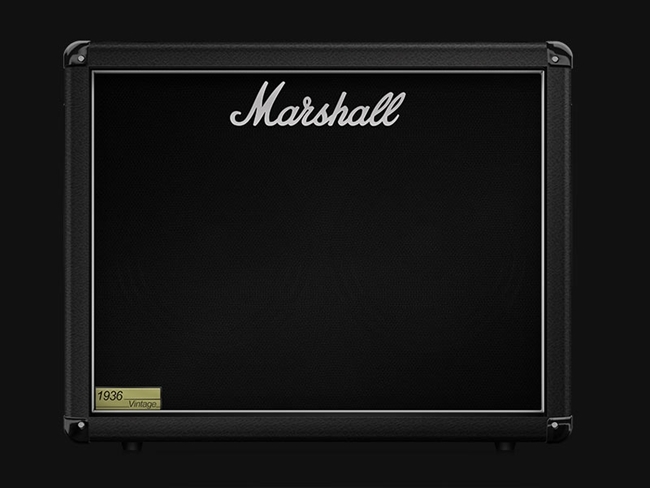
Marshall 1936V 2x12”
A 140W cab with two G12 Vintage speakers for classic Marshall tones. This cab is especially versatile and works for a lot of different styles.
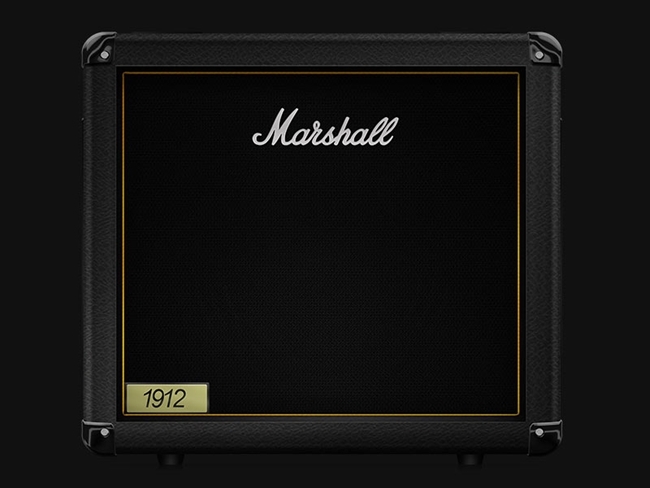
Marshall 1912 1x12”
This small but mighty cab packs a 150W punch with its G12B-150 speaker. Great for bass as well as guitar due to its richness of lower frequencies.
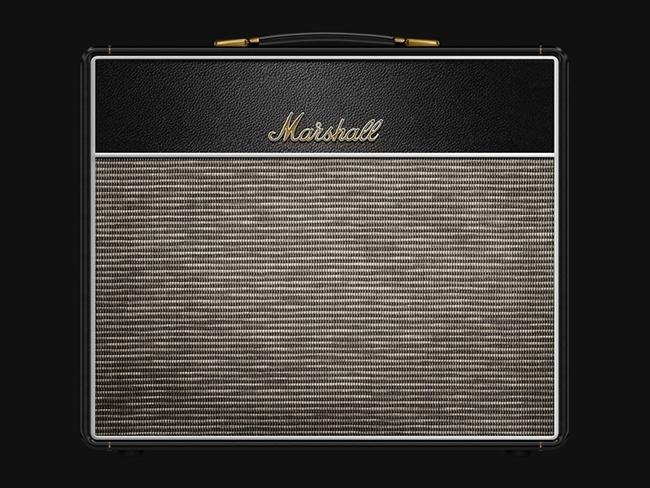
Marshall 1974CX 1x12” Open Back
A hand-soldered 20W cabinet with a single 12” G12M-20 Greenback. A cab from the 60s that adapts very well to modern demands.
How Softube captured the Marshall Sound So Perfectly
Many recording engineers and producers would argue that the capturing of the speaker cabinet is the biggest part of a guitar sound. Many would also agree that it’s hard to capture the sound and energy of a guitar speaker cabinet.
To accomplish this, Softube went to Dugout Productions studio, owned and managed by Daniel Bergstrand, a record producer famous for his amazing guitar sounds. Daniel recorded these 8 Marshall cabinets with 6 different microphones capturing the true sound of the cabinets in the best possible way. He also created 6 mix-ready microphone combinations, unique for each cabinet to allow for many options to achieve the very best sound for any style or genre.
Exclusive to Amp Room
Marshall Cabinet Collection is the first Amp Room exclusive expansion, with more to come. If you already own Amp Room, you definitely need these cabs. Amp Room is the pro audio guitar and bass platform, designed with sound quality as top priority. It’s just like having a real amplifier with a miked-up speaker cabinet in a high-end studio – with the added convenience of more options to patch in any kind of studio tool you need anywhere in the chain.
The cabs in the Marshall Cabinet Collection will sound amazing out of the box with any amplifier in Amp Room, and it’s very easy to switch microphone options and toggle between cabinets if you need to.
The Flexibility to Be Creative
These cabinets work great for any musical style or type of sound from vintage to modern. The mix and match possibilities in Amp Room are endless. With all these options on every cabinet, you can’t go wrong.
Use them with any amplifier in Amp Room, use the mix-ready microphone combinations or put multiples of the same cabinet in parallel to create your own combinations. The routing possibilities and flexibility in Amp Room make it easy to build incredible patches and create stunning guitar sounds. With so many options, you can create sounds you didn’t know existed.
Softube & Marshall: A Partnership Based on Sound Quality
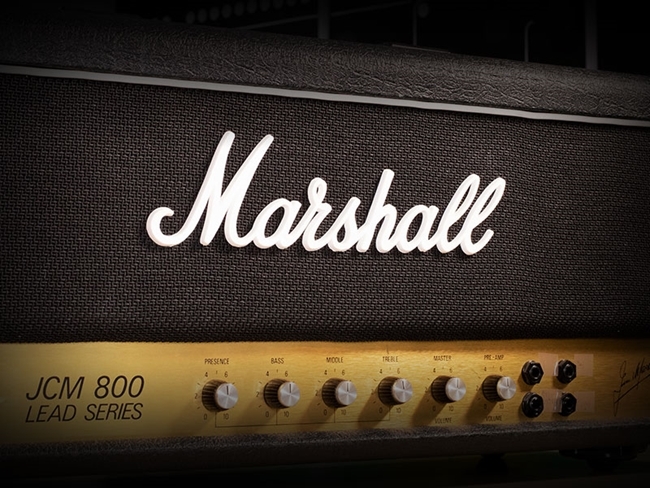
Softube’s first prototype was a hardware DSP box running a Marshall amp model and a loudspeaker model. This attracted Marshall’s interest and led to a successful long-term partnership between Softube and Marshall. Softube is Marshall’s exclusive software partner, and Amp Room comes with the only amps and cabs available in software form that are officially licensed and endorsed by Marshall.
In Short
- Exclusively available for Amp Room, the pro audio guitar and bass platform.
- Officially licensed and endorsed by Marshall.
- For the guitar and bass connoisseur.
- Stunning sound quality.
- Recorded by acclaimed producer Daniel Bergstrand.
- Versatile collection of 8 cabs with many microphone options for each one.
- Works with any style or genre of music.
- 6 single microphone options and 6 mix-ready microphone combinations unique to each cabinet.
- Create patches that would be difficult or impossible to achieve with physical gear.
Features
- 8 classic, rare and hand-wired Marshall cabinets.
- Recorded by Daniel Bergstrand of Dugout Productions.
- 6 microphone options per cabinet.
- 6 mix-ready microphone combinations custom made for each cabinet.
- Covers any type of sound or genre.
System Requirements
- macOS Big Sur 11, Monterey 12, Ventura 13
- Windows 10 (64-bit), Windows 11
- Softube account
- iLok account
- Computer with AU, VST, VST3, and/or AAX-compatible DAW host software
- Internet access (for downloading installers and managing licenses)
Supported CPU Families
- Apple macOS computers with Intel Core i3/i5/i7 or Apple silicon (M1 or newer) CPU. Apple silicon is supported natively.
- Windows computers with quad-core Intel Core i3/i5/i7 or AMD quad-core processors with SSE 4.2 support.
- Other Intel processors (Celeron, Pentium, and Xeon) are compatible if they support SSE 4.2 instructions.
Supported Host Software (DAW)
Any 64-bit VST, VST3, AU, or AAX (Pro Tools 11.0.2 or higher) compatible host application should work. However, due to plug-in host differences between DAWs—and our rigorous standards—Softube only officially test their plug-ins and instruments in the most recent versions of Pro Tools, Logic Pro, Cubase, Ableton Live, Studio One, and Reaper. Softube plug-ins are not tested regularly in non-listed systems. They will likely work if the system requirements are met. However, the manufacturer cannot guarantee a solution for issues in unsupported systems.
Softube strongly recommend using VST3, as some of their plug-ins have features that are not present in the older VST format. Supported sample rates: 44.1, 48, 88.2, 96, 176.4, and 192 kHz, in both mono and stereo. The most recent maintenance release of your DAW application is recommended. AAX DSP is not currently in active development. TDM/VENUE/RTAS are no longer supported. See Legacy Installers.
Important notes
- This product requires Softube Amp Room.
- Make sure that you always use the latest iLok License Manager. It is not included in the Softube installer but can be downloaded from www.ilok.com
Daniel Bergstrand
Producer | Behemoth, Meshuggah, In Flames
"These Marshall cabs are absolutely amazing. It was really easy to dial in a great sound on all of them!"


