/ Expansion Packs / KHORDS Expansion Pack: Proxima Sinister Sounds
Loopmasters Plugins

KHORDS Expansion Pack: Proxima Sinister Sounds

4.7 (476 Reviews)
$5.00 $19.00

73% off until Dec 07

KHORDS Expansion Pack: Proxima Sinister Sounds
KHORDS Expansion Pack: Proxima Sinister Sounds - Square
Buy Now
Product information

Loopmasters are proud to present Proxima - Sinister Sounds; an all-new expansion for KHORDS.

Proxima - Sinister Sounds is a collection of 50 dark and twisted synth sounds designed by the legendary producer Proxima. If you’re looking to enhance your Kords sound library with something much more sinister then you’re in luck. You’ll find menacing textures and synthetic soundscapes alongside aggressive bass and experimental effects. 

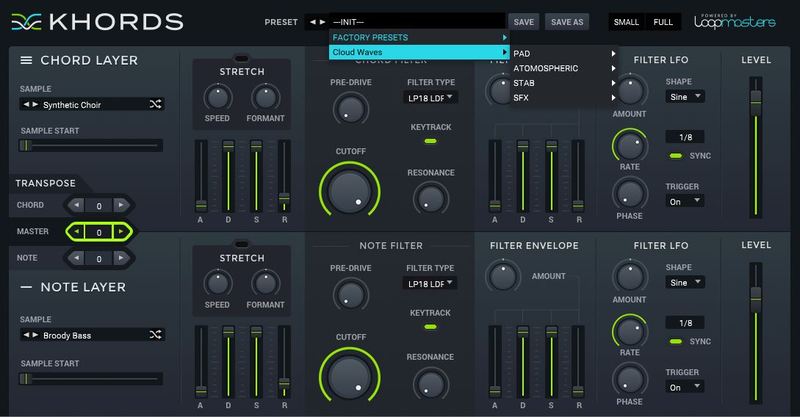
Proxima Sinister Sounds also features 100 professionally sculpted presets that take full advantage of the new soundset. You’ll find aggressive bass, dark atmospheres and piercing synth sounds ready to compliment your tracks with their own dark & twisted nature. Proxima - Sinister Sounds is suitable for Drum & Bass, Dubstep, Trap, & More.

In detail expect to find 50 brand new waveforms; broken down into 30 Minor feel Chords and 20 Root Or Open note Sounds. Also included are 100 Presets including: 19 Stabs, 8 Bass, 14 Lead, 8 Rhythmic, 8 Synth, 20 Atmosphere & 23 SFX Patches.

Features

  • 50 synth sounds
  • 100 presets

System Requirements

  • KHORDS 1.0.4 or higher

Note: This software requires a copy of KHORDS. Please ensure you have updated KHORDS to version 1.0.4 or higher before installing your expansion pack.
Installation Instructions

Important Note: KHORDS must be updated to at least version 1.0.4 in order to install the KHORDS expansion packs.

Note: Cloud Waves is used as the example.

Mac

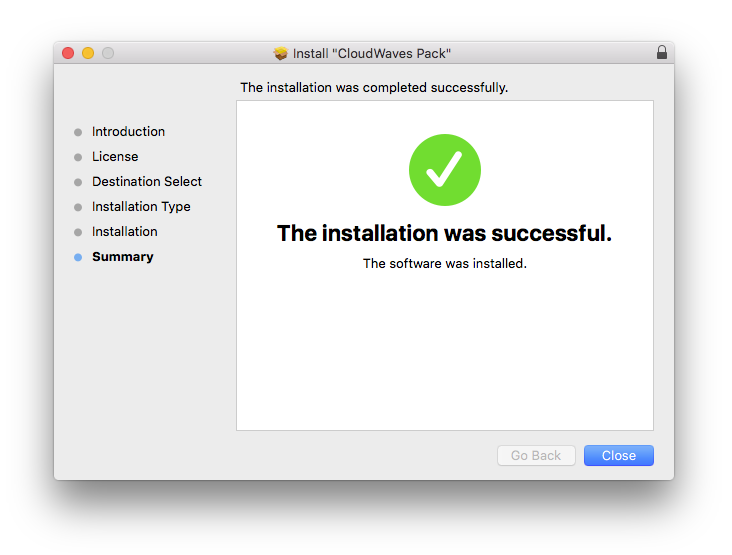
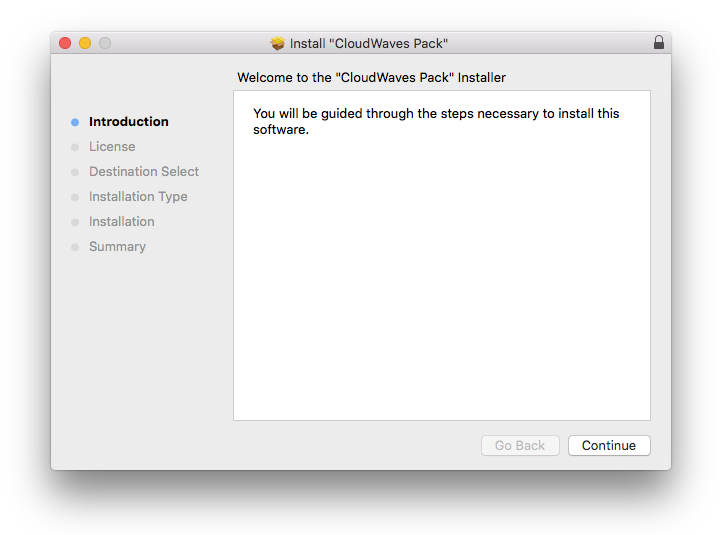
1. Download the .pkg file from within your Plugin Boutique User Account > Open it to begin the installation.

2. Click 'Continue'.

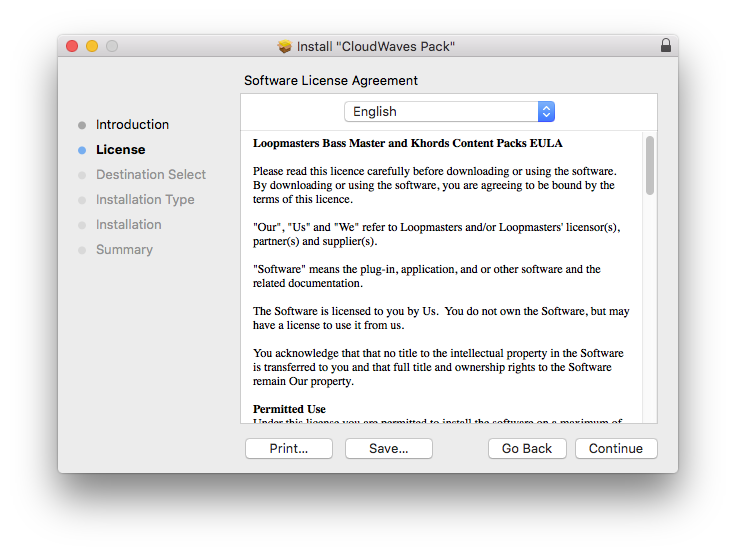
3. Click 'Continue'.

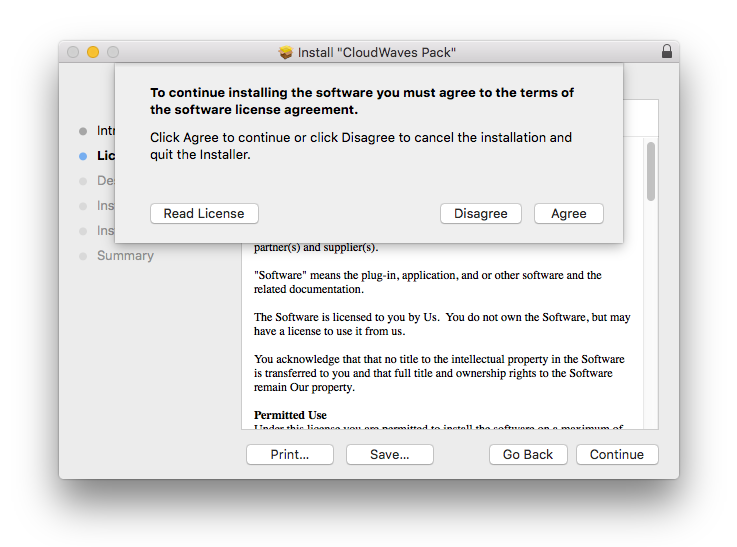
4. Click 'Agree'.

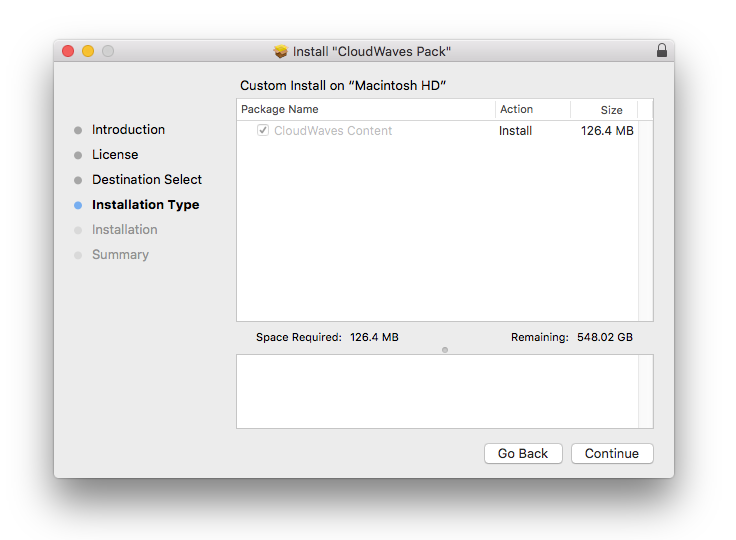
5. Click 'Continue'.

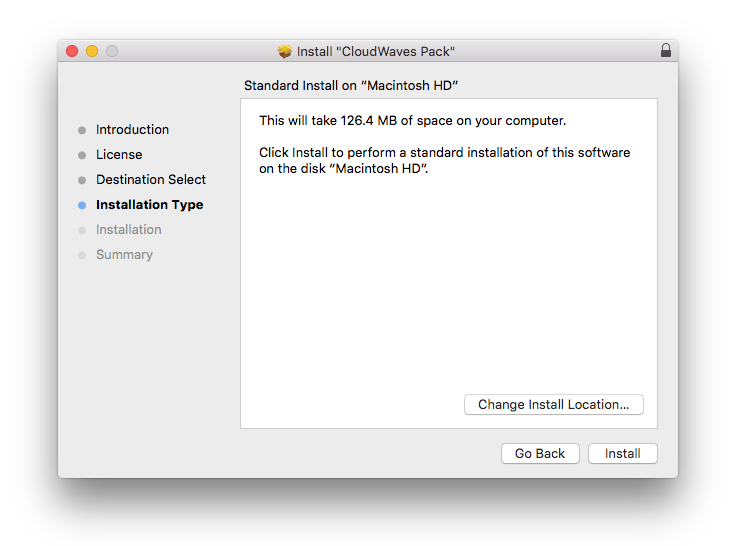
6. Click 'Install'.

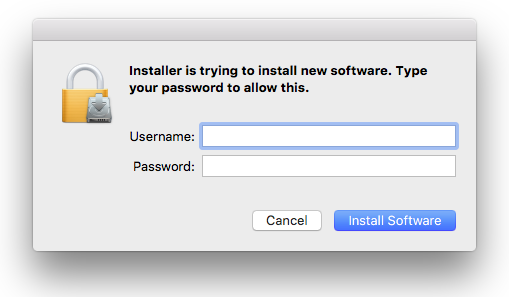
7. Enter your computer Username and Password > Click 'Install Software'.

8. Click 'Close'.

Your expansion pack is now installed and ready to use.

Windows

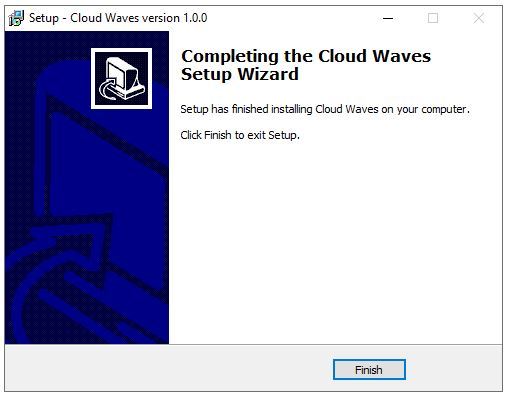
1. Download the .zip file from within your Plugin Boutique User Account and double-click it to extract the contents > Open the installer to begin the installation.

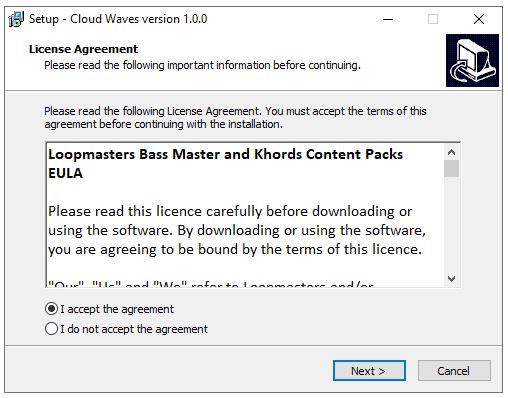
2. Select 'I Accept the Agreement' > Click 'Next'.

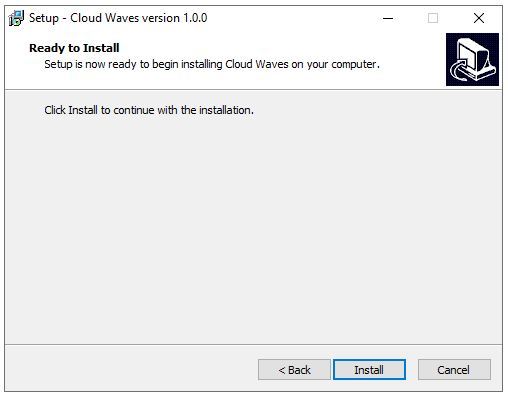
3. Click 'Install'.

4. Click 'Finish'.

Your expansion pack is now installed and ready to use.

Bundle & Save

KHORDS Complete Expansion Pack Bundle
$12.00
$136.00 (91% off)

Plugin Boutique Rewards

Discover the most rewarding loyalty programme among all plugin retailers.

  • Free Loopmasters Samplepacks
  • Discounts on products and courses
  • Extra Virtual Cash claimed immediately at checkout
Find out more

Follow us:

X (Twitter) Facebook YouTube Instagram
Logo Logo

Plugin Boutique Limited, Part of the Beatport Group LLC.

Copyright © 2011-2025 Plugin Boutique. All rights reserved