Buy SATV Saturator, get a free gift with purchase:
SATV is an analogue modelled saturation plug-in that adds harmonic depth and richness to any track. Equally suited to individual instruments or multi-track drum kits, SATV allows you to effortlessly change the harmonic content and dynamics of your whole mix.
The four selectable saturation models: Transistor, Transformer, Tube and Tape allow a wide range of sound-shaping options, from subtle warming to extreme crunch. The Group control allows all instances with the same number to be controlled as a group, making ensemble changes easy.
Features
- Four unique analogue modelled saturation modes.
- Variable input drive, mix and output.
- Control multiple instance groups.
- Phase switch.
- 4x oversampling.
- 64bit internal processing.
System Requirements
- Windows 10 or above
- Mac OSX 10.9 or above
- 64-bit only
- VST, VST3, AU and AAX
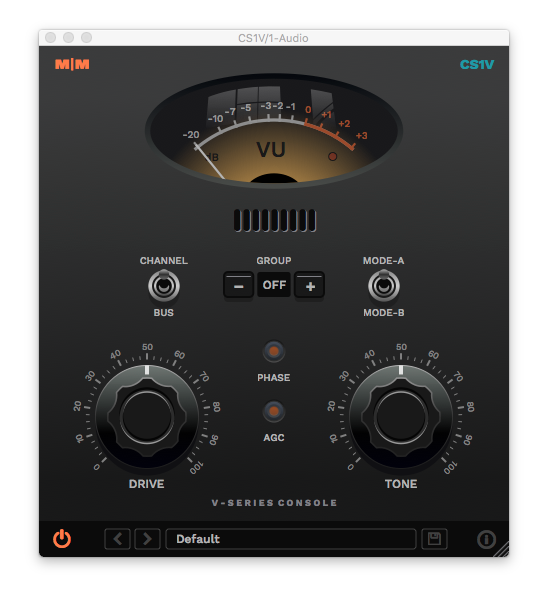
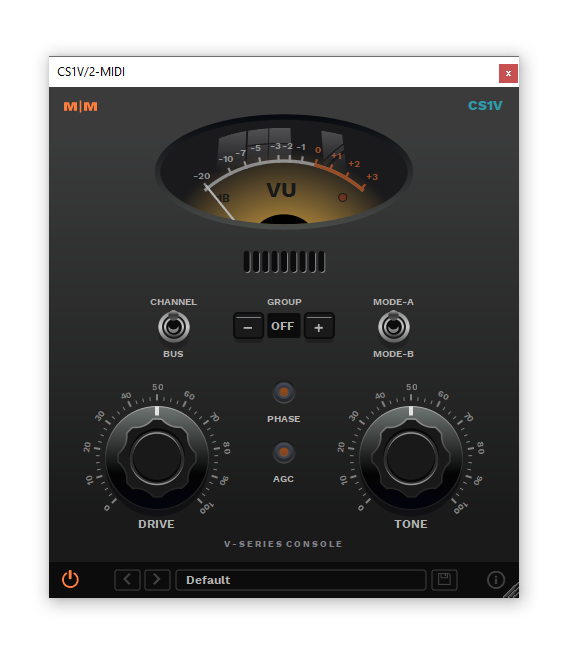
Important Note: CS1V Console Channel is used as the example.
Mac
Installation
1. Download the .pkg file from within your Plugin Boutique User Account and double-click it to extract the contents.
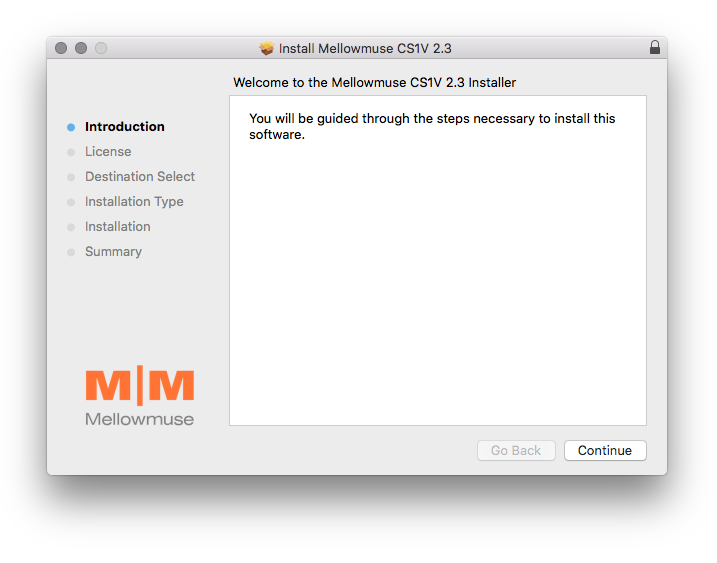
2. Open the .dmg file to begin the installation > Click 'Continue'.

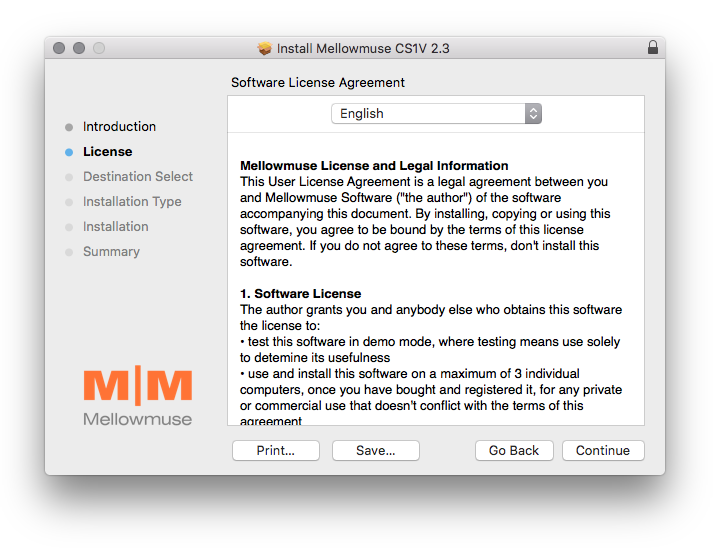
3. Click 'Continue'.

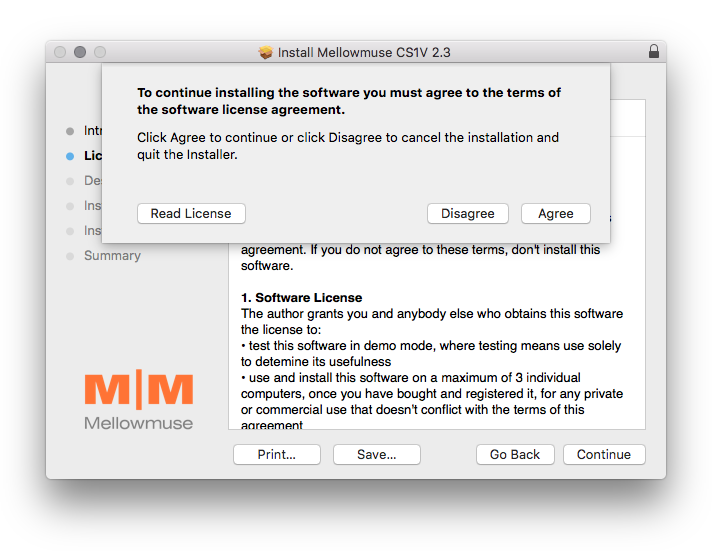
4. Click 'Agree'.

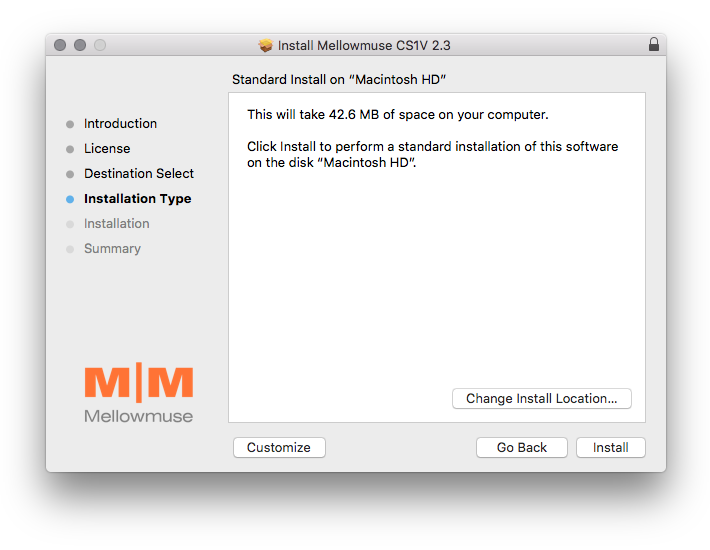
5. Click 'Install'.

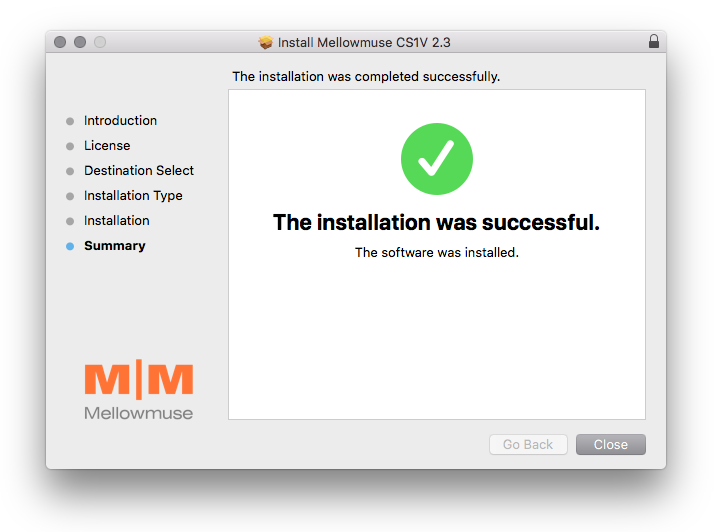
6. Click 'Close'.

Activation
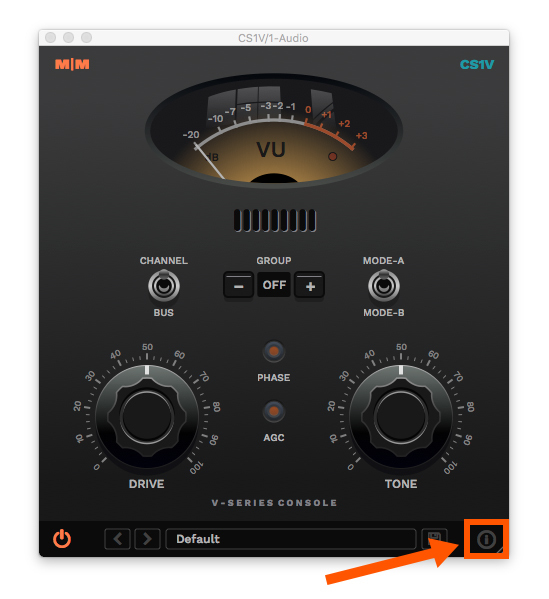
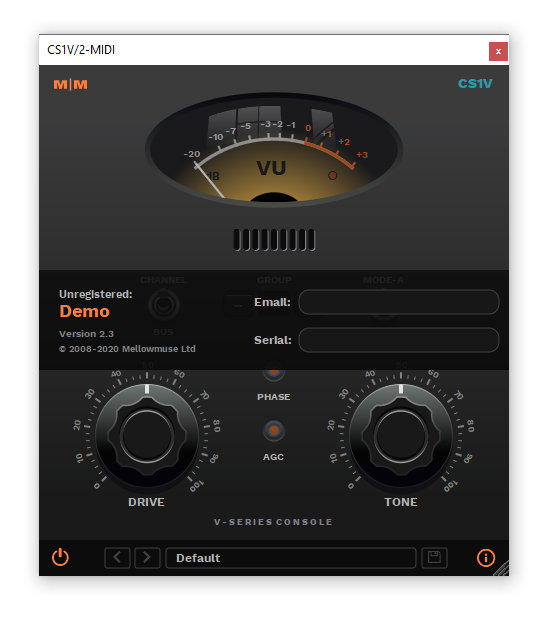
1. Open CS1V inside of your DAW > Click the i icon at the bottom right of the GUI.

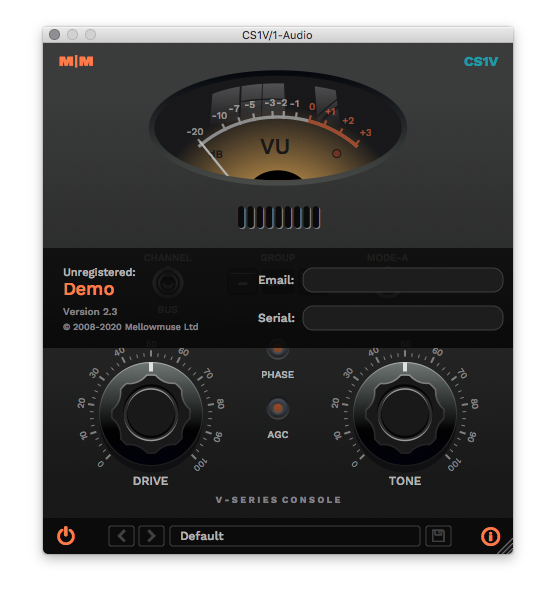
2. Enter your email address and the serial number found within your Plugin Boutique User Account > press Enter on your keyboard.

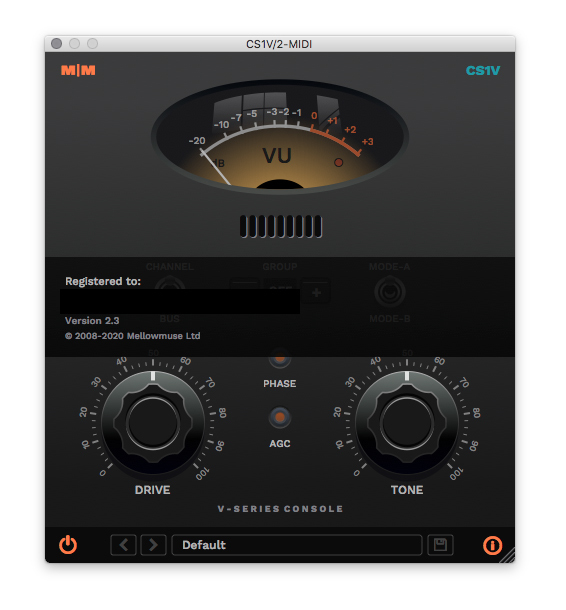
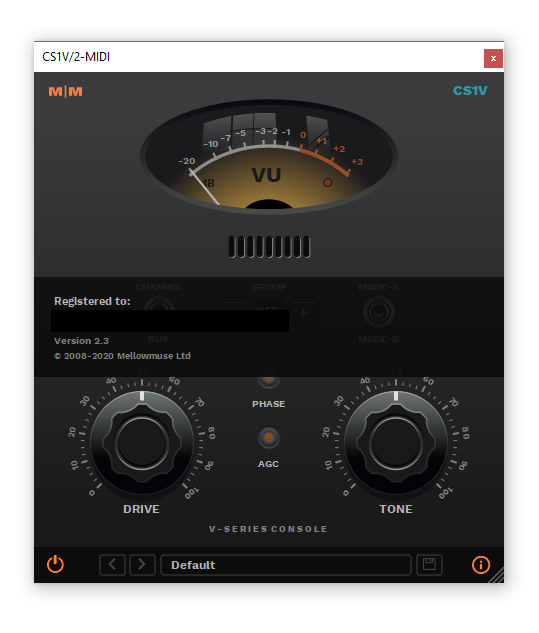
3. Click the i icon again to close the registration information.

Your plugin is now authorised and ready for use in your DAW!

Windows
Installation
1. Download the .zip file from within your Plugin Boutique User Account and double-click it to extract the contents.
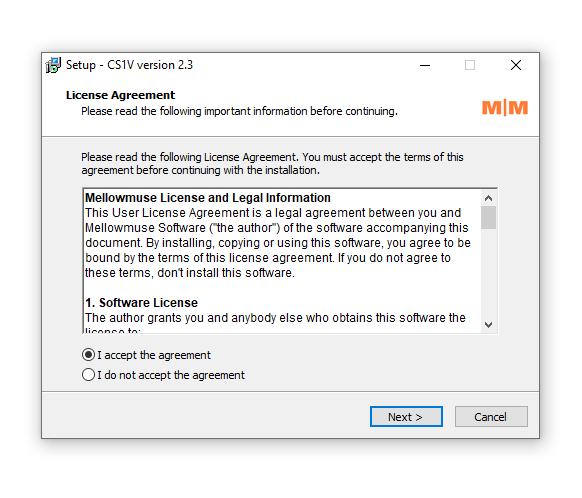
2. Open the .exe file to begin the installation > Select 'I Accept the Agreement' and click 'Next'.

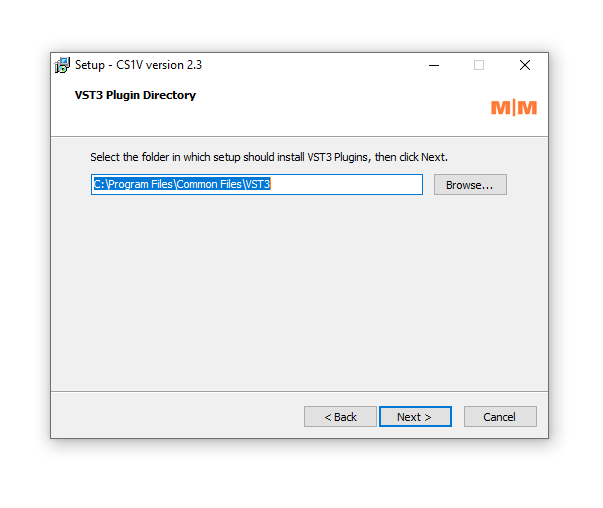
3. Check that the location of your VST3 folder is correct > Click 'Next'.

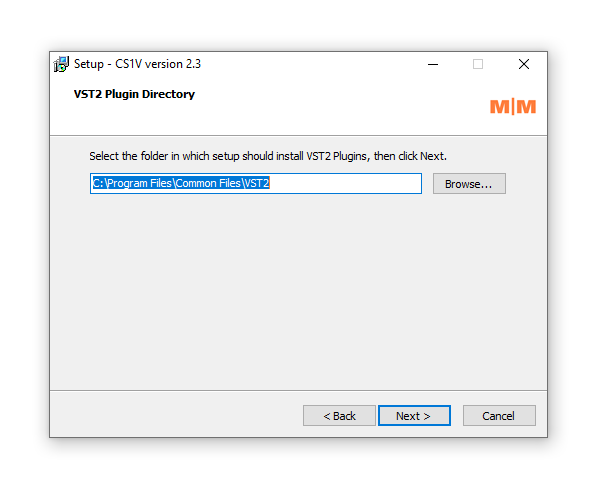
4. Check that the location of your VST2 folder is correct > Click 'Next'.

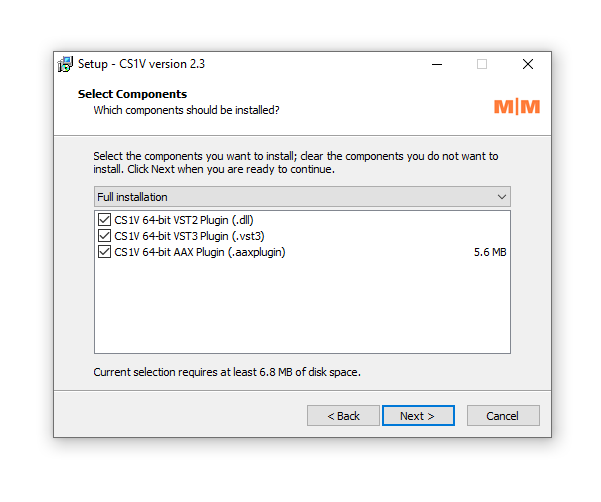
5. Click 'Next'.

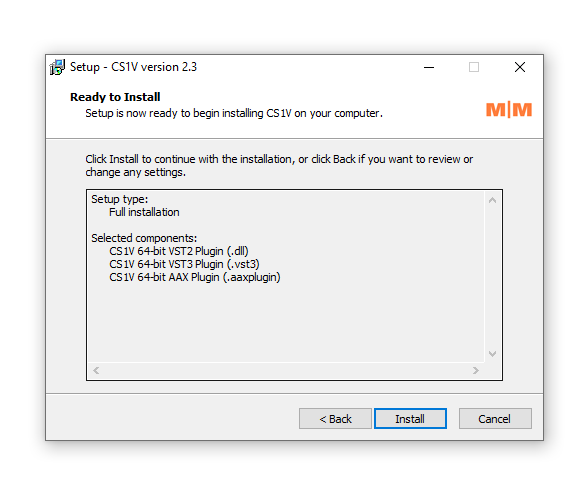
6. Click 'Install'.

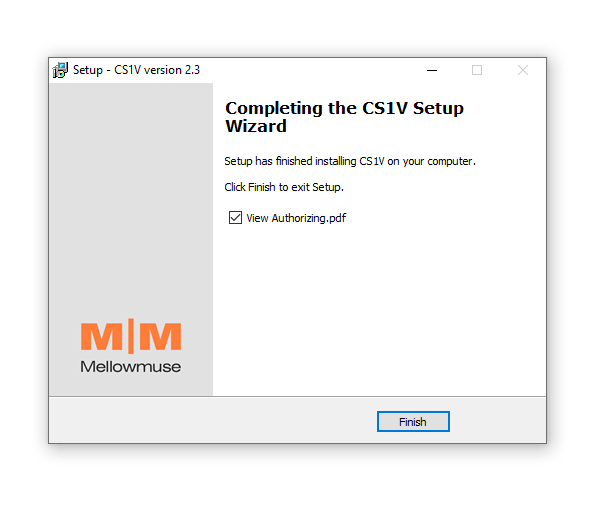
7. Click 'Finish'.

Activation
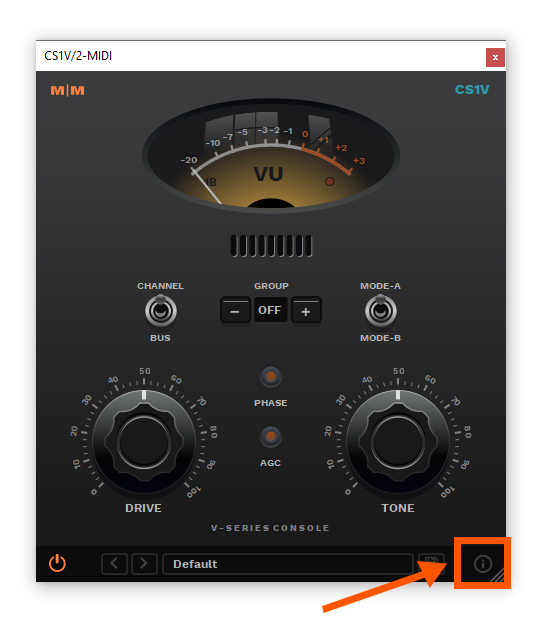
1. Open CS1V inside of your DAW > Click the i icon at the bottom right of the GUI.

2. Enter your email address and the serial number found within your Plugin Boutique User Account > press Enter on your keyboard.

3. Click the i icon again to close the registration information.

Your plugin is now authorised and ready for use in your DAW!