


 Log In

Product information
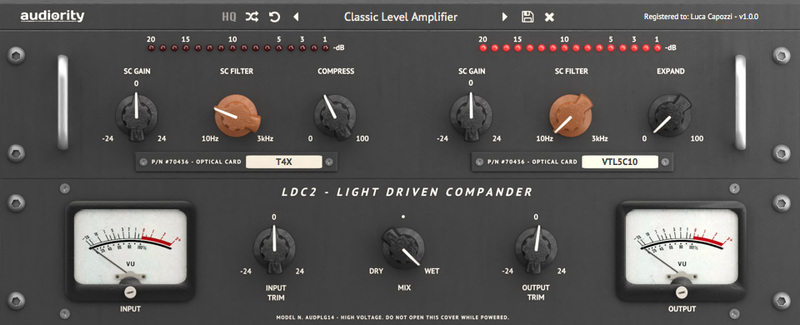
Analog Modeled Modern Overdrive Plugin.
Dr Drive is an analog simulation of a modern overdrive inspired by the Horizon Devices® Precision Drive™.
This overdrive fits a large variety of applications for either the classic and the modern metal guitar player.
Features
- Analog Modelled Overdrive
- Drive, Tone, Attack and Level controls
- Pre and Post effect gain
- Mix control
- Noise Gate
- Resizable interface
System Requirements
Windows
- Windows 7 64bit or later
- Intel i5 or higher
- 2GB RAM
- Screen resolution: 1024×768
- VST2, VST3, CLAP 64-bit host
- PT11 or higher, AAX 64-bit host
Intel Mac
- OSX 10.8 or later
- Intel i5 or higher
- 2GB RAM
- Screen resolution: 1024×768
- VST2, VST3, AU, CLAP 64-bit host
- PT11 or higher, AAX 64-bit host
Silicon Mac
- macOS 11.0 or later
- Apple M1 or higher
- 2GB RAM
- Screen resolution: 1024×768
- VST2, VST3, AU, CLAP 64-bit host
- PT11 or higher, AAX 64-bit host
Plugin Formats
- VST2
- VST3
- AU
- AAX 64-bit host
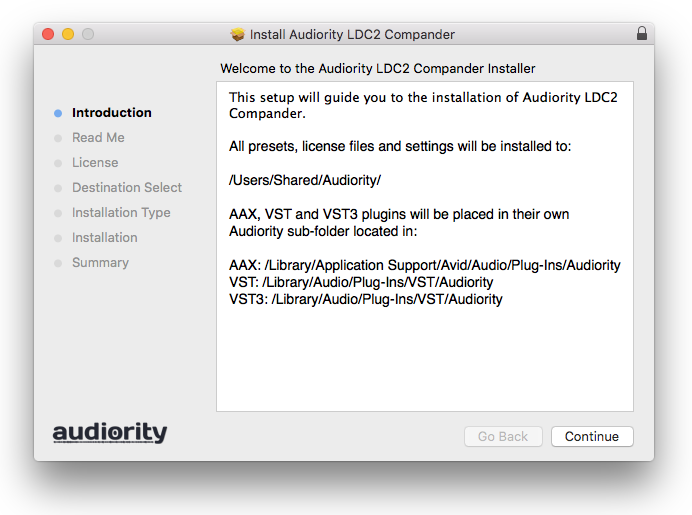
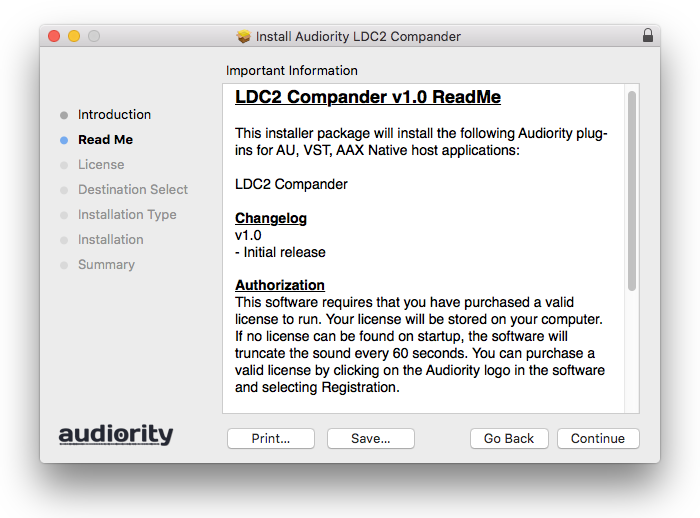
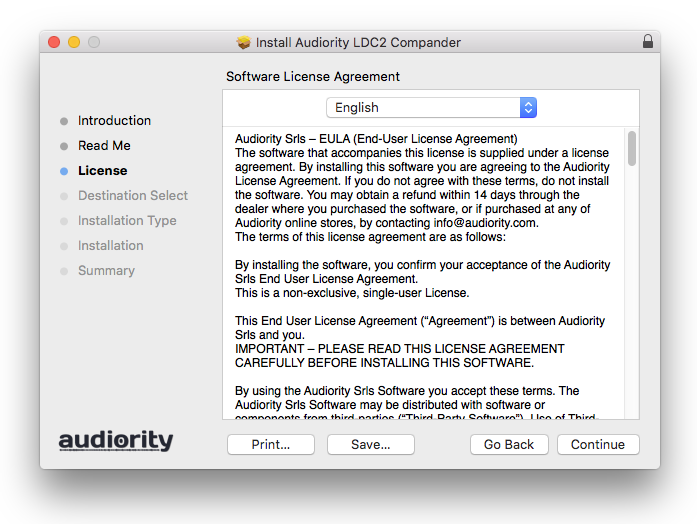
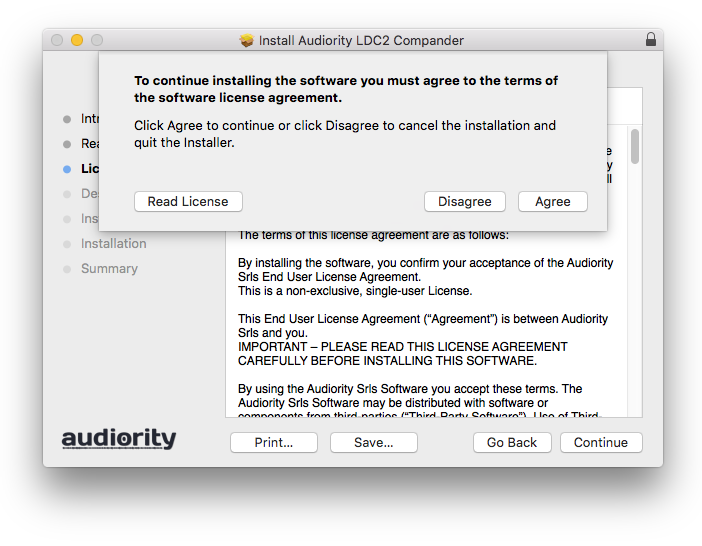
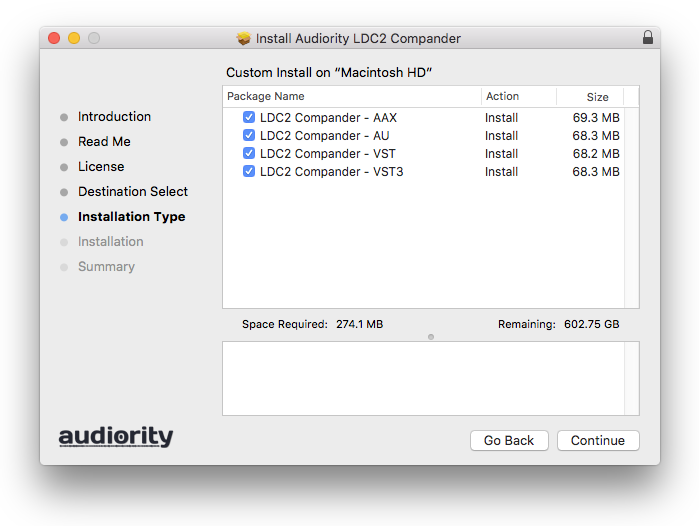
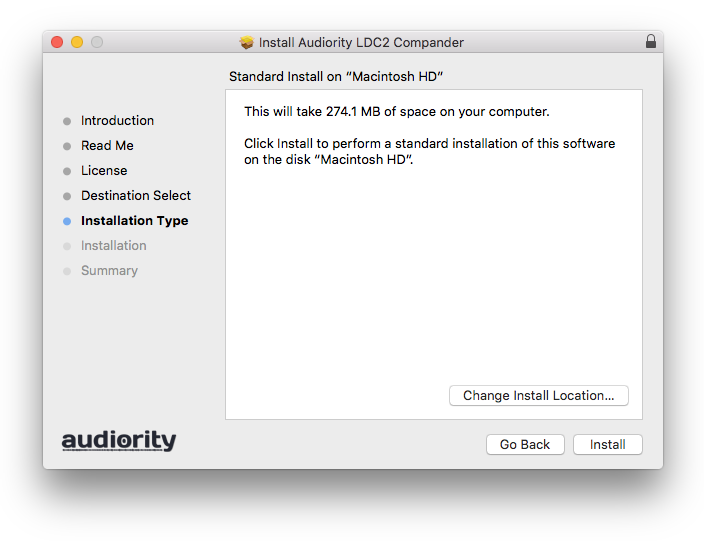
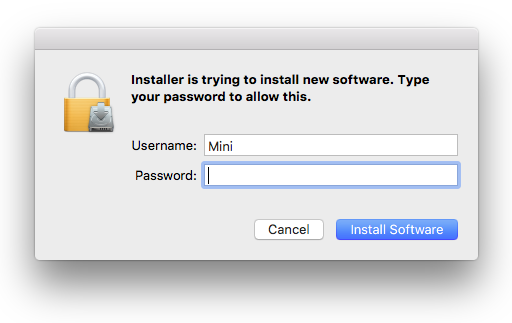
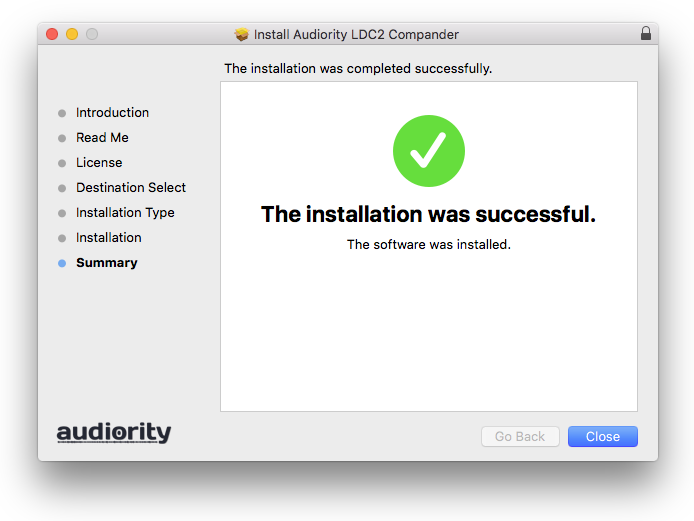
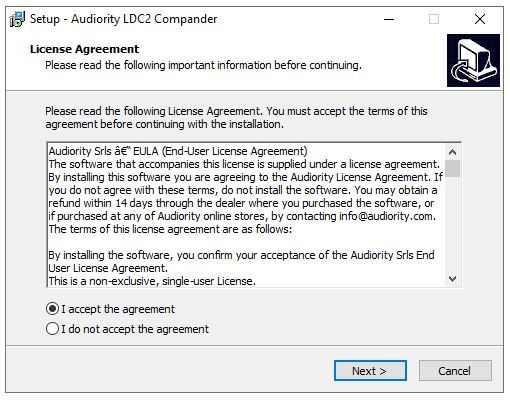
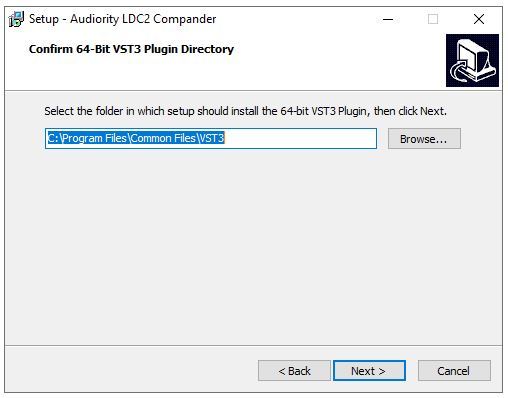
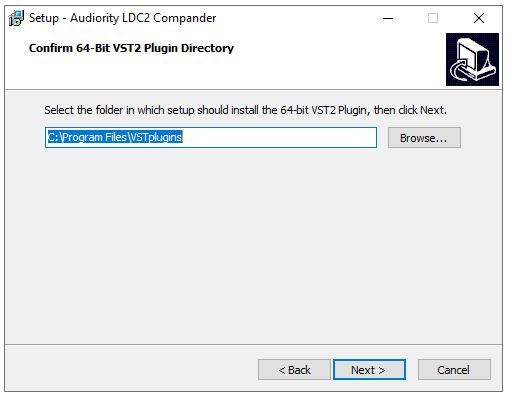
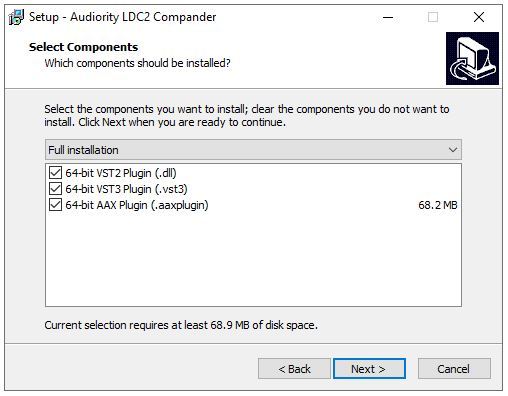
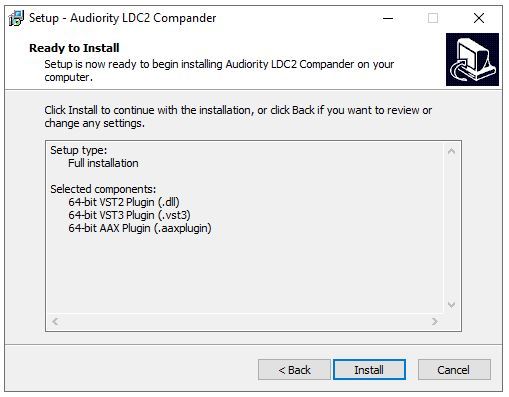
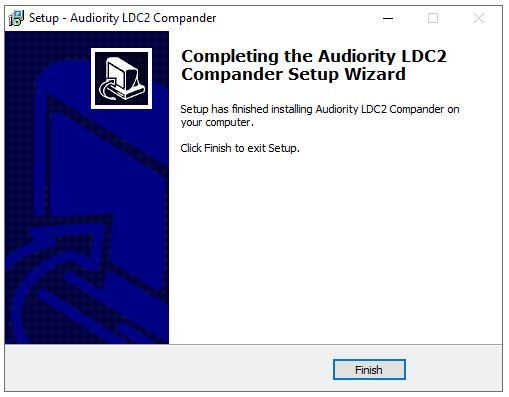
Installation Instructions
Customer Reviews
(2)


