


 Log In

Free gifts available with your purchase

Cassette Inspired Degradation
Inspired by 4-track cassette recorders, SketchCassette II is designed to introduce a wide array of lo-fi effects into your mixes. From subtle warble to unearthed-from-the-attic destruction, SketchCassette II unlocks the full range of cheap tape sounds, while also offering the flexibility and control to push your sounds even further into total lo-fi weirdness.
Features
- 12 unique tape type & quality profiles
- Age modelling with continuous control
- 2 Tape Saturation models: A (gentle), B (harsh)
- Tape hiss
- Dropouts with newly extended Stereo Width control
- Highly adjustable Wow & Flutter section, including:
- Tempo Syncing to DAW
- An “FM Mode” which allows you to modulate the Flutter Rate with the Wow controls
- Flanging
- Noise-reduction encoding compression with controls over Brightness & Amount
- Mix controls for Tape Filtering and Compression
- Custom preset system with 61 factory presets showcasing SketchCassette II’s versatility
System Requirements
Mac
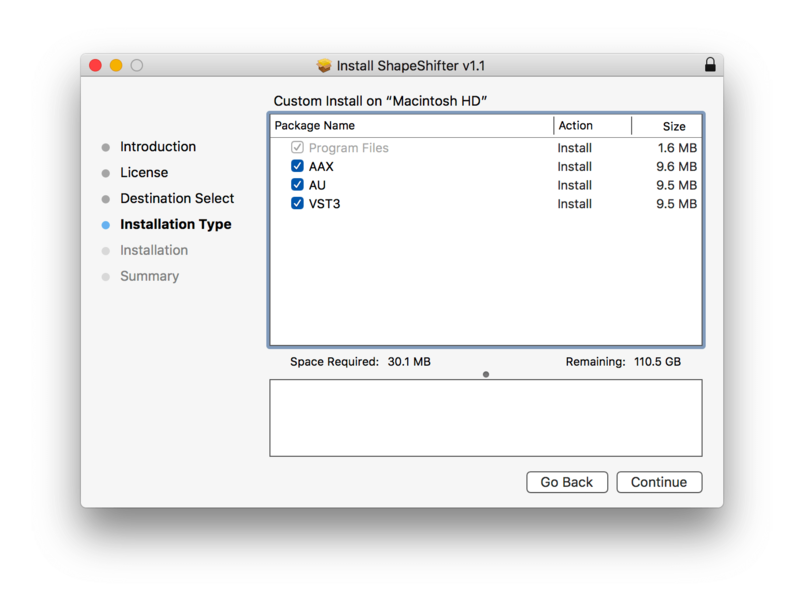
- macOS 10.10 Yosemite - macOS 13 Ventura (Intel / Apple Silicon supported) (64-bit only)
- AU, VST3, AAX
Windows
- Windows 7 or later (64-bit only)
- VST3, AAX
Rostam
Songwriter & Producer | Vampire Weekend, Haim, Clairo & more.
"...I think it is one of the best plug-ins that has ever been made!"
Ariel Rechtshaid
Songwriter & Producer | Madonna, Usher, Adele, Brandon Flowers, Charli XCX & more.
"We were going for Keith Richards’ acoustic guitar sound in the Stones’ ‘Street Fighting Man’. That plug-in gave us the essence that we were looking for. It’s great."
FutureMusic
The latest news on future music technology.
"It’s an intuitive, immediately effective emulation of the sound of vintage cassette decks, doing everything from mild saturation to degraded scuzz."

Reviews Summary
While it aims to provide a helpful overview, it may not capture every perspective or detail. We encourage you to read individual reviews to make an informed decision.
Users highly praise this tape emulation plugin for its versatility, offering everything from subtle analog warmth to extreme lo-fi destruction and creative sound design. Reviewers frequently highlight the intuitive and charming user interface, deep customization controls, excellent presets, and rich texture addition on drums, synths, and full mixes. Considered an affordable and top-tier alternative to plugins like RC-20, it is widely recommended as a fun, inspiring, and high-value tool for retro and vintage sounds.


